 PluginStats
react-native-ai-devtools weekly downloads statistics
By igorzheludkov · npm · Claude Code
React Native AI devtools: MCP server giving AI agents eyes and hands in your running app (logs, network, state inspection, tap, screenshot). Published as ExecBro.
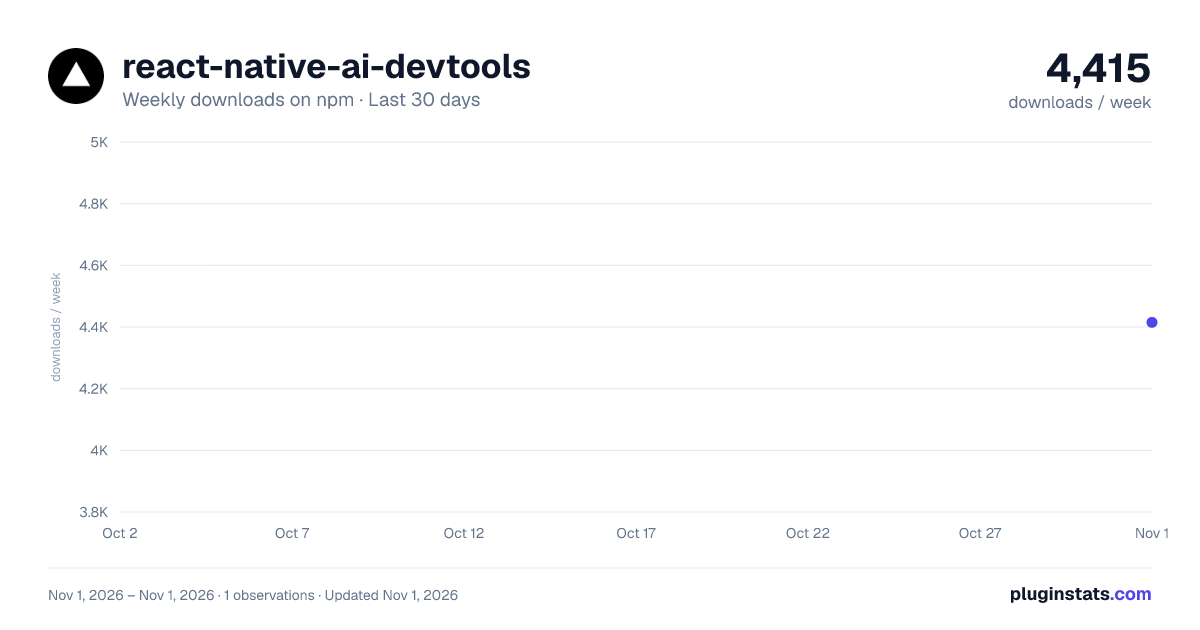
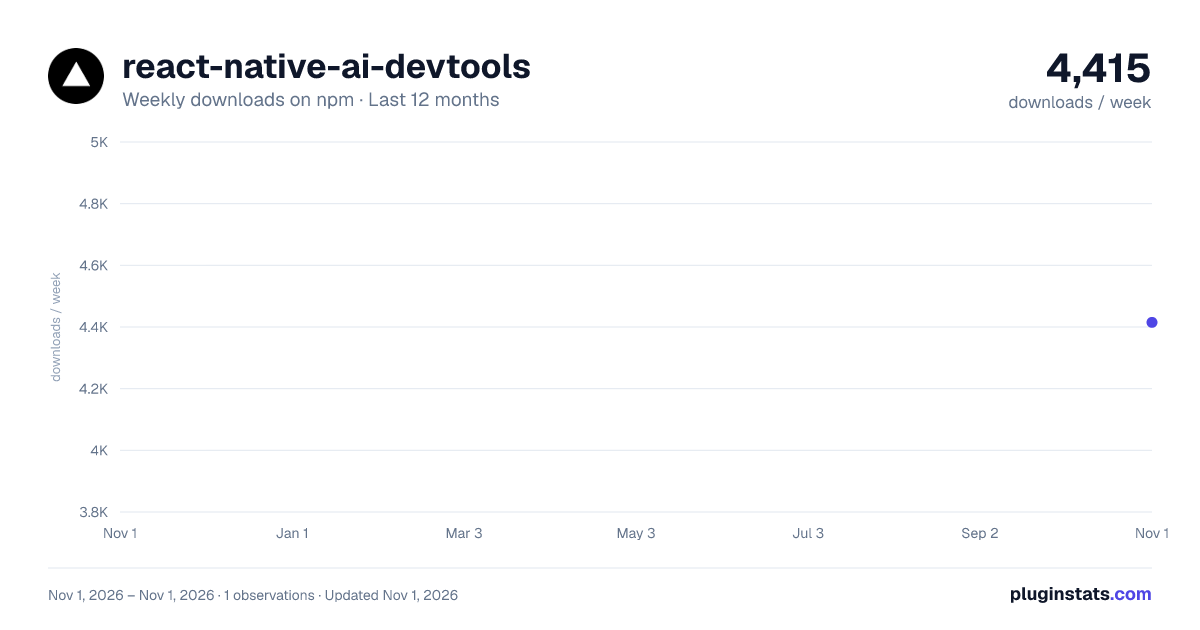
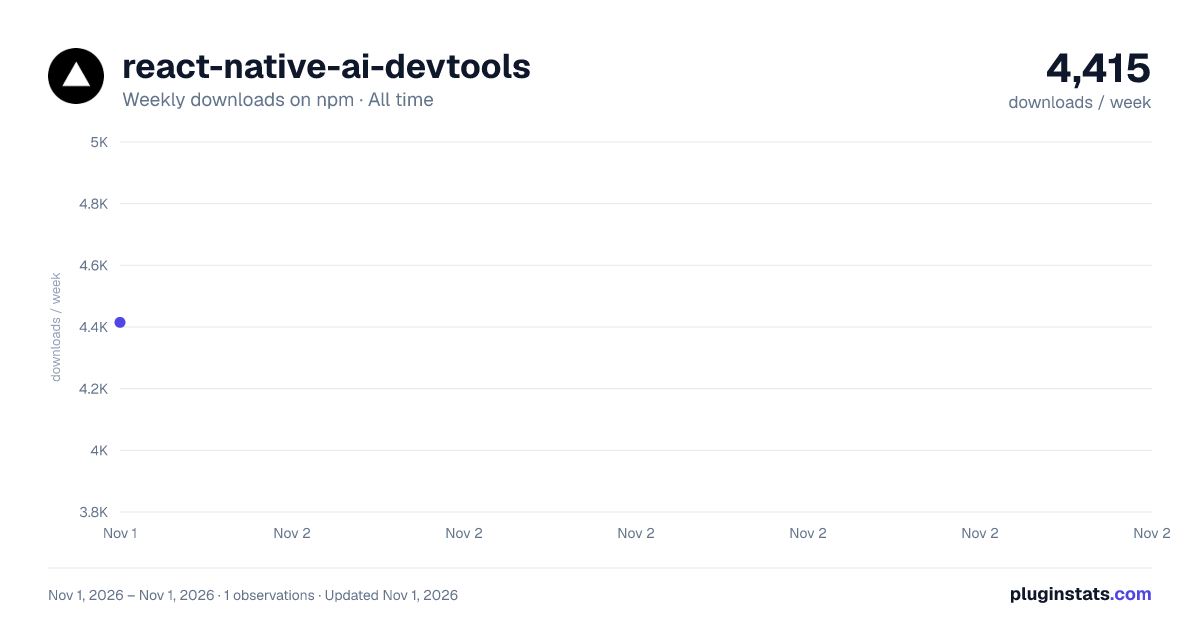
react-native-ai-devtools has 4,415 recorded weekly downloads on npm, ranking #1410 of 2,762 tracked listings.
About react-native-ai-devtools
ExecBro

Give your AI assistant eyes and hands into your running React Native app. Like Chrome DevTools — but for AI agents.
Build, debug, and verify features end-to-end — without leaving the chat.
ExecBro is the runtime bridge between your AI coding assistant and your running React Native app — exposing MCP tools to read logs and network, inspect component state, capture screenshots, tap the UI, and run JS. Zero config, no SDK or code changes required to start — and installing the optional SDK is recommended for the most robust log and network capture.
<p align="center"> <img src="https://raw.githubusercontent.com/igorzheludkov/execbro/main/docs/demo/get_logs_demo.gif" alt="ExecBro demo" width="800" /> </p>Get started
- Setup ExecBro as an MCP server for your agent of choice
- Setup UI automation helpers
- Install the SDK in your React Native app — optional, but recommended for the most robust log, network, and state experience
- Authorize and link to the web dashboard — optional, for usage stats and session history
- Start your React Native app (
npm start/expo start) - Ask your AI assistant in plain language — e.g. "Connect to the simulator and investigate what caused the error on the screen"
See your usage — execbro.com
Log in at execbro.com to see your ExecBro activity rendered back to you: which tools you use most, tool error rates, and your session history — so you can spot flaky tools, track usage over time, and understand how your agent drives the app across sessions. It's built from the same anonymous telemetry described in Telemetry & Privacy, tied to your installation ID.
Linking is only for the dashboard: it attaches your installs to your account so the stats are yours. Nothing in the tooling is gated behind it.
Features
Runtime Interaction
- Console Log Capture - Capture
console.log,warn,error,info,debugwith filtering and search. Note: on a cold start (first app launch), logs emitted before the MCP server connects are missed — subsequent reloads capture everything. Install the optional SDK to buffer logs from the very first line of app startup - Network Request Tracking - Monitor HTTP requests/responses with headers, timing, and body content. Like logs, early network requests on cold start may be missed before the connection is established. Install the optional SDK for full capture from app startup including request/response bodies
- Response Mocking - Replace or tamper with HTTP responses so error paths are reached through the app's real code — the request builder, the error branch, the retry — instead of being faked by writing state directly. Simulate offline, delay responses, fail only the first attempt to test a retry, or re-issue a captured request with one field changed. Rules survive reload, and altered traffic is always tagged. See the mocking tutorial
- JavaScript Execution - Run code directly in your app (REPL-style) and inspect results
- Global State Debugging - Discover and inspect Apollo Client, Redux stores, Expo Router, and custom globals. Wire stores and other app internals straight into the agent with the optional SDK for direct, reliable state access
- Bundle Error Detection - Get Metro bundler errors and compilation issues with file locations
- Tap-to-Source - Point at any element with RN's Element Inspector and get back the absolute source file and line where it is rendered, resolved from the React fiber's
_debugStackvia Metro symbolication. Works on React 19, where_debugSourceno longer exists. Selections are buffered in the background, so taps you make during a manual inspector session are captured without asking the agent first
Device Control…
Description from the npm listing.
- mcp
- mcp-server
- react-native
- react-native-mcp
- react-native-debugger
- react-native-devtools
- metro
- metro-mcp
- debugging
- debugger
- devtools
- ai
- ai-agent
- claude
- claude-code
- cursor
- expo
- automation
README badge
Show your rank in a README or on your website. The badge updates automatically.
Charts
Images: 30d · 1y · all time · 1600×900 dark

Adoption over time
7/30/90-day growth
Ranking history
Listing placement
Listing placement
Filled points are observed values; hollow points come from Internet Archive snapshots of the listing page. Dashed segments span periods with no observations — values between points are not interpolated.
Each band is one page of 20. Weekly downloads on a linear scale. Placement is projected from weekly downloads, so it can differ from the marketplace's own sort order. Hover a dot to see the listing.
Recent observations
Full history (1)Similar npm Claude Code plugins
All 20 react-native-ai-devtools alternativesData source
Weekly downloads (trailing 7 complete days) come from the official npm downloads API. Downloads include CI and mirrors and are not equivalent to installs or users. npm publishes no ratings.
Listing: https://www.npmjs.com/package/react-native-ai-devtools. First seen Nov 3, 2026; last successful collection Nov 3, 2026. See the methodology.