 PluginStats
@foldkit/devtools-mcp weekly downloads statistics
By foldkit (3 listings) · npm · MCP servers
MCP server exposing Foldkit DevTools to AI agents (Claude Code, Cursor, etc.)
@foldkit/devtools-mcp has 16,295 recorded weekly downloads on npm, ranking #1057 of 2,762 tracked listings.
About @foldkit/devtools-mcp
@foldkit/devtools-mcp
A Model Context Protocol server that exposes a running Foldkit app to AI agents (Claude Code, Codex, Cursor, Windsurf, anything that speaks MCP).
With it attached, agents can:
- Read the current Model, or any historical Model by history index
- Narrow reads with dot-string paths and summarized payloads to fit token budgets
- List and inspect the Message history, with Command and Mount lifecycle, diffs, and Submodel chains
- Query history server-side: filter entries by changed Model paths, count Messages by tag, tail the latest entries, and diff the Models at two indices
- Read the recorded init Model, the Commands returned from
init, and the Mounts that fired during the first render - Inspect Runtime state: current index, retained history bounds, pause status
- Replay to any past state and resume
- Discover the Runtime's
MessageSchema as JSON Schema so agents can construct valid payloads without reading the application source - Dispatch Messages into the Runtime, singly or as an ordered batch, decoded against your
MessageSchema
Quick Start
Projects scaffolded with create-foldkit-app ship with the MCP server pre-wired. Open the project in your AI agent and the tools appear under the foldkit-devtools prefix.
For existing projects, run the init command in your project root:
npx @foldkit/devtools-mcp init
This writes a .mcp.json (or merges into an existing one) so any MCP-aware agent picks up the server.
For faster startup, install the MCP server as a devDependency. Otherwise npx fetches it on each AI agent restart:
npm install -D @foldkit/devtools-mcp
# or
pnpm add -D @foldkit/devtools-mcp
# or
yarn add -D @foldkit/devtools-mcp
Pass your Message Schema to Runtime.makeApplication to let the agent dispatch Messages. The Runtime rejects a payload that does not match the Schema before it reaches update:
Runtime.makeApplication({
  devTools: {
    // Rest of your DevTools config
    Message,
  },
})
Restart your dev server, then restart your AI agent. The MCP server will appear with the foldkit_* tools attached.
The browser bridge runs inside your app, so the MCP server only sees a Runtime while the app is open in a browser tab. Close the tab and the Runtime disappears from foldkit_list_runtimes.
Sensitive Runtime Data
Treat this server as privileged access to the running application. A connected agent can read the current, initial, and retained historical Models; every retained Message payload; and the arguments passed to recorded Commands and Mounts. Anything returned by one of these tools enters the agent's context.
Keep API keys, passwords, access and refresh tokens, authorization headers, session material, and private personal data out of those values. Long-lived secrets belong behind a server boundary, including in local demos. If the browser must temporarily carry a sensitive value, use Effect Redacted with a Schema.Redacted field configured with disallowJsonEncode: true. Redacted protects normal string, JSON, and inspection output; it does not encrypt the value or hide a browser-side credential from the person running the browser.
excludeFromHistory is for noisy Messages, not sensitive ones. The resulting Model remains inspectable. Omitting DevToolsConfig.Message disables dispatch only; read and replay tools remain available. Set devToolsMcpPort: false in the Foldkit Vite plugin options to keep the in-browser DevTools without starting the MCP relay, or set devTools: false in the application config to disable recording and the browser bridge too.
Tools
Every tool except foldkit_list_runtimes accepts an optional runtime_id. Without one, the tool uses the most recently connected Runtime of the most recently started dev server.…
Description from the npm listing.
- foldkit
- mcp
- model-context-protocol
- devtools
- ai
README badge
Show your rank in a README or on your website. The badge updates automatically.
Charts
Images: 30d · 1y · all time · 1600×900 dark
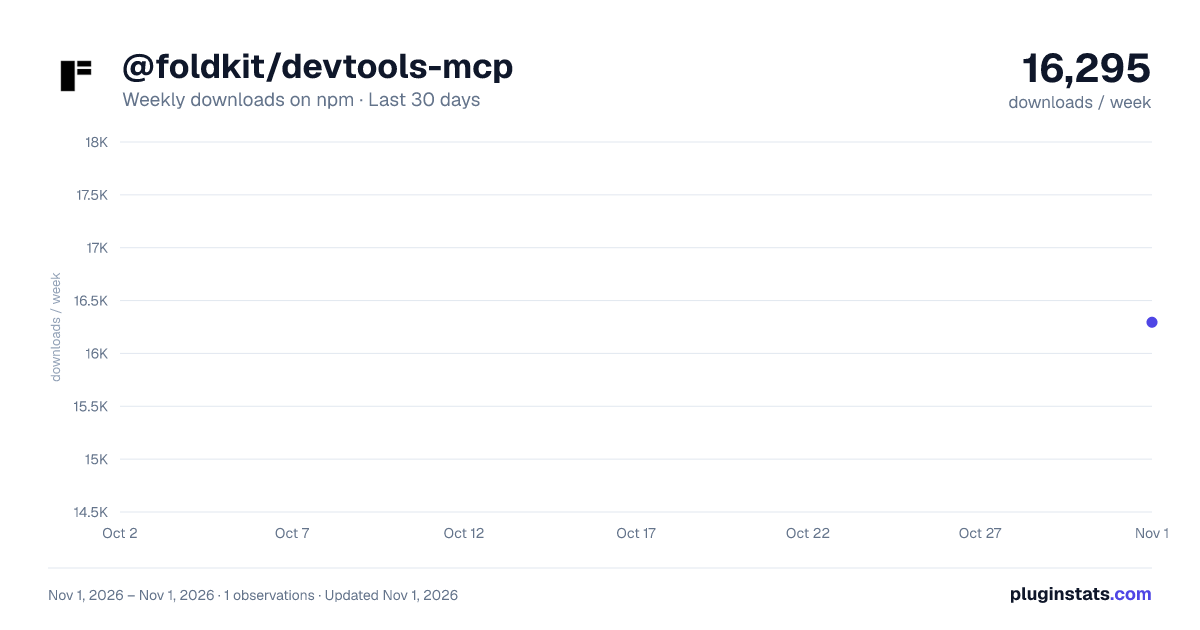
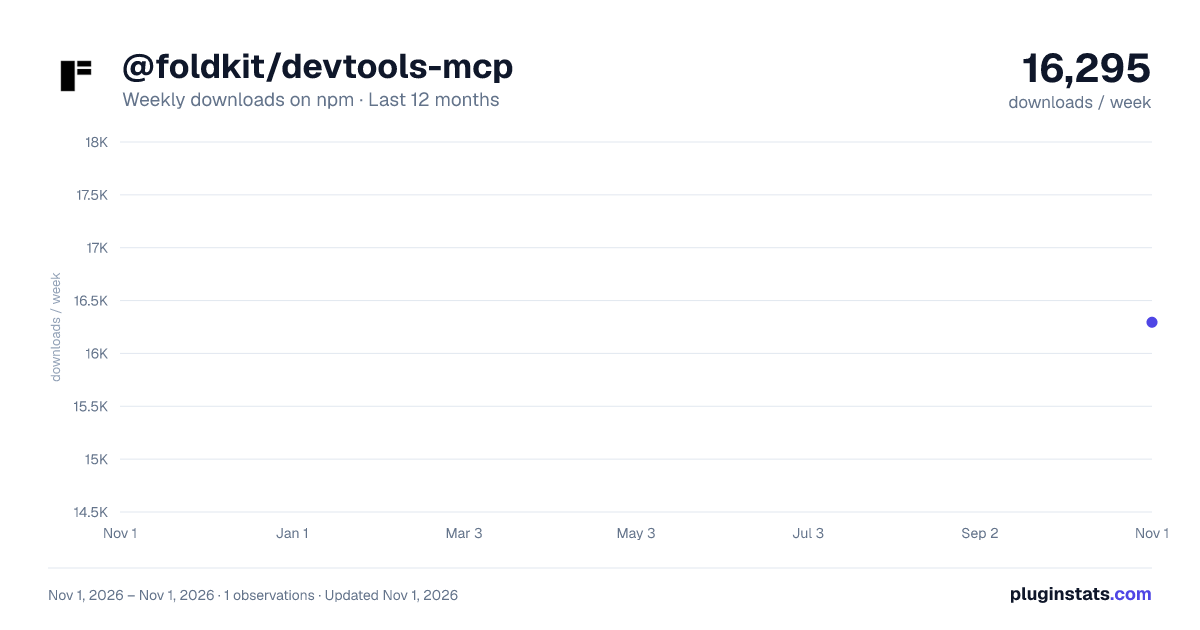
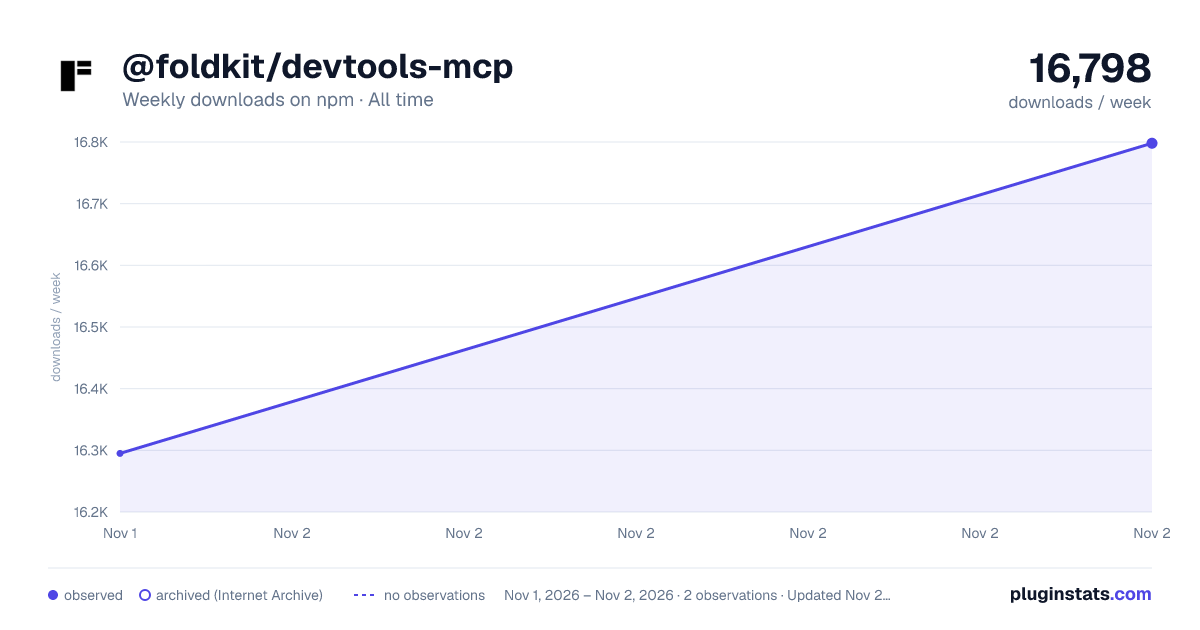

Adoption over time
7/30/90-day growth
Ranking history
Listing placement
Listing placement
Filled points are observed values; hollow points come from Internet Archive snapshots of the listing page. Dashed segments span periods with no observations — values between points are not interpolated.
Each band is one page of 20. Weekly downloads on a linear scale. Placement is projected from weekly downloads, so it can differ from the marketplace's own sort order. Hover a dot to see the listing.
Recent observations
Full history (1)Similar npm MCP servers plugins
All 20 @foldkit/devtools-mcp alternativesData source
Weekly downloads (trailing 7 complete days) come from the official npm downloads API. Downloads include CI and mirrors and are not equivalent to installs or users. npm publishes no ratings.
Listing: https://www.npmjs.com/package/@foldkit/devtools-mcp. First seen Nov 3, 2026; last successful collection Nov 3, 2026. See the methodology.