 PluginStats
@picsart/vercel-ai-provider has 273 recorded weekly downloads on npm, ranking #2041 of 2,762 tracked listings.
About @picsart/vercel-ai-provider
@picsart/vercel-ai-provider
Picsart image and video models for the Vercel AI SDK.
For a ready-to-deploy example, see the Image & Video Studio starter, a Next.js app with a Deploy to Vercel button.
Install
npm install @picsart/vercel-ai-provider ai
Requires Node 22 or newer and AI SDK 7 (ai@^7). Set PICSART_API_KEY (create a key).
The package is ESM only. require() loads it on Node versions that can require ES modules, which Node 22.12 and newer can.
The key is read when the first request is made. With the default catalog, importing the package and listing models need no key.
Use
By default the model list is the catalog bundled with your installed @picsart/ai-sdk, so list models instead of hardcoding IDs:
import { generateImage, experimental_generateVideo } from 'ai';
import { picsart } from '@picsart/vercel-ai-provider';

const imageModels = await picsart.listModels({ mode: 'image' });
const [imageModel] = imageModels.filter((model) => model.inputType === 't2i' && model.requiredParams.length === 0);
const { image, images } = await generateImage({
  model: picsart.image(imageModel.id),
  prompt: 'a ceramic mug on a marble table',
  aspectRatio: '16:9',
});

console.log(image.mediaType, image.uint8Array.length);
console.log(images[0].providerMetadata?.picsart); // { url, generationId, playgroundUrl, ... }

const videoModels = await picsart.listModels({ mode: 'video' });
const [videoModel] = videoModels.filter((model) => model.inputType === 't2v' && model.requiredParams.length === 0);
const { video } = await experimental_generateVideo({
  model: picsart.video(videoModel.id),
  prompt: 'steam rises from a ceramic mug',
});

console.log(video.mediaType, video.uint8Array.length);
listModels returns { id, name, mode, inputType, requiredParams } for each model. inputType says what a model takes: t2i, i2i, t2v, i2v, a2v and v2v (text, image, audio or video in, image or video out). It is left out when the catalog has none. requiredParams lists the parameters a model requires besides prompt; some text-to-image and text-to-video models also require reference images or IDs, so an empty list is how you find a model that runs from a prompt alone.
Unless you set playgroundUrl: false, every generated item carries a playgroundUrl that opens the same model and settings in the Picsart AI Playground.
To choose models by what they accept, read their parameters from picsart.catalog, the catalog the provider was configured with. The same names are the keys of providerOptions.picsart:
import { picsart } from '@picsart/vercel-ai-provider';

const videoModels = await picsart.catalog.listModels({ mode: 'video' });
const withStartFrame = videoModels.filter((model) => model.params.startFrame?.kind === 'file');
console.log(withStartFrame.map((model) => model.id));
console.log(Object.keys(withStartFrame[0]?.params ?? {}));
Long videos on serverless
A Picsart video takes minutes, which is longer than many serverless functions can run. Start the job in one request, store its operation, and check it from a later request:
import { experimental_getVideoStatus, experimental_startVideo } from 'ai';
import { picsart } from '@picsart/vercel-ai-provider';

const [videoModel] = (await picsart.listModels({ mode: 'video' })).filter((model) => model.inputType === 't2v' && model.requiredParams.length === 0);

// First request: start the job and store the operation (plain JSON).
const { operation } = await experimental_startVideo({
  model: picsart.video(videoModel.id),
  prompt: 'steam rises from a ceramic mug',
});
const saved = JSON.stringify(operation);

// Any later request: check the job once.
const status = await experimental_getVideoStatus(picsart.video(videoModel.id), { operation: JSON.parse(saved) });
if (status.status === 'completed') {
  for (const video of status.videos) if (video.type === 'url') console.log(video.url);
} else if (status.status === 'error') {
  console.error(status.error);
} // 'pending': check again later
statusispendingwhile the job runs,completedwith the Picsart URLs invideos[i].url, orerrorwhen Picsart reported the job as failed or as completed with no usable result.errorholds Picsart's message when it sent one, and otherwise says what was missing. A completed status carriesproviderMetadata.picsartwithvideos, pluscreditsandbalancewhen Picsart reports them, asexperimental_generateVideodoes.experimental_getVideoStatusdoesn't download the video. Fetch the URL yourself.- The
operationholds the model ID you passed topicsart.video(), the Picsart generation ID and, unlessplaygroundUrlisfalse, the playground link. Pass it to a model created with the same ID; any other value fails with anInvalidArgumentError. - Each
experimental_startVideocall starts one video. Start more videos with more calls. - A status check that Picsart refuses, such as a rejected API key (401, 403) or an unknown job (404), throws an
APICallErrorwithstatusCodeanddata.code. It says nothing about the job, so don't start the video again because of it. - Every
APICallErrorfrom a status check carries the job's ID indata.picsart.generationId. - Starting a job is never retried. A status check that hits a rate limit, a server error, a dropped connection or an unreadable response is retried by
ai(maxRetries, default 2), because a status check starts nothing.
In one long-running process, experimental_generateVideo({ ..., poll: { intervalMs: 10_000, timeoutMs: 1_800_000 } }) runs the same start and status calls and downloads the video when it is done (ai checks every 5 seconds for up to 10 minutes by default). Without poll, it waits for the job inside a single call.…
Description from the npm listing.
- ai
- ai-sdk
- vercel
- vercel-ai-sdk
- picsart
- image-generation
- video-generation
- provider
README badge
Show your rank in a README or on your website. The badge updates automatically.
Charts
Images: 30d · 1y · all time · 1600×900 dark
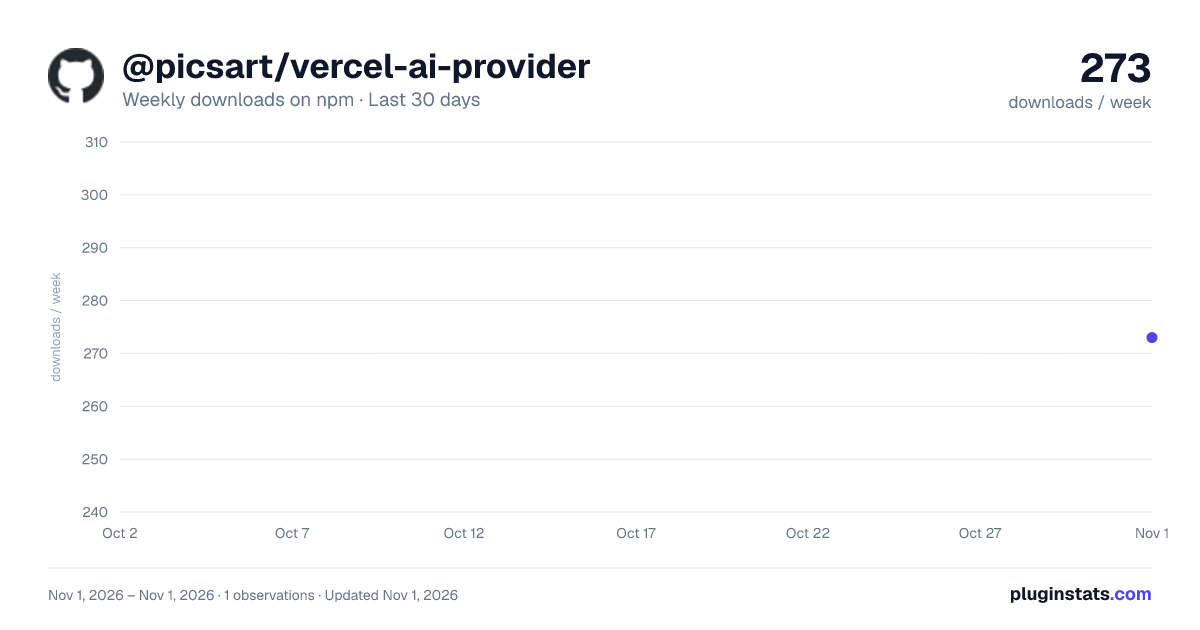
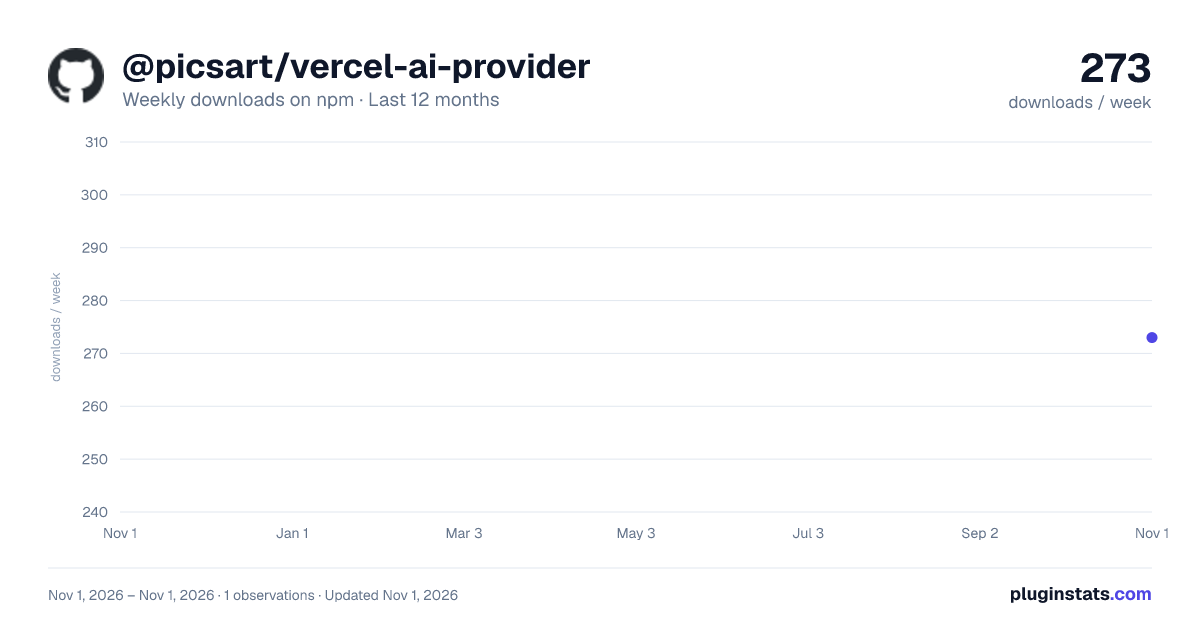
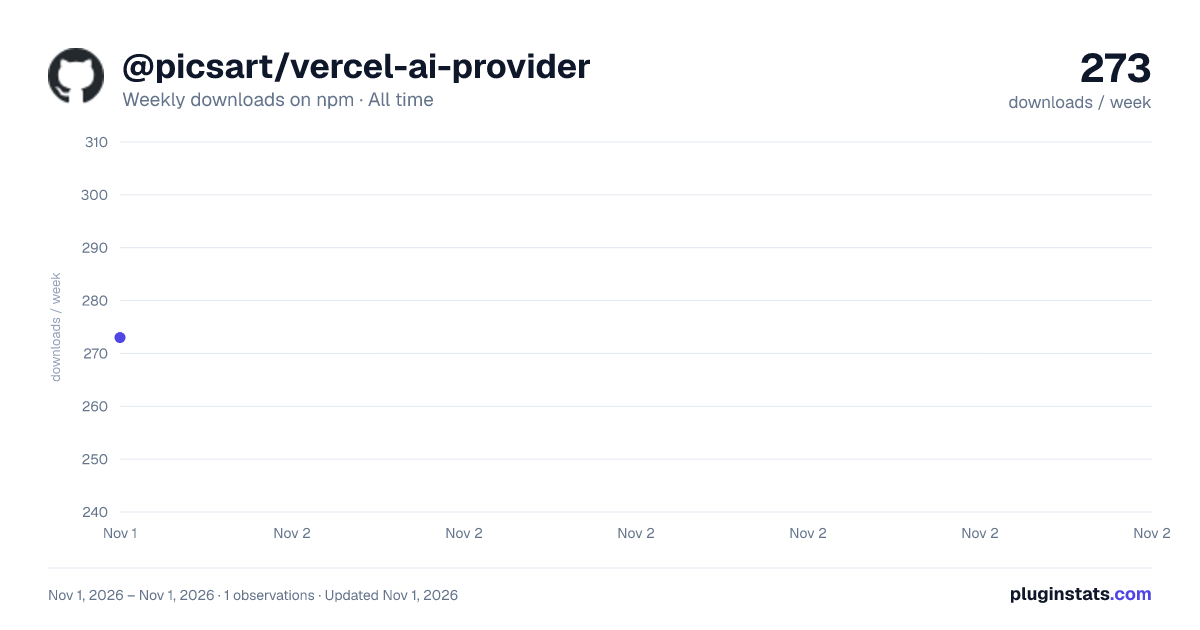

Adoption over time
7/30/90-day growth
Ranking history
Listing placement
Listing placement
Filled points are observed values; hollow points come from Internet Archive snapshots of the listing page. Dashed segments span periods with no observations — values between points are not interpolated.
Each band is one page of 20. Weekly downloads on a linear scale. Placement is projected from weekly downloads, so it can differ from the marketplace's own sort order. Hover a dot to see the listing.
Recent observations
Full history (1)Similar npm AI SDKs plugins
All 20 @picsart/vercel-ai-provider alternatives- 279 weekly downloads-37.7%
Data source
Weekly downloads (trailing 7 complete days) come from the official npm downloads API. Downloads include CI and mirrors and are not equivalent to installs or users. npm publishes no ratings.
Listing: https://www.npmjs.com/package/@picsart/vercel-ai-provider. First seen Nov 3, 2026; last successful collection Nov 3, 2026. See the methodology.