 PluginStats

WebLinks – Visual Bookmark Manager users statistics
Chrome Web Store · Workflow & Planning
Save any web page as a visual bookmark with image preview. Organize into categories, star favorites, and share collections.
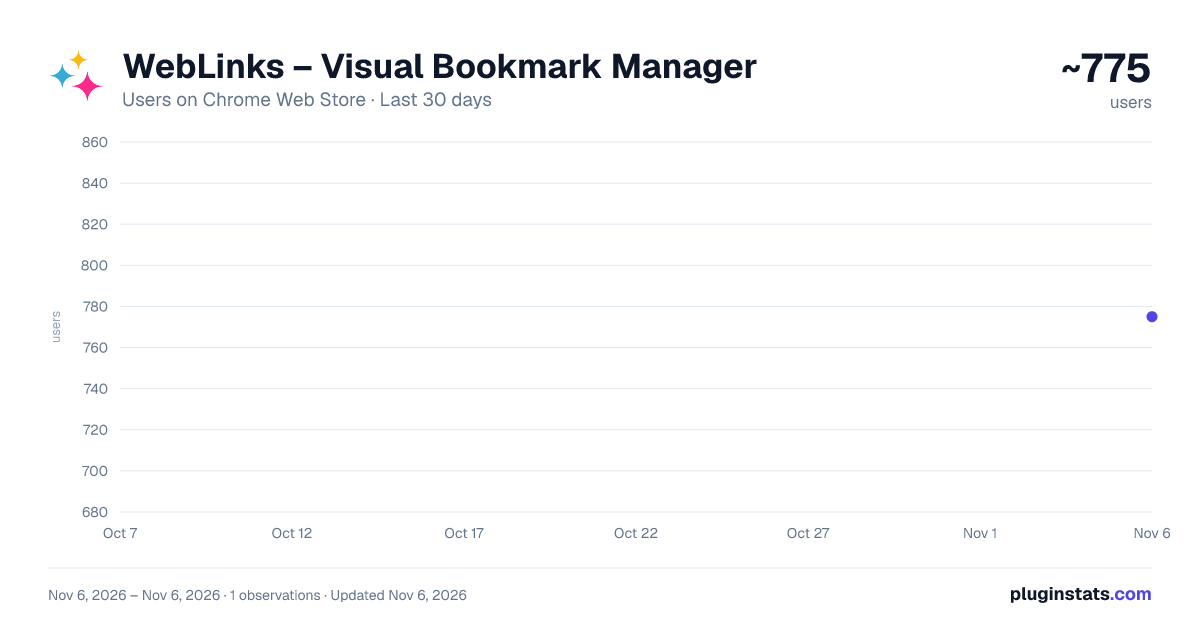
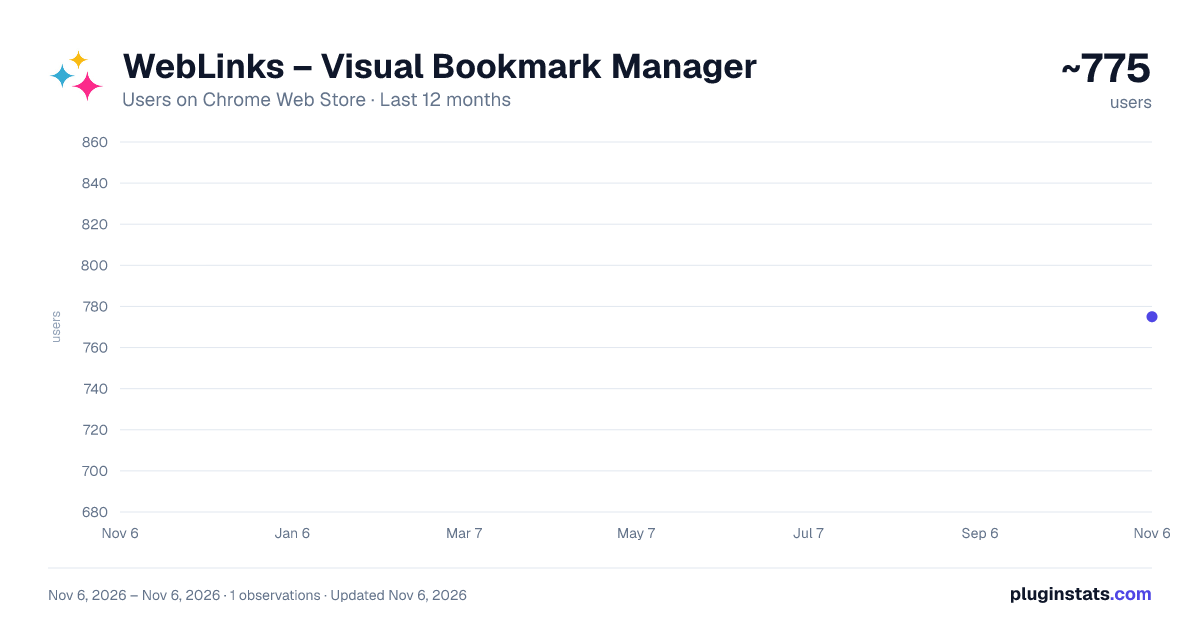
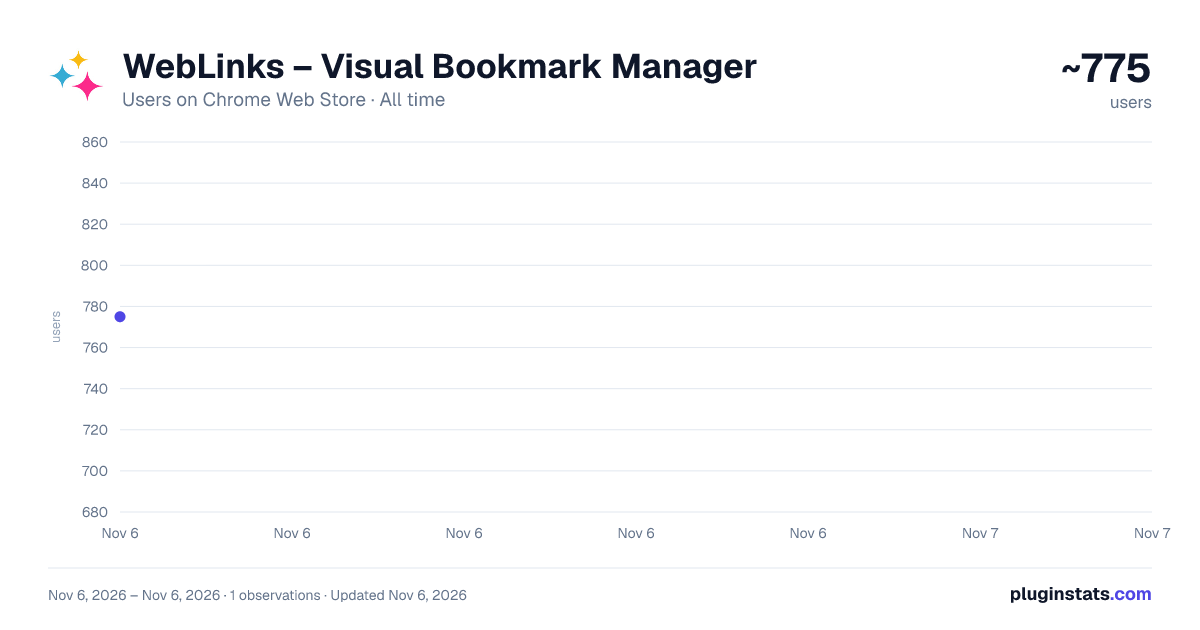
WebLinks – Visual Bookmark Manager has approximately 775 recorded users on Chrome Web Store, ranking #3132 of 7,624 tracked listings.
Rating: 4.40 / 5 from 9 ratings
About WebLinks – Visual Bookmark Manager
Save any web page as a visual bookmark with image preview. Organize into categories, star favorites, and share collections.
WebLinks is a free visual bookmark manager that saves any web page as a visual bookmark with an image preview. Instead of a plain list of URLs, you get a visual dashboard where every saved page shows its image, title, and link — so you can instantly see what you saved.
HOW IT WORKS
- Visit any web page you want to save
- Click the WebLinks icon in your browser toolbar
- Pick a category and click "Save for later" Your bookmark appears in a visual dashboard with an image preview, title, and direct link.
FEATURES • Visual bookmarks with automatic image and title extraction • Unlimited custom categories to organize your pages • Star your favorite bookmarks for quick access • Share a page, a selection, or a whole category as plain links anyone can open, or as a WebLinks code that keeps pictures and categories • Import pages someone shared with you, from a WebLinks code or a list of links • Light and dark themes, and a choice of how many cards to show per row • Automatic price extraction on product pages • Works on any website
PERFECT FOR • Shopping — keep products from different stores side by side, with their prices and pictures, to compare before you buy • Home search — collect property listings in one visual board • Research — organize articles, references, and resources by project or topic for work and school • Travel planning — bookmark hotels, flights, restaurants, and activities for your next trip • Design inspiration — gather visual references and mood boards in one place • Recipes — save recipes with the food photo as preview
PRIVACY Your bookmarks, categories, and settings are stored only in your browser. No account is required, and we never sell your data. WebLinks sends anonymous usage statistics (such as how many pages are saved) to help improve the extension; they never include the addresses, titles, or content of your pages, and you can turn them off in Settings. Details: https://apphomeshop.com/privacy.php
100% FREE — no premium tier, no subscription, no hidden fees. Every feature is available to everyone.
Available on Chrome, Firefox, and Microsoft Edge.
Description from the Chrome Web Store listing.
README badge
Show your rank in a README or on your website. The badge updates automatically.
Charts
Images: 30d · 1y · all time · 1600×900 dark
Adoption over time
7/30/90-day growth
Ranking history
Ratings over time
Listing placement
Listing placement
Filled points are observed values; hollow points come from Internet Archive snapshots of the listing page. Dashed segments span periods with no observations — values between points are not interpolated.
Each band is one page of 20. Users on a linear scale. Placement is projected from users, so it can differ from the marketplace's own sort order. Hover a dot to see the listing.
Recent observations
Full history (1)Similar Chrome Web Store Workflow & Planning plugins
All 20 WebLinks – Visual Bookmark Manager alternatives



Data source
Covers every Chrome Web Store extension with at least 100 users, found through the store's public sitemap. User counts are read from public listing pages. The 10% most-used extensions are refreshed daily, the next 40% weekly and the next 40% monthly; the least-used 10% are not refreshed. Google displays rounded user counts (and caps the display at 10,000,000+), so small changes may not be visible. Rating counts above 1,000 are rounded (e.g. 1.6K).
Listing: https://chromewebstore.google.com/detail/weblinks-–-visual-bookmar/pfkkjnnibjaadmplanefpcgjaopnfdmf. First seen Nov 6, 2026; last successful collection Nov 6, 2026. See the methodology.