 PluginStats

Ad Blocker for Chrome – Tracker Blocker & Privacy users statistics
By easyprivacyplugin · Chrome Web Store · Workflow & Planning
Blocks ads, trackers and cookie notices, and skips YouTube and Twitch ads.
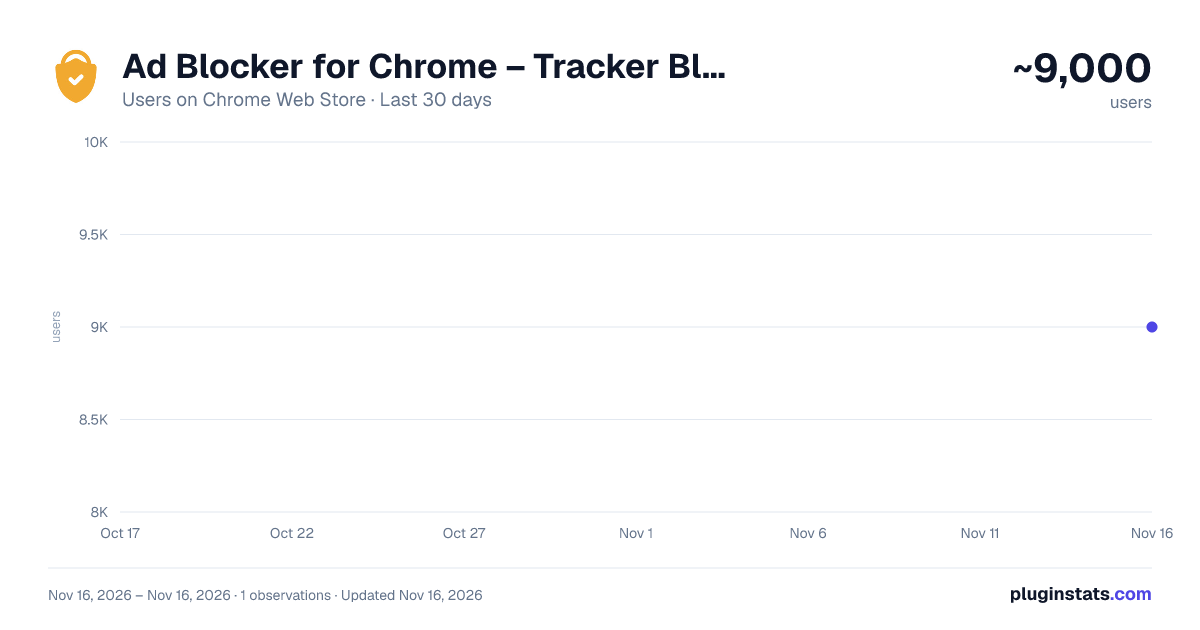
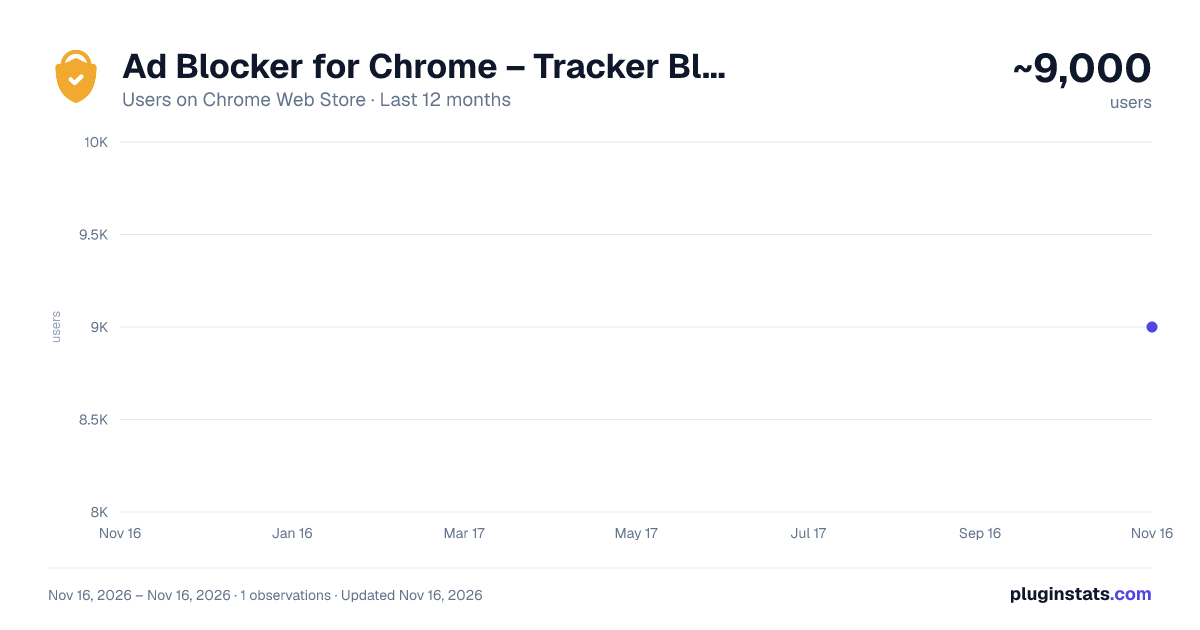
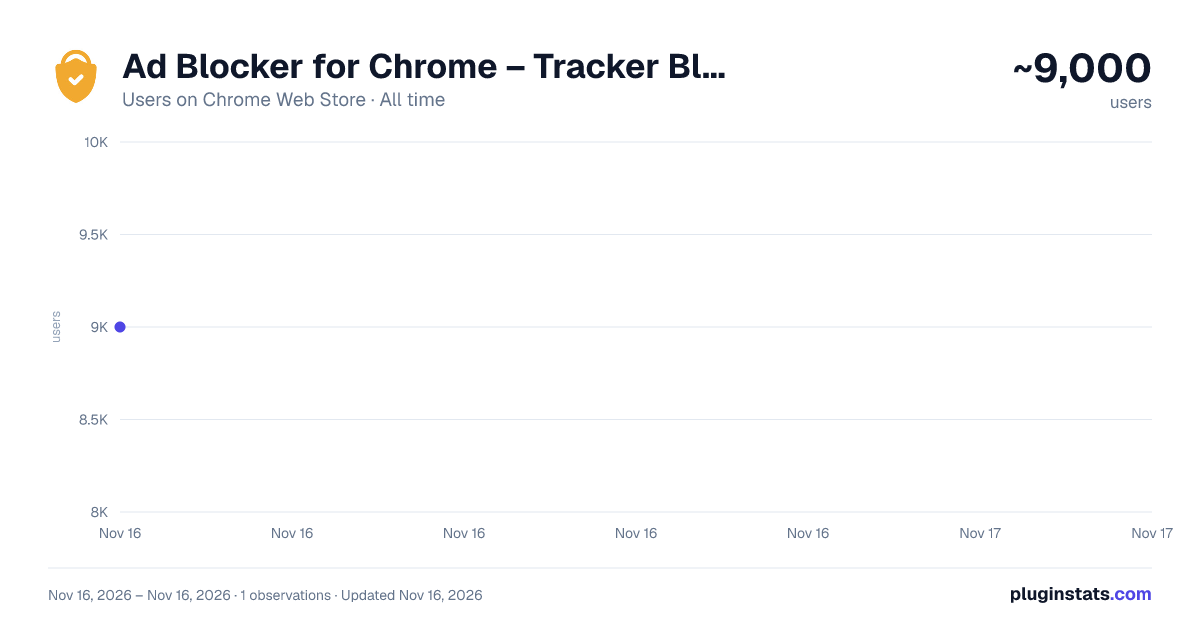
Ad Blocker for Chrome – Tracker Blocker & Privacy has approximately 9,000 recorded users on Chrome Web Store, ranking #1250 of 10,388 tracked listings.
Rating: 4.70 / 5 from 52 ratings
About Ad Blocker for Chrome – Tracker Blocker & Privacy
Blocks ads, trackers and cookie notices, and skips YouTube and Twitch ads.
In 2026, protecting your privacy online is quite critical.
Protect Your Privacy: Block Ads, Trackers, and Hide Cookie Pop-Ups
EasyPrivacy Chrome extension is designed to enhance your browsing experience by blocking intrusive ads, preventing tracking, and hiding cookie consent boxes. With a simple click, you gain a cleaner, faster, and more secure internet experience, free from unwanted ads and privacy invasions. EasyPrivacy is your all-in-one tool for a seamless, protected online journey.
Key Features of EasyPrivacy
- Ad Blocking:
Blocks ads on all sites, including YouTube, for an uninterrupted browsing experience. Boosts page load speed and removes distractions.
- Anti-Tracking:
Prevents websites from tracking your online activities. Advanced algorithms block third-party trackers to protect your privacy.
- Hide Cookie Consent Boxes:
Automatically hides or accepts cookie consent boxes, so you can browse without constant interruptions.
How to Use EasyPrivacy
Install the Extension: Press “Add to Chrome” to install EasyPrivacy chrome extension.
Activate Features: After installation, click on the EasyPrivacy icon in your toolbar. Enable or disable ad-blocking, anti-tracking, and cookie hiding as desired.
Why Choose EasyPrivacy?
Comprehensive Protection: Combines ad-blocking, anti-tracking, and cookie consent management for robust privacy.
User-Friendly: An intuitive interface with easy toggles to adjust your settings in one place.
Customizable Options: Customize your privacy settings to fit your unique browsing preferences.
FAQs
- What is EasyPrivacy, and how does it protect my browsing?
EasyPrivacy is a Chrome extension that enhances your privacy by blocking ads, preventing third-party tracking, and managing cookie consent pop-ups, providing a safer and faster browsing experience.
- Can I selectively enable or disable features?
Absolutely. EasyPrivacy lets you toggle ad-blocking, anti-tracking, and cookie hiding individually, so you control your browsing experience.
- Will EasyPrivacy slow down my browser?
No, EasyPrivacy is designed to be lightweight and will not impact your browser’s speed. In fact, it can improve performance by blocking ads and trackers.
Description from the Chrome Web Store listing.
README badge
Show your rank in a README or on your website. The badge updates automatically.
Charts
Images: 30d · 1y · all time · 1600×900 dark
Adoption over time
7/30/90-day growth
Ranking history
Ratings over time
Listing placement
Listing placement
Filled points are observed values; hollow points come from Internet Archive snapshots of the listing page. Dashed segments span periods with no observations — values between points are not interpolated.
Each band is one page of 20. Users on a linear scale. Placement is projected from users, so it can differ from the marketplace's own sort order. Hover a dot to see the listing.
Recent observations
Full history (1)Similar Chrome Web Store Workflow & Planning plugins
All 20 Ad Blocker for Chrome – Tracker Blocker & Privacy alternatives



Data source
Covers every Chrome Web Store extension with at least 100 users, found through the store's public sitemap. User counts are read from public listing pages. The 10% most-used extensions are refreshed daily, the next 40% weekly and the next 40% monthly; the least-used 10% are not refreshed. Google displays rounded user counts (and caps the display at 10,000,000+), so small changes may not be visible. Rating counts above 1,000 are rounded (e.g. 1.6K).
Listing: https://chromewebstore.google.com/detail/ad-blocker-for-chrome-–-t/mmfgafbkmdfipjldopmmbjkggebhmhij. First seen Nov 16, 2026; last successful collection Nov 16, 2026. See the methodology.