 PluginStats

Label Maker for Google Sheets™ | Sheets To Labels users statistics
Chrome Web Store · Workflow & Planning
Create address labels, shipping labels, price tags, barcodes, place cards, badges, and Amazon FBA labels from Google Sheets™.
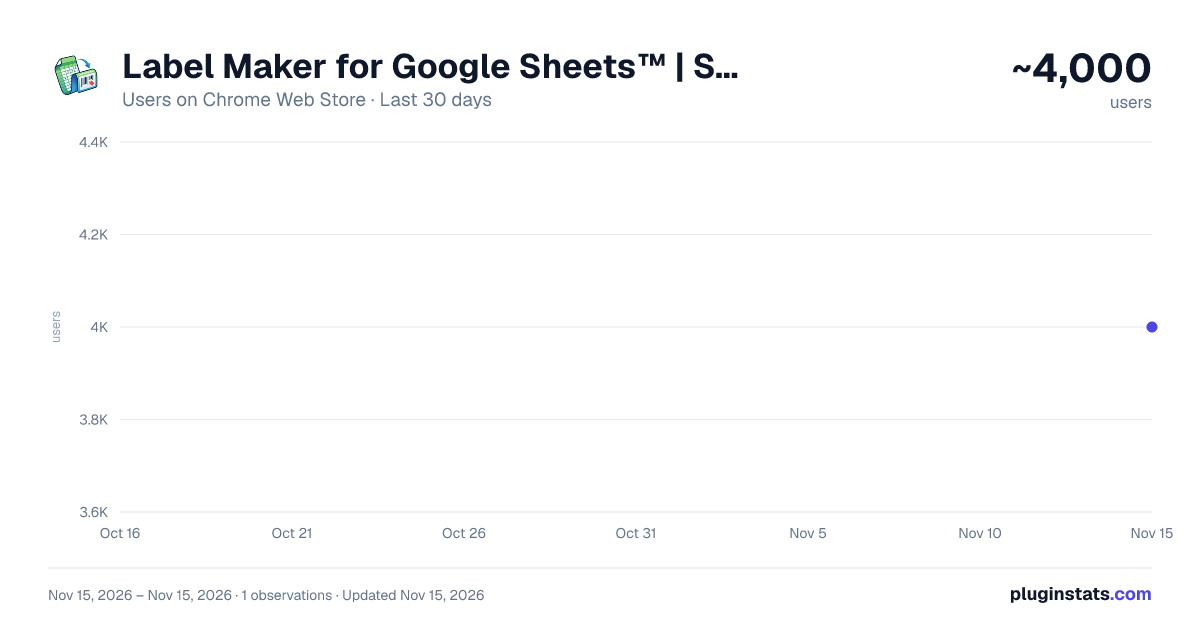
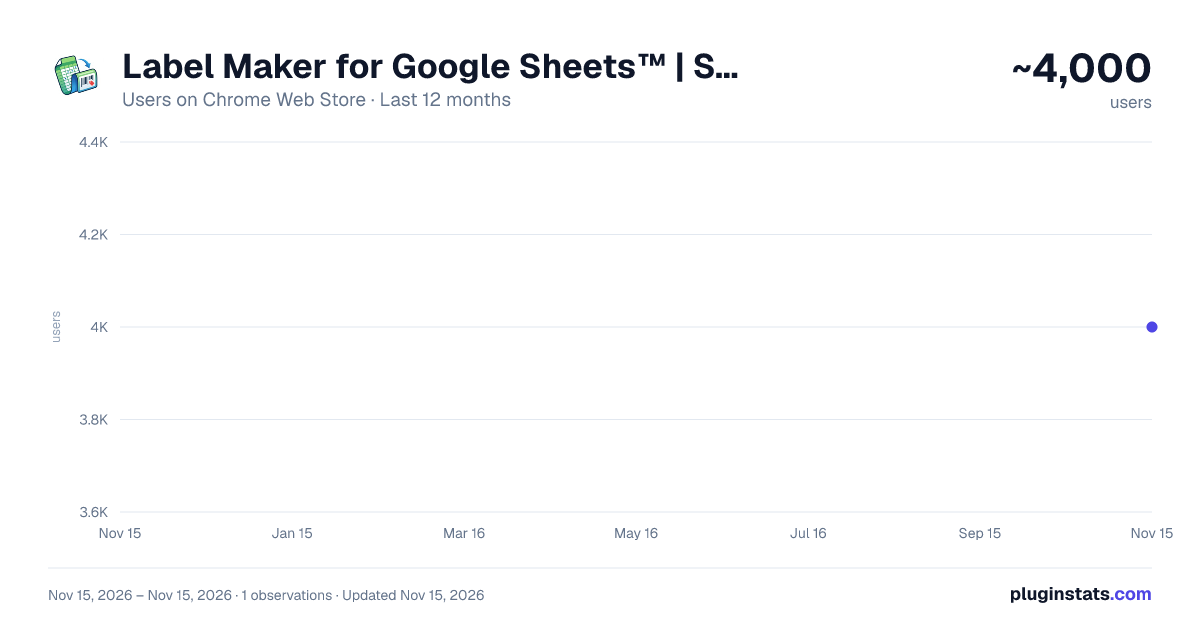
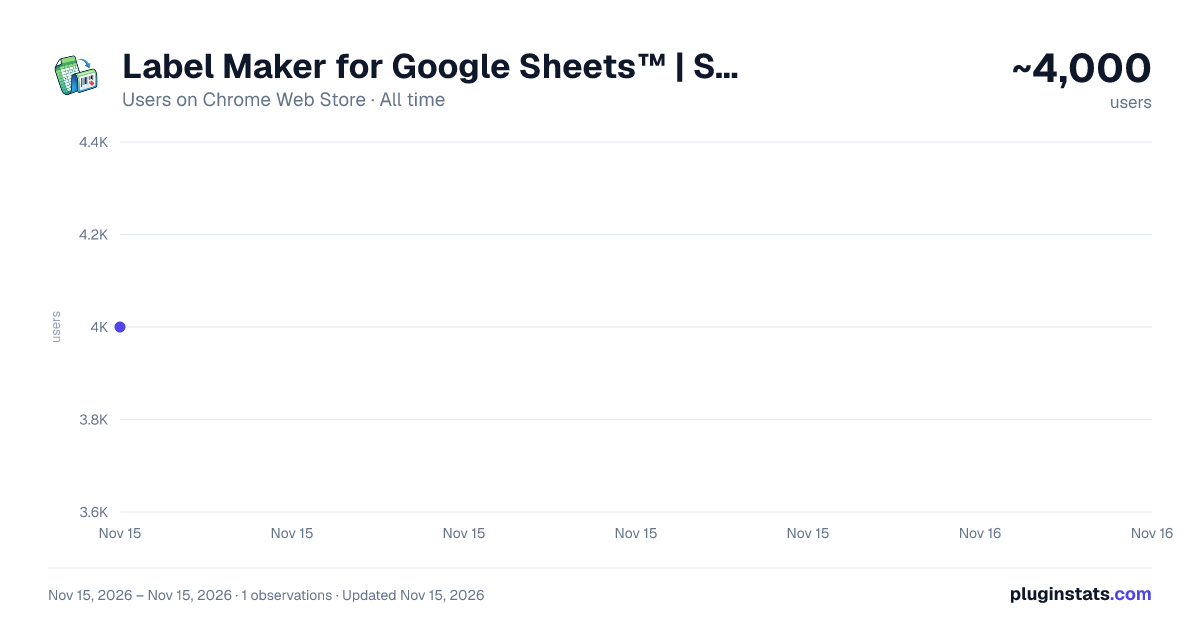
Label Maker for Google Sheets™ | Sheets To Labels has approximately 4,000 recorded users on Chrome Web Store, ranking #1875 of 10,388 tracked listings.
Rating: 5.00 / 5 from 2 ratings
About Label Maker for Google Sheets™ | Sheets To Labels
Create address labels, shipping labels, price tags, barcodes, place cards, badges, and Amazon FBA labels from Google Sheets™.
Turn Google Sheets™ data into professional labels, place cards, badges, and printable PDFs in minutes.
Sheets To Labels helps you design and print labels using a simple drag-and-drop editor. Create price tags for retail, shipping and address labels, event place cards, inventory tags, and more without manual copy and paste.
KEY FEATURES
Seamless Google Sheets Integration Import data from Google Sheets, CSV, or Excel files. Use product catalogs, guest lists, address books, or inventory tables as your data source.
Professional Templates Start quickly with ready-made templates for:
- Price tags and retail labels
- Address and shipping labels
- Place cards and event badges
- Asset tags and warehouse labels
- Promotional stickers and product labels
Visual Label Editor Customize your layout with an easy drag-and-drop editor:
- Add text, images, and shapes
- Generate QR Codes and EAN/UPC barcodes
- Map spreadsheet columns to label fields
- Adjust fonts, colors, spacing, and positioning
Print-Ready Output Export high-quality PDFs for printing. Supports common paper sizes such as A4 and Letter, with layouts designed for efficient printing.
Great For
- Retail stores creating price tags and shelf labels
- Event planners printing place cards and name badges
- Small businesses preparing shipping labels and product stickers
- Schools, offices, and teams organizing assets and supplies
How It Works
- Open the extension and launch the editor.
- Import data from Google Sheets, CSV, or Excel.
- Choose a template or create your own design.
- Map your fields and customize the layout.
- Export a print-ready PDF.
Design and print labels faster with Sheets To Labels.
Google Sheets is a trademark of Google LLC. Use of this trademark is subject to Google permissions. This extension is not endorsed by or affiliated with Google LLC.
Description from the Chrome Web Store listing.
README badge
Show your rank in a README or on your website. The badge updates automatically.
Charts
Images: 30d · 1y · all time · 1600×900 dark
Adoption over time
7/30/90-day growth
Ranking history
Ratings over time
Listing placement
Listing placement
Filled points are observed values; hollow points come from Internet Archive snapshots of the listing page. Dashed segments span periods with no observations — values between points are not interpolated.
Each band is one page of 20. Users on a linear scale. Placement is projected from users, so it can differ from the marketplace's own sort order. Hover a dot to see the listing.
Recent observations
Full history (1)Similar Chrome Web Store Workflow & Planning plugins
All 20 Label Maker for Google Sheets™ | Sheets To Labels alternatives



Data source
Covers every Chrome Web Store extension with at least 100 users, found through the store's public sitemap. User counts are read from public listing pages. The 10% most-used extensions are refreshed daily, the next 40% weekly and the next 40% monthly; the least-used 10% are not refreshed. Google displays rounded user counts (and caps the display at 10,000,000+), so small changes may not be visible. Rating counts above 1,000 are rounded (e.g. 1.6K).
Listing: https://chromewebstore.google.com/detail/label-maker-for-google-sh/hiaieonmepdocfollbnacjkhfmamimab. First seen Nov 15, 2026; last successful collection Nov 15, 2026. See the methodology.