 PluginStats

Keywords for YouTube™ Videos users statistics
By Stacey (5 listings) · Chrome Web Store · Workflow & Planning
Show the hidden keywords and tags of any YouTube™ video, then copy or export them.
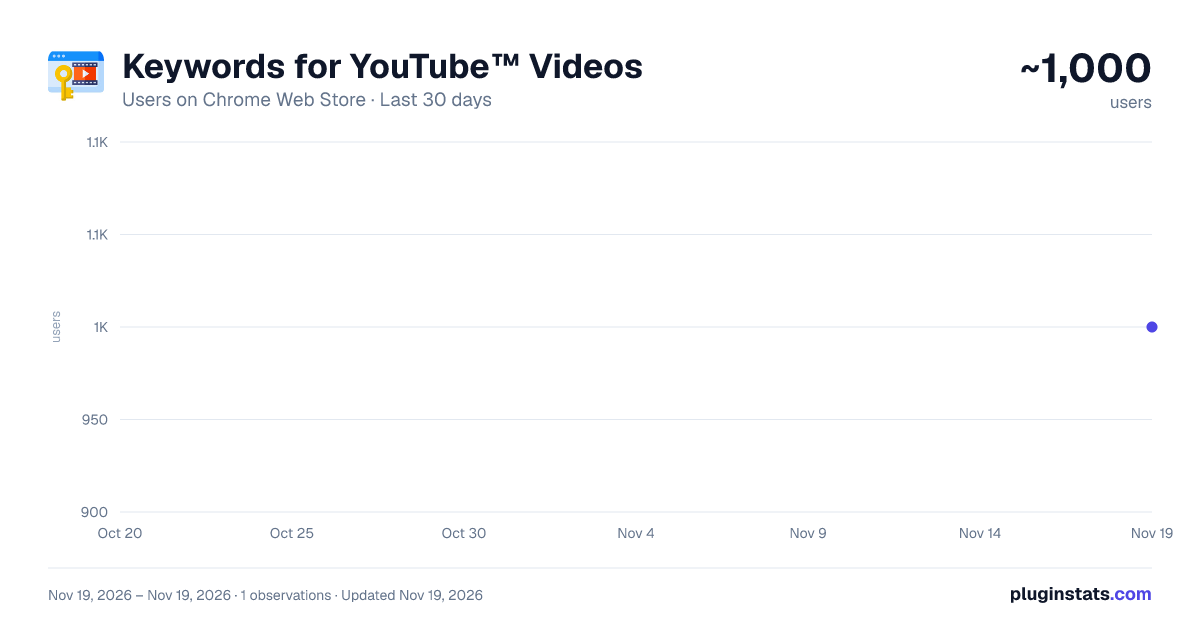
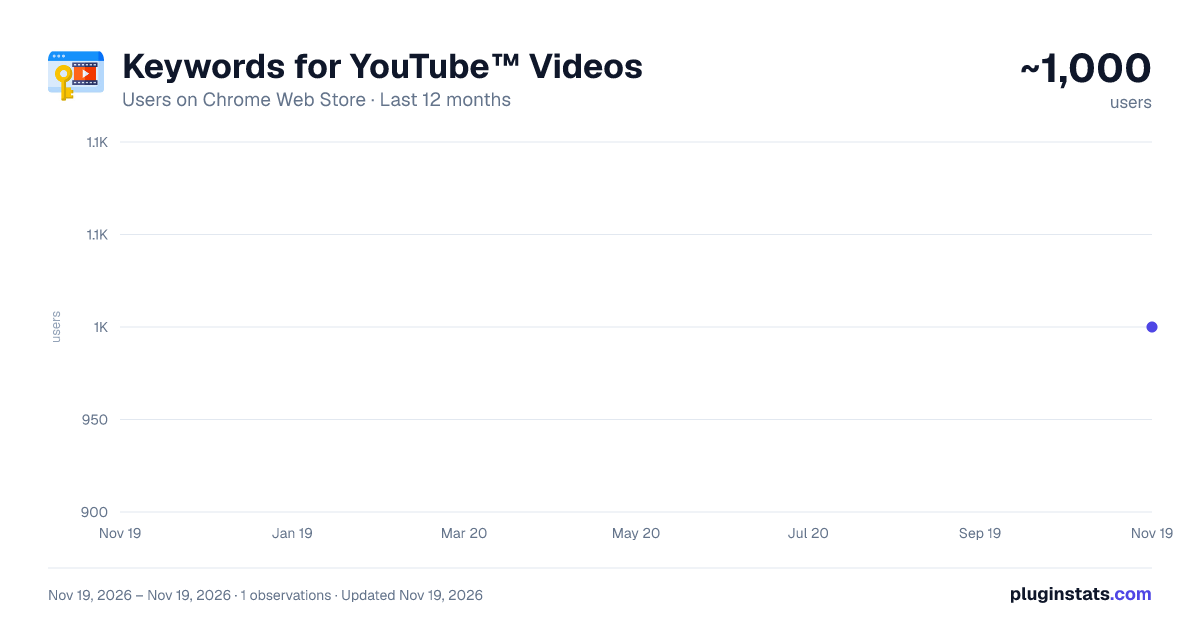
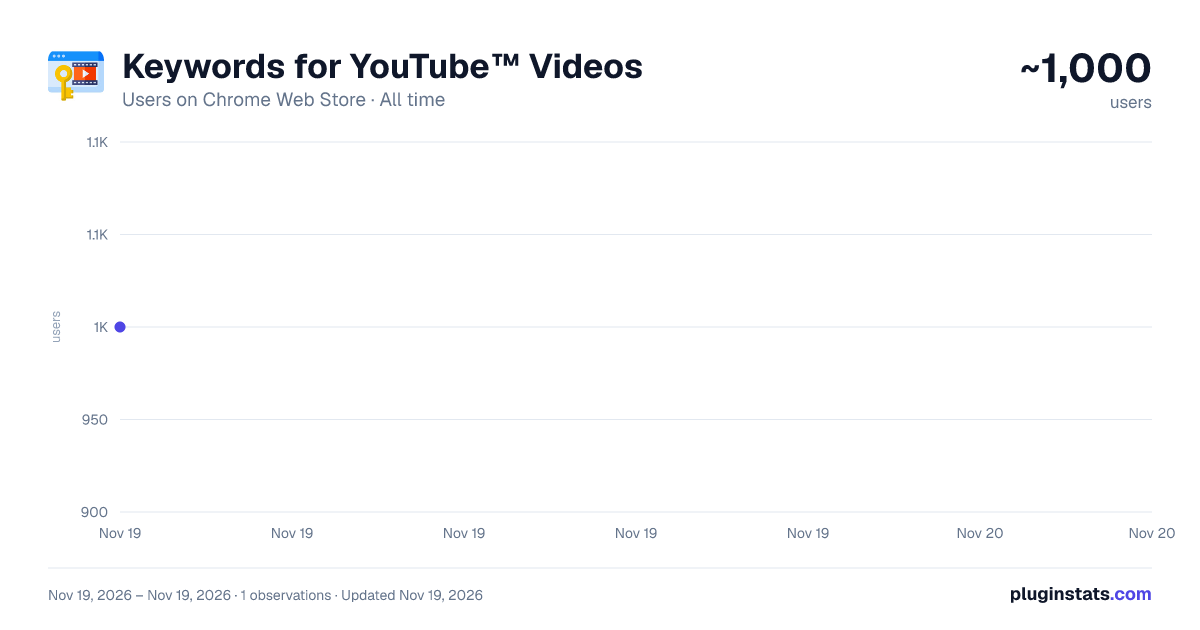
Keywords for YouTube™ Videos has approximately 1,000 recorded users on Chrome Web Store, ranking #3734 of 10,388 tracked listings.
Rating: 3.80 / 5 from 10 ratings
About Keywords for YouTube™ Videos
Show the hidden keywords and tags of any YouTube™ video, then copy or export them.
Keywords for YouTube™ Videos — see the tags behind any video
Every YouTube™ video carries a hidden list of keywords: the tags its creator chose to help the video get found. YouTube™ does not show them to you. This extension does. Open any video and the full keyword list appears right under the title, ready to read, copy or export.
This release is a rebuild. Here is what changed.
FIXED: THE EXTENSION WORKS AGAIN
YouTube™ redesigned its watch page, and the element this extension attached itself to no longer exists. The result was silent and total: the keyword panel simply never appeared. That is fixed. The extension now reads keyword data from YouTube™'s own video information rather than scraping a page element that can be redesigned away, and it attaches to the current layout with fallbacks for older ones.
FIXED: KEYWORDS UPDATE INSTANTLY
The old version had a well-known flaw, one it admitted in its own interface: when you clicked from one video to the next, the keywords did not change with it. You had to reload the page to see the right ones. YouTube™ behaves like an app rather than a series of separate pages, and the old code was reading a piece of page data that YouTube™ never refreshes.
Now the extension follows you. Click through to another video and the keywords change with it. No reloading, no stale list, no apologetic warning notice.
FIXED: DOWNLOADS THAT MATCHED THE WRONG VIDEO
This was the quiet one. Because the keywords went stale but the web address did not, a downloaded file could combine the new video's title and link with the previous video's keywords — and nothing on screen told you. Anyone doing competitor research could have been filing bad data for weeks without noticing. Keyword data is now checked against the video you are actually watching before anything is displayed, copied or saved.
FIXED: A CONSTANT DRAIN ON YOUR BROWSER
The old version watched every single change to the YouTube™ page, and YouTube™ changes constantly. It re-ran its work hundreds of times a second, on every YouTube™ tab, including YouTube™ Studio and YouTube™ Music, where it could never achieve anything useful. It was quietly consuming processor time and battery in the background. The extension now waits for YouTube™ to signal that a new video has loaded, and does nothing at all in between.
NEW: EVERY KEYWORD IS ITS OWN BUTTON
Keywords used to be one long run-on line of text. Now each one is a separate chip. Click any single chip to copy just that keyword. A counter shows how many tags a video has at a glance, which is often the first thing you want to know when you are studying a competitor.
NEW: COPY IN THE FORMAT YOU NEED
Copy every keyword at once as a comma-separated list, as one keyword per line, or as hashtags. Choose whichever suits wherever you are pasting.
NEW: EXPORT AS TXT, CSV OR JSON
Download the keywords as a plain text file, as a spreadsheet-ready CSV, or as JSON. Every export carries the video's title and link alongside the tags, so your records stay meaningful weeks later.
NEW: A HISTORY OF WHAT YOU LOOKED AT
Open the toolbar icon to see the keywords from videos you viewed recently, and copy from any of them without navigating back. You decide how many to keep, you can clear the list whenever you like, and you can switch history off completely.
NEW: A SETTINGS PAGE
Show or hide the panel on regular videos and on Shorts, place it above or below the video details, start it collapsed, and set your default copy and download formats.
ALSO NEW
• Shorts support: the keyword panel now works there too • Follows YouTube™'s dark and light themes automatically • Clear confirmation when something is copied or saved, and a clear explanation when copying is blocked • A proper "this video has no keywords" message instead of an empty space • A collapse button to fold the panel out of the way • Full translation into all 43 supported languages, including the extension's own name and description, which had been left in English in every language
PRIVACY
This extension has no account, no sign-up, no adverts and no tracking. It makes no network requests of any kind. Keywords are read from the page you are already looking at, and they go only where you send them: your clipboard, or your own downloads folder. The single permission it requests is local storage, used purely to remember your settings and your keyword history on your own computer. Nothing is ever uploaded anywhere.
It is smaller and faster, too. A large unused styling library and several dead code files were removed from the package, and the extension no longer requests permissions it never used.
Description from the Chrome Web Store listing.
README badge
Show your rank in a README or on your website. The badge updates automatically.
Charts
Images: 30d · 1y · all time · 1600×900 dark
Adoption over time
7/30/90-day growth
Ranking history
Ratings over time
Listing placement
Listing placement
Filled points are observed values; hollow points come from Internet Archive snapshots of the listing page. Dashed segments span periods with no observations — values between points are not interpolated.
Each band is one page of 20. Users on a linear scale. Placement is projected from users, so it can differ from the marketplace's own sort order. Hover a dot to see the listing.
Recent observations
Full history (1)Similar Chrome Web Store Workflow & Planning plugins
All 20 Keywords for YouTube™ Videos alternatives



Data source
Covers every Chrome Web Store extension with at least 100 users, found through the store's public sitemap. User counts are read from public listing pages. The 10% most-used extensions are refreshed daily, the next 40% weekly and the next 40% monthly; the least-used 10% are not refreshed. Google displays rounded user counts (and caps the display at 10,000,000+), so small changes may not be visible. Rating counts above 1,000 are rounded (e.g. 1.6K).
Listing: https://chromewebstore.google.com/detail/keywords-for-youtube-vide/ofklpfiefaifeggoadaeiclnhpkimpnm. First seen Nov 19, 2026; last successful collection Nov 19, 2026. See the methodology.