 PluginStats

Gmail Filter Manager - GUI folder management & batch processing users statistics
Chrome Web Store · Workflow & Planning
Create and manage Gmail filters intuitively with a GUI. Easily import and export filters using XML.
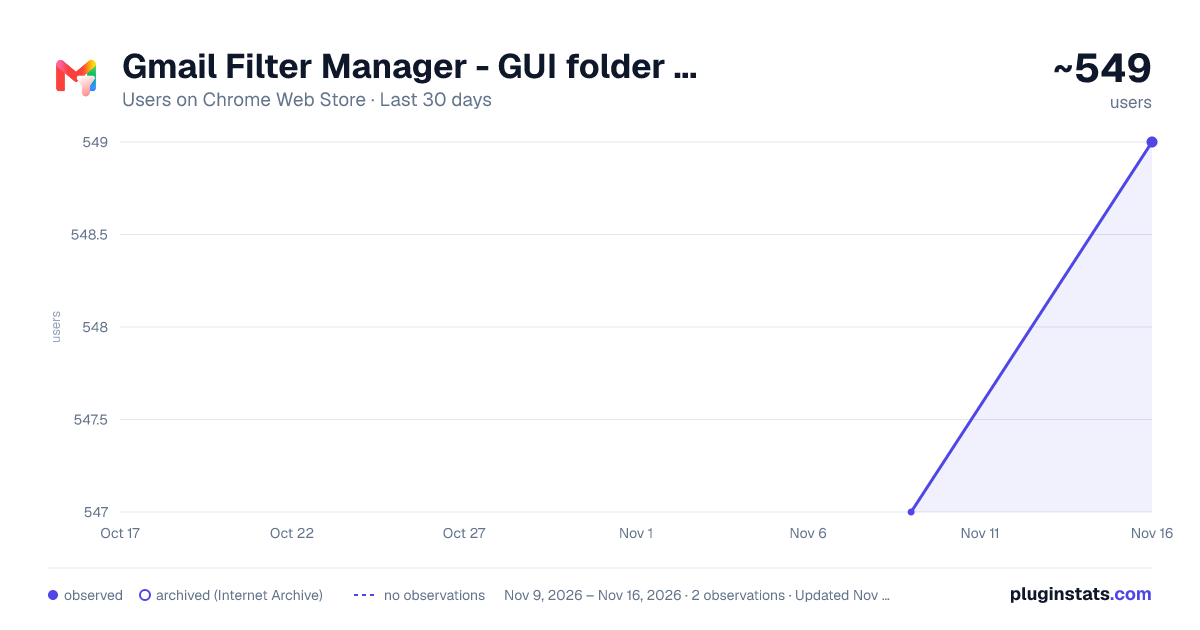
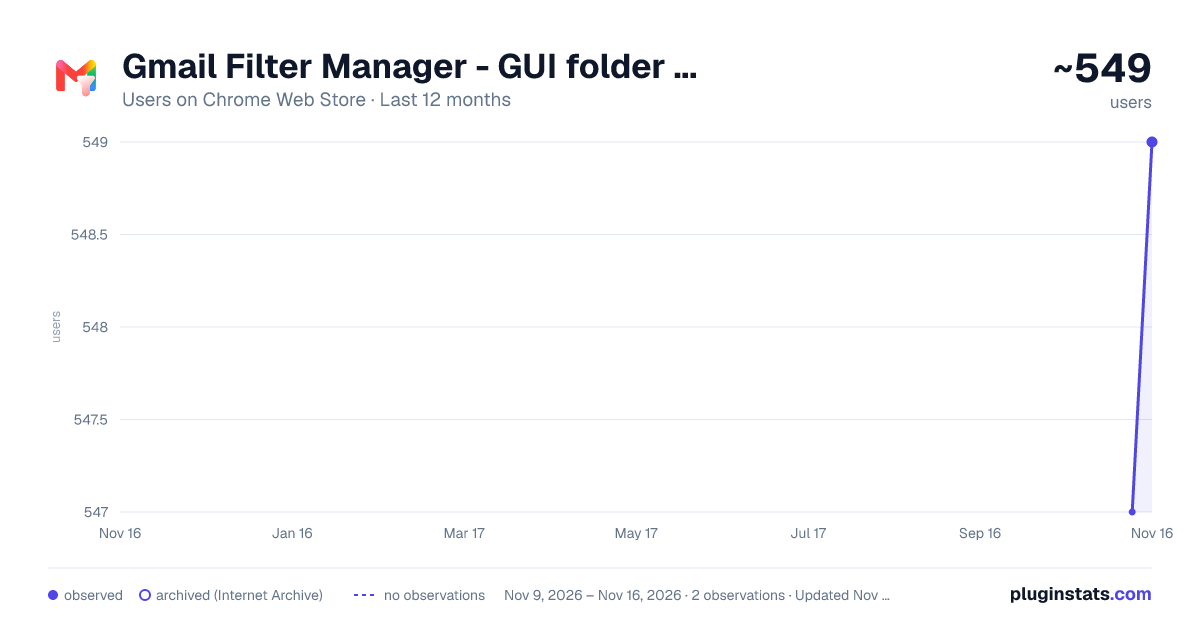
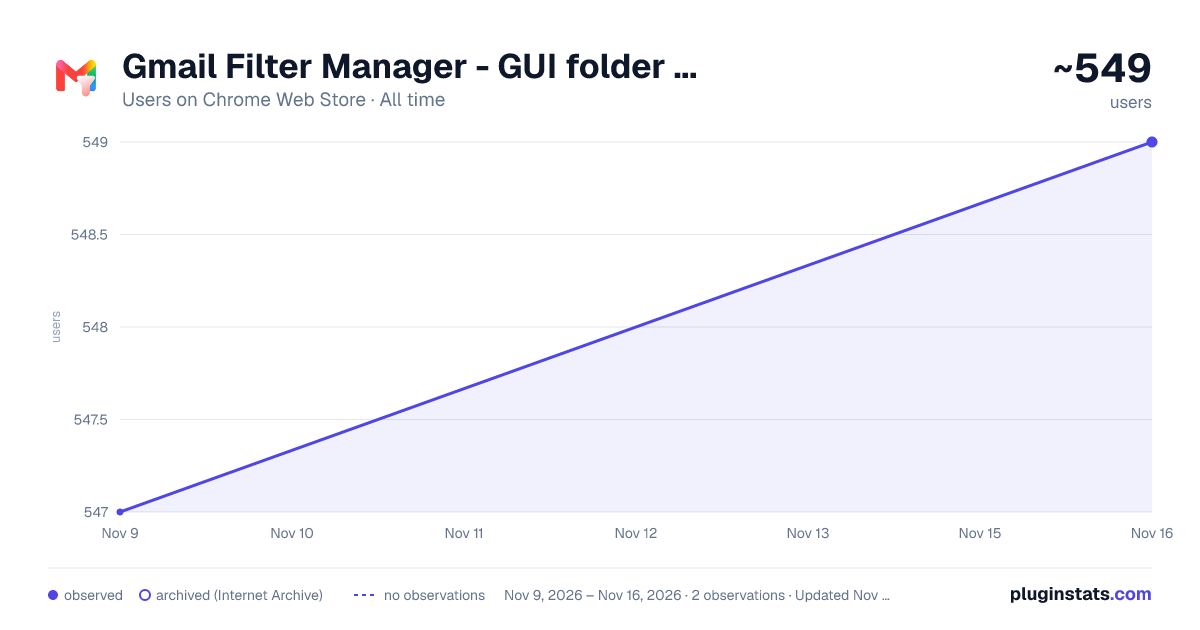
Gmail Filter Manager - GUI folder management & batch processing has approximately 549 recorded users on Chrome Web Store, a change of +0.4% over the past 7 days, ranking #5022 of 10,388 tracked listings.
Rating: 3.30 / 5 from 7 ratings
About Gmail Filter Manager - GUI folder management & batch processing
Create and manage Gmail filters intuitively with a GUI. Easily import and export filters using XML.
Manage Gmail filters visually — create, edit, organize, and export Gmail filters from a clean GUI without ever leaving your browser. Tame an overgrown filter list with folders and batch processing.
💡 Organize by folder, process in batches Group filters into nested folders — Work, Shopping, Notifications, or whatever makes sense to you. Then enable Batch Processing Mode on a folder to apply the same action — archive, add label, mark as read, and more — to every filter inside at once. Filters in subfolders are included too, so you can unify rules across hundreds of filters in seconds.
💡 Features • Create and edit Gmail filters with a full-featured GUI — conditions, actions, labels, and more • Organize filters into nested folders with accordion-style collapse/expand — free up to 10 folders, unlimited with Pro • Batch Processing Mode: set a shared action for all filters in a folder at once, subfolders included — 1 folder free, unlimited with Pro • Reorder the list and XML output by drag-and-drop (does not guarantee execution priority in Gmail) • Duplicate filters to create similar rules in seconds • Export filters as XML and import directly into Gmail to apply • Filter data stored locally in your browser — never sent to external servers
💡 Pricing • Basic features: Free • Folders: up to 10 free / unlimited with Pro (in-app purchase) • Batch Processing Mode: 1 folder free / unlimited with Pro (in-app purchase)
💡 Feedback & Contribution Report bugs or request features via the built-in contact form.
Usage measurement We send usage statistics, such as views, actions and counts, and a measurement ID to Google Analytics for product improvement and aggregate sponsor reports. Your filter contents are never sent to external servers. Sharing is optional and can be stopped anytime in Advanced settings.
Description from the Chrome Web Store listing.
README badge
Show your rank in a README or on your website. The badge updates automatically.
Charts
Images: 30d · 1y · all time · 1600×900 dark
Adoption over time
7/30/90-day growth
Ranking history
Ratings over time
Listing placement
Listing placement
Filled points are observed values; hollow points come from Internet Archive snapshots of the listing page. Dashed segments span periods with no observations — values between points are not interpolated.
Each band is one page of 20. Users on a linear scale. Placement is projected from users, so it can differ from the marketplace's own sort order. Hover a dot to see the listing.
Recent observations
Full history (2)Similar Chrome Web Store Workflow & Planning plugins
All 20 Gmail Filter Manager - GUI folder management & batch processing alternatives



Data source
Covers every Chrome Web Store extension with at least 100 users, found through the store's public sitemap. User counts are read from public listing pages. The 10% most-used extensions are refreshed daily, the next 40% weekly and the next 40% monthly; the least-used 10% are not refreshed. Google displays rounded user counts (and caps the display at 10,000,000+), so small changes may not be visible. Rating counts above 1,000 are rounded (e.g. 1.6K).
Listing: https://chromewebstore.google.com/detail/gmail-filter-manager-gui/aneombgjgajbinimohagbejfmapggjpp. First seen Nov 9, 2026; last successful collection Nov 16, 2026. See the methodology.