 PluginStats

Bulk ChatGPT to PDF Converter users statistics
Chrome Web Store · Workflow & Planning
Fix native ChatGPT table cells containing inline code filenames; retain chat-isolated images and PDF styling.
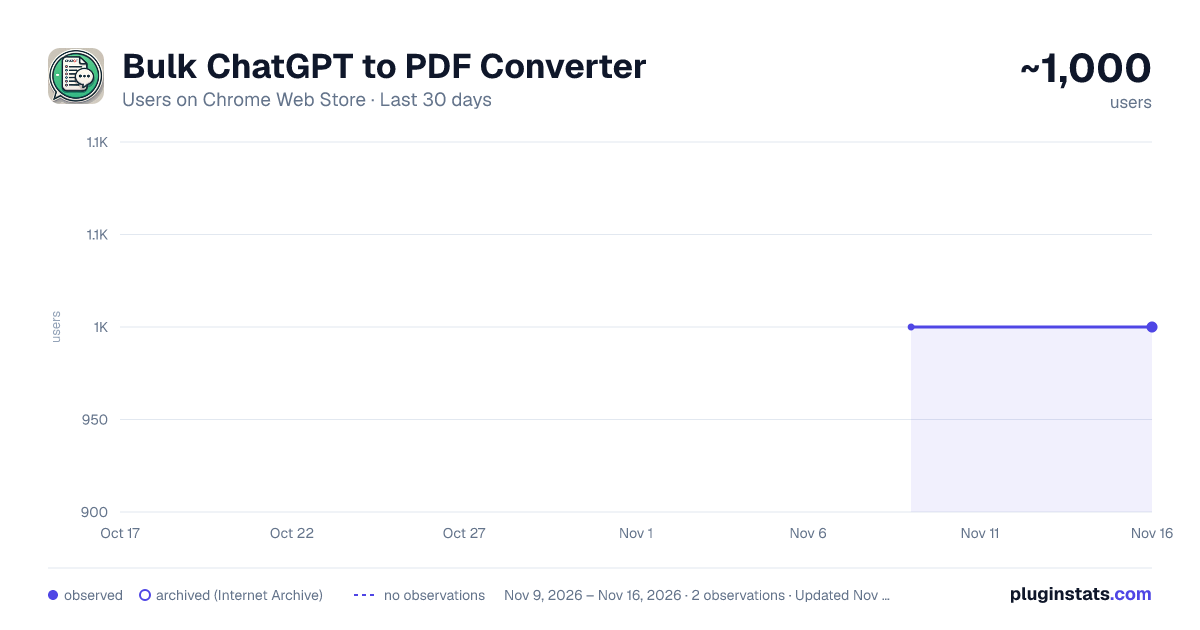
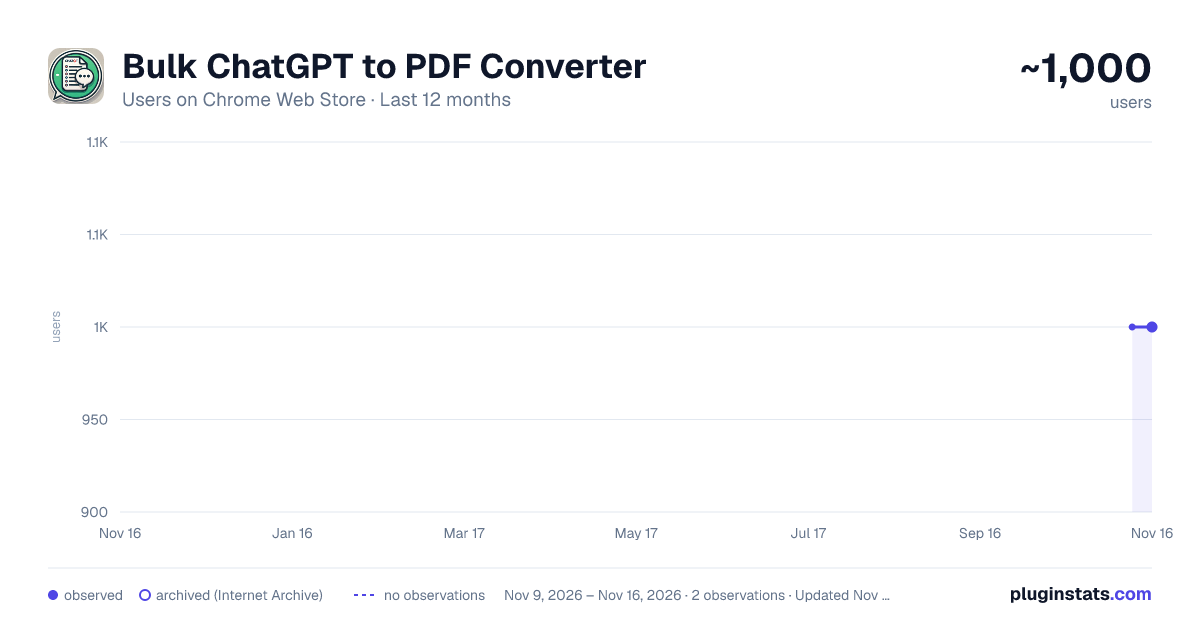
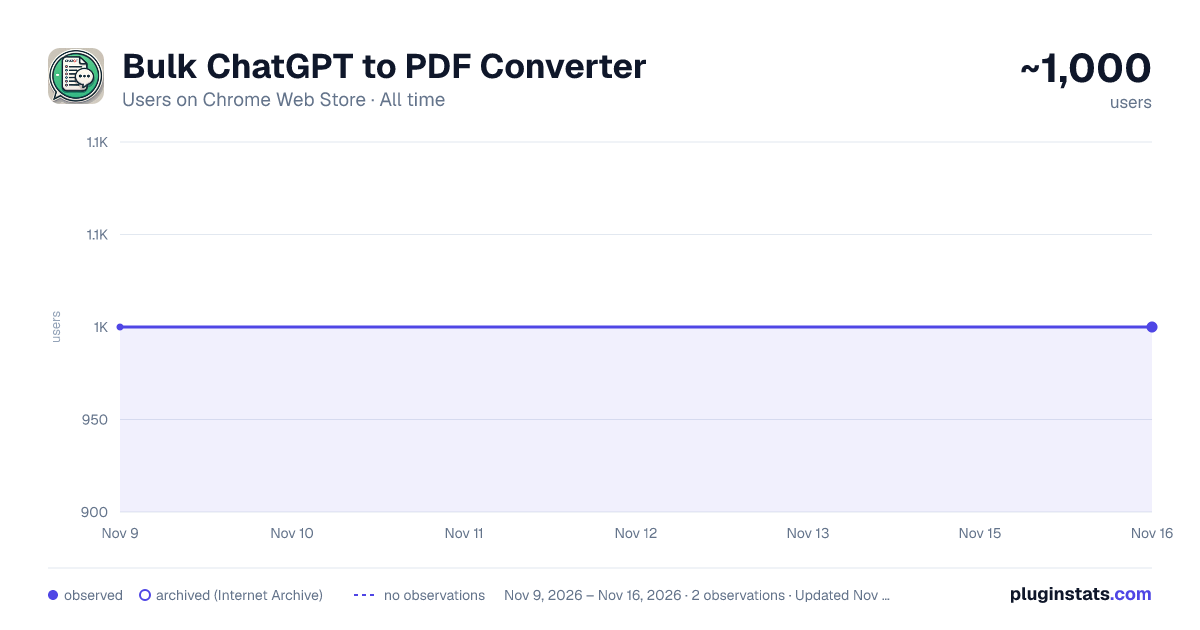
Bulk ChatGPT to PDF Converter has approximately 1,000 recorded users on Chrome Web Store, a change of 0.0% over the past 7 days, ranking #3541 of 10,388 tracked listings.
Rating: 4.20 / 5 from 13 ratings
About Bulk ChatGPT to PDF Converter
Fix native ChatGPT table cells containing inline code filenames; retain chat-isolated images and PDF styling.
ChatGPT Conversation Export & Annotate – PDF/Preview Tool. Effortlessly save, preview & annotate your ChatGPT chats — now with highlights, shapes, text notes and more!
Transform your ChatGPT conversations into clean, customizable documents — ready to export as professional PDFs!
And now it is also possible to bulk export all your ChatGPT chats as PDF in just one click!
KEY FEATURES: ✨Bulk Export multiple ChatGPT conversations as PDF with a single click! ✅ Instant Message Capture: Automatically extracts your ChatGPT conversation into an organized view. 🖨️ Professional PDF Export: Create high-quality PDFs that include your conversation content, with support for 🟩 User messages 🤖 Assistant responses ✔️ Smart formatting for readability
🔒 Free version includes watermark; unlocked version removes it.
🔍 Preview & Edit Mode: Fine-tune your document before exporting: 🖊️ Add custom text and notes ✍️ Highlight text with color 🔲 Draw rectangles & arrows 📌 Drag-to-move & resize annotations 🧠 Easy-to-use toolbar with color, font, size and stroke controls ✨ Snap & grid support for precise alignment 🗑️ Clear highlights or delete annotations easily 📜 Editable Conversation Blocks Double-click any conversation message to edit the text directly in preview (optional).
🆓 Free & Premium Ready Try all editing tools for free with a demo watermark — upgrade anytime to remove it!
🚀 HOW TO USE
Getting started takes just a few seconds:
1️⃣ Open ChatGPT Go to chat.openai.com and open any conversation you want to save.
2️⃣ Click the Extension Icon Press the ChatGPT Conversation Export & Annotate icon in your Chrome toolbar.
3️⃣ Preview Messages The popup will automatically: ✅ Capture all messages ✅ Show a clean preview ✅ Separate User 🟩 and Assistant 🤖 messages
4️⃣ Click Export PDF → Instantly download your conversation as a ready-to-share PDF. or click Preview & Edit to:
Highlight important text 🖍️ Add notes or comments 📝 Insert text boxes Draw rectangles & arrows 🔲➡️ Move & resize annotations Change colors, fonts, and sizes Double-click any message to edit it Then click Export PDF to save the final version.
New in version 4.0: If you need to save multiple conversations as PDF, go to the Bulk Chat to PDF tab, click on Refresh to view all chat list and then select the conversations you want to save as PDF on your PC.
🚀 WHY INSTALL THIS EXTENSION?
Whether you’re saving transcripts for work, school, presentations, or documentation, this tool makes your ChatGPT output: 📌 Export-ready, 🖋️ Annotatable, 📁 Neat & shareable.
PERFECT FOR:
Students taking study notes ✏️ Professionals preparing reports 📊 Content creators archiving ideas 💡
Description from the Chrome Web Store listing.
README badge
Show your rank in a README or on your website. The badge updates automatically.
Charts
Images: 30d · 1y · all time · 1600×900 dark
Adoption over time
7/30/90-day growth
Ranking history
Ratings over time
Listing placement
Listing placement
Filled points are observed values; hollow points come from Internet Archive snapshots of the listing page. Dashed segments span periods with no observations — values between points are not interpolated.
Each band is one page of 20. Users on a linear scale. Placement is projected from users, so it can differ from the marketplace's own sort order. Hover a dot to see the listing.
Recent observations
Full history (2)Similar Chrome Web Store Workflow & Planning plugins
All 20 Bulk ChatGPT to PDF Converter alternatives



Data source
Covers every Chrome Web Store extension with at least 100 users, found through the store's public sitemap. User counts are read from public listing pages. The 10% most-used extensions are refreshed daily, the next 40% weekly and the next 40% monthly; the least-used 10% are not refreshed. Google displays rounded user counts (and caps the display at 10,000,000+), so small changes may not be visible. Rating counts above 1,000 are rounded (e.g. 1.6K).
Listing: https://chromewebstore.google.com/detail/bulk-chatgpt-to-pdf-conve/hoieigcnfaedjbdhenfaakhjdlclpncj. First seen Nov 9, 2026; last successful collection Nov 16, 2026. See the methodology.