 PluginStats

Saved Posts Downloader users statistics
Instagram Saved Posts Downloader – Download Saved Instagram Photos & Videos Instantly
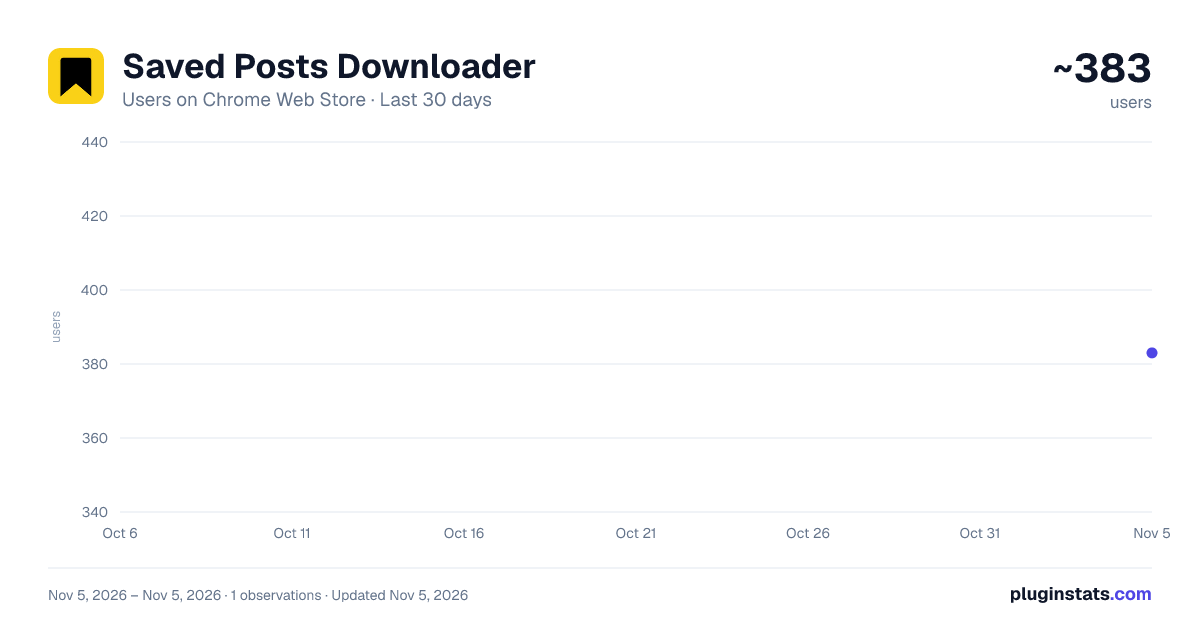
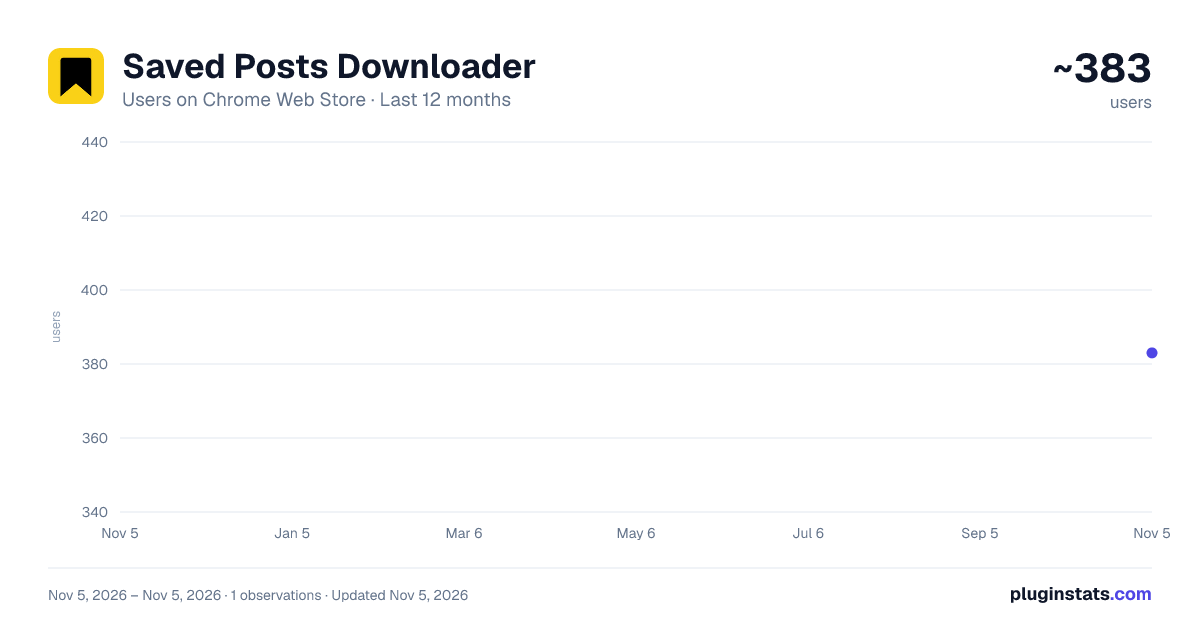
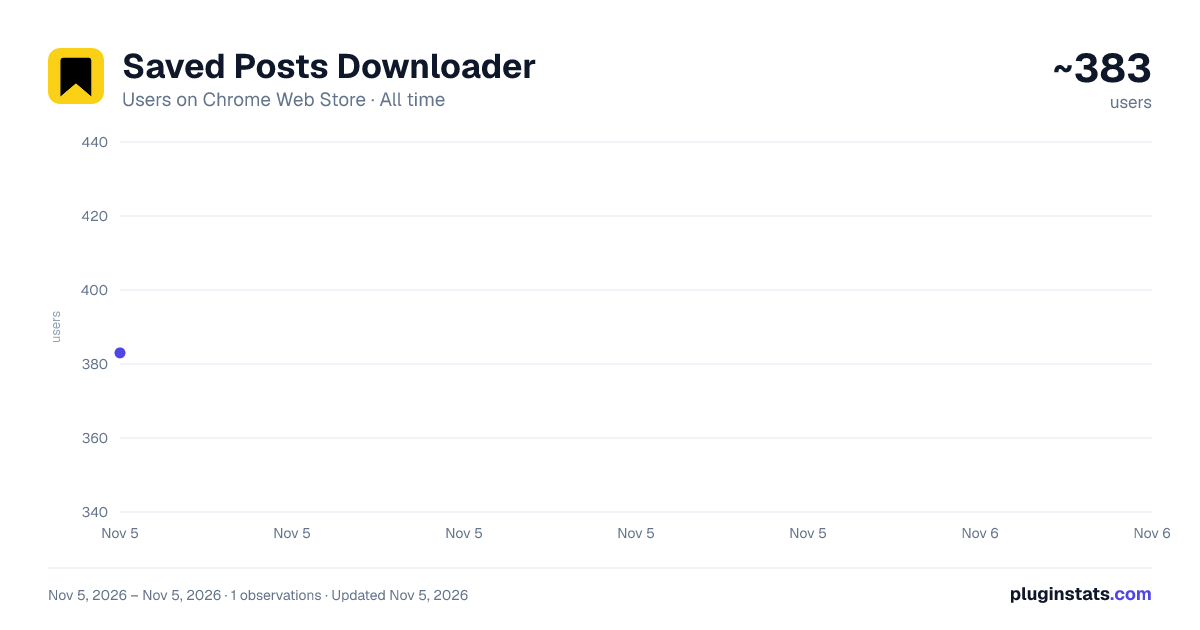
Saved Posts Downloader has approximately 383 recorded users on Chrome Web Store, ranking #4150 of 7,342 tracked listings.
Rating: 3.60 / 5 from 8 ratings
About Saved Posts Downloader
Instagram Saved Posts Downloader – Download Saved Instagram Photos & Videos Instantly
📤 Instagram Saved Posts Exporter – Save & Download All Your Saved Instagram Posts Easily
Tired of losing track of your favorite Instagram content? ✨ Instagram Saved Posts Exporter is the ultimate extension that lets you export, back up, and download all your saved Instagram photos, videos, and reels automatically with one click.
Built for creators, marketers, and everyday users who want to organize and keep their Instagram saved posts offline, this tool is fast, secure, and user-friendly.
🌟 1. What Is Instagram Saved Posts Exporter?
Instagram Saved Posts Exporter is a powerful Instagram downloader extension that helps you: 📁 Export your entire list of saved posts instantly 📸 Download all saved photos, videos, and reels 🧩 Organize downloaded content into folders by username 💾 Save files in high resolution with original quality 🛡️ Enjoy 100% private, local-only processing — no data ever leaves your browser
⚡ 2. Key Features & Benefits
1️⃣ One-Click Export – 📤 Download all your saved Instagram posts instantly, no copying links or manual saves. 2️⃣ Auto-Folder Organization – 🗂️ Files are neatly sorted by username so your saved collections stay organized. 3️⃣ High-Quality Downloads – 📷 Save images and videos in original, watermark-free quality. 4️⃣ Fast & Lightweight – 🚀 Works seamlessly on Instagram.com with no lag or popups. 5️⃣ Full Privacy Protection – 🔒 Local-only processing with no tracking, no analytics, and no data collection. 6️⃣ Select Collections Only – 🎯 Choose specific saved collections to download instead of exporting everything at once.
🎯 3. Who Can Benefit from Instagram Saved Posts Exporter
👩🎨 Creators & Influencers – Save creative ideas and inspiration for future content. 📈 Social Media Managers – Archive marketing visuals and competitor insights. 🛍️ Online Shoppers – Keep track of favorite product posts or reels. 🎓 Researchers & Educators – Collect and organize examples for projects. 💾 Everyday Users – Back up your saved Instagram content before it’s gone.
🧭 4. How to Use Instagram Saved Posts Exporter
📌 Step 1: Install the extension. 📌 Step 2: Go to your Instagram “Saved” tab. 📌 Step 3: Click “Export Saved Posts.” 📌 Step 4: Wait a few seconds — your saved photos and videos will download automatically! It’s simple — no third-party sites, no login, and no technical setup required.
💎 5. Why Choose Instagram Saved Posts Exporter
✅ One-click export of all saved posts ✅ Works directly on Instagram.com ✅ No login or registration required ✅ Ad-free, lightweight, and secure ✅ Perfect for productivity, creativity, and data backup With smooth integration and optimized performance, Instagram Saved Posts Exporter is the easiest way to download saved Instagram posts safely and efficiently.
💎 6. Go Pro
Upgrade to Pro and enjoy:
- Unlimited images download
- Unlimited videos download
- Download selected collections
- Priority support
🔐 7. Privacy & Security
💻 100% local processing inside your browser ❌ No cloud uploads or external servers ❌ No personal data collection or tracking ✅ Your privacy and saved content remain completely under your control
⚠️ 8. Legal Notice
Instagram Saved Posts Exporter is an independent extension not affiliated with Instagram or Meta Platforms, Inc. Please follow Instagram’s Terms of Use and only export content you own or have permission to download.
Description from the Chrome Web Store listing.
README badge
Show your rank in a README or on your website. The badge updates automatically.
Charts
Images: 30d · 1y · all time · 1600×900 dark
Adoption over time
7/30/90-day growth
Ranking history
Ratings over time
Listing placement
Listing placement
Filled points are observed values; hollow points come from Internet Archive snapshots of the listing page. Dashed segments span periods with no observations — values between points are not interpolated.
Each band is one page of 20. Users on a linear scale. Placement is projected from users, so it can differ from the marketplace's own sort order. Hover a dot to see the listing.
Recent observations
Full history (1)Similar Chrome Web Store Tools plugins
All 20 Saved Posts Downloader alternatives



Data source
Covers every Chrome Web Store extension with at least 100 users, found through the store's public sitemap. User counts are read from public listing pages. The 10% most-used extensions are refreshed daily, the next 40% weekly and the next 40% monthly; the least-used 10% are not refreshed. Google displays rounded user counts (and caps the display at 10,000,000+), so small changes may not be visible. Rating counts above 1,000 are rounded (e.g. 1.6K).
Listing: https://chromewebstore.google.com/detail/saved-posts-downloader/alkgglonfjgmdolnjafmbmldmmalhdoi. First seen Nov 5, 2026; last successful collection Nov 5, 2026. See the methodology.