 PluginStats
Autoflow — Veo 3, Nano Banana & Gemini users statistics
By Inov8ing · Chrome Web Store · Tools
Batch generate AI videos, images & content on Google Flow with Veo 3, Nano Banana & Gemini Omni. Hands-free auto download.
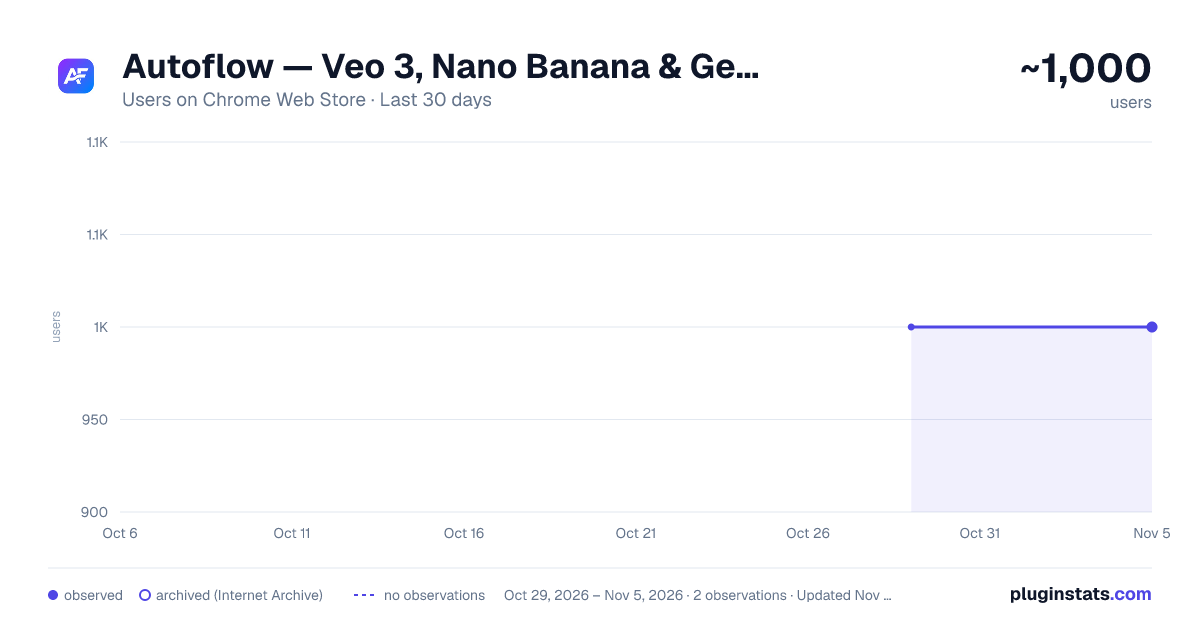
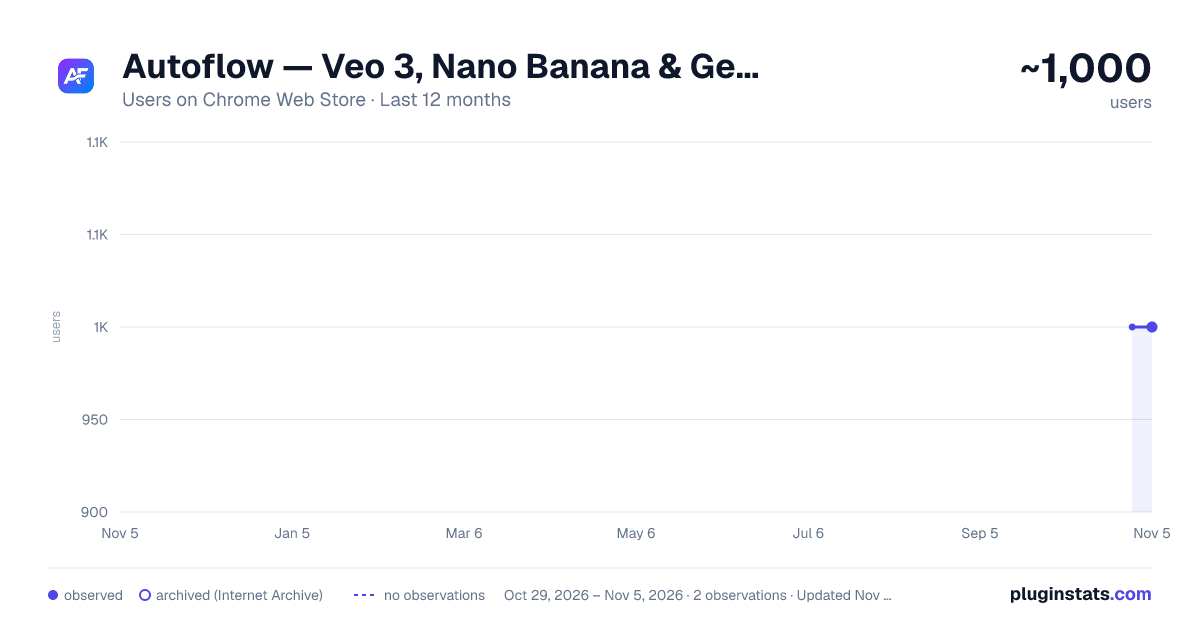
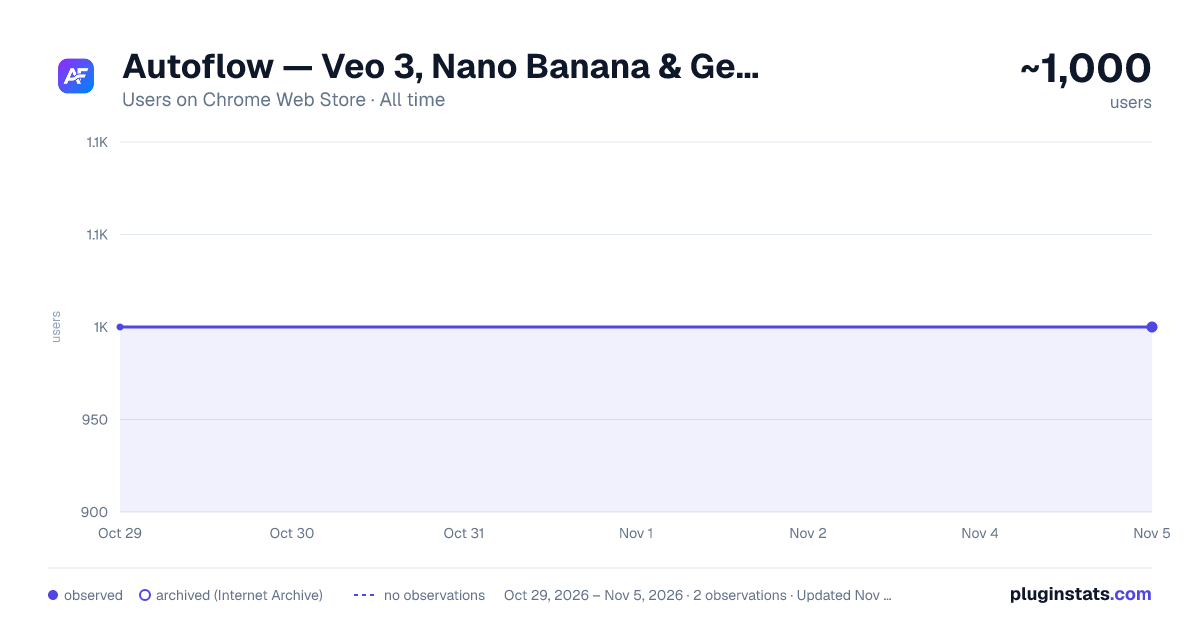
Autoflow — Veo 3, Nano Banana & Gemini has approximately 1,000 recorded users on Chrome Web Store, ranking #1905 of 5,223 tracked listings.
Rating: 4.50 / 5 from 8 ratings
About Autoflow — Veo 3, Nano Banana & Gemini
Batch generate AI videos, images & content on Google Flow with Veo 3, Nano Banana & Gemini Omni. Hands-free auto download.
Autoflow — Veo 3, Nano Banana & Gemini Omni Automation Batch generate AI videos, images, and content on Google Flow (flow.google.com & labs.google) — completely hands-free. Paste your prompts, hit start, and walk away. Autoflow handles everything: queuing, waiting, generating, and downloading.
🎬 WHAT IT DOES Autoflow automates your creative workflow on Google Flow. Instead of manually entering prompts one at a time, you can: • Paste dozens (or hundreds) of prompts at once • Upload prompts from .txt, .csv, or .xlsx files • Store, organize, and reuse prompts in your built-in Prompts Bank • Access daily trending viral video & image prompts delivered straight to your extension • Let Autoflow run the entire queue automatically in the foreground or background • Every finished file downloads automatically to your Downloads folder with clean prompt titles No more babysitting. No more copy-pasting. Just batch it and go.
✨ WHAT'S NEW IN THIS UPDATE (v1.2.0.20) 🚀 Background Execution Mode: Run automations in background tabs without keeping the Google Flow window in focus, so you can work on other tasks while batches generate. 🎯 Deterministic Prompt-Based Filenames: Downloaded videos and images now automatically use clean 3-4 word prompt titles (e.g. A_mysterious_red_fox.mp4) instead of cryptic Google CDN UUIDs, with an optional sequential prefix toggle (001_). ⚡ Overhauled Automation Engine: Humanized curved Bezier CDP mouse movements, natural keystroke timings, and enhanced Angular/ProseMirror input stabilization for rock-solid batching. 🧩 Local MCP Bridge Protocol: Programmatically queue prompts, monitor generation progress, and harvest media locally over a secure WebSocket connection. 🏦 Prompts Bank Enhancements: Improved organization, search, starring, bulk import/export, and 1-click queueing from your personal prompt library. 🔥 Fresh Daily Viral Prompts: Daily trending prompt collections for Veo 3 and Nano Banana delivered straight into your extension. 🌐 Dual Google Flow URL Support: Full native compatibility with both flow.google.com and labs.google/fx/tools/flow. 💬 Official Community: Direct access to our WhatsApp community for daily prompt drops, workflow tips, and updates.
⚡ KEY FEATURES ✅ Batch Prompt Queue — Add unlimited prompts and process them one by one, fully automated. ✅ Background Tab Execution — Automate Google Flow in the background while multitasking. ✅ Clean Output Filenames — Auto-name completed downloads using the first 3-4 words of the prompt instead of raw UUID hashes. ✅ Built-in Prompts Bank — Save, edit, star favorites, bulk import, and export your personal prompt library. ✅ Daily Viral Prompts — Fresh trending prompts delivered daily with 1-click "Save to Bank" and "Send to Queue". ✅ Local MCP Protocol — Connect external automation workflows over local WebSocket to submit batches and monitor progress. ✅ Multi-Model Automation — Automate Veo 3, Nano Banana, Gemini Omni, and Flow Agents. ✅ Smart Wait & Completion Detection — Intelligent detection knows when generation finishes before triggering the next prompt. ✅ Auto-Download Pipeline — Completed videos and images download automatically to your chosen Downloads directory. ✅ File Upload Support — Import bulk prompts directly from .txt, .csv, or .xlsx files with ease. ✅ Custom Folder Organization — Organize your outputs into custom-named project subfolders. ✅ Native Side Panel UI — Modern, responsive interface integrated cleanly into Chrome's side panel without obscuring the canvas. ✅ Diagnostic Logs — Real-time execution logs to track batch progress, tile status, and download completion. ✅ 100% Local Execution — Runs locally in your browser session with direct control over your creative queue.
🚀 HOW TO USE
- Install Autoflow and open https://flow.google.com/ or https://labs.google/fx/tools/flow in Chrome.
- Click the Autoflow icon in your Chrome toolbar to open the side panel.
- Paste your prompts into the queue (one per line), import a file, or pick a trending prompt from the Prompts Bank.
- Select your preferred model (Veo 3, Nano Banana, or Gemini Omni).
- Click Start — Autoflow automates typing, generation, and file saving from start to finish!
- Optional: connect via the local MCP bridge to automate prompts and retrieve assets over a local WebSocket.
🛠️ PERMISSIONS EXPLAINED • tabs — Open and navigate to the Google Flow tab. • storage — Save your prompt queue, settings, and Prompts Bank locally in your browser. • downloads — Automatically download generated videos and images to your device. • debugger — Simulates human-like keyboard and mouse input on Google Flow's rich-text editor for reliable automation. Detached when idle. • sidePanel — Display the Autoflow UI in Chrome's side panel. • activeTab — Interact with the active Google Flow project tab. • host_permissions (flow.google.com & labs.google) — Required to inject the automation driver on Google Flow pages only.
👥 COMMUNITY & SUPPORT Join our official WhatsApp Channel for daily prompt drops, updates, and direct support: 👉 https://whatsapp.com/channel/0029Vb6Zqm1AjPXQN8AHEm0K
Built with ❤️ by inov8ing — AI Tools, Automation & Vibe Coding Visit us: https://autoflow.inov8ing.io Contact: memrrizwan@gmail.com
Description from the Chrome Web Store listing.
README badge
Show your rank in a README or on your website. The badge updates automatically.
Charts
Images: 30d · 1y · all time · 1600×900 dark
Adoption over time
7/30/90-day growth
Ranking history
Ratings over time
Listing placement
Listing placement
Filled points are observed values; hollow points come from Internet Archive snapshots of the listing page. Dashed segments span periods with no observations — values between points are not interpolated.
Each band is one page of 20. Users on a linear scale. Placement is projected from users, so it can differ from the marketplace's own sort order. Hover a dot to see the listing.
Recent observations
Full history (1)Similar Chrome Web Store Tools plugins
All 20 Autoflow — Veo 3, Nano Banana & Gemini alternatives



Data source
Covers every Chrome Web Store extension with at least 100 users, found through the store's public sitemap. User counts are read from public listing pages. The 10% most-used extensions are refreshed daily, the next 40% weekly and the next 40% monthly; the least-used 10% are not refreshed. Google displays rounded user counts (and caps the display at 10,000,000+), so small changes may not be visible. Rating counts above 1,000 are rounded (e.g. 1.6K).
Listing: https://chromewebstore.google.com/detail/autoflow-—-veo-3-nano-ban/eklokclnmljbdijdhnamfcdhfomdmbmg. First seen Oct 29, 2026; last successful collection Oct 29, 2026. See the methodology.