 PluginStats

InboxSort users statistics
By Alex Brecher · Chrome Web Store · Workflow & Planning
Sort your Gmail inbox by date, sender, starred, or unread status. Inline tabs, keyboard shortcuts, stats, and more.
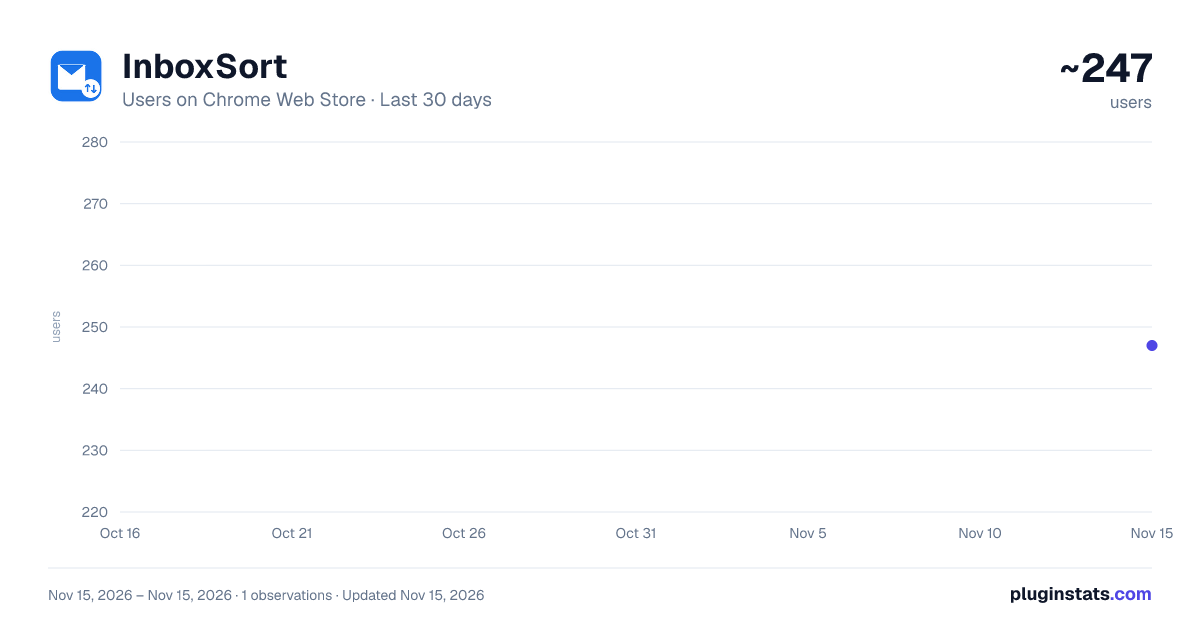
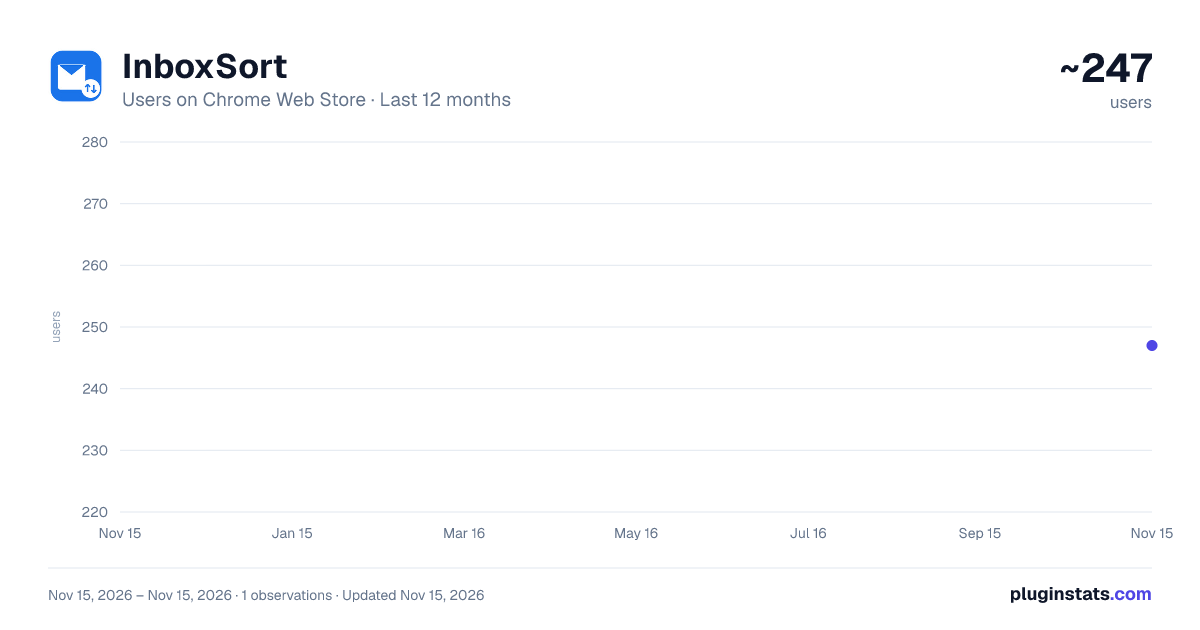
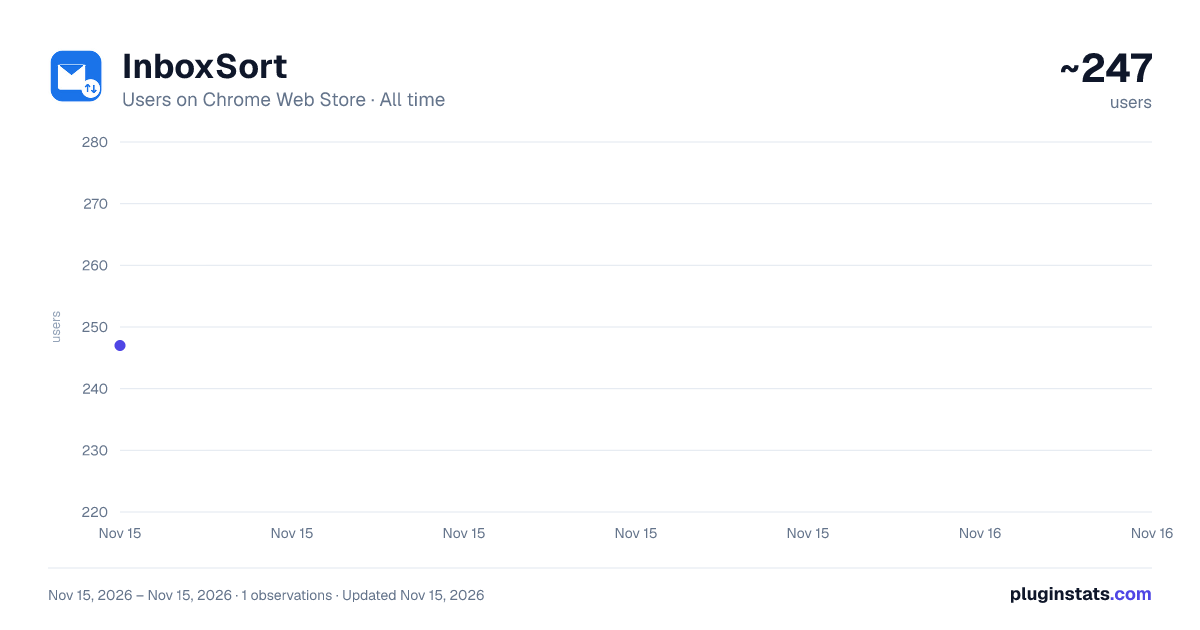
InboxSort has approximately 247 recorded users on Chrome Web Store, ranking #7142 of 10,388 tracked listings.
Rating: 4.50 / 5 from 4 ratings
About InboxSort
Sort your Gmail inbox by date, sender, starred, or unread status. Inline tabs, keyboard shortcuts, stats, and more.
InboxSort: Sort your inbox your way
Sort Gmail by date, sender, starred status, or unread status. InboxSort adds sorting, filters, search, and message counts inside Gmail.
FEATURES:
Sort Modes (6 options): • Oldest First: See your oldest emails at the top • Newest First: Restore Gmail's default order with one click • Sender A to Z: Sort by sender name in alphabetical order • Sender Z to A: Sort by sender name in reverse alphabetical order • Unread First: Put unread messages first • Starred First: Put starred messages first, then sort each group by newest date
Group by Sender: • Cluster messages from the same sender • Use grouping with each sort mode
Quick Filters: • Starred: Show only starred emails • Unread: Show only unread messages • Attachments: Show only emails with attachments • Combine multiple filters at once
Inline Search: • Filter visible emails by sender, subject, or snippet • Real-time match count as you type • One-click clear
Stats Bar: • Live count of total, unread, starred, and attachment emails • Click any stat to toggle it as a filter
Keyboard Shortcuts: • Alt+1 through Alt+5 for the original sort modes • Alt+6 to group messages by sender • Alt+7 to sort starred messages first • Alt+0 to reset to default
Settings: • Auto-sort on page load • Remember sort preference per label • Snooze sorting temporarily (15m, 30m, 1h) • 6 accent colors to match your style • Settings sync across devices via your Google account
WHY INBOXSORT?
• Uses a toolbar that matches Gmail • Uses CSS transforms for fast visual sorting • Keeps your data in your browser and does not use tracking • Works on all Gmail views and labels • Settings sync across all your Chrome browsers • Dark mode support • Fast and responsive
OPEN SOURCE: • Review the source code or report an issue at https://github.com/alex-brecher/InboxSort
PERMISSIONS: • activeTab: Required to read and sort your email list • storage: Required to save and sync your sort preferences
This extension does not collect, transmit, or store any personal data. All processing happens locally in your browser.
Description from the Chrome Web Store listing.
README badge
Show your rank in a README or on your website. The badge updates automatically.
Charts
Images: 30d · 1y · all time · 1600×900 dark
Adoption over time
7/30/90-day growth
Ranking history
Ratings over time
Listing placement
Listing placement
Filled points are observed values; hollow points come from Internet Archive snapshots of the listing page. Dashed segments span periods with no observations — values between points are not interpolated.
Each band is one page of 20. Users on a linear scale. Placement is projected from users, so it can differ from the marketplace's own sort order. Hover a dot to see the listing.
Recent observations
Full history (1)Similar Chrome Web Store Workflow & Planning plugins
All 20 InboxSort alternatives



Data source
Covers every Chrome Web Store extension with at least 100 users, found through the store's public sitemap. User counts are read from public listing pages. The 10% most-used extensions are refreshed daily, the next 40% weekly and the next 40% monthly; the least-used 10% are not refreshed. Google displays rounded user counts (and caps the display at 10,000,000+), so small changes may not be visible. Rating counts above 1,000 are rounded (e.g. 1.6K).
Listing: https://chromewebstore.google.com/detail/inboxsort/mmbbiejiidimjaceddigelomncimdegb. First seen Nov 15, 2026; last successful collection Nov 15, 2026. See the methodology.