 PluginStats

SmartForm - Auto Form Filler users statistics
Chrome Web Store · Workflow & Planning
Automatically save and fill web forms to streamline testing and data entry. Perfect for developers and QA testers.
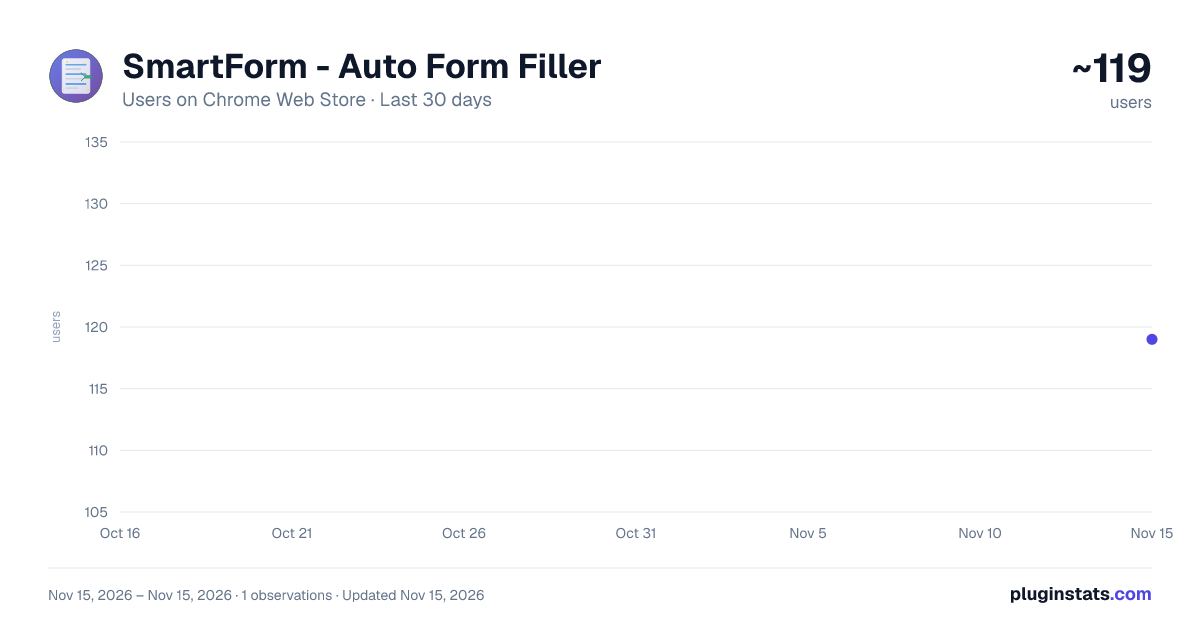
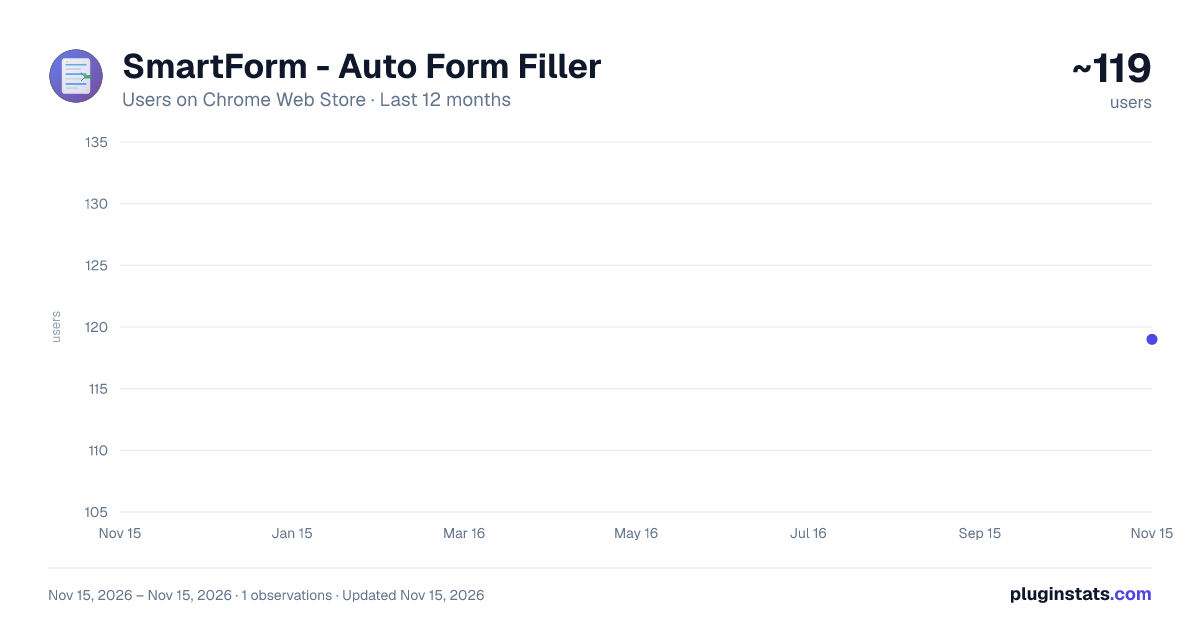
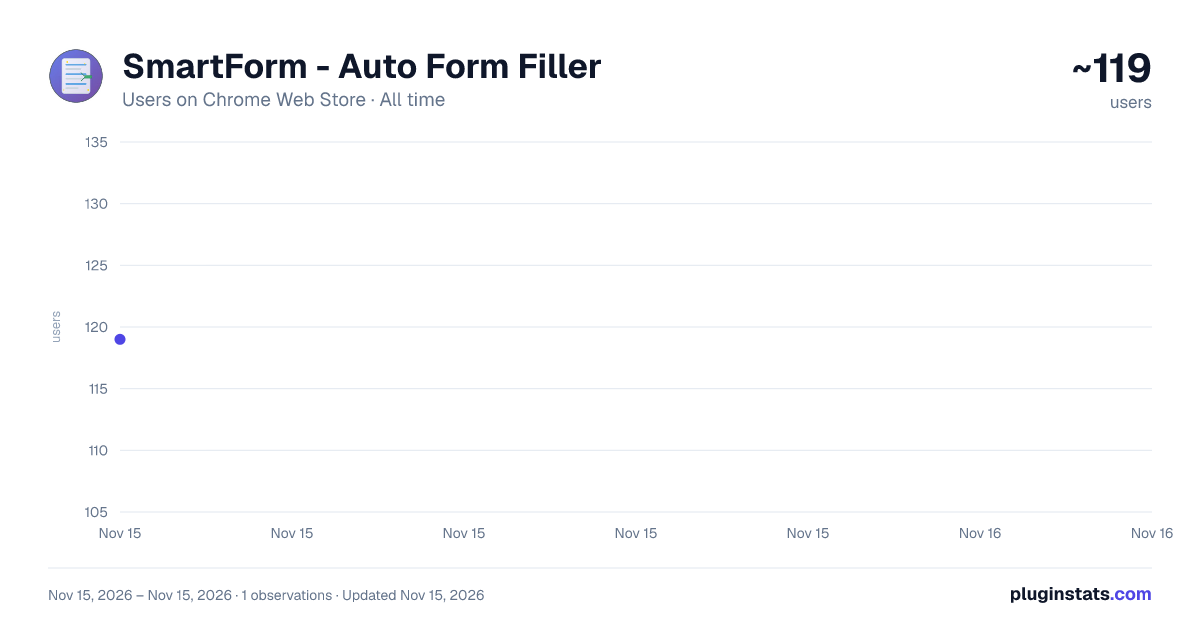
SmartForm - Auto Form Filler has approximately 119 recorded users on Chrome Web Store, ranking #9611 of 10,388 tracked listings.
About SmartForm - Auto Form Filler
Automatically save and fill web forms to streamline testing and data entry. Perfect for developers and QA testers.
🚀 Streamline your web form testing and data entry with SmartForm!
SmartForm is a powerful Chrome extension designed for developers, QA testers, and anyone who frequently fills out web forms. Say goodbye to repetitive form filling and hello to productivity!
✨ KEY FEATURES
🔍 Smart Form Detection • Automatically detects all form elements on any website • Works with modern frameworks (React, Vue, Angular) • Supports complex nested forms and dynamic content
💾 One-Click Save • Save form values instantly with a single click • Create multiple profiles for different test scenarios • Organize profiles by domain and path
⚡ Instant Auto-Fill • Restore saved values to forms in seconds • Intelligent field matching algorithm • Fallback mechanisms for dynamic elements
🎯 Advanced Form Support • Text inputs (all types: text, email, password, number, date, etc.) • Textareas with multi-line content • Select dropdowns (single and multiple) • Radio button groups with proper selection • Checkboxes (individual and groups) • Complex UI components (Element-UI, Material-UI, etc.)
🔒 PRIVACY & SECURITY
• 100% Local Storage - All data stored on your device • No Cloud Sync - No external servers or data transmission • No Tracking - No analytics or user behavior monitoring • Full Control - You decide what to save and when • Easy Cleanup - Delete profiles individually or clear all data
🎯 PERFECT FOR
• Web Developers - Test forms during development • QA Engineers - Automated testing workflows • Data Entry - Repetitive form submissions • E-commerce - Quick checkout testing • Form Testing - Validation and UX testing • Customer Support - Quick form reproduction
💼 USE CASES
- Development Testing
- Test form validation rules
- Check error handling
- Verify form submission flows
- QA Testing
- Regression testing
- Cross-browser testing
- User acceptance testing
- Productivity
- Skip repetitive data entry
- Quick form population
- Multiple test scenarios
🚀 HOW IT WORKS
- Click the SmartForm icon in your toolbar
- Press "Scan Forms" to detect all form elements
- Fill in your test data manually
- Click "Save Current Values" to store the profile
- Use "Auto Fill" anytime to restore the saved values
⚙️ TECHNICAL FEATURES
• Manifest V3 compliant • Service Worker architecture • Robust CSS selector generation • Intelligent fallback mechanisms • Domain-specific profile management • Automatic profile updates
📊 SUPPORTED WEBSITES
• Works on ALL websites • E-commerce platforms • Social media • Government forms • Banking (non-sensitive data only) • Custom web applications • Internal tools and dashboards
🛠️ DEVELOPER FEATURES
• Console debugging tools included • Selector validation utilities • Profile import/export (coming soon) • Keyboard shortcuts (coming soon)
🆓 FREE & OPEN SOURCE
SmartForm is completely free with no premium tiers or hidden costs. We believe in making developer tools accessible to everyone.
📧 SUPPORT
• GitHub: https://github.com/gotoworks510/SmartForm • Report Issues: GitHub Issues page • Feature Requests: Welcome via GitHub
🔄 RECENT UPDATES (v1.0.0)
• Initial release • Smart form detection algorithm • Radio button group handling • Checkbox state management • SELECT element support • Fallback selector mechanisms • Profile update functionality
🌟 WHY SMARTFORM?
• Saves hours of repetitive work • Reduces human error in form testing • Speeds up development workflows • No subscription required • Privacy-focused design • Active development and support
⚡ GET STARTED
Install SmartForm today and transform how you work with web forms. Whether you're testing a single form or managing hundreds of test cases, SmartForm has you covered.
Made with ❤️ by Senna Goto
🏷️ Tags/Keywords
form filler, auto fill, form automation, web testing, QA tools, developer tools, productivity, form saver, test automation, data entry, form manager, testing tools, web forms, automation, efficiency
📊 Category Selection
- Primary: Productivity
- Secondary: Developer Tools
🎯 Target Audience Statement
This extension is designed for web developers, QA engineers, software testers, and professionals who regularly work with web forms. It's particularly useful for those involved in web application testing, form validation, and repetitive data entry tasks.
❓ Frequently Asked Questions (for Store)
Q: Is my data safe? A: Yes! All data is stored locally on your device. We never transmit or access your saved form data.
Q: Does it work on all websites? A: Yes, SmartForm works on any website with HTML forms, including complex modern web applications.
Q: Can I save multiple profiles? A: Yes, you can save different profiles for different websites and testing scenarios.
Q: Is it really free? A: Yes, SmartForm is 100% free with no premium features or subscriptions.
Q: How do I report bugs? A: Please report issues on our GitHub page for the fastest response.
Description from the Chrome Web Store listing.
README badge
Show your rank in a README or on your website. The badge updates automatically.
Charts
Images: 30d · 1y · all time · 1600×900 dark
Adoption over time
7/30/90-day growth
Ranking history
Ratings over time
Listing placement
Listing placement
Filled points are observed values; hollow points come from Internet Archive snapshots of the listing page. Dashed segments span periods with no observations — values between points are not interpolated.
Each band is one page of 20. Users on a linear scale. Placement is projected from users, so it can differ from the marketplace's own sort order. Hover a dot to see the listing.
Recent observations
Full history (1)Similar Chrome Web Store Workflow & Planning plugins
All 20 SmartForm - Auto Form Filler alternatives



Data source
Covers every Chrome Web Store extension with at least 100 users, found through the store's public sitemap. User counts are read from public listing pages. The 10% most-used extensions are refreshed daily, the next 40% weekly and the next 40% monthly; the least-used 10% are not refreshed. Google displays rounded user counts (and caps the display at 10,000,000+), so small changes may not be visible. Rating counts above 1,000 are rounded (e.g. 1.6K).
Listing: https://chromewebstore.google.com/detail/smartform-auto-form-fille/mdnoinkjkfghkeeofjppfgnkeafkghpo. First seen Nov 15, 2026; last successful collection Nov 15, 2026. See the methodology.