 PluginStats

W3copilot users statistics
Chrome Web Store · Workflow & Planning
AI meeting transcription for Meet, Zoom & Teams. No bot. Live transcripts, notes, sync to your account. In-meeting panel + export.
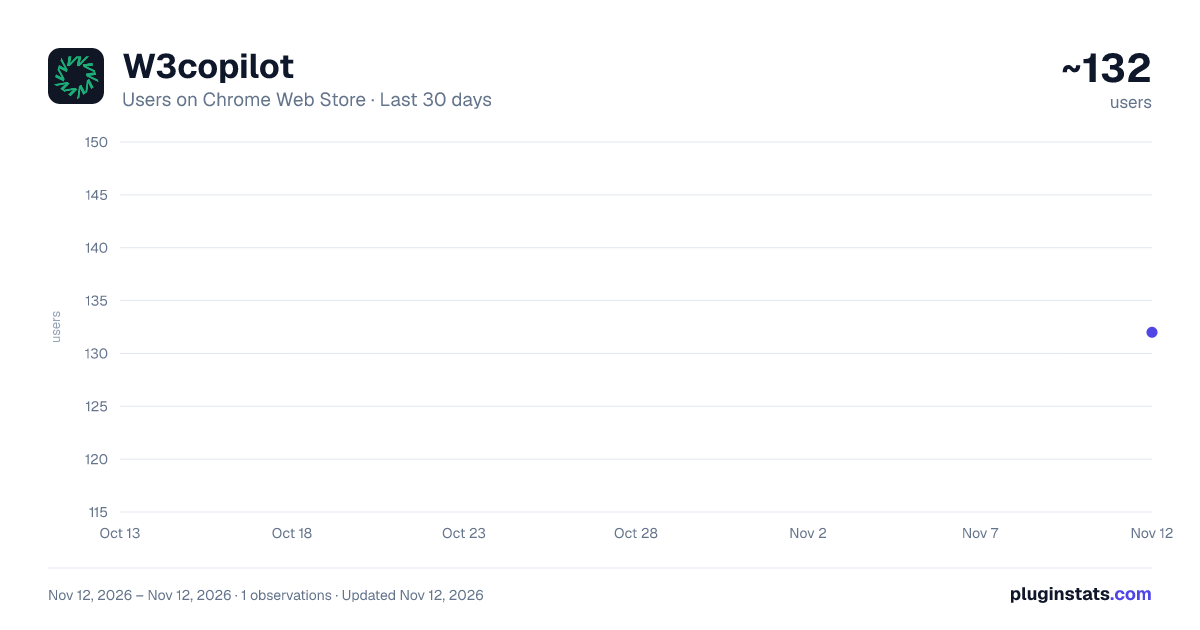
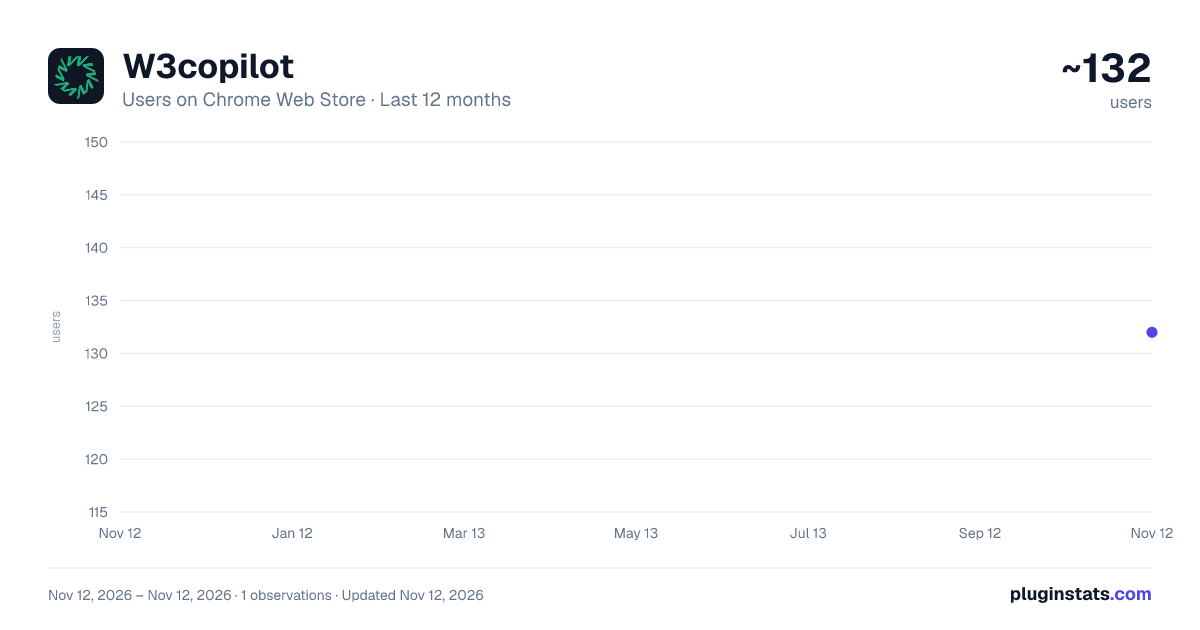
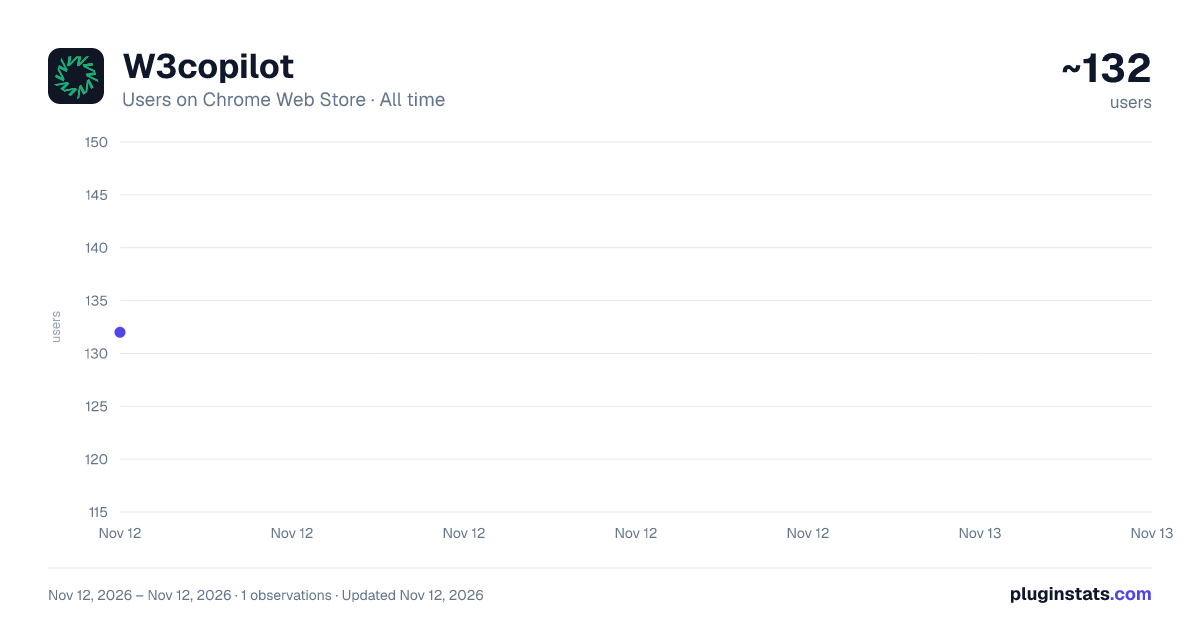
W3copilot has approximately 132 recorded users on Chrome Web Store, ranking #9230 of 10,388 tracked listings.
Rating: 4.90 / 5 from 12 ratings
About W3copilot
AI meeting transcription for Meet, Zoom & Teams. No bot. Live transcripts, notes, sync to your account. In-meeting panel + export.
W3copilot turns your Google Meet, Zoom, and MS Teams (web) meetings into live, searchable transcripts inside Chrome.
What it does
- Captures live speech – As participants talk, their words appear in a transcript panel beside the meeting. Speaker names are shown when the platform provides them (e.g. Google Meet, Zoom).
- Works where you meet – Supports Google Meet, Zoom (browser), and Microsoft Teams (web / LightMeetings). One extension for all three.
- Minimal setup – On Meet and Zoom, the extension enables captions in the background. You don’t have to press CC or change meeting settings. On Teams, you turn on “Live captions” once in the meeting; W3copilot then displays that feed in its panel.
- Sync to your account – Sign in with your W3copilot account (via the extension popup). Transcripts are sent to the cloud so you can open them later on w3copilot.com, get AI summaries, action items, and a single place for all your meeting content.
- Export and copy – Export the full transcript as plain text or JSON, or copy sections from the panel. Useful for sharing with teammates or feeding into other tools.
How to use it
- Install the extension and (optionally) sign in from the popup.
- Join a meeting on Meet, Zoom, or Teams in Chrome.
- Open the W3copilot transcript panel on the side. Transcripts appear as people speak.
- Use the panel controls to export, copy, or rely on synced transcripts in your W3copilot dashboard.
Privacy and data
- Transcripts are processed according to the W3copilot privacy policy. Signing in means data is synced to your account; you can use the extension without signing in for local-only capture and export.
Description from the Chrome Web Store listing.
README badge
Show your rank in a README or on your website. The badge updates automatically.
Charts
Images: 30d · 1y · all time · 1600×900 dark
Adoption over time
7/30/90-day growth
Ranking history
Ratings over time
Listing placement
Listing placement
Filled points are observed values; hollow points come from Internet Archive snapshots of the listing page. Dashed segments span periods with no observations — values between points are not interpolated.
Each band is one page of 20. Users on a linear scale. Placement is projected from users, so it can differ from the marketplace's own sort order. Hover a dot to see the listing.
Recent observations
Full history (1)Similar Chrome Web Store Workflow & Planning plugins
All 20 W3copilot alternatives



Data source
Covers every Chrome Web Store extension with at least 100 users, found through the store's public sitemap. User counts are read from public listing pages. The 10% most-used extensions are refreshed daily, the next 40% weekly and the next 40% monthly; the least-used 10% are not refreshed. Google displays rounded user counts (and caps the display at 10,000,000+), so small changes may not be visible. Rating counts above 1,000 are rounded (e.g. 1.6K).
Listing: https://chromewebstore.google.com/detail/w3copilot/amkdidnaeohimjdpkhpeknflphejkafg. First seen Nov 12, 2026; last successful collection Nov 12, 2026. See the methodology.