 PluginStats
dev-browser weekly downloads statistics
By SawyerHood · npm · Claude Code
Browser automation CLI for coding agents: Puppeteer scripts, named pages, snapshot refs, one warm daemon.
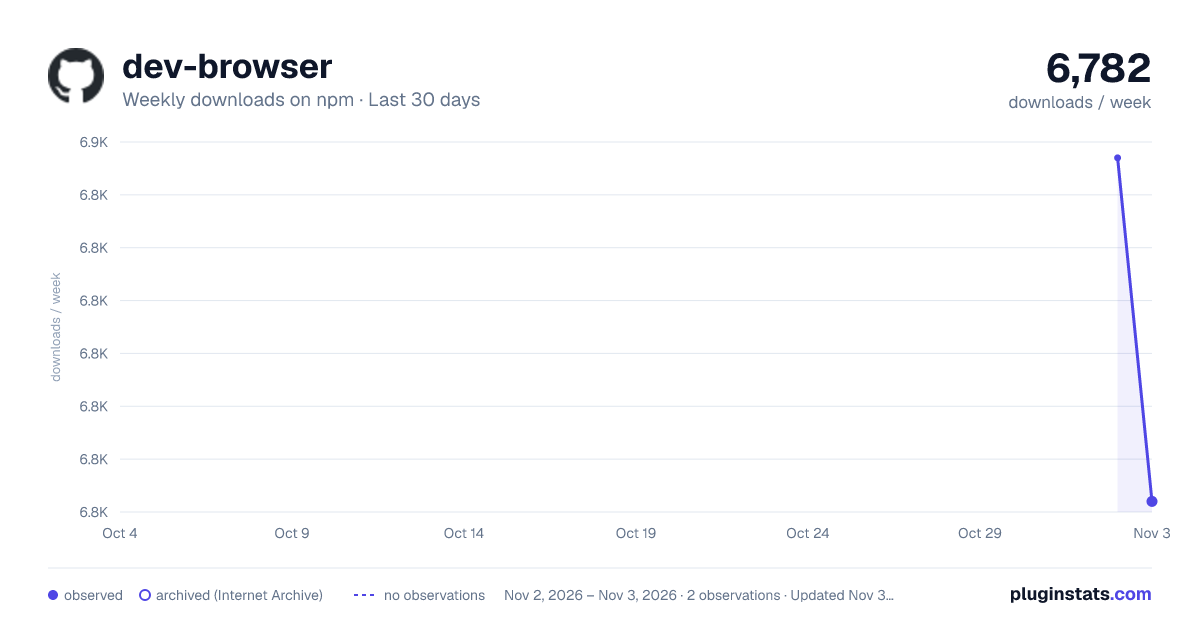
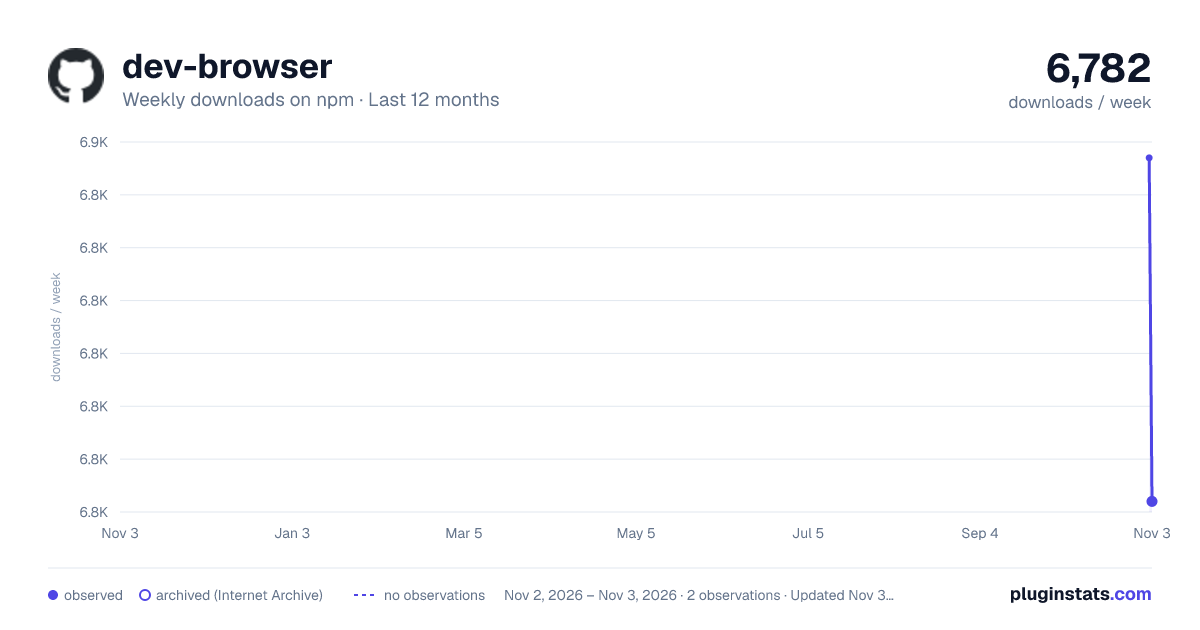
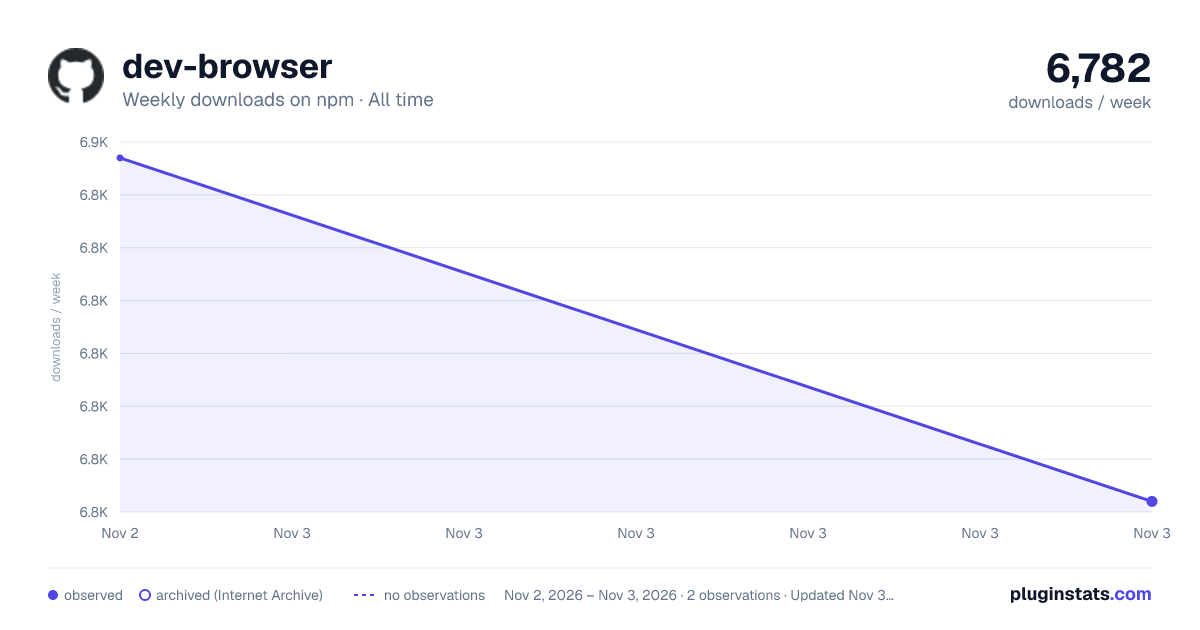
dev-browser has 6,782 recorded weekly downloads on npm, ranking #1280 of 2,855 tracked listings.
About dev-browser
Brought to you by Do Browser.
dev-browser lets coding agents control Chrome with short JavaScript scripts. The browser stays open between calls,
so an agent can navigate once, inspect the page, act, and verify the result without starting over each time.
Key features:
- Persistent pages. Named tabs carry state across scripts.
- Compact snapshots. Accessibility trees give agents readable output and stable element refs.
- Real Puppeteer. Scripts use the Puppeteer Page API plus a small set of agent-focused helpers.
- Launch or attach. Start an isolated Chrome profile or connect to a browser you already have open.
Demo
https://github.com/user-attachments/assets/c6cf7fb9-b1dc-46ed-93b9-6e7240990c53
CLI installation
npm install -g dev-browser
dev-browser install    # only needed if dev-browser cannot find Chrome
The release binary includes Bun and Puppeteer. Node is not required after installation. macOS and glibc Linux are supported; Windows and musl Linux are not yet supported.
Snap-packaged Chromium cannot read the default ~/.dev-browser/v1 directory. On Ubuntu, use dev-browser install
or point DEV_BROWSER_CHROME at another Chrome binary.
If your package manager blocks lifecycle scripts, run npm rebuild -g dev-browser, pnpm approve-builds -g dev-browser, or bun pm -g trust dev-browser. The CLI will also try to download its binary on first use. For a
private mirror, set DEV_BROWSER_DOWNLOAD_BASE; set DEV_BROWSER_SKIP_DOWNLOAD=1 if you install the binary yourself.
Quick start
# Launch a headless browser and run a script
dev-browser --headless <<'EOF'
const page = await browser.getPage("main");
await page.goto("https://example.com");
console.log(await page.title());
EOF

# Attach to Chrome started with `dev-browser chrome`
dev-browser chrome
dev-browser --connect <<'EOF'
console.log(await browser.listPages());
EOF
Chrome 136 and newer ignore remote-debugging flags on the default profile. dev-browser chrome handles this by using
a dedicated profile and checking that Chrome actually started.
Using it with coding agents
Tell the agent to run dev-browser --help. The built-in guide covers the current API and the preferred
look → act → verify workflow.
Agents that discover local skills can install the bundled skill explicitly:
dev-browser install-skill --codex   # ~/.codex/skills/dev-browser/SKILL.md
dev-browser install-skill --claude  # ~/.claude/skills/dev-browser/SKILL.md
dev-browser install-skill --agents  # ~/.agents/skills/dev-browser/SKILL.md
Run dev-browser install-skill without flags to update all three locations.
Idle browser cleanup
Launched browsers close after 30 minutes without a script by default. Change that per command, in the environment, or
in ~/.dev-browser/v1/config.json:
dev-browser --idle-timeout 5m < script.js
DEV_BROWSER_IDLE_TIMEOUT=1h dev-browser -e 'await browser.listPages()'
{
  "idleTimeout": "5m"
}
Durations accept 30s, 5m, 1h, or raw milliseconds. Set the value to 0 to keep a launched browser open until
dev-browser stop. Attached browsers are never closed by idle cleanup. Profiles, cookies, and login state remain on
disk when a launched browser closes.
Add dev-browser to the allow list in .claude/settings.json for one project or ~/.claude/settings.json for every
project:
{
  "permissions": {
    "allow": ["Bash(dev-browser *)"]
  }
}
This allows any matching command without another prompt. Only do this where you trust the scripts being run:
node:vm gives each script fresh globals, but it is not a security sandbox.
/plugin marketplace add sawyerhood/dev-browser
/plugin install dev-browser@sawyerhood/dev-browser
Restart Claude Code after installation.
</details>Script API
Scripts get these globals:
// Browser control
browser.getPage(nameOrId)    // Get/create a named page, or attach by target ID
browser.newPage()            // Create an anonymous page; close it yourself
browser.listPages()          // [{ id, url, title, name }]
browser.closePage(name)      // Close a named page

// File I/O, restricted to ~/.dev-browser/v1/tmp
saveFile(name, data)
readFile(name)

// Output
console.log()
console.warn()
console.error()
Top-level await works, and the last expression becomes the command result. Pages are real Puppeteer Page
objects with a few additions:
await page.snapshot({ interactive: true }) // Accessibility tree with refs such as e12
await page.click("ref/e12")                 // Refs work in Puppeteer selector methods
await page.ref("e12")                       // ElementHandle for a ref
await page.shot()                           // JPEG path and CSS-pixel dimensions
await page.waitForLoad()                    // Wait for navigation, requests, and DOM activity to settle
await page.fill("#email", "me@example.com")
Each command runs in a fresh node:vm context inside the daemon. This keeps script globals separate, but it is not a
security boundary. When a command finishes or times out, its page, locator, browser-context, and registry operations
are closed so detached work cannot interfere with the next command.
Scripts may run concurrently. Browser and page creation are serialized, as are input operations on different tabs through a bring-to-front lock. Two scripts using the same named page can still interleave.
See dev-browser --help for the full API, error behavior, configuration, JSON output, MCP tools, and
examples.…
Description from the npm listing.
- browser
- automation
- puppeteer
- cli
- agent
- claude-code
- codex
README badge
Show your rank in a README or on your website. The badge updates automatically.
Charts
Images: 30d · 1y · all time · 1600×900 dark

Adoption over time
7/30/90-day growth
Ranking history
Listing placement
Listing placement
Filled points are observed values; hollow points come from Internet Archive snapshots of the listing page. Dashed segments span periods with no observations — values between points are not interpolated.
Each band is one page of 20. Weekly downloads on a linear scale. Placement is projected from weekly downloads, so it can differ from the marketplace's own sort order. Hover a dot to see the listing.
Recent observations
Full history (2)Similar npm Claude Code plugins
All 20 dev-browser alternativesData source
Weekly downloads (trailing 7 complete days) come from the official npm downloads API. Downloads include CI and mirrors and are not equivalent to installs or users. npm publishes no ratings.
Listing: https://www.npmjs.com/package/dev-browser. First seen Nov 4, 2026; last successful collection Nov 5, 2026. See the methodology.