 PluginStats
sharp-mcp weekly downloads statistics
By choesumin · npm · MCP servers
MCP server for image session management and processing
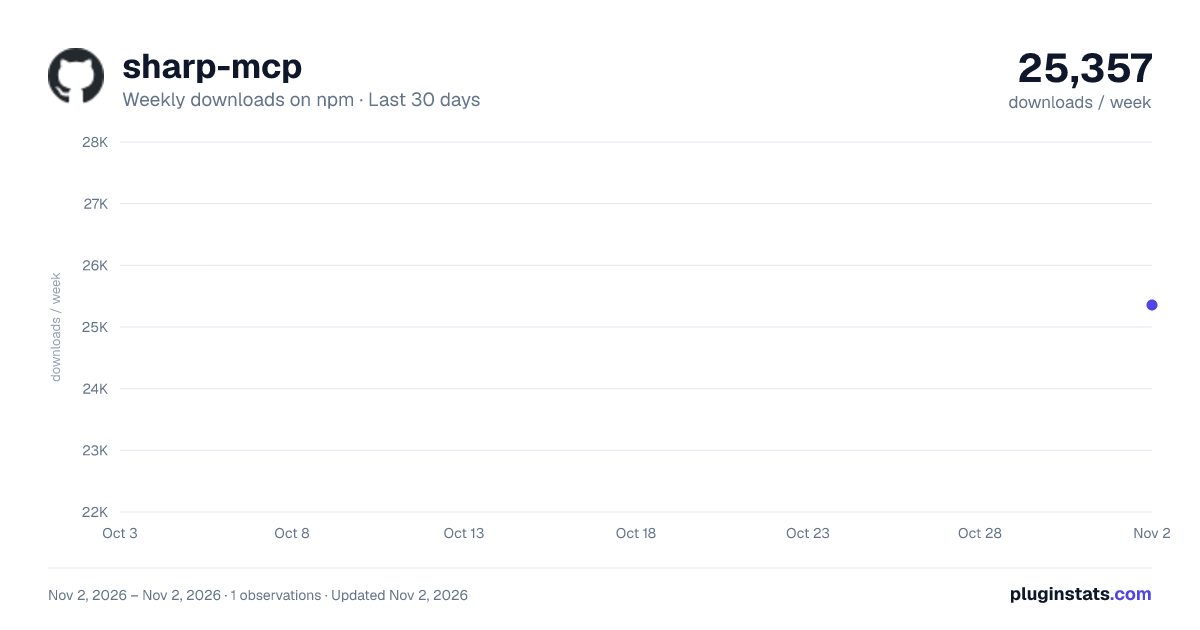
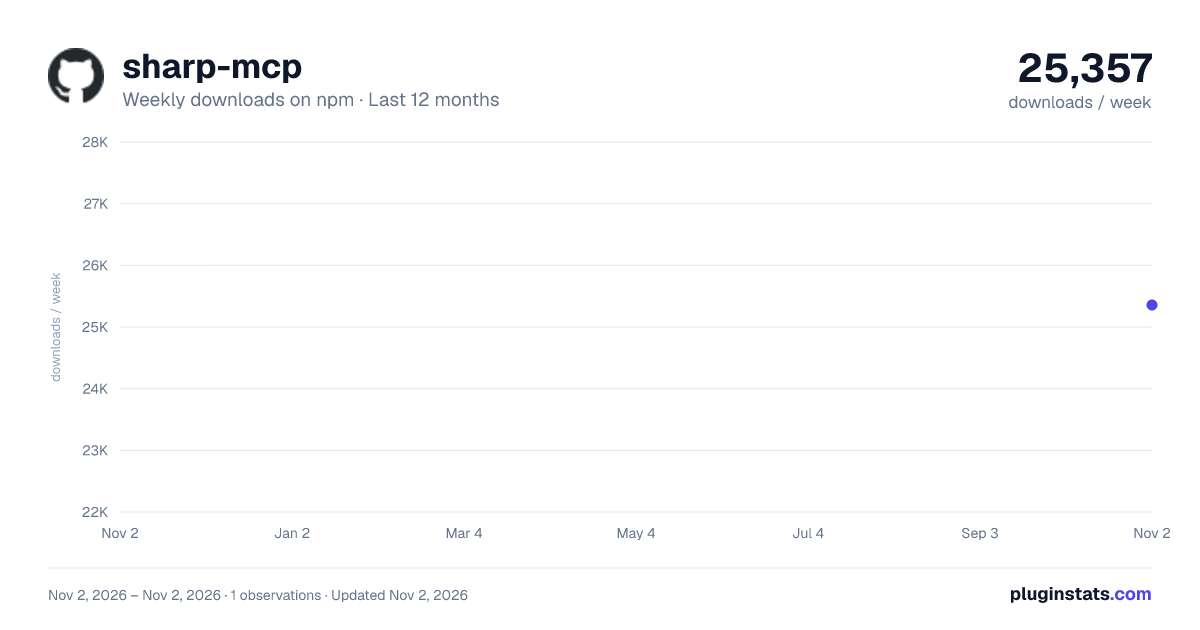
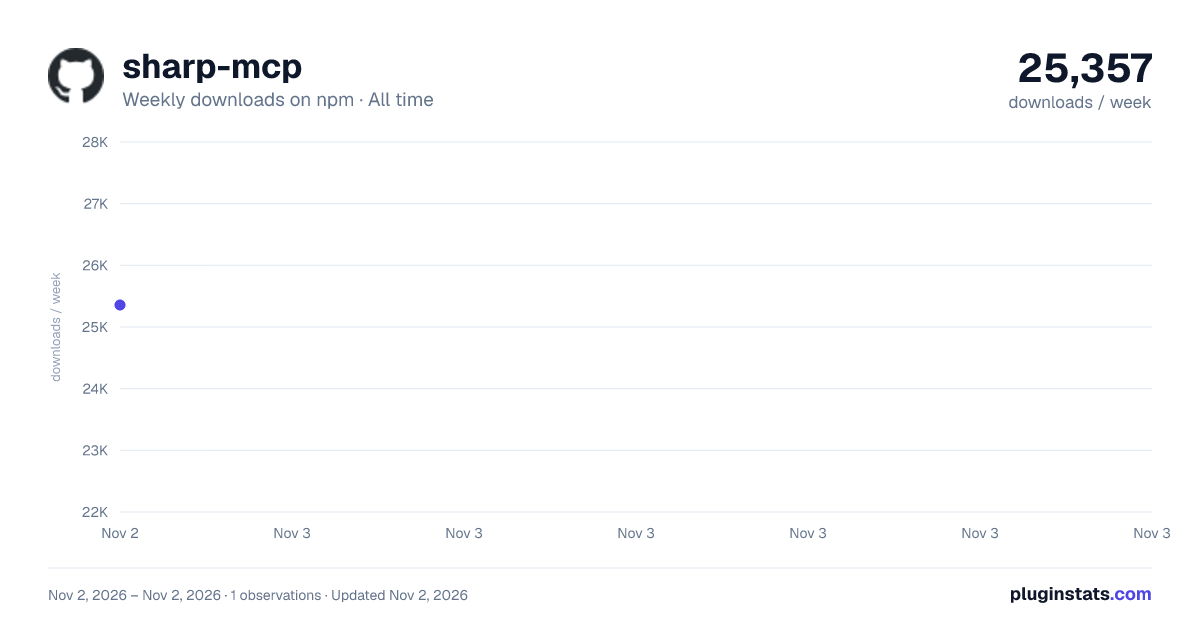
sharp-mcp has 25,357 recorded weekly downloads on npm, ranking #934 of 2,855 tracked listings.
About sharp-mcp
Sharp MCP




MCP (Model Context Protocol) server for image session management and processing. Provides tools for storing images in sessions and extracting image metadata and colors.
Features

- create_session: Store base64 images in memory sessions with unique IDs
- create_session_by_path: Create sessions from image file paths (auto base64 conversion)
- list_session: List all active image sessions
- get_dimensions: Get image dimensions and MIME type
- pick_color: Extract average color from a specified region
- remove_background: Remove background from images using ML-based segmentation
- extract_region: Crop a rectangular region from an image
- compress_image: Compress images with format conversion (JPEG, PNG, WebP)
- Built with TypeScript for type safety
- Uses sharp for high-performance image processing
Installation
NPM
npm install -g sharp-mcp
Smithery
To install Sharp MCP for any client automatically via Smithery:
npx -y @smithery/cli@latest install sharp-mcp --client <CLIENT_NAME>
Available clients: cursor, claude, vscode, windsurf, cline, zed, etc.
MCP Client Integration
Sharp MCP can be integrated with various AI coding assistants and IDEs that support the Model Context Protocol (MCP).
Requirements
- Node.js >= v18.0.0
- An MCP-compatible client (Cursor, Claude Code, VS Code, Windsurf, etc.)
Go to: Settings -> Cursor Settings -> MCP -> Add new global MCP server
Add the following configuration to your ~/.cursor/mcp.json file:
{
  "mcpServers": {
    "sharp": {
      "command": "npx",
      "args": ["-y", "sharp-mcp"]
    }
  }
}
Run this command:
claude mcp add sharp -- npx -y sharp-mcp
Add this to your VS Code MCP config file. See VS Code MCP docs for more info.
"mcp": {
  "servers": {
    "sharp": {
      "type": "stdio",
      "command": "npx",
      "args": ["-y", "sharp-mcp"]
    }
  }
}
Add this to your Windsurf MCP config file:
{
  "mcpServers": {
    "sharp": {
      "command": "npx",
      "args": ["-y", "sharp-mcp"]
    }
  }
}
Open Claude Desktop developer settings and edit your claude_desktop_config.json file:
{
  "mcpServers": {
    "sharp": {
      "command": "npx",
      "args": ["-y", "sharp-mcp"]
    }
  }
}
Available Tools
create_session
Creates a new session with the provided image payload and returns a unique session ID.
Parameters:
image_payload(string, required): Base64 encoded image datadescription(string, optional): Optional description for the image
Returns:
{ "sessionId": "img_abc123xyz" }
Example:
{
  "image_payload": "iVBORw0KGgoAAAANSUhEUgAA...",
  "description": "Screenshot of the homepage"
}
create_session_by_path
Creates a new session by reading an image from the specified absolute file path. Automatically converts the file to base64 and validates that it's a valid image.
Parameters:
path(string, required): Absolute path to the image filedescription(string, optional): Optional description for the image
Returns:
{
  "sessionId": "img_abc123xyz",
  "source_path": "/path/to/image.png",
  "file_size": 46849
}
Example:
{
  "path": "/Users/username/images/screenshot.png",
  "description": "Homepage screenshot"
}
Error Responses:
- Relative path:
Path must be absolute. Received relative path: "./image.png" - File not found:
File not found: "/path/to/image.png" - Invalid image:
Invalid or corrupted image file: "/path/to/file.txt"
list_session
Lists all active sessions with their session IDs, image payloads, and descriptions.
Parameters: None
Returns:
[
  {
    "sessionId": "img_abc123xyz",
    "image_payload": "iVBORw0KGgoAAAANSUhEUgAA...",
    "description": "Screenshot of the homepage"
  }
]
get_dimensions
Gets the dimensions and MIME type of an image stored in a session.
Parameters:
sessionId(string, required): The session ID returned from create_session or create_session_by_path
Returns:
{
  "width": 1920,
  "height": 1080,
  "mimeType": "image/png"
}
Error Response (invalid session):
Invalid or non-existent session ID. Please call create_session first to obtain a valid session ID.
pick_color
Picks the average color from a square region centered at the specified coordinates.
Parameters:
sessionId(string, required): The session ID returned from create_sessionx(number, required): X coordinate of the center pointy(number, required): Y coordinate of the center pointradius(number, optional, default: 5): Radius of the sampling area. The sampling area will be a square of (radius × 2) size.
Returns:
{
  "r": 255,
  "g": 128,
  "b": 64,
  "hex": "#FF8040"
}
Error Response (out of bounds):
Coordinates (2000, 500) exceed image bounds (1920x1080).
```…
Description from the npm listing.
- mcp
- image-processing
- modelcontextprotocol
- sharp
README badge
Show your rank in a README or on your website. The badge updates automatically.
Charts
Images: 30d · 1y · all time · 1600×900 dark

Adoption over time
7/30/90-day growth
Ranking history
Listing placement
Listing placement
Filled points are observed values; hollow points come from Internet Archive snapshots of the listing page. Dashed segments span periods with no observations — values between points are not interpolated.
Each band is one page of 20. Weekly downloads on a linear scale. Placement is projected from weekly downloads, so it can differ from the marketplace's own sort order. Hover a dot to see the listing.
Recent observations
Full history (1)Similar npm MCP servers plugins
All 20 sharp-mcp alternativesData source
Weekly downloads (trailing 7 complete days) come from the official npm downloads API. Downloads include CI and mirrors and are not equivalent to installs or users. npm publishes no ratings.
Listing: https://www.npmjs.com/package/sharp-mcp. First seen Nov 4, 2026; last successful collection Nov 4, 2026. See the methodology.