 PluginStats
@unleash/mcp weekly downloads statistics
By unleash · npm · MCP servers
MCP server for managing Unleash feature flags
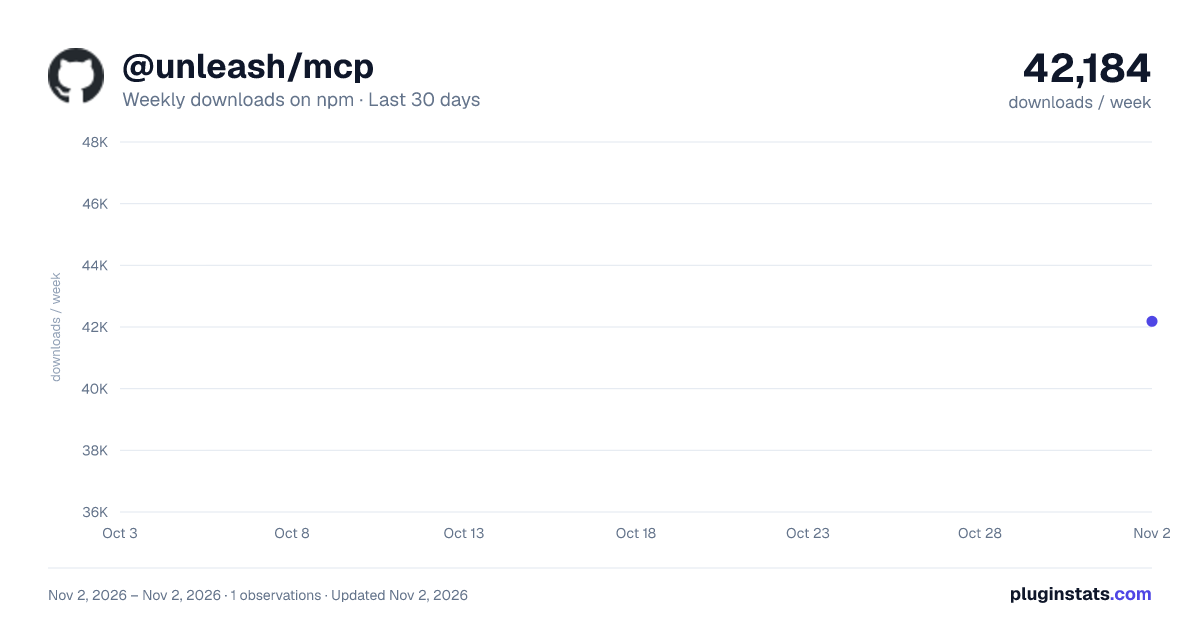
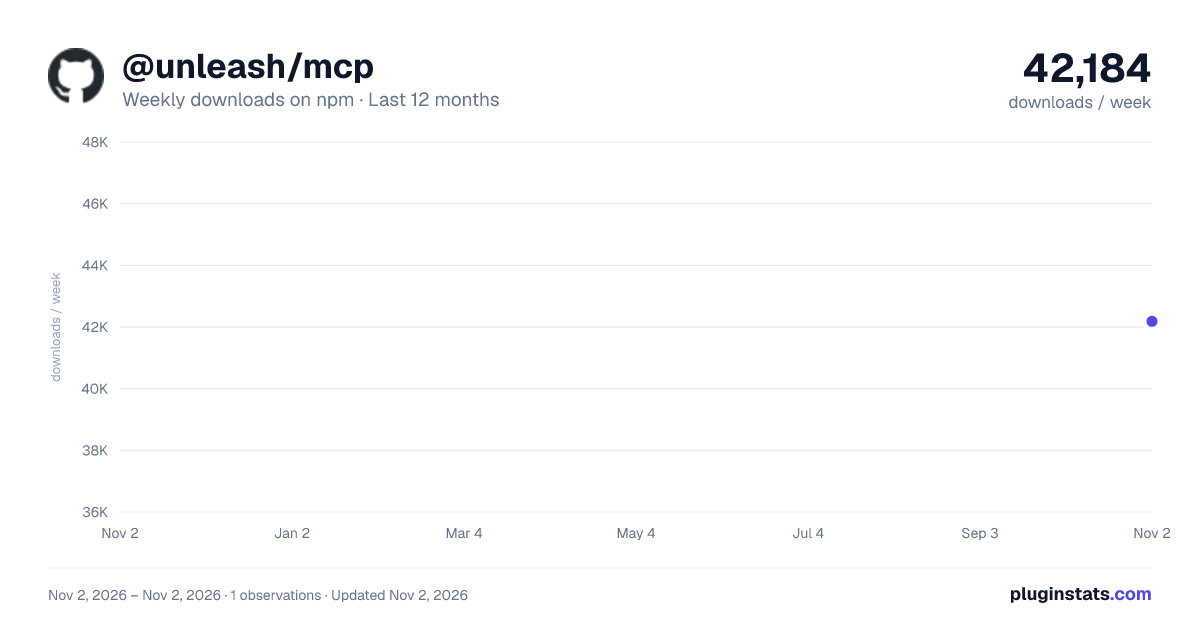
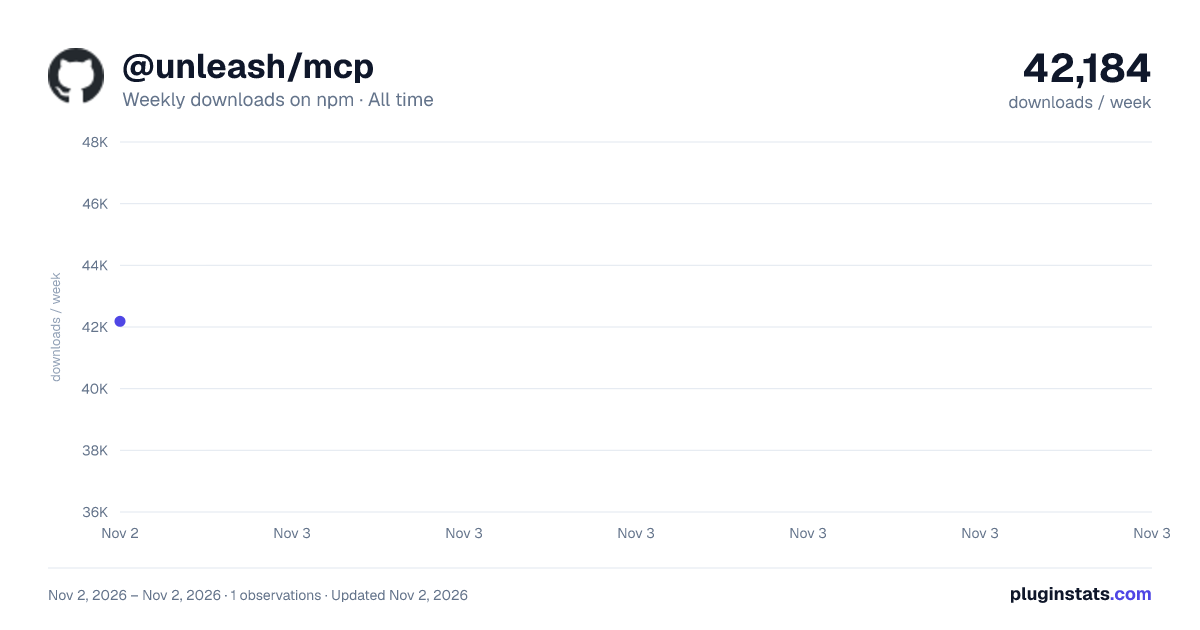
@unleash/mcp has 42,184 recorded weekly downloads on npm, ranking #805 of 2,819 tracked listings.
About @unleash/mcp
Unleash MCP Server
A purpose-driven Model Context Protocol (MCP) server for managing Unleash feature flags. This server enables LLM-powered coding assistants to create and manage feature flags following Unleash best practices.
To share feedback, join our community Slack or open an issue on GitHub.
Overview
This MCP server provides tools that integrate with the Unleash Admin API, allowing AI coding assistants to:
- Create feature flags with proper validation and typing.
- Detect existing flags to prevent duplicates or encourage reuse.
- Evaluate changes to decide when a feature flag is needed.
- Stream progress for visibility during operations.
- Handle errors gracefully with helpful hints.
- Report problems with the MCP to Unleash through
send_feedback, only after the user opts in. - Follow best practices from the Unleash documentation.
Available tools
The MCP server exposes the following tools:
create_flag: Creates a feature flag in Unleash.evaluate_change: Scores risk and recommends feature flag usage.detect_flag: Discovers existing feature flags to avoid duplicates.wrap_change: Provides guidance on how to wrap a change in a feature flag.set_flag_rollout: Sets who gets a feature flag in each environment: rollout percentage, segments, constraints, and whether the environment is on.create_targeting: Creates the context fields and segments thatset_flag_rollouttargets, in a project or for every project.get_flag_state: Surfaces a feature flag's metadata and its activation strategies.get_flag_history: Returns a feature flag's recent changes from the event log, each as a diff of what changed, who changed it, when, and in which environment.evaluate_flag: Evaluates a single feature flag against an Unleash context (for example a user ID and custom properties) in an environment, and explains which strategies matched.list_flags: Lists all feature flags in a project, with optional pagination and sort order.search_flags: Searches active feature flags in all projects by part of their name or description, or finds one flag and its project by its full name.list_projects: Lists Unleash projects available to the configured token, with optional pagination.toggle_flag_environment: Enables or disables a feature flag in an environment.remove_flag_strategy: Deletes a feature flag's strategy from an environment.update_flag_lifecycle: Completes, uncompletes, archives, or revives a feature flag, or marks it as stale.update_project_settings: Sets a project's default stickiness (Enterprise only) and the default strategy of each environment, and adds existing environments to the project.cleanup_flag: Generates instructions for safely removing flagged code paths.send_feedback: Reports a failed tool call, an unsupported request, or an unexpected result to Unleash so the MCP can be improved. Requires the user's consent. Not listed when consent is denied up front throughUNLEASH_MCP_SEND_FEEDBACK=falseor thefeedbackConsentserver option.
Core workflow
The core workflow for an AI assistant is designed to be:
evaluate_change: First, assess a code change to see if a flag is needed.detect_flag: This is often called automatically byevaluate_changeto prevent creating duplicate flags.create_flag: If a new flag is required, this tool creates it in Unleash.wrap_change: Finally, this tool provides the language-specific code to implement the new flag.
See more information on the core workflow tools in the Tool reference section.
Prerequisites
Before you can run the server, you need the following:
- Node.js 22 or higher
- pnpm package manager or npm
- An Unleash instance (hosted or self-hosted)
- A personal access token with permissions to create feature flags
Get started
This section covers the different ways to install and run the Unleash MCP server. You can either follow a setup for agents (such as Claude Code and Codex), run the MCP as a standalone process using npx, or use a local development setup.
Agent setup
You can add the MCP server directly to Claude Code or Codex. Agent configurations are path-specific. You must run the following command from the root directory of the project where you want to use the MCP.
For Claude Code:
claude mcp add unleash \
    --env UNLEASH_BASE_URL={{your-instance-url}} \
    --env UNLEASH_PAT={{your-personal-access-token}} \
    -- npx -y @unleash/mcp@latest --log-level error
For Codex:
codex mcp add unleash \
    --env UNLEASH_BASE_URL={{your-instance-url}} \
    --env UNLEASH_PAT={{your-personal-access-token}} \
    -- npx -y @unleash/mcp@latest --log-level error
Remote agent setup (experimental)
Instead of running the MCP server locally, you can connect directly to your Unleash instance's built-in remote MCP server over HTTP. This uses the Streamable HTTP transport — no local process needed.
Note: Remote MCP is an experimental feature that must be enabled on your Unleash instance. Contact the Unleash team to get it enabled.
OAuth
The OAuth flow opens your browser, lets you log in to Unleash, and automatically provisions a short-lived PAT. No manual token management required.
For Claude Code:…
Description from the npm listing.
- mcp
- unleash
- feature-flags
README badge
Show your rank in a README or on your website. The badge updates automatically.
Charts
Images: 30d · 1y · all time · 1600×900 dark

Adoption over time
7/30/90-day growth
Ranking history
Listing placement
Listing placement
Filled points are observed values; hollow points come from Internet Archive snapshots of the listing page. Dashed segments span periods with no observations — values between points are not interpolated.
Each band is one page of 20. Weekly downloads on a linear scale. Placement is projected from weekly downloads, so it can differ from the marketplace's own sort order. Hover a dot to see the listing.
Recent observations
Full history (1)Similar npm MCP servers plugins
All 20 @unleash/mcp alternativesData source
Weekly downloads (trailing 7 complete days) come from the official npm downloads API. Downloads include CI and mirrors and are not equivalent to installs or users. npm publishes no ratings.
Listing: https://www.npmjs.com/package/@unleash/mcp. First seen Nov 4, 2026; last successful collection Nov 4, 2026. See the methodology.