 PluginStats
@datadog/pi-plugin weekly downloads statistics
By datadog (11 listings) · npm · MCP servers
Use Datadog directly in the Pi coding agent through a preconfigured Datadog MCP server. Query logs, metrics, traces, dashboards, and more through natural conversation.
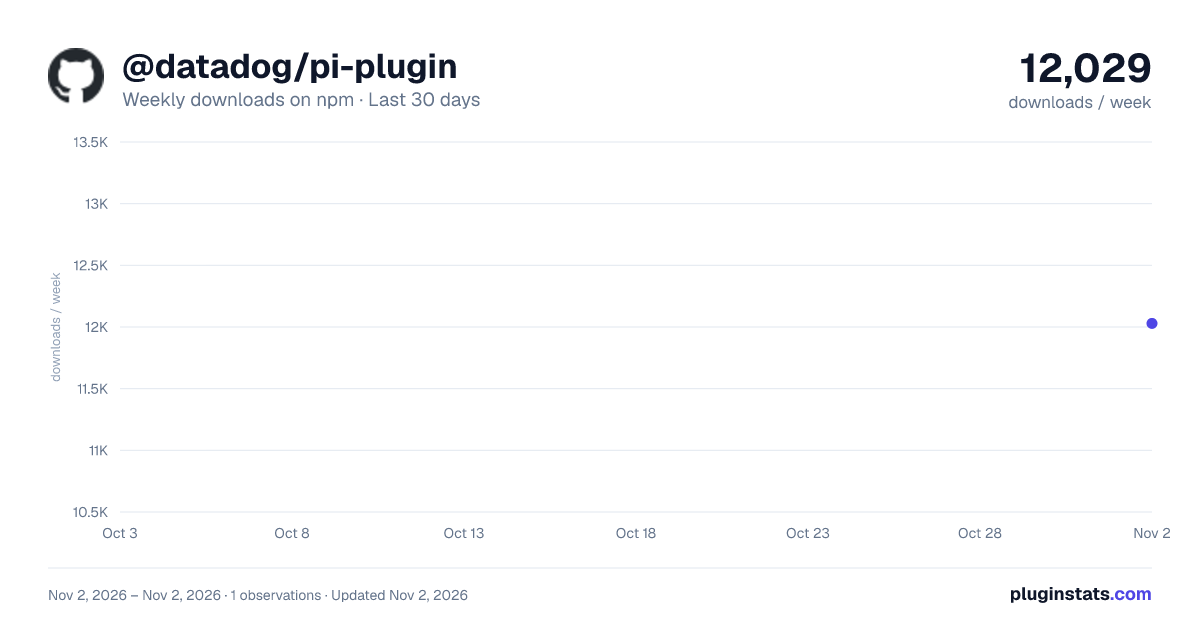
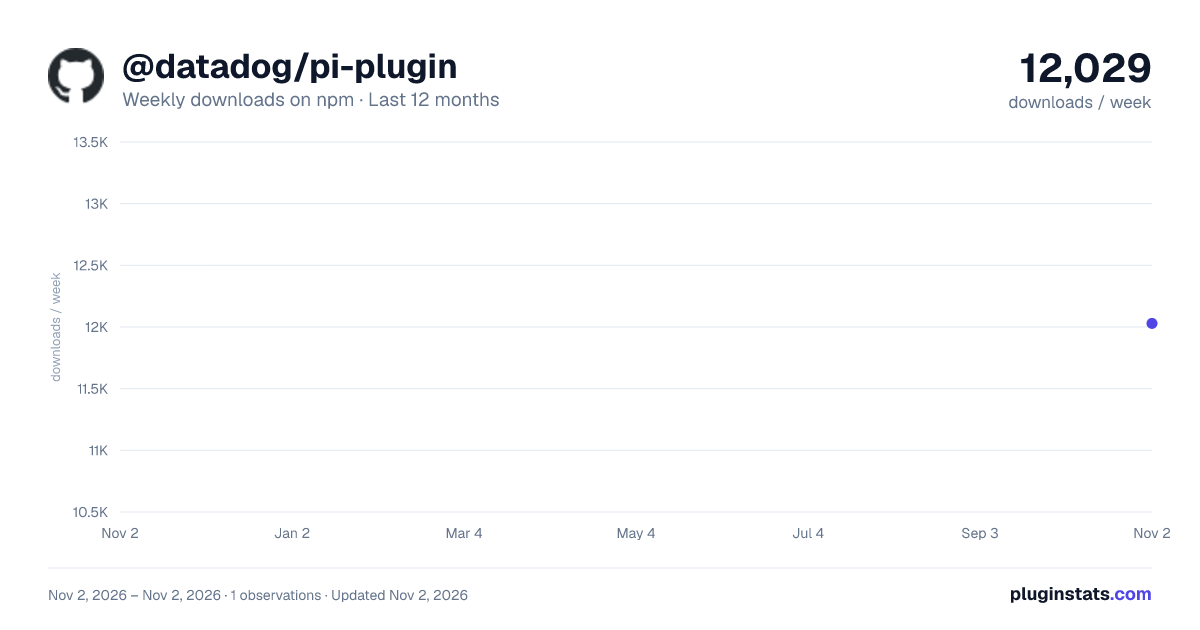
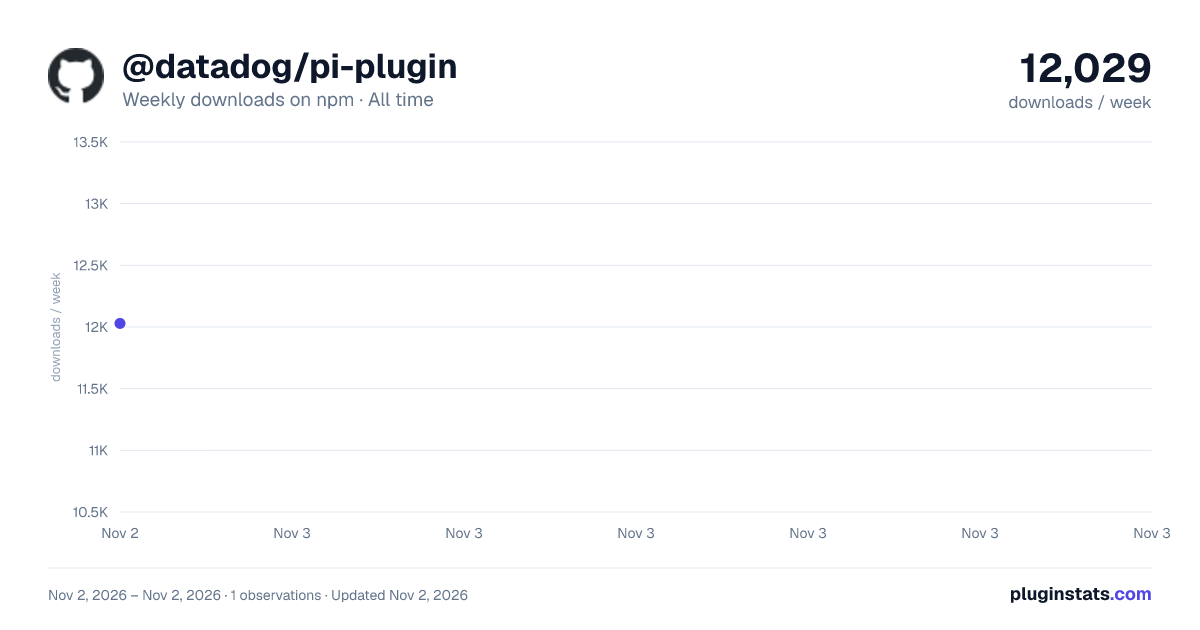
@datadog/pi-plugin has 12,029 recorded weekly downloads on npm, ranking #1136 of 2,819 tracked listings.
About @datadog/pi-plugin
Datadog Pi Plugin
Query Datadog from the Pi coding agent. Ask about logs, metrics, traces, dashboards, monitors, and more.
Getting started
Install the plugin, restart Pi, and open the connection screen:
pi install npm:@datadog/pi-plugin
/datadog
Choose your Datadog site and complete browser sign-in. Pi verifies the organization and saves the connection. There's no profile name or default-setting step: your first connection becomes the default automatically.
Then ask a Datadog question:
Show me error logs for the checkout service from the last hour.
Credentials are reused across projects, and tokens refresh silently. Ordinary queries never launch browser sign-in. If authorization expires or is revoked, open /datadog and choose Sign in again.
One organization or several
With one saved connection, /datadog shows a simple connection menu. You don't need to manage profiles.
Choose Connect another organization to add another org, including one on the same Datadog site. Existing credentials and your default connection are preserved. Once you have multiple connections, /datadog shows a searchable organization picker:
- Type to search by organization, label, or domain.
- Use the arrow keys and Enter to switch this session's connection.
- Press Tab for connection details: toolsets, an optional label, defaults, sign-in, sign-out, or removal.
- Press Escape to close the screen without switching.
The connection picker marks the current organization, and tool results record their originating organization. Switching closes the interactive visualization panel; transcript screenshots remain associated with the old organization.
A switch applies to the current Pi session, not other running sessions. Resuming or branching a session restores its selection. Use by default for new sessions changes the global default; Use for this project writes a project selection instead. Neither retargets existing sessions. If a selected connection is removed or its configuration is invalid, the plugin stops rather than silently choosing another organization.
Switching doesn't erase earlier results from the conversation. Use separate Pi sessions if you don't want results from different organizations in the same model context.
Toolsets and diagnostics
Use /datadog toolsets, or the connection screen, to configure toolsets for the selected organization. The existing searchable picker supports server defaults, all generally available toolsets, and explicitly selected preview toolsets.
The agent has three tools:
datadogdiscovers and invokes MCP tools for the selected organization.ddconfigreports saved connection state; itscheckaction probes the server without starting interactive sign-in, and itsswitchaction moves the session to another saved connection, so the agent can compare orgs in one prompt.ddtoolsetsmanages toolsets for the selected connection.
Prompts also carry the Datadog MCP Server's instructions for the selected organization, such as skill and access guidance. Pi connects at the start of a prompt to read them and leaves them out if the server can't be reached within a few seconds.
/datadog setup and /datadog configure without arguments open the same connection screen for compatibility. Their old site/scope arguments and the separate ddsetup tool have been removed. Sign-in and adding organizations are user-controlled through /datadog; the agent can only switch between connections you've already saved.
Visualization panel (macOS)
Datadog charts use ddviz automatically in Pi's interactive terminal on macOS 13+ with Xcode Command Line Tools and Swift 5.7+. No opt-in environment variable is needed. Other platforms and machines missing these prerequisites keep ordinary text results without warnings.
Toolchain checks run only on the first chart-producing response or an explicit /datadog ddviz request, never at startup. Their result is shared for the session; restart Pi after fixing prerequisites. Text-only responses, tool errors, and non-interactive modes do not trigger these checks or start the panel.
After generating a Datadog chart, press Shift+Right Arrow (Shift+→) in Pi's editor to show the interactive panel. This works in Apple Terminal.app without extra keyboard configuration and does not conflict with Pi's default bindings.
When the panel has focus, press Escape or Cmd+W to close it. Shift+Right Arrow is not intercepted there, so text selection in the panel remains available.
Run /datadog ddviz on any platform to check local visualization support and server connectivity:
- Machine prerequisites — macOS, Xcode Command Line Tools, Swift
- Installation — the plugin's bundled files
- Terminal — inline-image protocol support
- Runtime — whether the visualization panel's processes are running
- Connectivity — reachability of the selected Datadog organization
Each failing check explains what to do about it. The command is read-only: it never starts the panel, changes the organization, signs in, or changes server-side rollout controls. Connectivity does not establish whether the server will return a chart; text-only responses use ordinary rendering. Not running is the normal steady state; the runtime starts on the first supported chart-producing tool call.
Why Shift+Right Arrow?
The shortcut must work in Apple Terminal.app without extra configuration and avoid conflicts with Pi's default bindings, including those used only in pickers. Shift+Right Arrow meets both requirements: shifted arrows have distinct legacy terminal sequences, unlike Ctrl+Shift+letter combinations. Pi's editor does not use it for text selection, and the hint displays Shift+→ to make the arrow key unambiguous. User-defined keybindings or other extensions can still introduce conflicts.
Alternatives tried or evaluated:…
Description from the npm listing.
- datadog
- infrastructure
- mcp
- observability
- productivity
- pi
- pi-package
README badge
Show your rank in a README or on your website. The badge updates automatically.
Charts
Images: 30d · 1y · all time · 1600×900 dark

Adoption over time
7/30/90-day growth
Ranking history
Listing placement
Listing placement
Filled points are observed values; hollow points come from Internet Archive snapshots of the listing page. Dashed segments span periods with no observations — values between points are not interpolated.
Each band is one page of 20. Weekly downloads on a linear scale. Placement is projected from weekly downloads, so it can differ from the marketplace's own sort order. Hover a dot to see the listing.
Recent observations
Full history (1)Similar npm MCP servers plugins
All 20 @datadog/pi-plugin alternativesData source
Weekly downloads (trailing 7 complete days) come from the official npm downloads API. Downloads include CI and mirrors and are not equivalent to installs or users. npm publishes no ratings.
Listing: https://www.npmjs.com/package/@datadog/pi-plugin. First seen Nov 4, 2026; last successful collection Nov 4, 2026. See the methodology.