 PluginStats
@fooxe/dsh-memory weekly downloads statistics
By fooxe · npm · Claude Code
Hierarchical Claude Code-style persistent memory for DeepSeek Harness: user + project (git-shared) scopes, session-start auto-injection, MEMORY.md index guards. Pure files, zero dependencies.
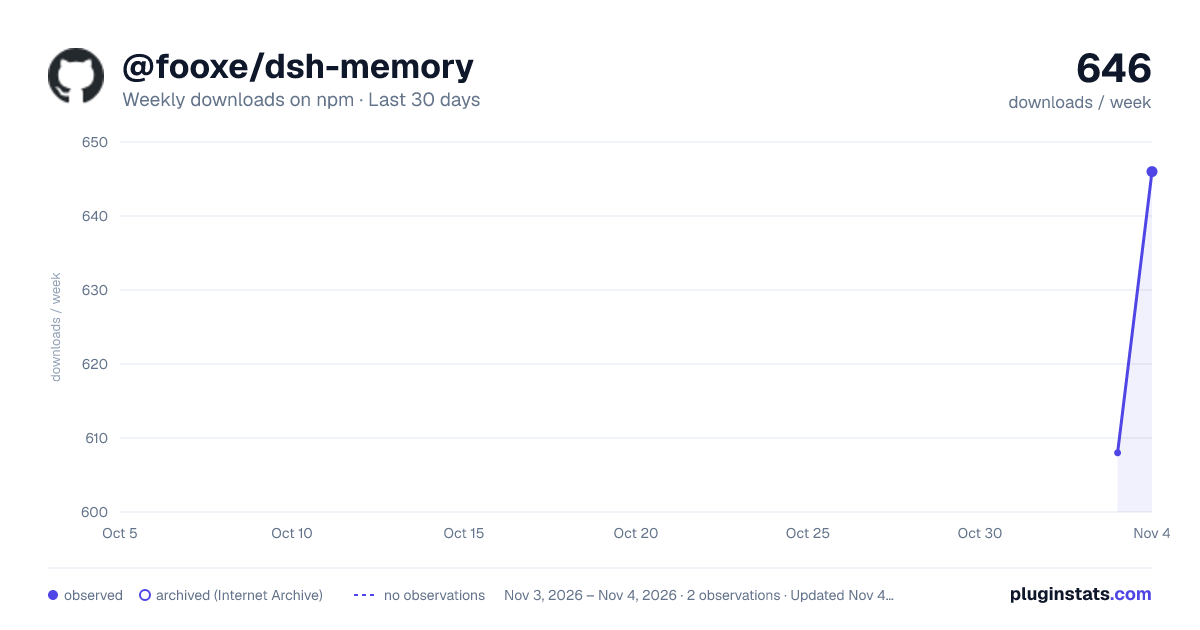
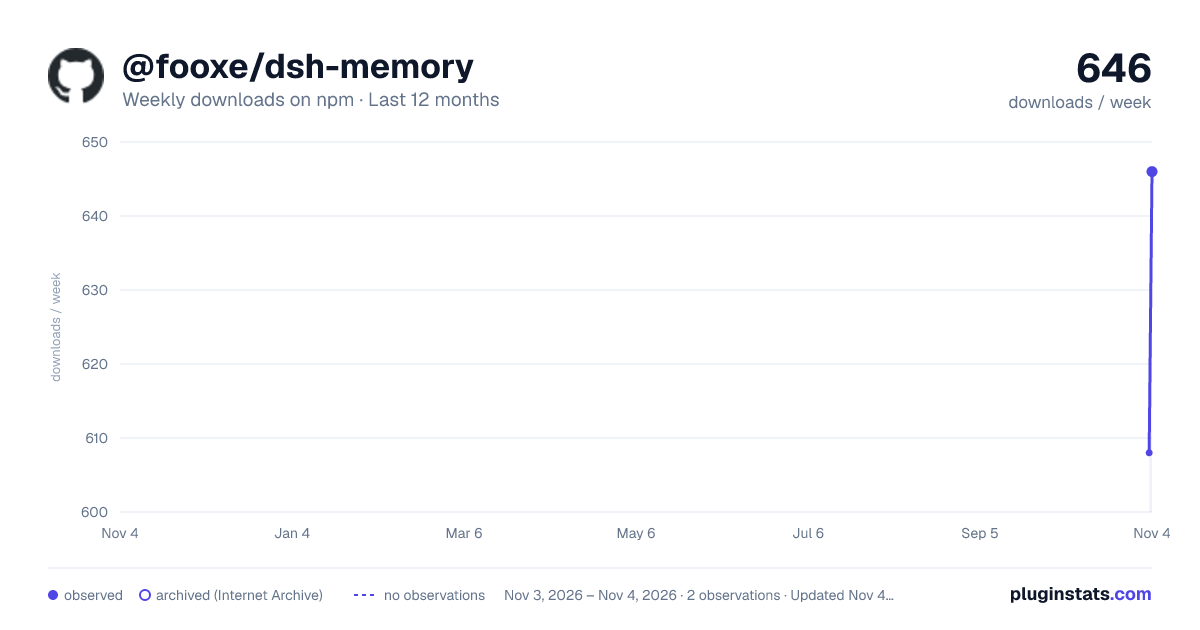
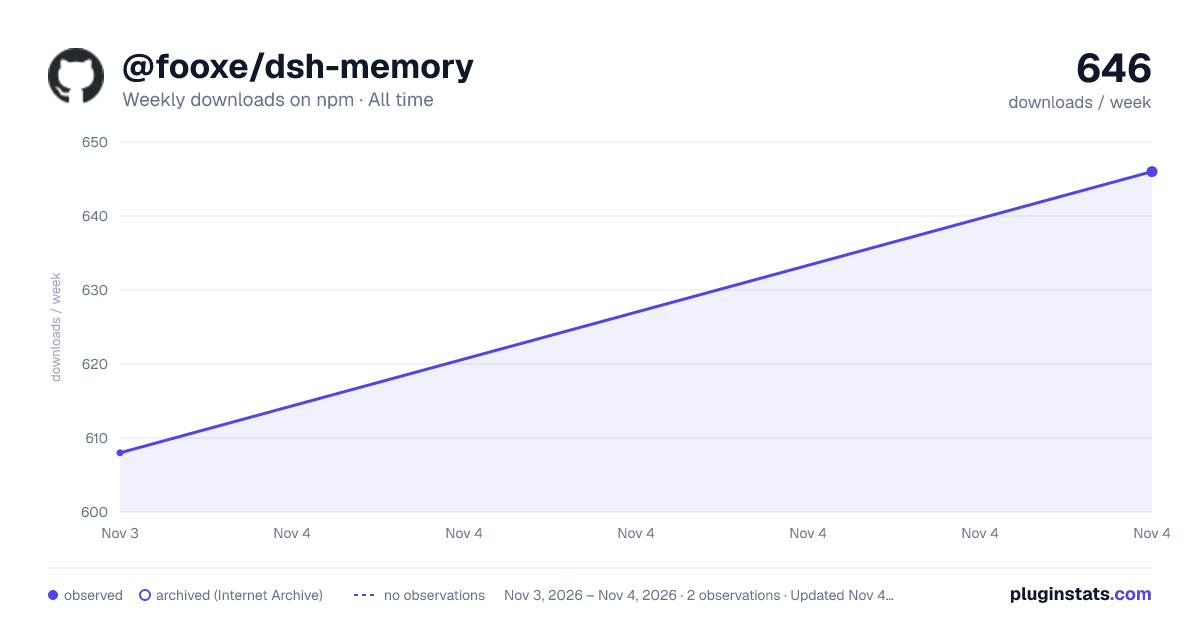
@fooxe/dsh-memory has 608 recorded weekly downloads on npm, ranking #1713 of 2,855 tracked listings.
About @fooxe/dsh-memory
dsh-memory


English | 中文版
English
Persistent memory for DeepSeek Harness — the Claude Code memory model: your agents remember across sessions, wake up with context, and never mix projects. Pure files, zero dependencies.
What it does
Your DSH agent meets you for the "first time" — every single session. With dsh-memory, it remembers.
Session 1   You: "Remember — this project uses pnpm, not npm."
            Agent: saved via memory_save

Session 2   You: "Which package manager do we use?"
            Agent: "pnpm — you told me yesterday."   <- no re-asking, ever
No server, no account, no embedding provider. Just plain markdown files — delete the directory and that scope forgets everything.
Highlights
🖥️ A visual memory manager, not a markdown dump
Settings → Memory opens a full manager: every memory from both scopes in one searchable list, workspaces as an expandable tree (nested sub-project scopes discovered automatically), sub-folder grouping, and live guard gauges (index lines / KB / file count). Add, rewrite, tag, or delete any memory right in the panel — through the exact same guarded pipeline as the agent's own tool calls, so what you fix in the UI is precisely what the model sees next session.
👆 Touch activation — CLAUDE.md semantics (v0.13)
Project memories carry sub-directory tags. A tag injects when the session's working directory sits inside it — or the moment the session touches it: one read/edit/write/grep/glob/bash/pwsh call into frontend/src activates [frontend] and [frontend/src] for the rest of the session. Activation is monotone and survives session resume — exactly like nested CLAUDE.md files, triggered by what you actually do, not just where you cd'd at launch.
Untouched areas are hinted, never silently hidden: +3 more tagged to areas you haven't touched — memory_search surfaces them.
🧠 Session-scoped — reads and writes agree
Each session's prompt carries ITS workspace's memories, and memory_save lands in that same workspace. Multi-session web hosts get zero cross-workspace bleed.
📉 Bounded by design
Root-level memories always inject; area memories load on work/touch; a 25-entry injection cap plus hard limits — 200 lines / 25 KB index, 500 memories per scope — keep the prompt flat no matter how much you remember.
🔒 Safety in the plumbing
Atomic writes (a crash never leaves half a file) · secrets refused on every write path, panel included · cross-origin + method gate on the panel API · traversal-proof ids · $HOME, drive roots and tmp dirs can never become a project scope (Windows-aware guards).
🪶 Zero dependencies
Nothing to provision, nothing to break. Lean hosts degrade gracefully — every optional host service is read defensively, tools keep working without them.
Quick start
Prerequisite: the DSH CLI — npm install -g @deepseek-ai/dsh. From a source checkout, prefix commands with pnpm.
1 · Install (one command)
dsh plugin --profile web add @fooxe/dsh-memory        # DSH CLI installed
pnpm dsh plugin --profile web add @fooxe/dsh-memory   # from a source checkout
--profile is required and goes before add — pick the profile you actually boot (web for the Web UI; see ~/.dsh/profiles/). Manual npm i -g @fooxe/dsh-memory + dsh web --patch ./overlay/dsh-memory.cordis.yml also works, but plugin add is the recommended path.
2 · Restart DSH — the step everyone misses
Tools register only at service startup. Stop the service (Ctrl+C), start it again, then open a new chat.
3 · Verify (30 seconds)
Say "Remember that I prefer pnpm over npm." → a memory_save call appears. Open a new session and ask "Which package manager do I prefer?" → answered from the injected index. ~/.dsh/memory/MEMORY.md now exists; inside a project, decisions land in <project-root>/.dsh/memory/ — commit it and the whole team shares it.
Troubleshooting (every row battle-tested on a real install)
| Symptom | Fix |
|---|---|
dsh: command not found | Install the DSH CLI first — see Prerequisite |
required option '--profile <name>' | It goes before the subcommand: dsh plugin --profile web add ... |
pnpm ERR_P..._STORE: Unexpected store location | Your terminal pnpm differs from DSH's bundled one (11.7.0). Delete the profile dir (~/.dsh/profiles/web) and re-run plugin add — it rebuilds cleanly |
| Installed + restarted, still no memory tools | Check startup logs for warning: ... did not activate, and dsh --profile web --dump-config | grep fooxe to confirm the tree entry; file an issue with the log if it persists |
ERR_PNPM_IGNORED_BUILDS after install | Harmless here (zero native deps); pnpm approve-builds in the profile dir clears it |
plugin add installs an old version | Your default registry (a mirror) lags behind npmjs. Pin explicitly: npx pnpm@11.7.0 add @fooxe/dsh-memory@latest --registry=https://registry.npmjs.org, or add @fooxe:registry=https://registry.npmjs.org to ~/.npmrc |
Tools
| Tool | Purpose |
|---|---|
memory_save | Save a durable memory; scope defaults to project inside a detected project root, user elsewhere |
memory_search | Case-insensitive keyword search across both scopes (ids, titles, tags, content) |
memory_read | Read one full memory — Claude Code's project_memory_read field contract (content?, local_file?, size_bytes, updated_at, truncated) |
memory_list | Recent memories per scope, newest first |
Tool descriptions embed a save gate modeled on Claude Code / Codex — month-scale facts only, saved at conclusions (never mid-progress state); borderline cases ask the user; secrets never save.…
Description from the npm listing.
- dsh
- dsh-plugin
- deepseek-harness
- memory
- claude-code
README badge
Show your rank in a README or on your website. The badge updates automatically.
Charts
Images: 30d · 1y · all time · 1600×900 dark

Adoption over time
7/30/90-day growth
Ranking history
Listing placement
Listing placement
Filled points are observed values; hollow points come from Internet Archive snapshots of the listing page. Dashed segments span periods with no observations — values between points are not interpolated.
Each band is one page of 20. Weekly downloads on a linear scale. Placement is projected from weekly downloads, so it can differ from the marketplace's own sort order. Hover a dot to see the listing.
Recent observations
Full history (1)Similar npm Claude Code plugins
All 20 @fooxe/dsh-memory alternativesData source
Weekly downloads (trailing 7 complete days) come from the official npm downloads API. Downloads include CI and mirrors and are not equivalent to installs or users. npm publishes no ratings.
Listing: https://www.npmjs.com/package/@fooxe/dsh-memory. First seen Nov 5, 2026; last successful collection Nov 5, 2026. See the methodology.