 PluginStats

Discord Member Exporter users statistics
By New Extension Team · Chrome Web Store · Workflow & Planning
Export visible and hidden Discord server members to XLSX, CSV or JSON with Fast and Deep modes in Chrome’s Side Panel.
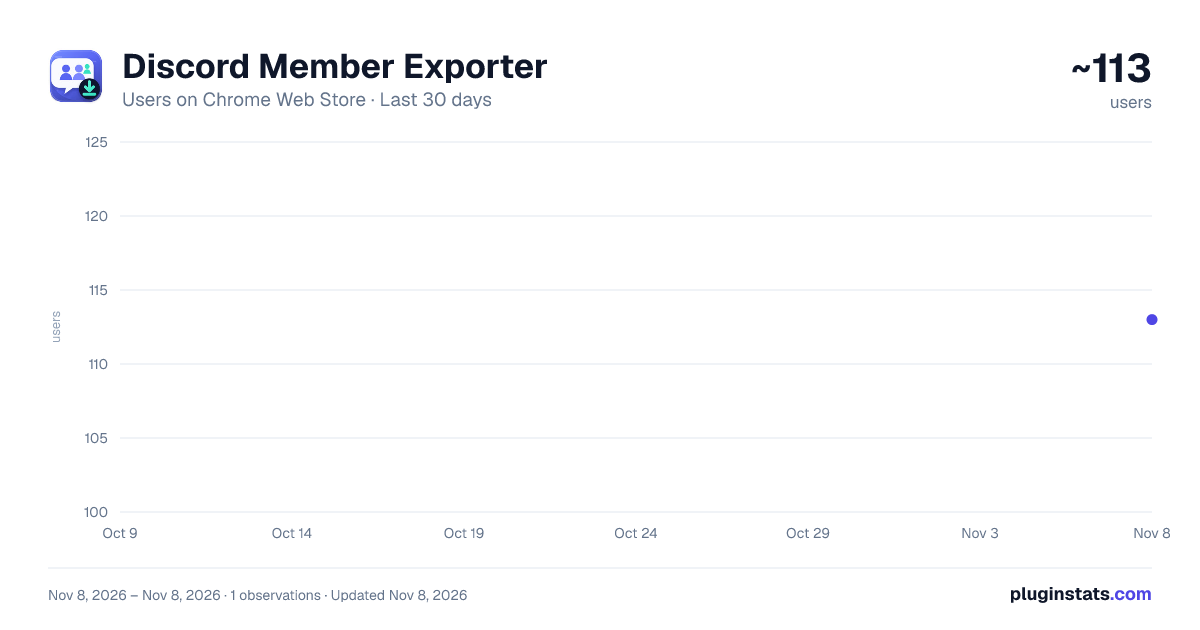
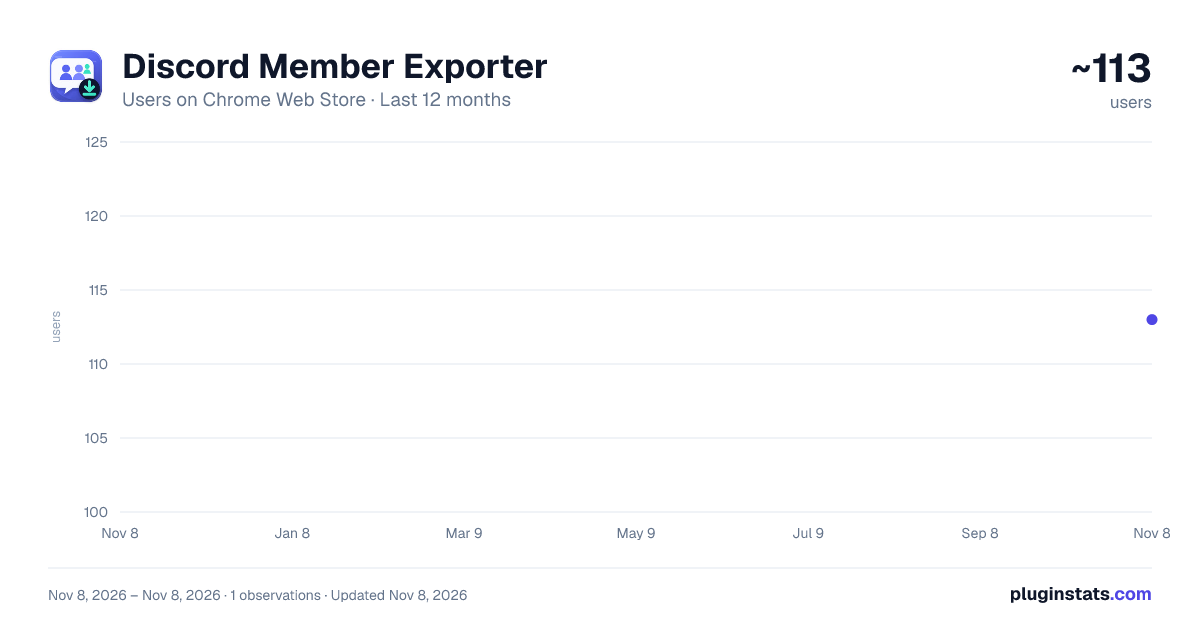
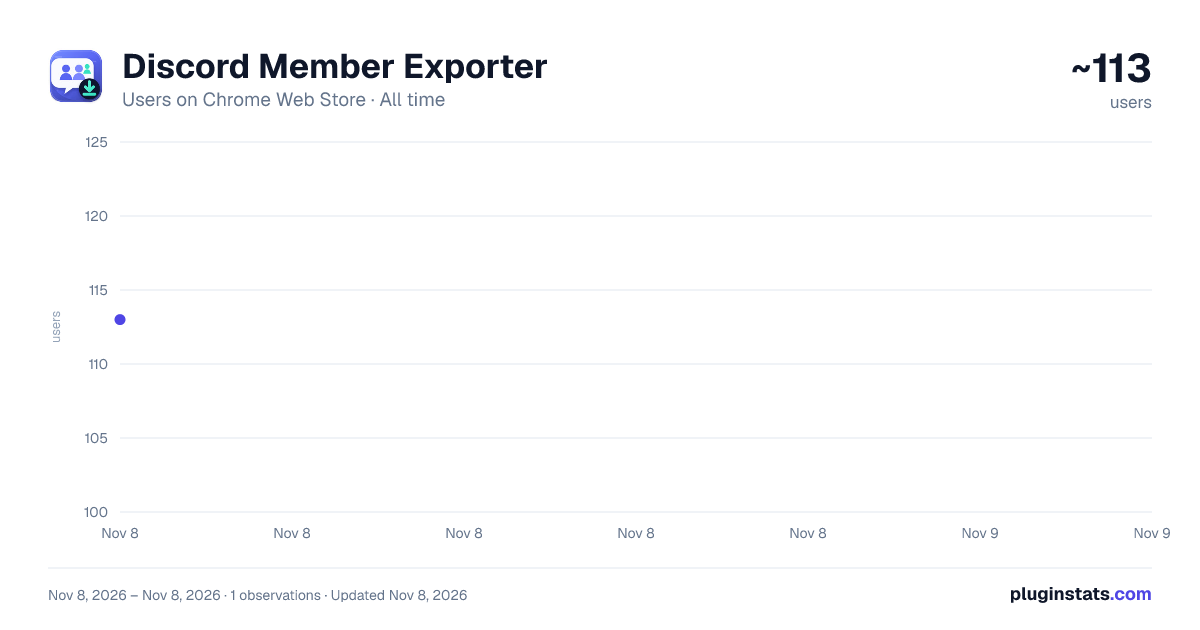
Discord Member Exporter has approximately 113 recorded users on Chrome Web Store, ranking #7803 of 8,189 tracked listings.
Rating: 4.80 / 5 from 5 ratings
About Discord Member Exporter
Export visible and hidden Discord server members to XLSX, CSV or JSON with Fast and Deep modes in Chrome’s Side Panel.
Export visible and hidden Discord server members and create a more complete member list without covering the Discord page with another floating widget. Discord Member Exporter lives in Chrome’s Side Panel, detects the server and channel you are viewing, and turns accessible member data into a clean spreadsheet or data file.
👥 EXPORT VISIBLE AND HIDDEN MEMBERS • Fast mode for the visible member list • Deep mode finds members hidden from the visible member list • Export a full Discord member list or set a custom limit • XLSX, XLS, CSV and JSON formats • Optional avatar ZIP download
🧩 CHOOSE EVERY COLUMN Select avatar URL, user ID, username, nickname, account creation date, server join date, roles, status and activity. Detailed mode can also add global names, Nitro tenure, subscription type, bio, pronouns, server boost date, connected accounts, badges and mutual counts.
⚙️ REAL TOTALS Refreshes Discord’s server member total before each run. Fast may finish partial; Deep targets the full total. Pause, resume or finish early. The bar appears only during collection and closes when it ends.
📁 FILES THAT FIT YOUR WORKFLOW Choose a Downloads subfolder, customize the filename template and keep only the columns you need. Successful export totals are shown in the Side Panel footer.
🔒 LOCAL-FIRST PRIVACY Your Discord login token is stored only in protected local extension storage. Member data is processed locally and written to files you download. It is not uploaded to our payment or analytics service.
The extension only exports data available to your currently signed-in Discord account. Discord interface and internal API changes may affect availability.
⏰ BACKGROUND SCHEDULES Save scheduled exports. After Discord access and the target channel are captured once, Chrome can collect and download the file in the background while Discord stays closed. Chrome must be running. The Discord token is stored only in protected local extension storage.
Description from the Chrome Web Store listing.
README badge
Show your rank in a README or on your website. The badge updates automatically.
Charts
Images: 30d · 1y · all time · 1600×900 dark
Adoption over time
7/30/90-day growth
Ranking history
Ratings over time
Listing placement
Listing placement
Filled points are observed values; hollow points come from Internet Archive snapshots of the listing page. Dashed segments span periods with no observations — values between points are not interpolated.
Each band is one page of 20. Users on a linear scale. Placement is projected from users, so it can differ from the marketplace's own sort order. Hover a dot to see the listing.
Recent observations
Full history (1)Similar Chrome Web Store Workflow & Planning plugins
All 20 Discord Member Exporter alternatives



Data source
Covers every Chrome Web Store extension with at least 100 users, found through the store's public sitemap. User counts are read from public listing pages. The 10% most-used extensions are refreshed daily, the next 40% weekly and the next 40% monthly; the least-used 10% are not refreshed. Google displays rounded user counts (and caps the display at 10,000,000+), so small changes may not be visible. Rating counts above 1,000 are rounded (e.g. 1.6K).
Listing: https://chromewebstore.google.com/detail/discord-member-exporter/pepmcocbelnifgakobdfdfdcekipefmb. First seen Nov 8, 2026; last successful collection Nov 8, 2026. See the methodology.