 PluginStats

FollowUp.cc for Gmail users statistics
By flupcc-publisher · Chrome Web Store · Workflow & Planning
Lightweight productivity suite for Gmail. The fastest way to organize your professional life.
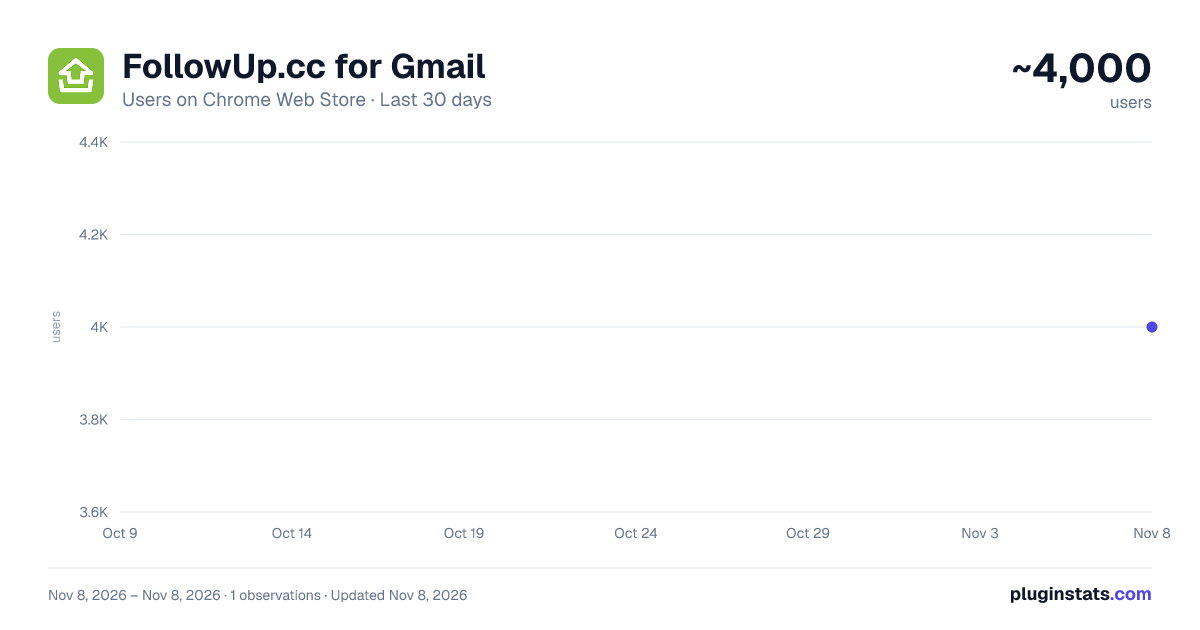
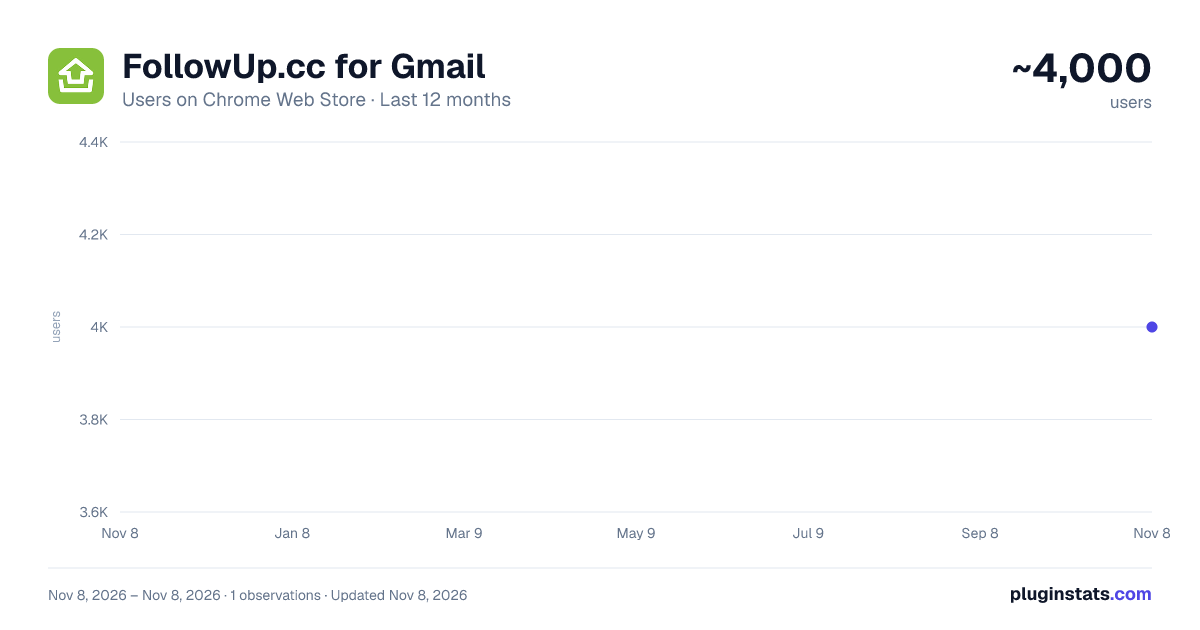
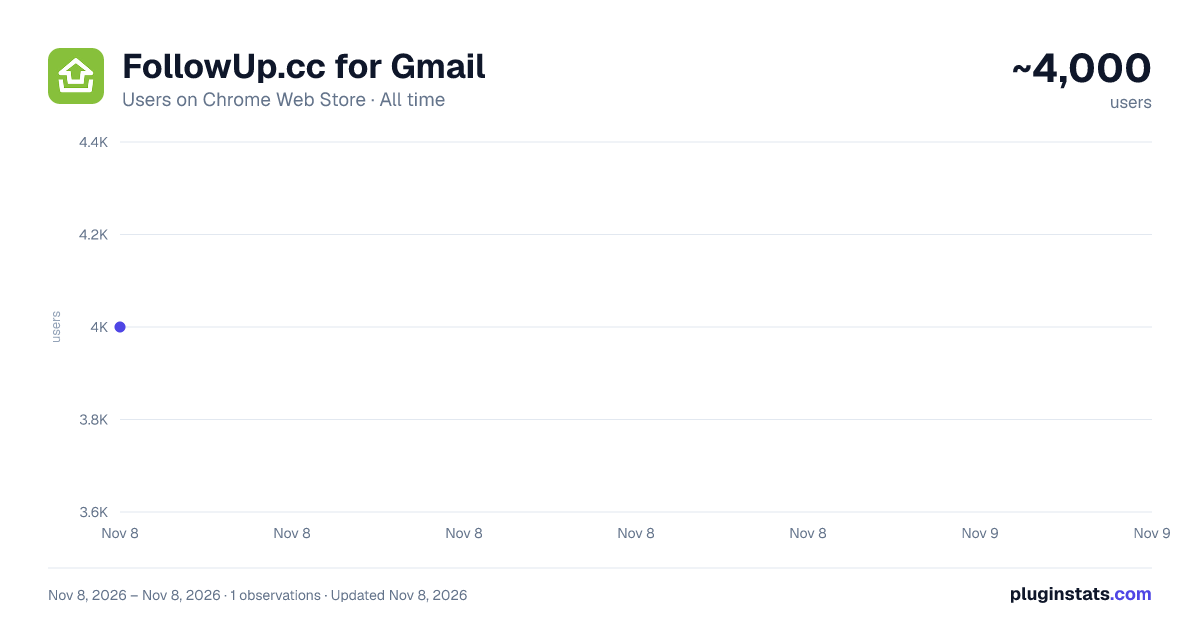
FollowUp.cc for Gmail has approximately 4,000 recorded users on Chrome Web Store, ranking #1524 of 8,189 tracked listings.
Rating: 4.30 / 5 from 289 ratings
About FollowUp.cc for Gmail
Lightweight productivity suite for Gmail. The fastest way to organize your professional life.
Extend your inbox: Follow-up Reminders, Email Tracking, Auto Follow-up, Contacts Lookup, Send Later, Email Snooze.
An essential tool for business professionals managing tasks and developing business relationships. Install & set up in seconds. Achieve Inbox Zero. Be more productive.
• VIEW CONTACTS AS YOUR BROWSE EMAIL Every time you open an email, you'll see who's in it in your sidebar, all reminders or details connected to them, and everything we found about them online including data about their company.
• EMAIL REMINDERS AND RECURRING REMINDERS Stop the sticky notes and inbox clutter, set reminders as you send email. It takes 1 click in Compose window, or BCC a special email to set a follow-up reminder.
Reminders work wherever email works. Use email to set reminders — days monday@followup.cc, tuesday@followup.cc .. or timed email 1week@followup.cc. Extension works only in Gmail.
• FOLLOW UP AUTOMATICALLY Send a chain of emails in case your recipient doesn't reply. Use our predefined templates, or set up your own.
• SEE WHEN YOUR EMAILS ARE OPENED Use Open Tracking and confirm your emails have been successfully opened. A simple alternative to read receipts.
• SCHEDULE EMAILS TO BE SENT IN THE FUTURE Use send later to work on your time and schedule emails to send in the future.
• BOOKMARK WEBPAGES FOR LATER READING Bookmark or send yourself web pages. Add notes and schedule to arrive to your inbox at a specified time (eg. weekend).
• MANAGE REMINDERS IN GOOGLE CALENDAR FollowUp.cc works where you work. You don't need to login to a special system to manage your data.
• FAQ
Does FollowUp.cc work on other platforms? Extension only works in Gmail, but our intuitive email reminders work on any email platform.
Can I change my timezone? Yes. Login at FollowUp.cc's webapp to change your timezone, reminder format and other settings.
How much does it cost? All users receive a 14 day trial of all features. Paid plans details available on https://followup.cc/pricing
Description from the Chrome Web Store listing.
README badge
Show your rank in a README or on your website. The badge updates automatically.
Charts
Images: 30d · 1y · all time · 1600×900 dark
Adoption over time
7/30/90-day growth
Ranking history
Ratings over time
Listing placement
Listing placement
Filled points are observed values; hollow points come from Internet Archive snapshots of the listing page. Dashed segments span periods with no observations — values between points are not interpolated.
Each band is one page of 20. Users on a linear scale. Placement is projected from users, so it can differ from the marketplace's own sort order. Hover a dot to see the listing.
Recent observations
Full history (1)Similar Chrome Web Store Workflow & Planning plugins
All 20 FollowUp.cc for Gmail alternatives



Data source
Covers every Chrome Web Store extension with at least 100 users, found through the store's public sitemap. User counts are read from public listing pages. The 10% most-used extensions are refreshed daily, the next 40% weekly and the next 40% monthly; the least-used 10% are not refreshed. Google displays rounded user counts (and caps the display at 10,000,000+), so small changes may not be visible. Rating counts above 1,000 are rounded (e.g. 1.6K).
Listing: https://chromewebstore.google.com/detail/followupcc-for-gmail/annoaihhfdegphdkkkbahheignkgigpd. First seen Nov 8, 2026; last successful collection Nov 8, 2026. See the methodology.