 PluginStats

HorizantalTabs — Horizontal Tab Bar & Search users statistics
By algomittens · Chrome Web Store · Workflow & Planning
Too many Chrome tabs? Keep every title readable: a horizontal tab bar with search, 1–3 rows, drag, groups, and one-click switching.
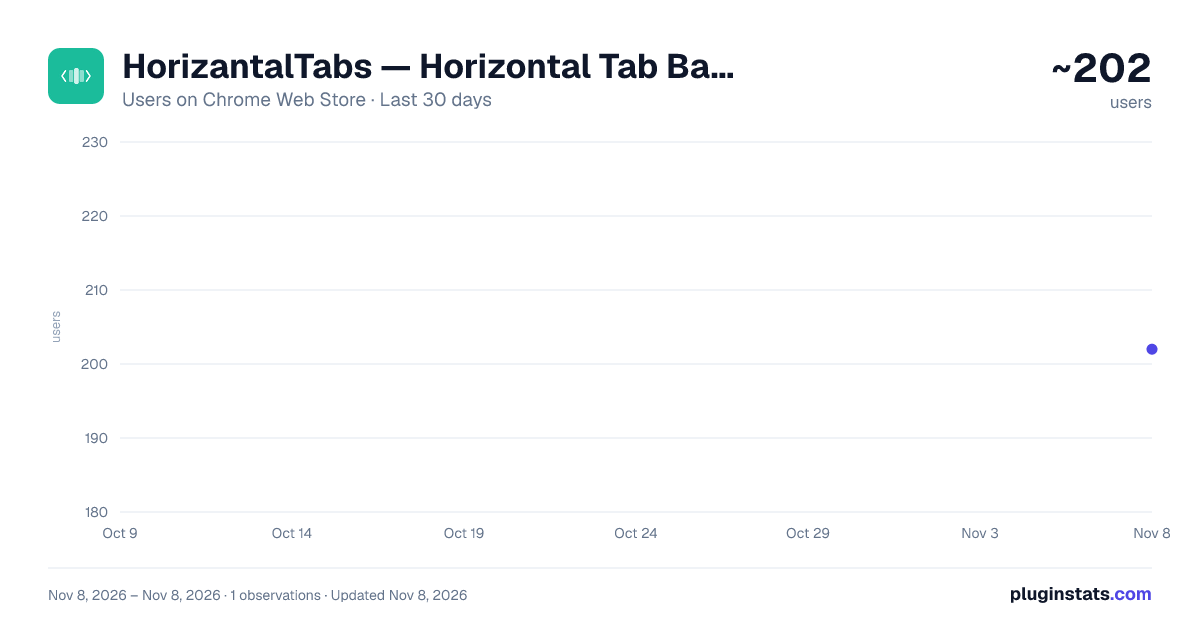
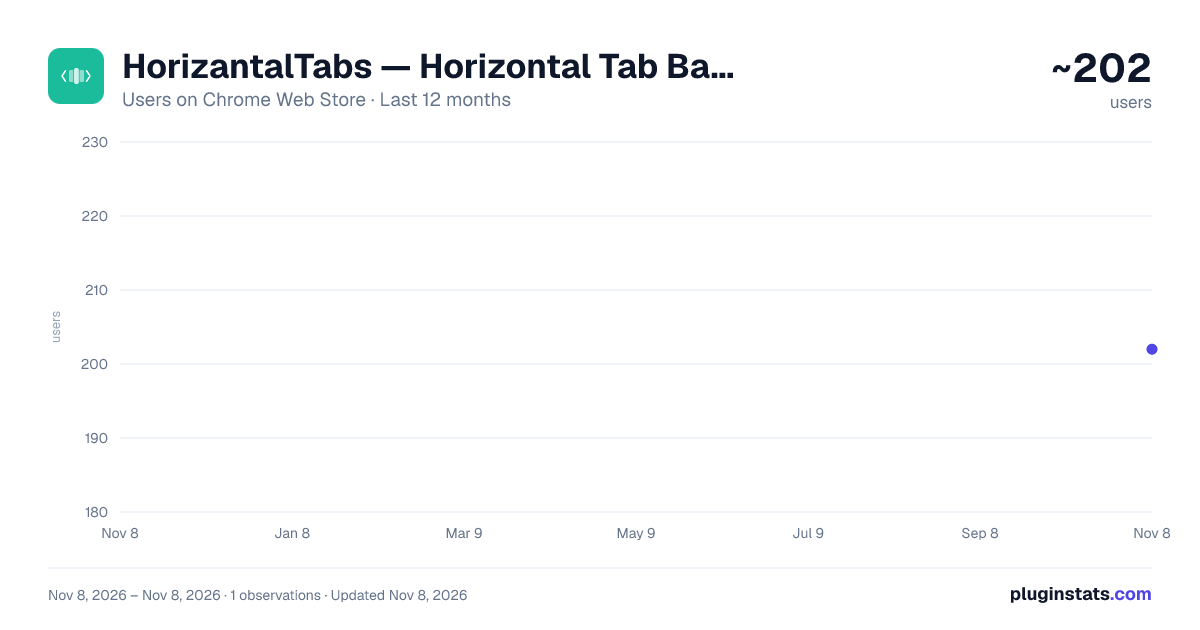
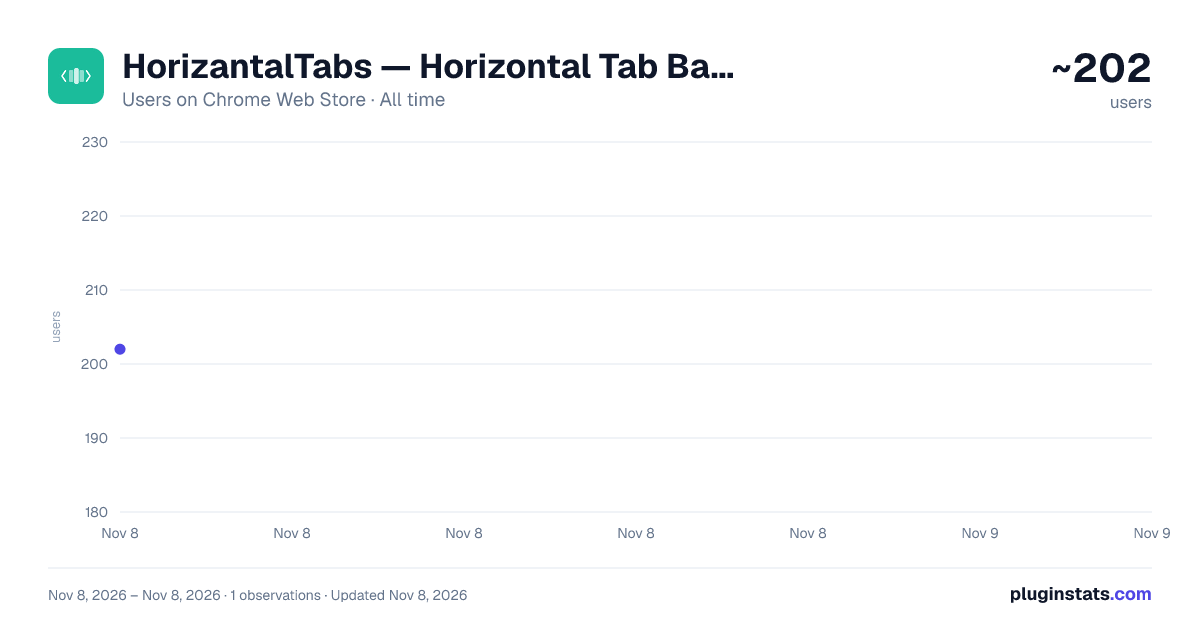
HorizantalTabs — Horizontal Tab Bar & Search has approximately 202 recorded users on Chrome Web Store, ranking #6107 of 8,189 tracked listings.
Rating: 5.00 / 5 from 1 ratings
About HorizantalTabs — Horizontal Tab Bar & Search
Too many Chrome tabs? Keep every title readable: a horizontal tab bar with search, 1–3 rows, drag, groups, and one-click switching.
Chrome shrinks your tabs into unreadable slivers once you open too many. You lose the title, lose the page, and eventually open the same tab again because finding it takes too long.
HorizantalTabs gives Chrome a horizontal scrollable tab bar. Every tab stays readable. Scroll with your mouse wheel, search instantly, drag to reorder, group tabs, pin tabs, and switch in one click.
Unlike session-first tab managers, HorizantalTabs is built for the tabs you are using right now.
A lightweight alternative to bulky tab managers like OneTab, Toby, and Workona — no saving sessions just to find the tab you already opened.
─── FREE FEATURES ───
• Horizontal scrollable tab strip — mouse wheel, no resizing • Multi-row layout — expand to 2 or 3 rows and see every tab at once • Compact mode — pinned tabs collapse to favicons, fit more on screen • Instant search — filter every open tab by title or URL in under a second • Click to switch — one click activates any tab • Drag and drop to reorder • Multi-window view — see tabs from every Chrome window at once • Tab groups — color-coded Chrome tab groups shown inline • Pin and unpin from the tab bar • Floating tab bar — overlay it on any page (Alt+H) • Auto-hide bar — disappears when not in use, reappears on hover • Mute any noisy tab from its speaker icon • Right-click menu — pin, mute, duplicate, move to new window, close, close others, close to right • 5 themes — Auto, Light, Dark, plus two designed looks: Tidepool (soft teal pills on a sea-glass bar) and Index (numbered tabs on a crisp Swiss grid) • Tab Pulse — a soft glow on active, loading, and audio tabs • Tab Decay — tabs you haven't visited in a while gradually fade • Tab count badge on the extension icon
─── WHO IT'S FOR ───
• Researchers and grad students with 30+ tabs open at any time • Developers juggling docs, GitHub, Stack Overflow, and dev servers • Writers and analysts tracking sources across windows • Anyone who's said "I had it open a minute ago"
─── PRO — NEVER LOSE YOUR TABS — $1.99/month ───
• Session manager — save and restore named tab sessions, and copy every open tab URL to your clipboard • Workspaces — save a window as a named workspace and switch contexts instantly; each window keeps its own workspace, and switching saves your current tabs first • Undo close — Ctrl+Z reopens the last closed tab • Recently closed — your last 20 closed tabs, one click to reopen • Bulk actions — close duplicates, close by domain, close tabs older than 1, 3, 7, or 30 days, or purge all and start fresh • Presenter mode — hide sensitive tab titles before you screen-share (Alt+P) • Thumbnails — hover any tab to see a page screenshot
─── KEYBOARD SHORTCUTS ───
Alt+A — open HorizantalTabs Alt+H — toggle floating tab bar Alt+P — toggle presenter mode (Pro) Ctrl+Z — undo last closed tab (Pro)
─── PRIVACY ───
We can't see your tabs because we don't want to.
Tab titles and URLs are read locally and never transmitted. No analytics, no tracking, no ads. The only network requests are for Pro: your license key is checked against our license server, and "Manage Subscription" sends your license key and email to open your Stripe billing page.
───
HorizantalTabs — a horizontal tab manager for Chrome. Built by Algomittens LLC. Questions or feedback: horizantaltabs.com
Description from the Chrome Web Store listing.
README badge
Show your rank in a README or on your website. The badge updates automatically.
Charts
Images: 30d · 1y · all time · 1600×900 dark
Adoption over time
7/30/90-day growth
Ranking history
Ratings over time
Listing placement
Listing placement
Filled points are observed values; hollow points come from Internet Archive snapshots of the listing page. Dashed segments span periods with no observations — values between points are not interpolated.
Each band is one page of 20. Users on a linear scale. Placement is projected from users, so it can differ from the marketplace's own sort order. Hover a dot to see the listing.
Recent observations
Full history (1)Similar Chrome Web Store Workflow & Planning plugins
All 20 HorizantalTabs — Horizontal Tab Bar & Search alternatives



Data source
Covers every Chrome Web Store extension with at least 100 users, found through the store's public sitemap. User counts are read from public listing pages. The 10% most-used extensions are refreshed daily, the next 40% weekly and the next 40% monthly; the least-used 10% are not refreshed. Google displays rounded user counts (and caps the display at 10,000,000+), so small changes may not be visible. Rating counts above 1,000 are rounded (e.g. 1.6K).
Listing: https://chromewebstore.google.com/detail/horizantaltabs-—-horizont/pfffnoklpnannekfpdgccoglmnlkfaje. First seen Nov 8, 2026; last successful collection Nov 8, 2026. See the methodology.