 PluginStats

ChatGPT Degrade Checker 降级检查 users statistics
ChatGPT降智检查工具,支持导入和导出GPT聊天记录功能,并支持GPT-6、GPT-6-Thinking、GPT-6-Pro等次数使用统计(GPT Downgrade Checker Tools,GPT Rate Usage Limits)
ChatGPT Degrade Checker 降级检查 has approximately 30,000 recorded users on Chrome Web Store, ranking #448 of 7,072 tracked listings.
Rating: 4.70 / 5 from 115 ratings
About ChatGPT Degrade Checker 降级检查
ChatGPT降智检查工具,支持导入和导出GPT聊天记录功能,并支持GPT-6、GPT-6-Thinking、GPT-6-Pro等次数使用统计(GPT Downgrade Checker Tools,GPT Rate Usage Limits)
ChatGPT Usage Tracker & Downgrade Detector 🛠️
ChatGPT Downgrade Detection 🛠️ | OpenAI Service Status Monitor 🔍 | ChatGPT Chat Export & Import
An all-in-one Chrome extension for tracking ChatGPT model usage, detecting potential model downgrade risks, monitoring OpenAI service status, and exporting or importing ChatGPT conversations.
Analyze Proof-of-Work (PoW) difficulty to identify potential IP-related risks and investigate why certain ChatGPT features may be restricted or unavailable.
Supports ChatGPT Free, Plus, Pro, Team, Business, and Enterprise accounts, including personal and team workspaces.
Key Features
1. ChatGPT Model Usage Tracker 📊
- Usage Tracking: Track requests across GPT-6, GPT-5.6-sol,and other supported models.
- Usage Limits: View model usage counts, estimated limits, and usage windows.
- Reset Countdown: Track when model usage limits are expected to reset.
- Visual Dashboard: Monitor usage with intuitive progress bars and statistics.
2. ChatGPT Downgrade & PoW Risk Detection 🛡️
- PoW Difficulty Monitor: Check your current Proof-of-Work difficulty.
- Risk Assessment: Identify potential IP-related restrictions with High, Medium, Low, and Normal risk indicators.
- Downgrade Insights: Understand possible causes of reduced model availability or restricted ChatGPT features.
Note: PoW-based assessments are indicators of potential risk, not definitive confirmation of model downgrades.
3. OpenAI Service Status Monitor 🔍
- Monitor official OpenAI service status.
- Check for potential ChatGPT outages and service disruptions.
- Help distinguish platform-wide issues from account-specific restrictions.
4. ChatGPT Chat Export & Import 💬
Back up, transfer, and manage your ChatGPT conversation history.
- Personal Workspaces: Export all conversations or select multiple chats for batch export.
- Team & Business Workspaces: Export conversations individually or in bulk.
- Multiple Workspaces: Support chat exports across different ChatGPT workspaces.
- Chat Import: Import supported ChatGPT conversation backups.
5. Account Information
- Plan Detection: Identify your ChatGPT subscription type, including Free, Plus, Pro, Team, Business, and Enterprise.
- Usage Summary: View total tracked requests and model statistics.
How to Use
- Install the extension and open ChatGPT.
- A compact monitoring panel appears on the right side of the page.
- Click the panel to view detailed usage statistics, model limits, and downgrade risk indicators.
- Collapse the panel using the arrow or close button.
Privacy & Data Storage 🔒
- Local Storage: Usage statistics are saved locally in your browser.
- Automatic Reset: Usage counters reset according to the configured model usage windows.
- Privacy-Focused: The extension does not upload your personal data or conversation content to external servers.
Risk Indicator Guide
- 🔴 High Risk: Elevated PoW difficulty or other indicators suggest potential restrictions.
- 🟠 Medium Risk: Some account or network restrictions may occur.
- 🟢 Low Risk: Limited indicators of potential restrictions.
- 🔵 Normal: No significant risk indicators detected.
Frequently Asked Questions
Q: Does usage data sync across devices?
A: No. Usage statistics are stored locally in your current browser.
Q: Does the extension collect personal information?
A: No. Usage tracking is performed locally, and personal conversations are not uploaded to external servers.
Q: How can I check whether ChatGPT has been downgraded?
A: Open the Downgrade Risk section to review PoW difficulty and potential risk indicators. A high-risk result does not necessarily confirm a downgrade.
Q: What should I do if restrictions are detected?
A: Check the official OpenAI service status, try a different network connection, or contact the developer for guidance.
Make your ChatGPT experience smarter and more efficient.
Track AI model usage, monitor potential downgrade risks, check OpenAI service status, and manage ChatGPT conversation backups—all in one lightweight Chrome extension.
Thank you for using ChatGPT Usage Tracker & Downgrade Detector!
Description from the Chrome Web Store listing.
README badge
Show your rank in a README or on your website. The badge updates automatically.
Charts
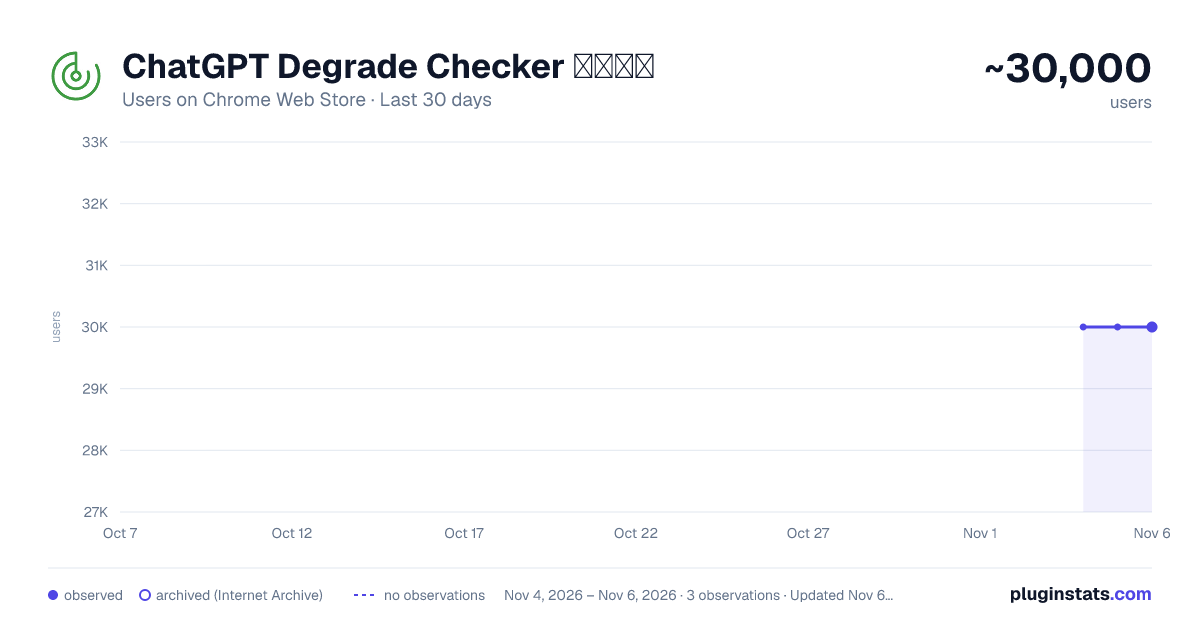
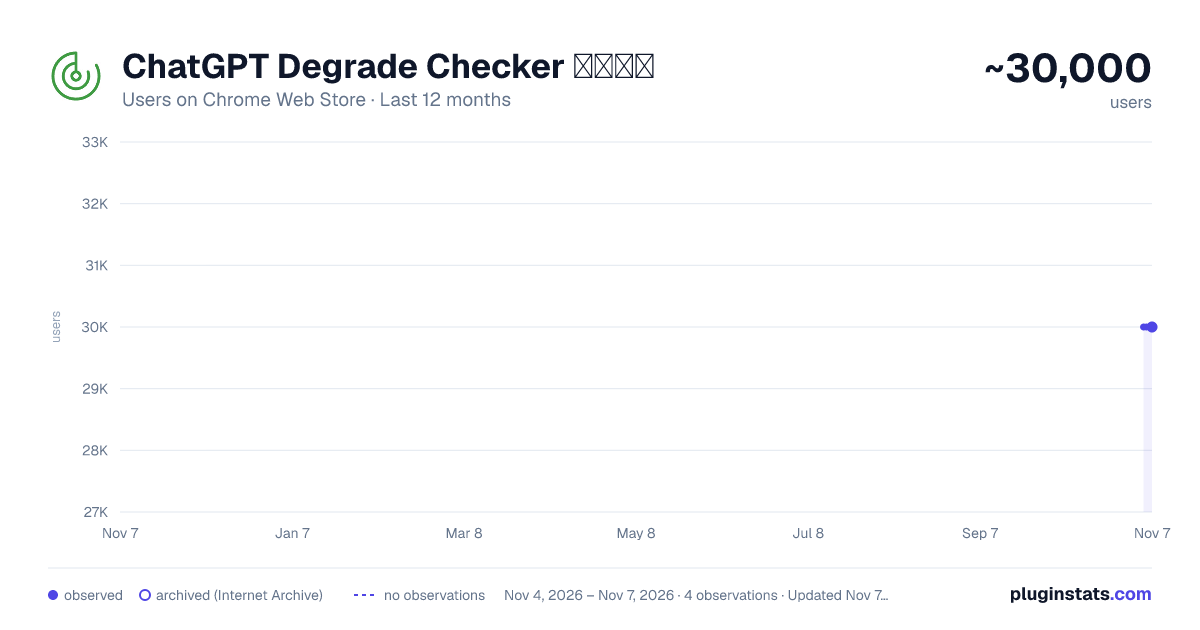
Images: 30d · 1y · all time · 1600×900 dark
Adoption over time
7/30/90-day growth
Ranking history
Ratings over time
Listing placement
Listing placement
Filled points are observed values; hollow points come from Internet Archive snapshots of the listing page. Dashed segments span periods with no observations — values between points are not interpolated.
Each band is one page of 20. Users on a linear scale. Placement is projected from users, so it can differ from the marketplace's own sort order. Hover a dot to see the listing.
Recent observations
Full history (1)Similar Chrome Web Store Tools plugins
All 20 ChatGPT Degrade Checker 降级检查 alternatives



Data source
Covers every Chrome Web Store extension with at least 100 users, found through the store's public sitemap. User counts are read from public listing pages. The 10% most-used extensions are refreshed daily, the next 40% weekly and the next 40% monthly; the least-used 10% are not refreshed. Google displays rounded user counts (and caps the display at 10,000,000+), so small changes may not be visible. Rating counts above 1,000 are rounded (e.g. 1.6K).
Listing: https://chromewebstore.google.com/detail/chatgpt-degrade-checker-降/inidgeckbobnafenlmlgfbeoijiamepm. First seen Nov 4, 2026; last successful collection Nov 4, 2026. See the methodology.