 PluginStats

AIO Extractor users statistics
By seopaulplugin · Chrome Web Store · Developer Tools
SERP research and semantic mapping: AI Overviews, PAA trees, autosuggest in waves, shopping filters and product data.
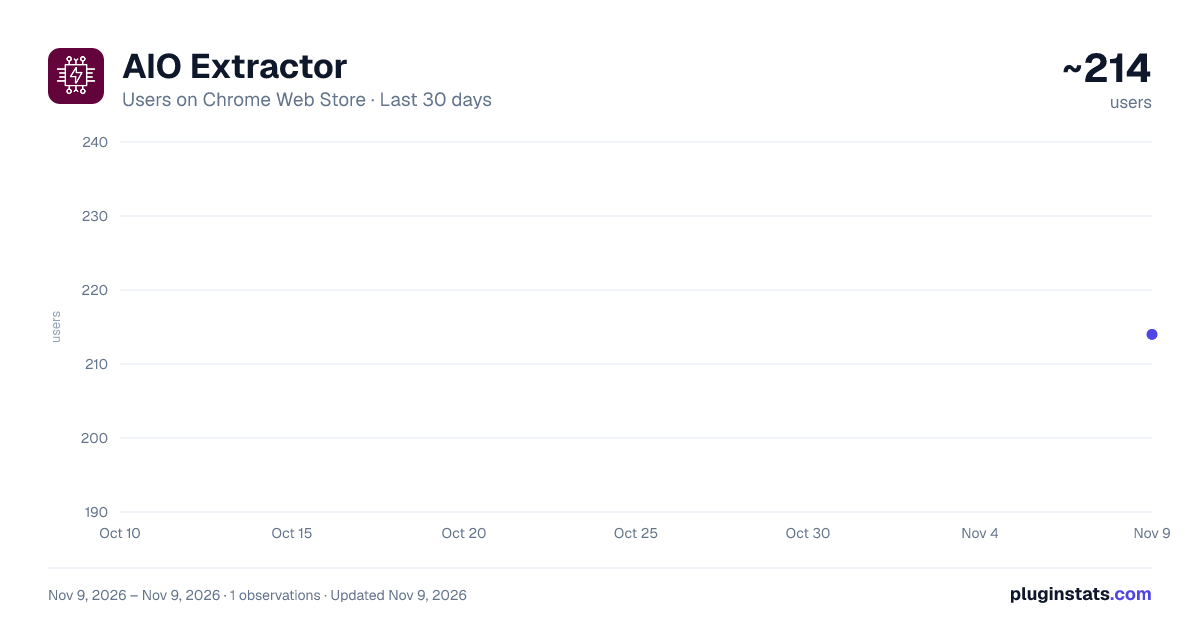
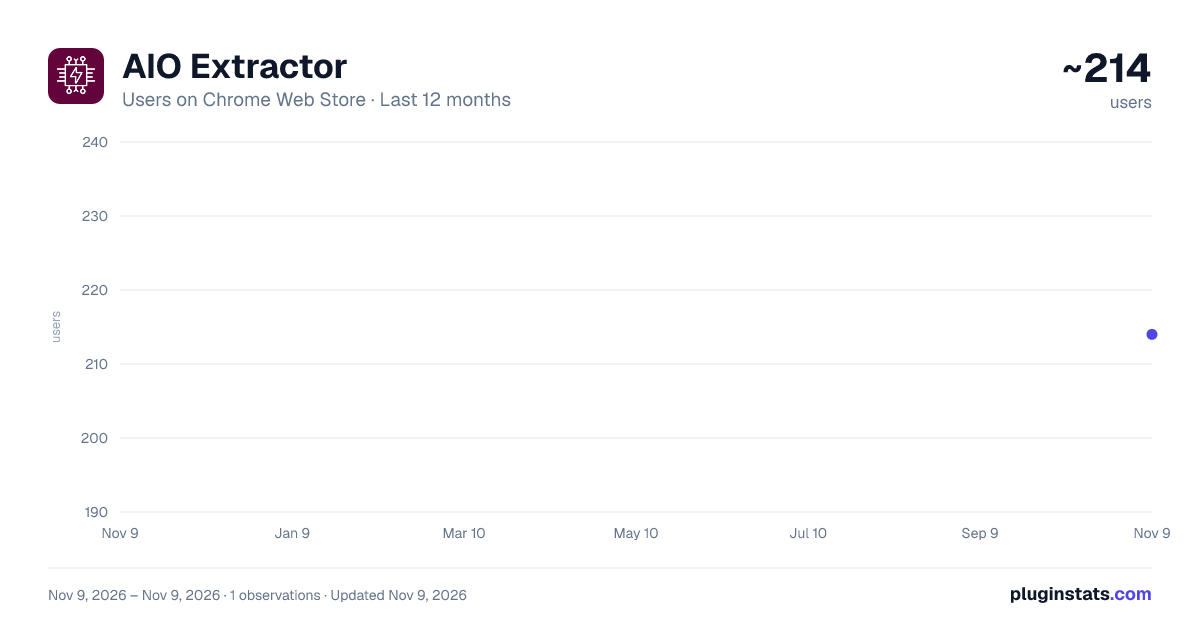
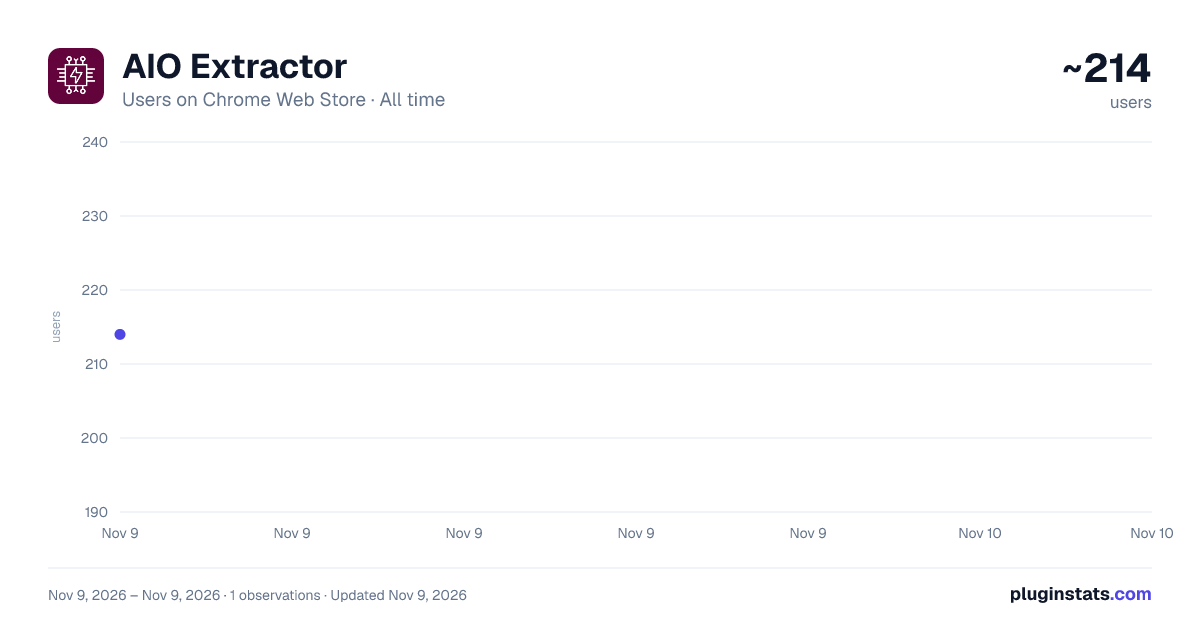
AIO Extractor has approximately 214 recorded users on Chrome Web Store, ranking #7573 of 10,388 tracked listings.
Rating: 5.00 / 5 from 2 ratings
About AIO Extractor
SERP research and semantic mapping: AI Overviews, PAA trees, autosuggest in waves, shopping filters and product data.
AIO Extractor turns a Google results page into research you can actually work with.
You run a search. The side panel collects what Google reveals about the topic: the terms its AI Overview highlights, what people type, the questions they ask, and what merchants sell with which attributes. Three explorers then connect those sources into keyword structures, content briefs and clean product data. You export the result and get on with the work.
NEW IN VERSION 2.9
- Run everything: one click collects every source for the current search, one step after another
- Autosuggest in waves, with language packs for 8 languages
- Shopping Specs: the attribute table of every product, analyzed for PIM and feeds
- Evidence matrix: every property checked against six sources
- Keyword Explorer with Tree, Columns and List views
- Topic stays selected when you switch between the three explorers
ONE CLICK FOR EVERYTHING
"Run everything" works through the whole research for the current search on its own: Autosuggest, People also ask, AI Overview, then it opens the Shopping tab, reads the products and their specs, and finally opens the Keyword Explorer.
The steps run strictly one after another, never in parallel, with a pause in between, so Google does not see a burst of requests. A checklist shows each step as it runs. Stop it at any time and everything collected so far is kept.
FOUR SOURCES
AI Overview and page
- AI Overview: the terms Google puts in bold in its AI answer, the concepts it treats as defining for the topic.
- Extract Page: everything emphasized on the results page, plus the answers from any open question boxes.
Autosuggest
- Autosuggest: what people really type around your term, crawled in waves. Wave 1 covers the breadth: the term itself, every letter and digit after it, plus question words, prepositions and buying intent. Wave 2 follows every branch. Wave 3 and deeper follow only the strongest keywords.
- Every keyword keeps its path back to the seed term, a score and the words it adds.
- Built-in modifiers for English, German, Spanish, French, Italian, Polish, Dutch and Portuguese. Any other language works with your own modifier list.
- Runs in the background with a request budget and automatic back-off, so all other buttons stay usable.
- Keyword Chips: the refinement angles Google suggests above the results, each opened as its own search.
People also ask
- Crawl PAA Tree: the chain of questions Google links to one another, three levels deep, with the highlighted answer terms and the full path of each question.
- Expand PAA: opens all question boxes, including the follow-ups Google adds once the first ones are open.
Shopping
- Open tab: switches the current search to Google's Shopping results.
- Products: every product card (title, price, merchant, position) plus the filter list Google offers for this product type.
- Specs: opens the products one by one and copies the attribute table of each: brand, voltage, size, features, including the rows hidden behind "More".
THREE EXPLORERS
Keyword Explorer The autosuggest waves and the question chains as a hierarchy you can drill into, one branch at a time.
- Tree: the focus, its children and their strongest children.
- Columns: like a file browser, each column lists the children of the keyword picked on its left. Works with the arrow keys.
- List: an expandable table with wave, score, paths and status.
- The details panel shows where a keyword also appears: as a Shopping filter, as an attribute, in product titles, in People also ask or in the AI Overview.
- Crawl deeper: fetch the next wave for any single keyword.
- Facets: words that attach to many branches, usually attributes or filters.
Semantic Bridge Connects what people type with what Google answers and what merchants sell.
- Graph: keywords, bridge terms and questions with every connection.
- Cluster: what belongs on one page and what stays a paragraph.
- Gaps: searched but unanswered, or answered but never searched.
- Paid: every cluster as an ad group with keywords, USPs, hooks, ad copy with character counts and image prompts.
- Shopping: price distribution, merchants and the words merchants put into their titles.
- Evidence: every property checked against six sources (Shopping filter, attribute table, product titles, Autosuggest, People also ask, AI Overview). Filter by "confirmed by 4+ sources", "searched, but no attribute", "attribute nobody searches" or "search intent".
Attribute Explorer Turns the attribute tables from Specs into a data model.
- Attributes: must-haves, differentiators, fill rates, title use, search demand and filter status.
- Values: every value with its share, its price effect compared with the median, title use and demand.
- Titles: the order in which merchants build their titles, and title words that no attribute covers yet.
- Matrix: one product per row, one attribute per column.
- Merchants: how complete each competitor's product data is.
- Merge names: count "Battery Voltage" and "Voltage" as one attribute, across all topics.
WHAT YOU DO WITH IT…
Description from the Chrome Web Store listing.
README badge
Show your rank in a README or on your website. The badge updates automatically.
Charts
Images: 30d · 1y · all time · 1600×900 dark
Adoption over time
7/30/90-day growth
Ranking history
Ratings over time
Listing placement
Listing placement
Filled points are observed values; hollow points come from Internet Archive snapshots of the listing page. Dashed segments span periods with no observations — values between points are not interpolated.
Each band is one page of 20. Users on a linear scale. Placement is projected from users, so it can differ from the marketplace's own sort order. Hover a dot to see the listing.
Recent observations
Full history (1)Similar Chrome Web Store Developer Tools plugins
All 20 AIO Extractor alternatives



Data source
Covers every Chrome Web Store extension with at least 100 users, found through the store's public sitemap. User counts are read from public listing pages. The 10% most-used extensions are refreshed daily, the next 40% weekly and the next 40% monthly; the least-used 10% are not refreshed. Google displays rounded user counts (and caps the display at 10,000,000+), so small changes may not be visible. Rating counts above 1,000 are rounded (e.g. 1.6K).
Listing: https://chromewebstore.google.com/detail/aio-extractor/andhjjckgipbopldnidjdkpaecekfeii. First seen Nov 9, 2026; last successful collection Nov 9, 2026. See the methodology.