 PluginStats

Image Info Checker users statistics
Chrome Web Store · Developer Tools
View image metadata, EXIF/PNG details, full technical info, hover file-size preview, and one-click image downloading.
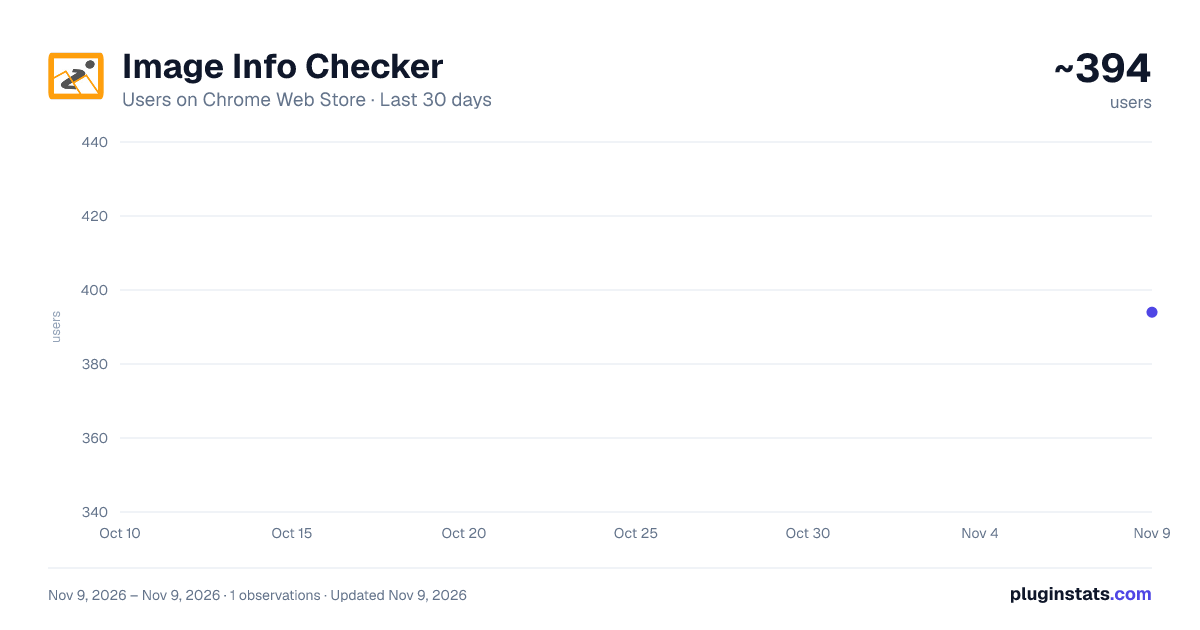
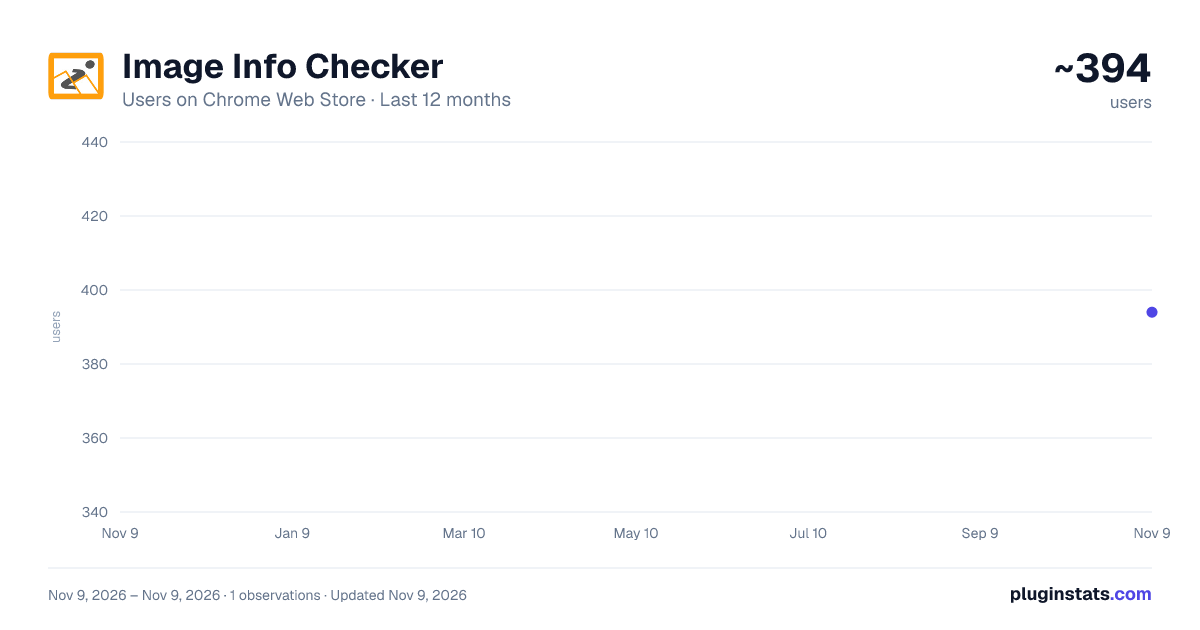
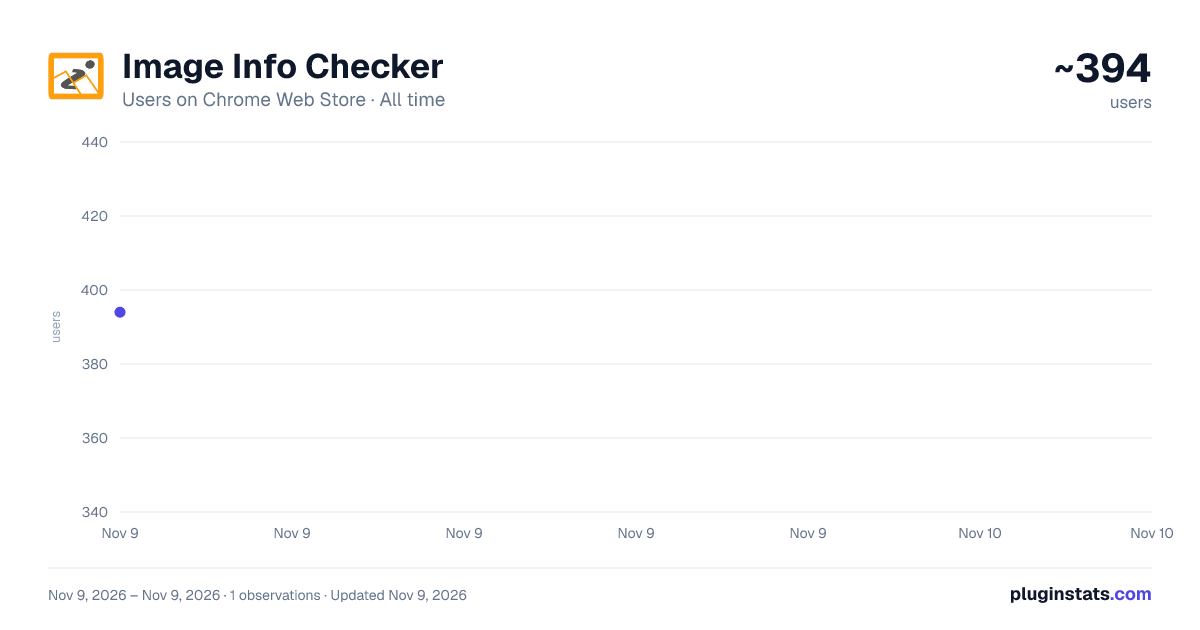
Image Info Checker has approximately 394 recorded users on Chrome Web Store, ranking #5789 of 10,388 tracked listings.
Rating: 5.00 / 5 from 3 ratings
About Image Info Checker
View image metadata, EXIF/PNG details, full technical info, hover file-size preview, and one-click image downloading.
Simply right-click any image to view its basic metadata (URL, displayed size, natural dimensions, alt text, file type, and file size) along with full technical metadata, including EXIF, PNG text fields, color profile, megapixels, aspect ratio, and more — all displayed in a clean, modern popup.
This tool helps you audit website images, troubleshoot display issues, verify EXIF data, check for missing alt text, and optimize assets for accessibility, SEO, and performance.
Features
Basic Image Details: Image URL Alt text (including hidden or missing alt detection) Displayed size & natural dimensions File type (MIME), extension, and file size Megapixels & aspect ratio
Full Metadata Viewer: EXIF data (JPEG): camera model, date taken, exposure settings, GPS, lens info, image description, artist, and more PNG metadata: Title, Description, Author, bit depth, color type, compression, pixel density, and embedded text chunks Auto-extracted Title & Description when available
Smart Hover Preview: Hover any image to instantly see its approximate file size next to your cursor
One-Click Image Download: Built-in download button for saving images instantly
Modern, User-Friendly UI: Clean tabbed interface for Basic Info and Full Metadata Scrollable tables, image preview thumbnail, and optimized layout
Privacy-Friendly: 100% local processing No data collected No external requests or trackers
Boost your site’s SEO and image optimization workflow today with Image Info Checker!
Description from the Chrome Web Store listing.
README badge
Show your rank in a README or on your website. The badge updates automatically.
Charts
Images: 30d · 1y · all time · 1600×900 dark
Adoption over time
7/30/90-day growth
Ranking history
Ratings over time
Listing placement
Listing placement
Filled points are observed values; hollow points come from Internet Archive snapshots of the listing page. Dashed segments span periods with no observations — values between points are not interpolated.
Each band is one page of 20. Users on a linear scale. Placement is projected from users, so it can differ from the marketplace's own sort order. Hover a dot to see the listing.
Recent observations
Full history (1)Similar Chrome Web Store Developer Tools plugins
All 20 Image Info Checker alternatives



Data source
Covers every Chrome Web Store extension with at least 100 users, found through the store's public sitemap. User counts are read from public listing pages. The 10% most-used extensions are refreshed daily, the next 40% weekly and the next 40% monthly; the least-used 10% are not refreshed. Google displays rounded user counts (and caps the display at 10,000,000+), so small changes may not be visible. Rating counts above 1,000 are rounded (e.g. 1.6K).
Listing: https://chromewebstore.google.com/detail/image-info-checker/anffdagjgbmaaoollpkhbibpcdihifef. First seen Nov 9, 2026; last successful collection Nov 9, 2026. See the methodology.