 PluginStats

Kameleoon Debug Assistant users statistics
Chrome Web Store · Developer Tools
Instantly see live experiments, feature flags, and personalization campaigns on your site and verify everything is firing correctly.
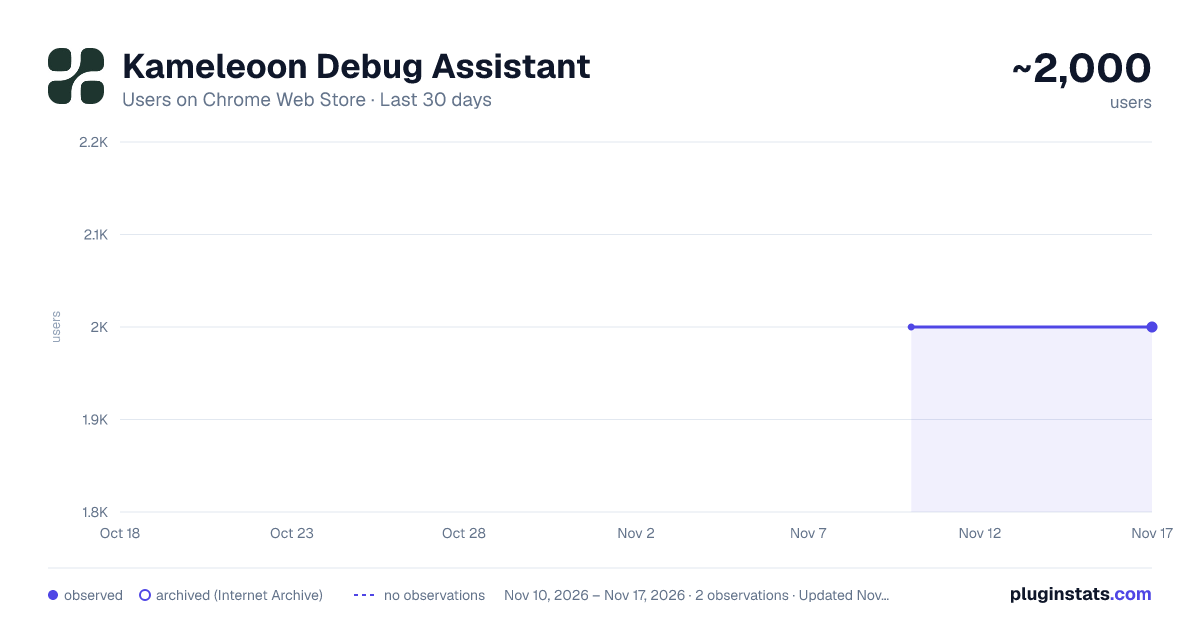
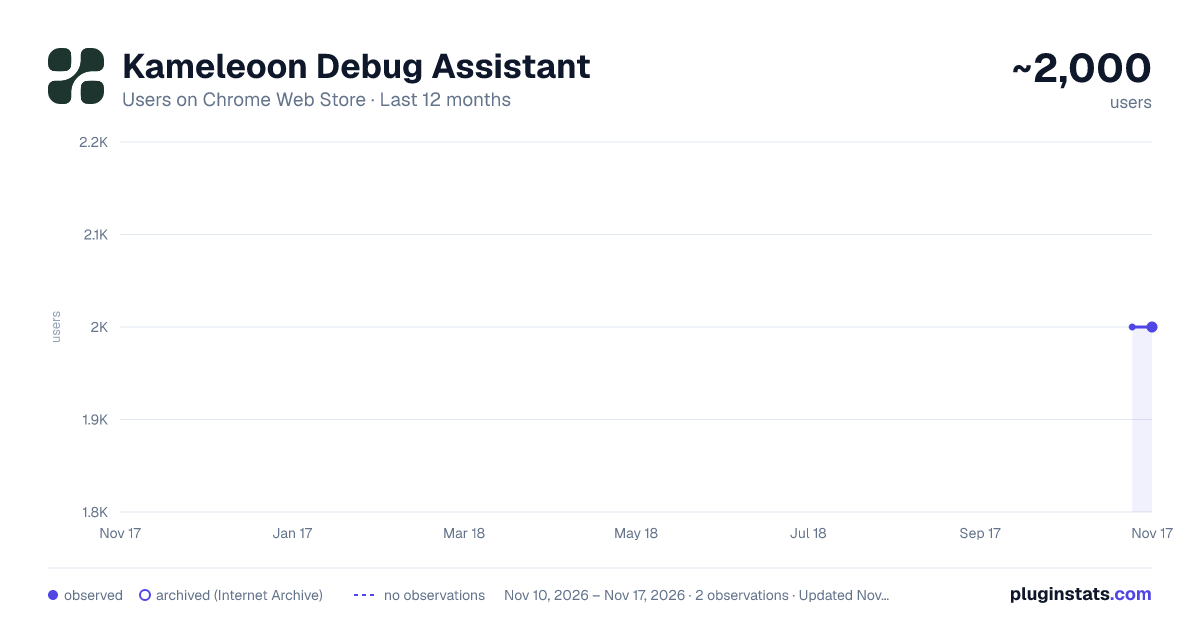
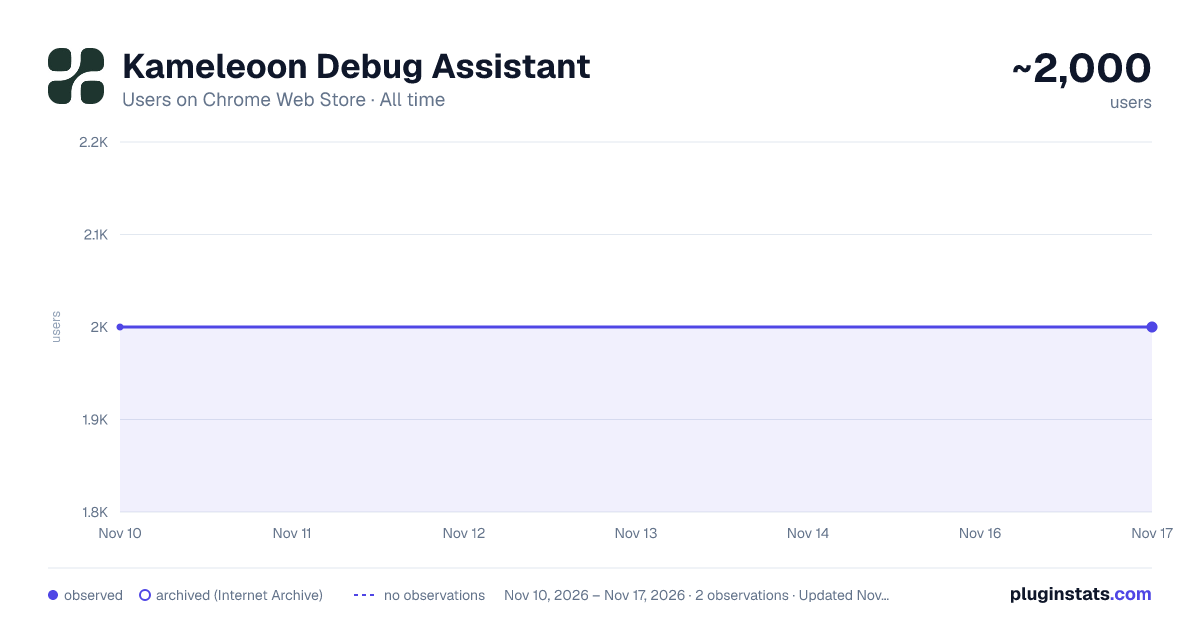
Kameleoon Debug Assistant has approximately 2,000 recorded users on Chrome Web Store, a change of 0.0% over the past 7 days, ranking #2611 of 10,388 tracked listings.
Rating: 5.00 / 5 from 9 ratings
About Kameleoon Debug Assistant
Instantly see live experiments, feature flags, and personalization campaigns on your site and verify everything is firing correctly.
Whether you’re a developer, QA engineer, or optimization specialist, the Kameleoon Chrome extension gives you the tools to troubleshoot issues, confirm behavior, and debug live Kameleoon activity without leaving your browser.
What you can do:
🔍 Instantly view active experiments, feature flags, and personalization campaigns — and see which variation you’re bucketed into on any page.
📦 Check script size and understand the performance impact of each component.
🎯 Validate goals and custom data by previewing exactly what metrics are being tracked in real time.
🧠 Analyze tracking calls directly from your network tab to confirm data is firing as expected.
🚫 Block Kameleoon tracking calls when you need a clean, isolated test environment.
🧩 Customize what is contained in results tables and how they’re ordered.
✅ Verify which consent mode is applied live for full compliance visibility.
How it works:
Download the extension and click it to log in. Next, open Chrome DevTools, and click the Kameleoon tab. You’ll instantly see what’s live and how your setup is performing — right inside your browser.
💡 Note: This extension is for live-site diagnostics. To simulate campaigns before going live, use Kameleoon’s built-in simulation tool.
Description from the Chrome Web Store listing.
README badge
Show your rank in a README or on your website. The badge updates automatically.
Charts
Images: 30d · 1y · all time · 1600×900 dark
Adoption over time
7/30/90-day growth
Ranking history
Ratings over time
Listing placement
Listing placement
Filled points are observed values; hollow points come from Internet Archive snapshots of the listing page. Dashed segments span periods with no observations — values between points are not interpolated.
Each band is one page of 20. Users on a linear scale. Placement is projected from users, so it can differ from the marketplace's own sort order. Hover a dot to see the listing.
Recent observations
Full history (2)Similar Chrome Web Store Developer Tools plugins
All 20 Kameleoon Debug Assistant alternatives



Data source
Covers every Chrome Web Store extension with at least 100 users, found through the store's public sitemap. User counts are read from public listing pages. The 10% most-used extensions are refreshed daily, the next 40% weekly and the next 40% monthly; the least-used 10% are not refreshed. Google displays rounded user counts (and caps the display at 10,000,000+), so small changes may not be visible. Rating counts above 1,000 are rounded (e.g. 1.6K).
Listing: https://chromewebstore.google.com/detail/kameleoon-debug-assistant/nimncjjomfcjmfnghgaopccmdggjfoam. First seen Nov 10, 2026; last successful collection Nov 17, 2026. See the methodology.