 PluginStats

IPFS Companion users statistics
Chrome Web Store · Developer Tools
Harness the power of IPFS in your browser
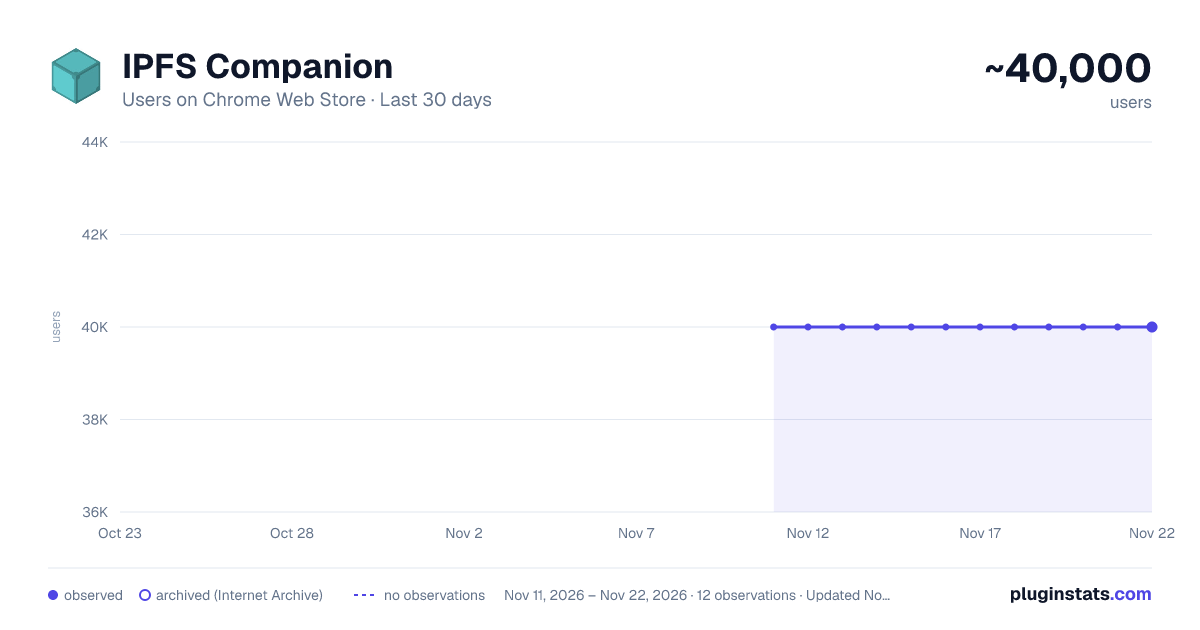
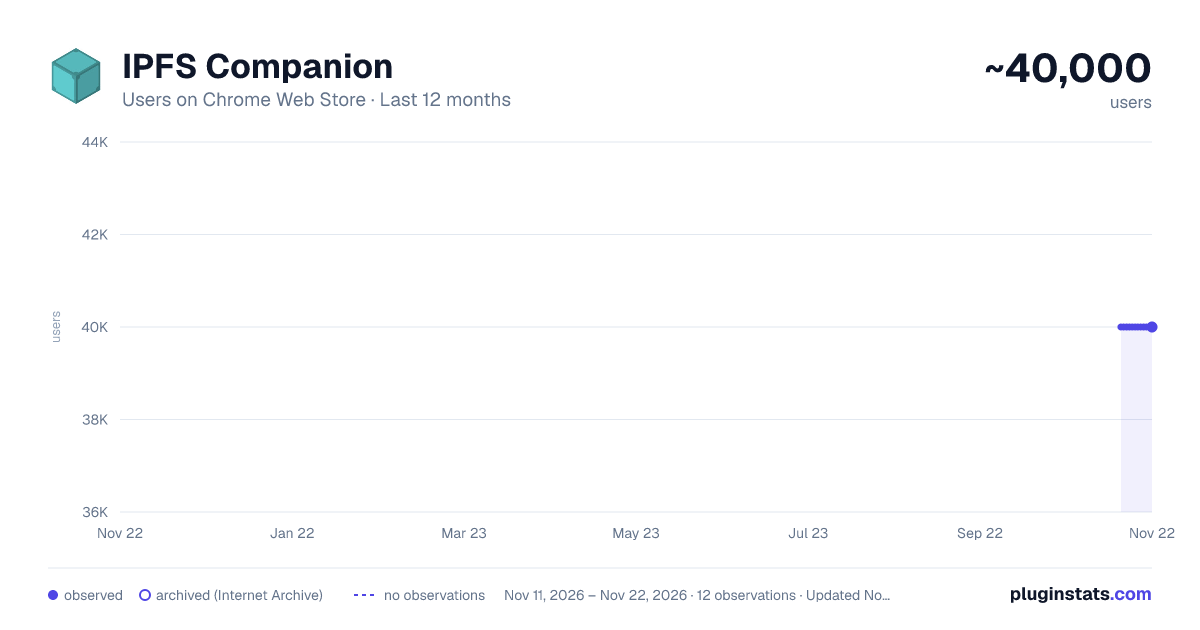
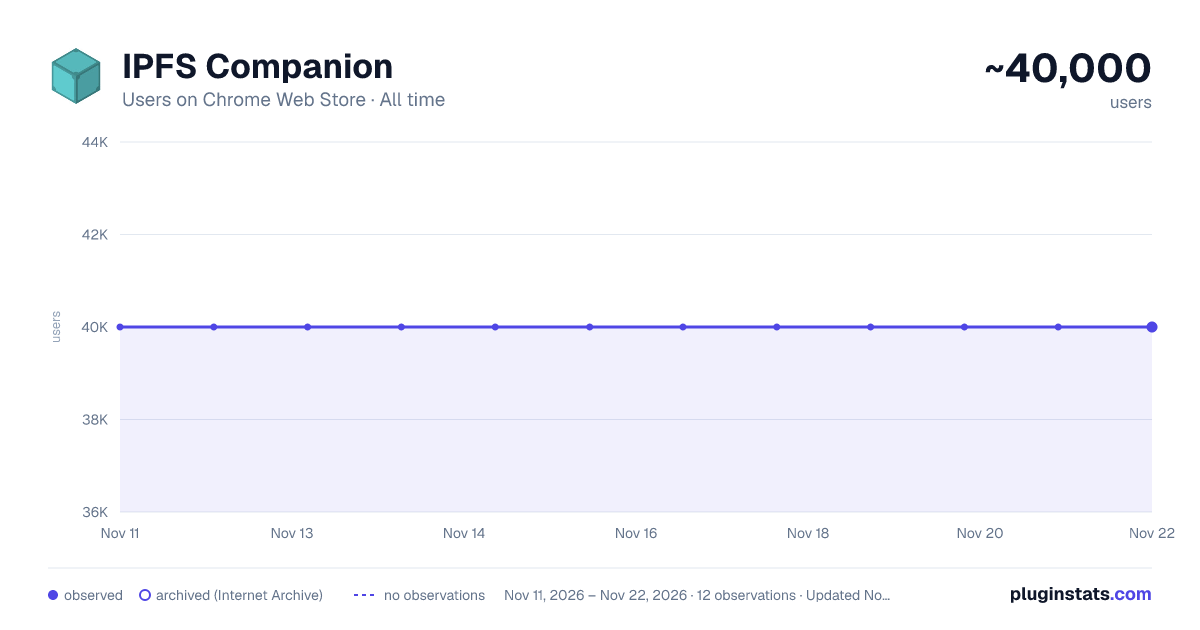
IPFS Companion has approximately 40,000 recorded users on Chrome Web Store, a change of 0.0% over the past 7 days, ranking #507 of 10,388 tracked listings.
Rating: 3.90 / 5 from 52 ratings
About IPFS Companion
Harness the power of IPFS in your browser
ABOUT
IPFS Companion connects your browser to a local Kubo IPFS node, running either as the IPFS Desktop app or the command-line daemon. It adds native support for ipfs:// and ipns:// addresses, loads IPFS websites and file paths through your node, and puts importing and sharing content to IPFS one right-click away.
IPFS is a peer-to-peer hypermedia protocol designed to make the web faster, safer, more resilient, and more open. It enables sites and applications that don't rely on centralized hosting and stay true to the original vision of an open, flat web. Visit https://ipfs.tech to learn more.
FEATURES
- Open ipfs:// and ipns:// addresses, along with content-addressed /ipfs/ and /ipns/ paths, and load them through your node or a gateway of your choice
- Automatically retrieve sites and files already on IPFS, including redirecting DNSLink websites to IPNS through your node
- Import files and whole folders to your node by right-click or drag-and-drop; folders keep their structure and get a single CID
- Copy native ipfs:// and ipns:// addresses, or shareable gateway links, snapshot links, IPFS/IPNS paths, and CIDs for IPFS-hosted content
- Public gateways are optional: run fully on your local node, or fall back to a public gateway only when you choose to
- Get a plain explanation with a one-click fix when an ipfs:// address is broken, instead of a confusing gateway error
- Check your node's status and connected peer count at a glance from the browser toolbar
- Pin files and open your IPFS Web UI dashboard right from the browser
- Toggle IPFS redirects globally or per website
PRIVACY
IPFS Companion has no analytics or tracking. See the privacy policy at https://github.com/ipfs/ipfs-companion/blob/main/PRIVACY-POLICY.md
IMPORTANT NOTE
You'll need a local IPFS node running on your computer to enjoy all of IPFS Companion's features, either from your terminal (https://docs.ipfs.tech/install/command-line/) or through the friendly, free IPFS Desktop app (https://docs.ipfs.tech/install/ipfs-desktop/).
MORE INFO
Learn about IPFS and how it's changing the Internet at https://ipfs.tech Read the HTTP Gateway specifications at https://specs.ipfs.tech/http-gateways/
Description from the Chrome Web Store listing.
README badge
Show your rank in a README or on your website. The badge updates automatically.
Charts
Images: 30d · 1y · all time · 1600×900 dark
Adoption over time
7/30/90-day growth
Ranking history
Ratings over time
Listing placement
Listing placement
Filled points are observed values; hollow points come from Internet Archive snapshots of the listing page. Dashed segments span periods with no observations — values between points are not interpolated.
Each band is one page of 20. Users on a linear scale. Placement is projected from users, so it can differ from the marketplace's own sort order. Hover a dot to see the listing.
Recent observations
Full history (11)Similar Chrome Web Store Developer Tools plugins
All 20 IPFS Companion alternatives



Data source
Covers every Chrome Web Store extension with at least 100 users, found through the store's public sitemap. User counts are read from public listing pages. The 10% most-used extensions are refreshed daily, the next 40% weekly and the next 40% monthly; the least-used 10% are not refreshed. Google displays rounded user counts (and caps the display at 10,000,000+), so small changes may not be visible. Rating counts above 1,000 are rounded (e.g. 1.6K).
Listing: https://chromewebstore.google.com/detail/ipfs-companion/nibjojkomfdiaoajekhjakgkdhaomnch. First seen Nov 11, 2026; last successful collection Nov 21, 2026. See the methodology.