 PluginStats

HTML Visual Validation users statistics
By btisseo · Chrome Web Store · Developer Tools
HTML Visual Validation gives you information about the html elements, live, on page.
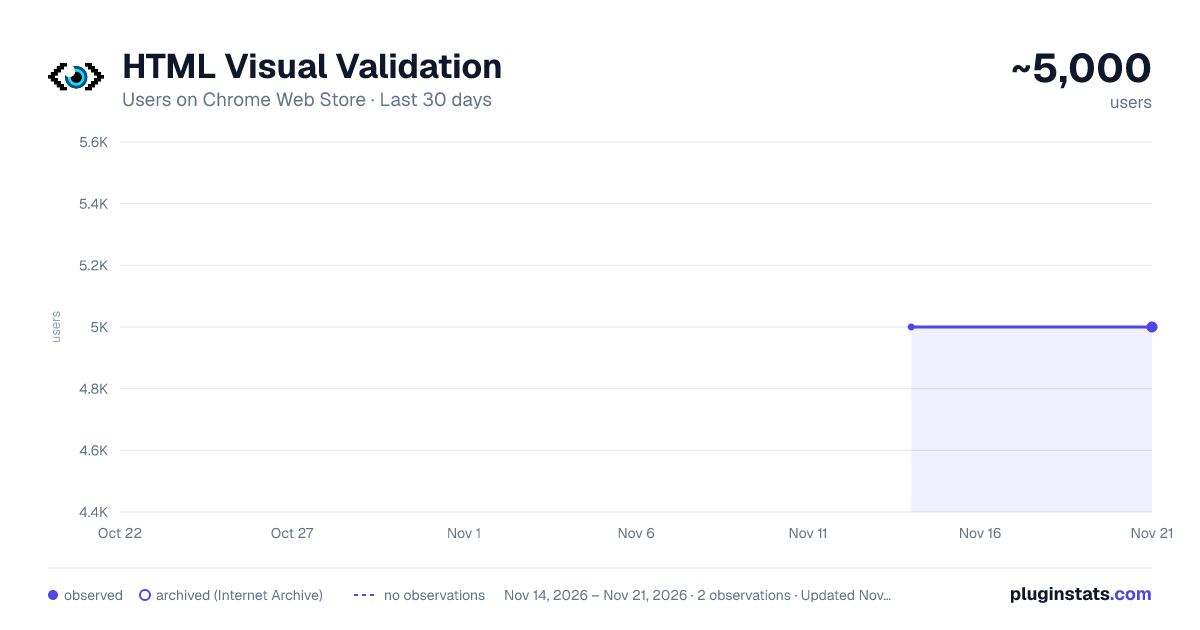
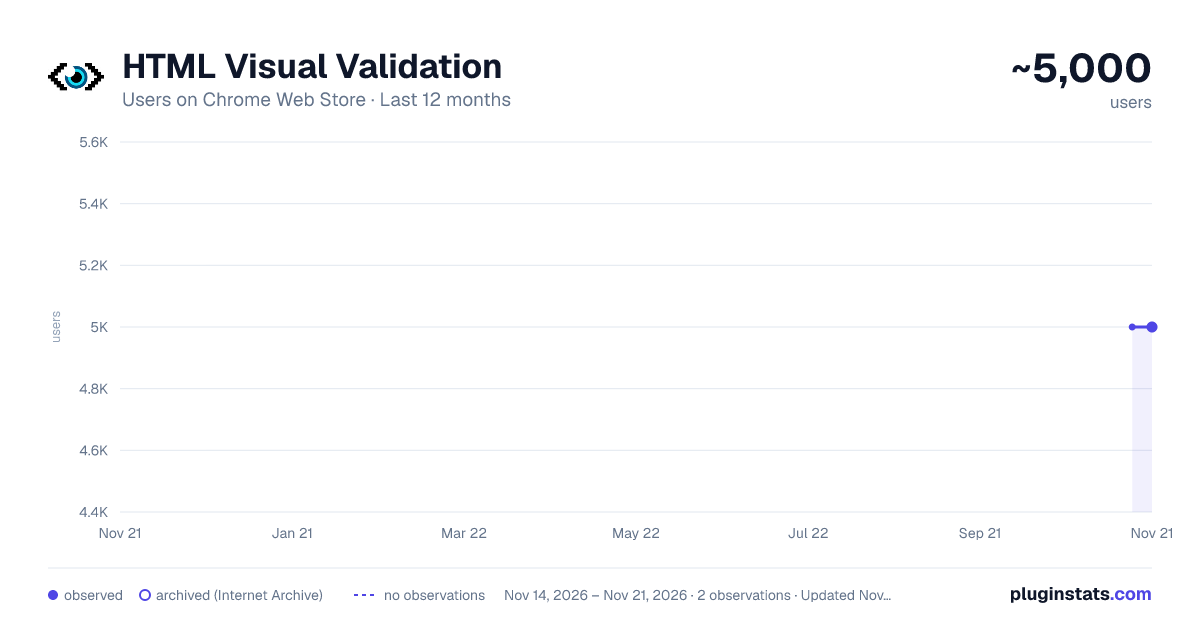
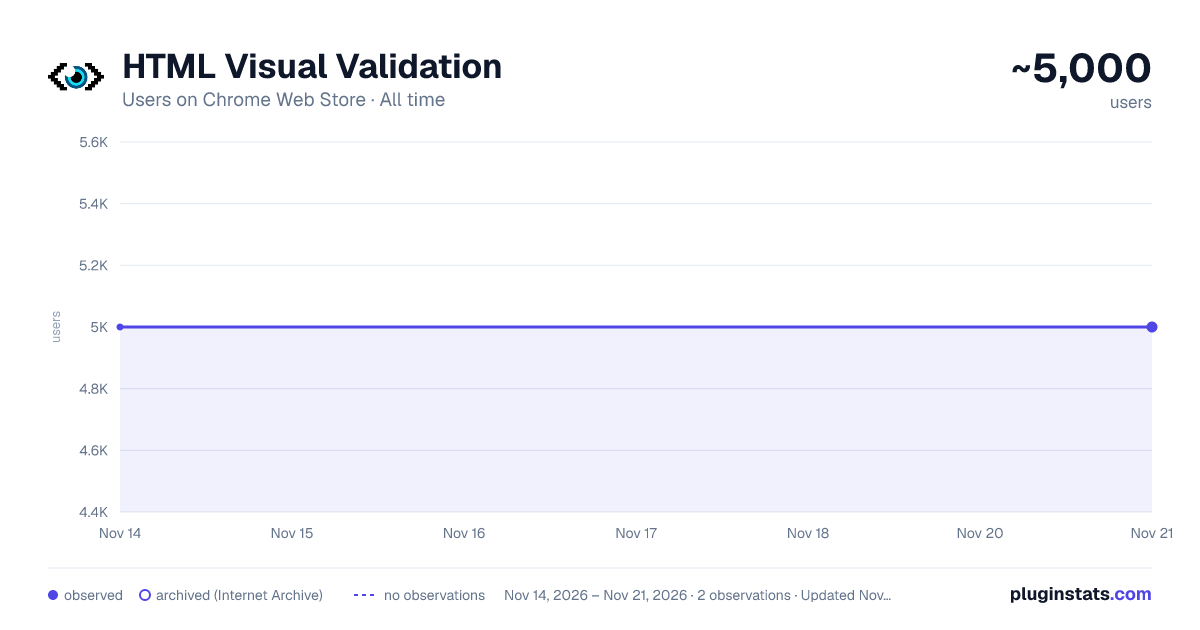
HTML Visual Validation has approximately 5,000 recorded users on Chrome Web Store, a change of 0.0% over the past 7 days, ranking #1664 of 10,388 tracked listings.
Rating: 4.40 / 5 from 8 ratings
About HTML Visual Validation
HTML Visual Validation gives you information about the html elements, live, on page.
HTML Visual Validation is a visual HTML inspector and DOM viewer that lets you inspect HTML elements directly on the webpage — without opening the browser DevTools or console.
Quickly understand the structure of any webpage by highlighting HTML tags and displaying useful information about their attributes directly on the page.
Simply choose the HTML element or tag you want to inspect, and HTML Visual Validation will outline matching elements and display a label with relevant information.
FEATURES
Visual HTML inspection: Highlight HTML elements directly on the webpage.
Common HTML tags: Quickly inspect the most frequently used HTML elements.
Page metadata: View the <title> and <meta description> tags.
ID and class attributes: Display the id and class values of HTML elements.
Image information: Inspect the <img> alt attribute value.
Link inspection: Get additional information about <a> elements, including:
- Internal or external links
- JavaScript links
- Whether the target attribute is set
DOM navigation: Use the built-in DOM Tree to explore the page structure.
Element highlighting: Hover over a tag label to bring the corresponding element to the front.
Click to locate: Click an element in the DOM Tree to automatically scroll to its position on the webpage.
NEW FEATURES
Smart tag selector: The tag selector now detects which HTML tags are actually available on the current page.
DOM Tree panel: Explore the page's HTML structure through a dedicated DOM Tree panel.
DOM-to-page navigation: Click an element in the DOM Tree to instantly find and scroll to the corresponding HTML element on the page.
USEFUL FOR WEB DEVELOPERS, SEO AND QA
HTML Visual Validation can help web developers, frontend developers, SEO professionals, QA testers and accessibility specialists quickly inspect HTML structure, attributes, links and page metadata while browsing.
Inspect HTML visually, understand the DOM structure, and validate important HTML elements without constantly switching between the webpage and browser developer tools.
Description from the Chrome Web Store listing.
README badge
Show your rank in a README or on your website. The badge updates automatically.
Charts
Images: 30d · 1y · all time · 1600×900 dark
Adoption over time
7/30/90-day growth
Ranking history
Ratings over time
Listing placement
Listing placement
Filled points are observed values; hollow points come from Internet Archive snapshots of the listing page. Dashed segments span periods with no observations — values between points are not interpolated.
Each band is one page of 20. Users on a linear scale. Placement is projected from users, so it can differ from the marketplace's own sort order. Hover a dot to see the listing.
Recent observations
Full history (2)Similar Chrome Web Store Developer Tools plugins
All 20 HTML Visual Validation alternatives



Data source
Covers every Chrome Web Store extension with at least 100 users, found through the store's public sitemap. User counts are read from public listing pages. The 10% most-used extensions are refreshed daily, the next 40% weekly and the next 40% monthly; the least-used 10% are not refreshed. Google displays rounded user counts (and caps the display at 10,000,000+), so small changes may not be visible. Rating counts above 1,000 are rounded (e.g. 1.6K).
Listing: https://chromewebstore.google.com/detail/html-visual-validation/hicjdabjhdmaaabgackleegipabmeack. First seen Nov 14, 2026; last successful collection Nov 21, 2026. See the methodology.