 PluginStats

RedOrbit HbbTV Emulator & Testsuite users statistics
By redorbit.hbbtv · Chrome Web Store · Developer Tools
Emulates an HbbTV/OIPF environment in the browser and tests your app against it — by RedOrbit.
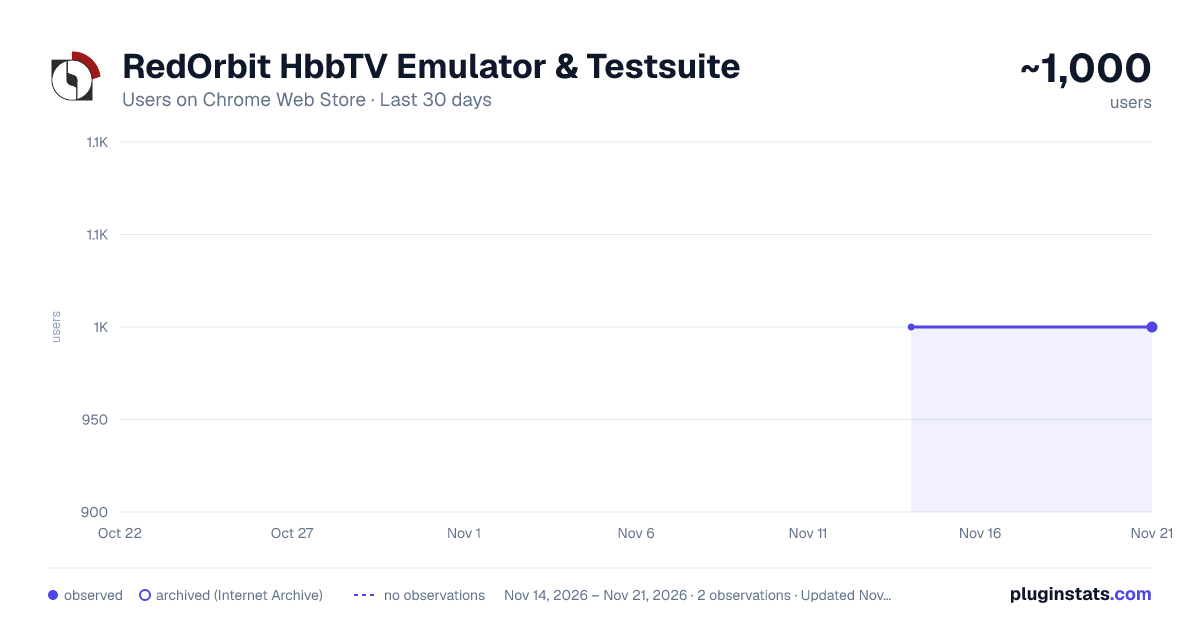
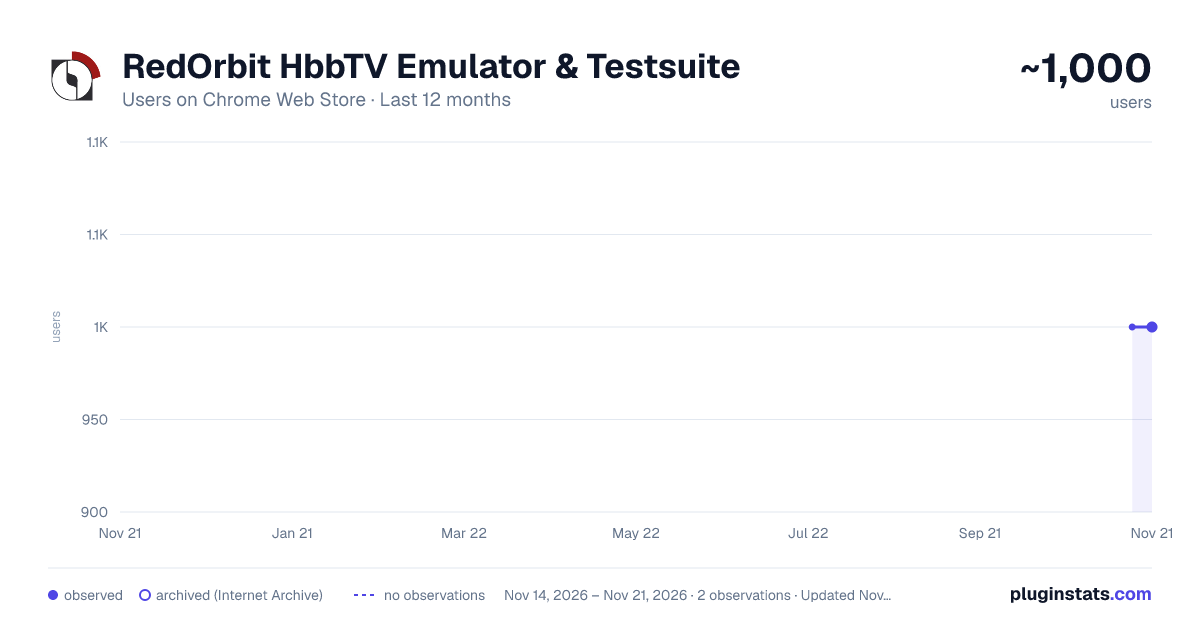
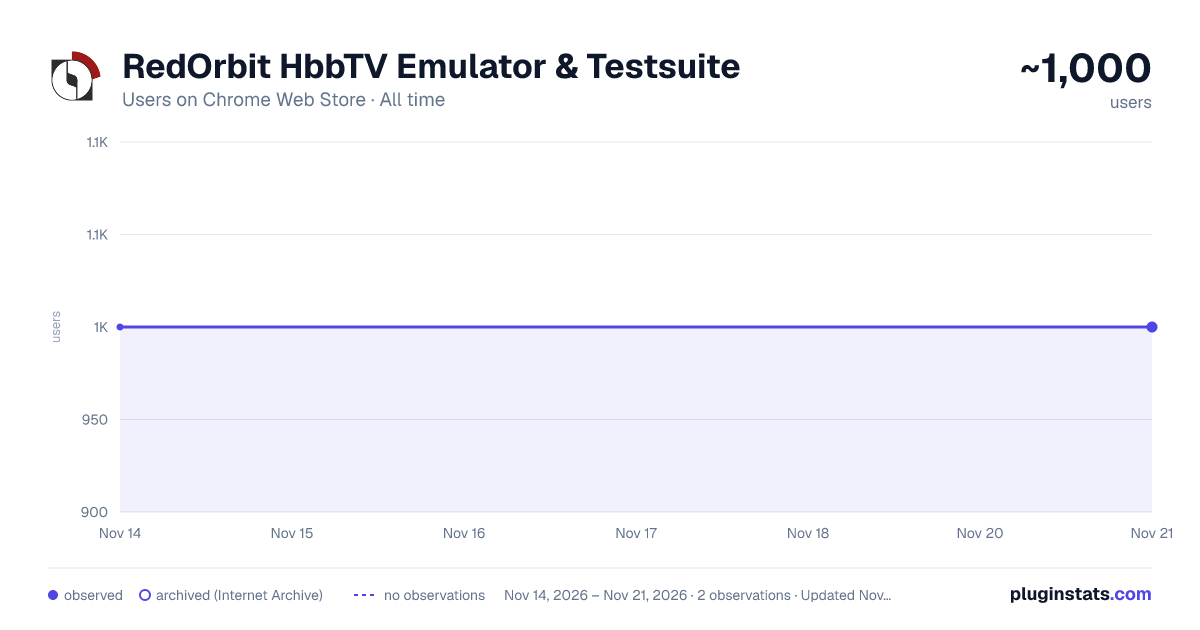
RedOrbit HbbTV Emulator & Testsuite has approximately 1,000 recorded users on Chrome Web Store, a change of 0.0% over the past 7 days, ranking #3661 of 10,388 tracked listings.
Rating: 5.00 / 5 from 2 ratings
About RedOrbit HbbTV Emulator & Testsuite
Emulates an HbbTV/OIPF environment in the browser and tests your app against it — by RedOrbit.
Develop and test HbbTV applications on your desktop, without a television set.
The RedOrbit HbbTV Emulator & Testsuite injects an HbbTV/OIPF runtime into pages you explicitly allow: the OIPF object factory, video/broadcast, the A/V control object, the application manager, the key handling of a real remote control, and a simulated DVB channel list. It follows the HbbTV profile of OIPF DAE as defined in ETSI TS 102 796 V1.7.1 — not the full OIPF scope. Anything that Annex A of that standard marks as "not included" does not exist here either, because an emulator that offers more than the target device teaches you the wrong thing.
SETUP — PLEASE READ, THE EXTENSION DOES NOTHING UNTIL YOU DO THIS
-
Open chrome://extensions, click "Details" on this extension and turn on "Allow user scripts". Chrome requires this switch for the userScripts API. Without it the HbbTV UserAgent is still sent as a request header, but client-side sniffing in JavaScript will not see it.
-
Click the toolbar icon. The side panel opens on the right.
-
In the "App" tab, under "Allowed hosts", add the host and port of the app you want to test — for example localhost:8080, or the host of your staging server. Chrome will ask you to grant permission for that host. Include the port; an entry without one matches every port. If the app is already open in the active tab, the "Allow" button next to the load field takes scheme, host and port from it.
Nothing happens outside that list. That is the design, not a limitation.
THE FOUR TABS
- App: Load an app, manage allowed hosts, open the inspector overlay, keyboard reference.
- Device: What the television looks like to the app: UserAgent, document mode, broadcast access, the key profile and key mapping, and the switches for browser protection headers.
- Test: Run your app against the emulator, two ways (below), and read the report.
- Guide: A short manual inside the panel.
WHAT IT EMULATES
- OIPF object factory and the application/oipfApplicationManager lifecycle
- video/broadcast: channel list, channel change, components, programme data, stream events, a test card
- The A/V control object and HTML5 video, with adaptive playback via dash.js and hls.js (both bundled — no code is loaded from anywhere at runtime)
- Subtitles, trick play and reverse playback where the profile requires it
- Keyset handling and the six gating layers of clause 10.2.2.1, including the DOM KeyboardEvent.code values from Table 12
- Capabilities and configuration objects
- An inspector overlay that shows what the app is doing to the emulator, live
KEYBOARD
R red · G green · Y yellow · B blue Arrow keys navigate · Enter is OK · Backspace is BACK Space play · P pause · S stop · F fast forward · W rewind 0–9 are the number keys
Every binding can be changed in the side panel under Device → Keys.
TESTING, TWO WAYS
Exploration walks your app on its own, pressing keys and following what appears, and writes down what it finds. Scenario replays a path you recorded by hand once — which is how you cover free text entry, digit keys and deliberate video operation that a search cannot reach. Both produce the same report; the report says which one produced it.
The report separates findings in your app from limits of the emulator itself, lists what the run did not reach, and exports as HTML, Markdown or JSON so you can diff two runs after a change.
OPTIONAL: AI SUMMARY
The report can be summarised by a Claude model. This is off unless you enter your own Anthropic API key in the side panel, and it stays off if you never do. When you do use it, report data — including text taken from the app under test, its URL and error messages — is sent to api.anthropic.com under your own key and billed to your own account. A "Preview what gets sent" button shows the exact payload before you send it. Severity ratings and standards citations are determined before the call; the model phrases and weighs, it does not classify. The key is stored locally with chrome.storage.local and is never synced to your Google account.
WHAT THIS IS NOT
It is a development tool, not a conformance test bench. It does not prove that your app runs on a real device. The renderer is Blink, not a device browser; performance, memory limits, codec support and real tuner timing all differ.
Not emulated, on purpose: PVR and recording, DRM of any kind, real tuner access, the DSM-CC object carousel and dvb:// URLs, AIT signalling, operator apps, companion screen, DIAL and media synchronisation. Access to these returns defined stubs so apps do not crash, but there is no functional emulation behind them.
A WARNING WORTH READING TWICE
For allowed hosts, the emulator can remove Content-Security-Policy and Strict-Transport-Security from responses — that is on by default, because HbbTV apps routinely need it — and can add a permissive CORS header, which is off by default. The side panel shows at all times which host currently has which protection disabled. Put only hosts you develop yourself on the allowed list. A third-party host you allow loses, for the duration of the allowance, the protections its operator set.
REQUIREMENTS
Chrome 120 or newer. "Allow user scripts" enabled for this extension.
Description from the Chrome Web Store listing.
README badge
Show your rank in a README or on your website. The badge updates automatically.
Charts
Images: 30d · 1y · all time · 1600×900 dark
Adoption over time
7/30/90-day growth
Ranking history
Ratings over time
Listing placement
Listing placement
Filled points are observed values; hollow points come from Internet Archive snapshots of the listing page. Dashed segments span periods with no observations — values between points are not interpolated.
Each band is one page of 20. Users on a linear scale. Placement is projected from users, so it can differ from the marketplace's own sort order. Hover a dot to see the listing.
Recent observations
Full history (2)Similar Chrome Web Store Developer Tools plugins
All 20 RedOrbit HbbTV Emulator & Testsuite alternatives



Data source
Covers every Chrome Web Store extension with at least 100 users, found through the store's public sitemap. User counts are read from public listing pages. The 10% most-used extensions are refreshed daily, the next 40% weekly and the next 40% monthly; the least-used 10% are not refreshed. Google displays rounded user counts (and caps the display at 10,000,000+), so small changes may not be visible. Rating counts above 1,000 are rounded (e.g. 1.6K).
Listing: https://chromewebstore.google.com/detail/redorbit-hbbtv-emulator-t/mmgfafehampkahlmoahbjcjcmgmkppab. First seen Nov 14, 2026; last successful collection Nov 21, 2026. See the methodology.