 PluginStats

HTTP Header Checker - cmlabs SEO Tools users statistics
Chrome Web Store · Developer Tools
This tool helps you inspect and analyze the headers of HTTP requests and responses exchanged between client and server.
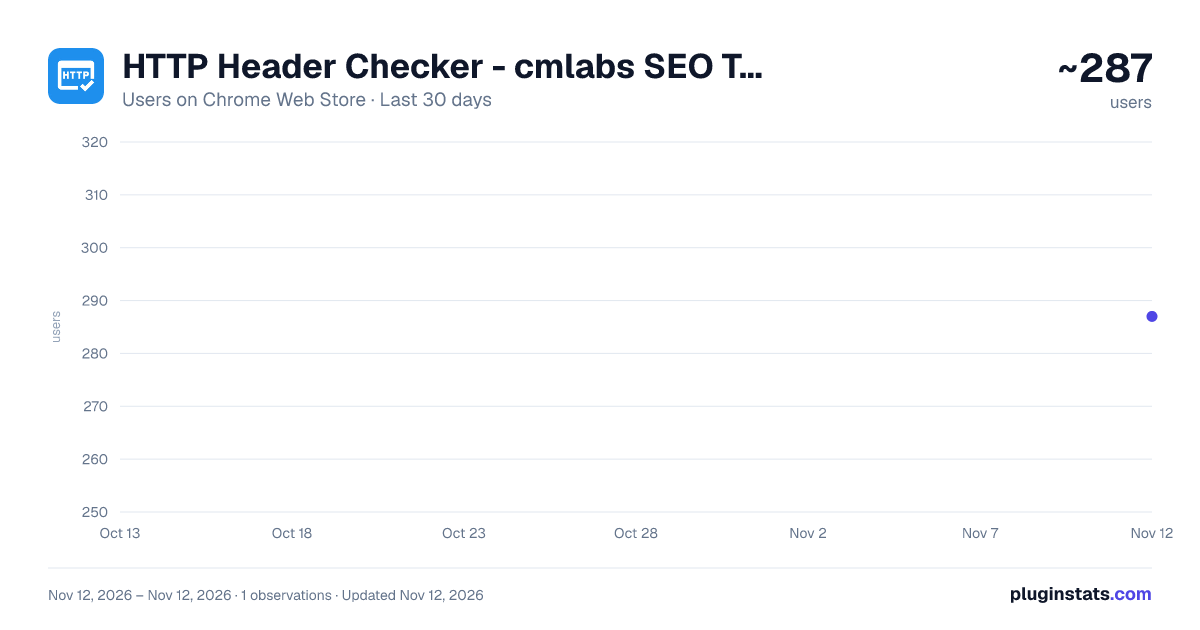
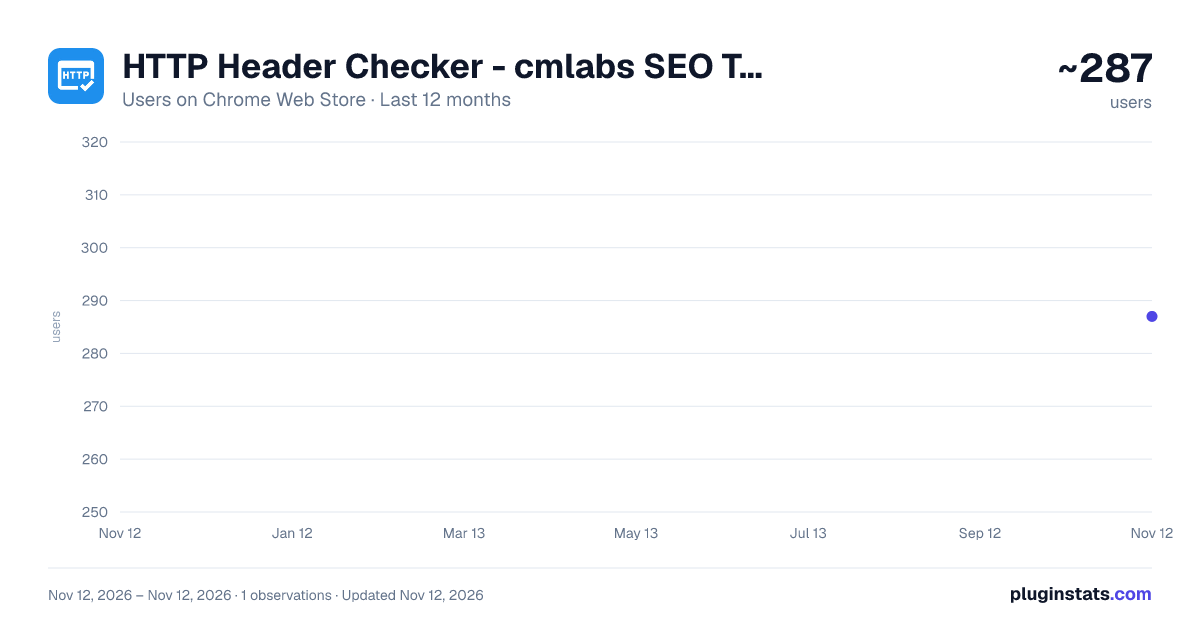
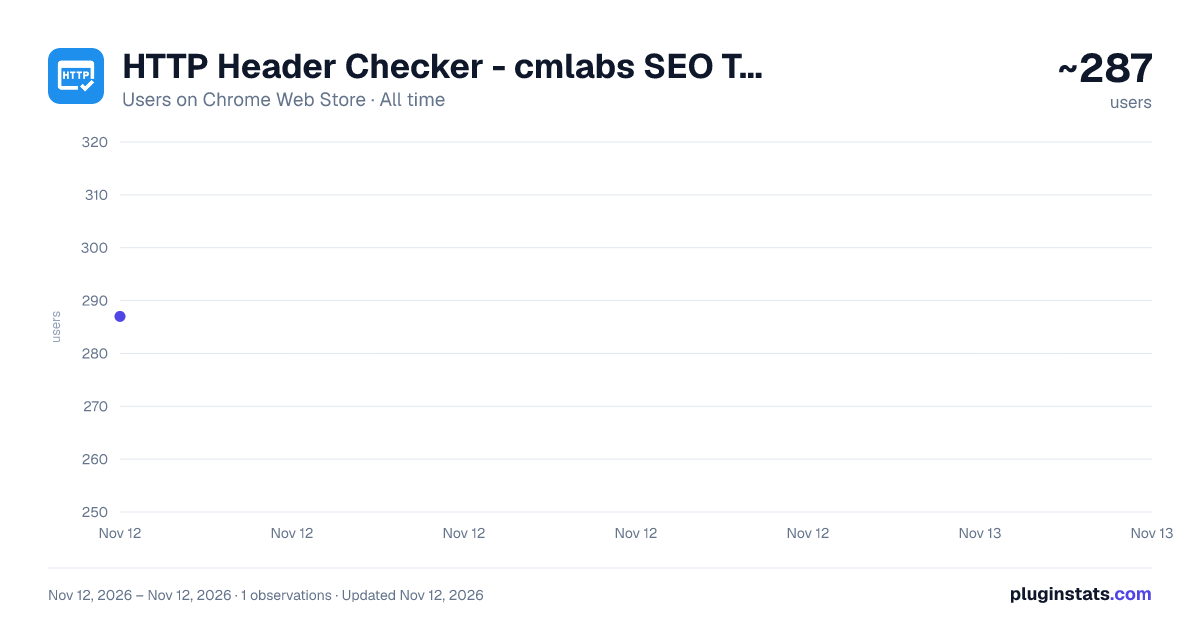
HTTP Header Checker - cmlabs SEO Tools has approximately 287 recorded users on Chrome Web Store, ranking #6704 of 10,388 tracked listings.
Rating: 5.00 / 5 from 5 ratings
About HTTP Header Checker - cmlabs SEO Tools
This tool helps you inspect and analyze the headers of HTTP requests and responses exchanged between client and server.
The HTTP Header Checker is a tool designed to inspect and analyze the headers of Hypertext Transfer Protocol (HTTP) requests as well as responses exchanged between client and server.
This tool is one of the most essential components containing important metadata and instructions that oversee how data is transmitted and processed. When we are speaking about cybersecurity, this tool stands as the first line of defense to protect particular websites from potential threats. Download and try now!
Features & Benefits
The HTTP Header Checker by cmlabs offers a range of valuable advantages that contribute to enhanced security, optimized performance, and streamlined development within the digital landscape.
- This tool is available for free.
- Performance Optimization: This tool is designed to fine-tune performance for optimal user experience. It analyzes headers to control caching mechanisms, compression settings, and content delivery strategies, which is incredibly important if you want seamless and responsive browsing.
- Robust Security Enhancement: This tool can be your powerful ally in fortifying cybersecurity measures. It meticulously inspects HTTP headers to identify and rectify potential vulnerabilities, ensuring that critical security headers are correctly configured.
- Simplified Compliance and Standards: This tool will verify that headers align with recommendations from authoritative bodies to help maintain a high level of professionalism and credibility.
- Comprehensive SEO and Accessibility Support: This tool goes beyond the technical realm. It can also contribute to improved search engine visibility and accessibility. This tool will ensure that meta tags and other SEO-relevant headers are correctly configured.
Here are some of the tool’s benefits you should know about:
- Easy to understand UI: It is designed to make it easier for users to operate it.
- Fast checking process: Users don't need a long time to check hreflang tags.
- Comprehensive results: The tool can display the hreflang tag, the language used, and the target region of the URL being checked.
- History: The history of using this tool will be recorded in the Local History feature making it easier for you to check it again
How to Use
-
Open the HTTP Header Checker Page Select the HTTP Header Checker option to start inspecting the headers of the desired website.
-
Input the URL To initiate the review process, you will be asked to input a URL as shown in the example within the blue box. To ensure a smooth review process, make sure the URL you input follows the following format: https://www.example.com.
-
Start the Inspection The next step is to start the inspection process. After entering the URL, simply press the "Check URL" button to initiate the process. Then, wait a few moments until the analysis results are successfully loaded. Rest assured, because the inspection process of this tool will be just as fast as you blinked!
-
Analyze the Results After the loading phase is complete, you will be presented with a wide range of outcomes that showcase the website's performance. The examination results cover essential details such as Connection, Content-Type, Date, Etag, Link, Platform, Server, and beyond.
Help & Support
We value your feedback! If you have any suggestions for improving the HTTP Header Checker or encounter any issues while using the tool, please don't hesitate to let us know. Our support team is here to help. Reach us by email at:
Description from the Chrome Web Store listing.
README badge
Show your rank in a README or on your website. The badge updates automatically.
Charts
Images: 30d · 1y · all time · 1600×900 dark
Adoption over time
7/30/90-day growth
Ranking history
Ratings over time
Listing placement
Listing placement
Filled points are observed values; hollow points come from Internet Archive snapshots of the listing page. Dashed segments span periods with no observations — values between points are not interpolated.
Each band is one page of 20. Users on a linear scale. Placement is projected from users, so it can differ from the marketplace's own sort order. Hover a dot to see the listing.
Recent observations
Full history (1)Similar Chrome Web Store Developer Tools plugins
All 20 HTTP Header Checker - cmlabs SEO Tools alternatives



Data source
Covers every Chrome Web Store extension with at least 100 users, found through the store's public sitemap. User counts are read from public listing pages. The 10% most-used extensions are refreshed daily, the next 40% weekly and the next 40% monthly; the least-used 10% are not refreshed. Google displays rounded user counts (and caps the display at 10,000,000+), so small changes may not be visible. Rating counts above 1,000 are rounded (e.g. 1.6K).
Listing: https://chromewebstore.google.com/detail/http-header-checker-cmlab/anheghnibajoikjegiciidlmnnffecha. First seen Nov 12, 2026; last successful collection Nov 12, 2026. See the methodology.