 PluginStats

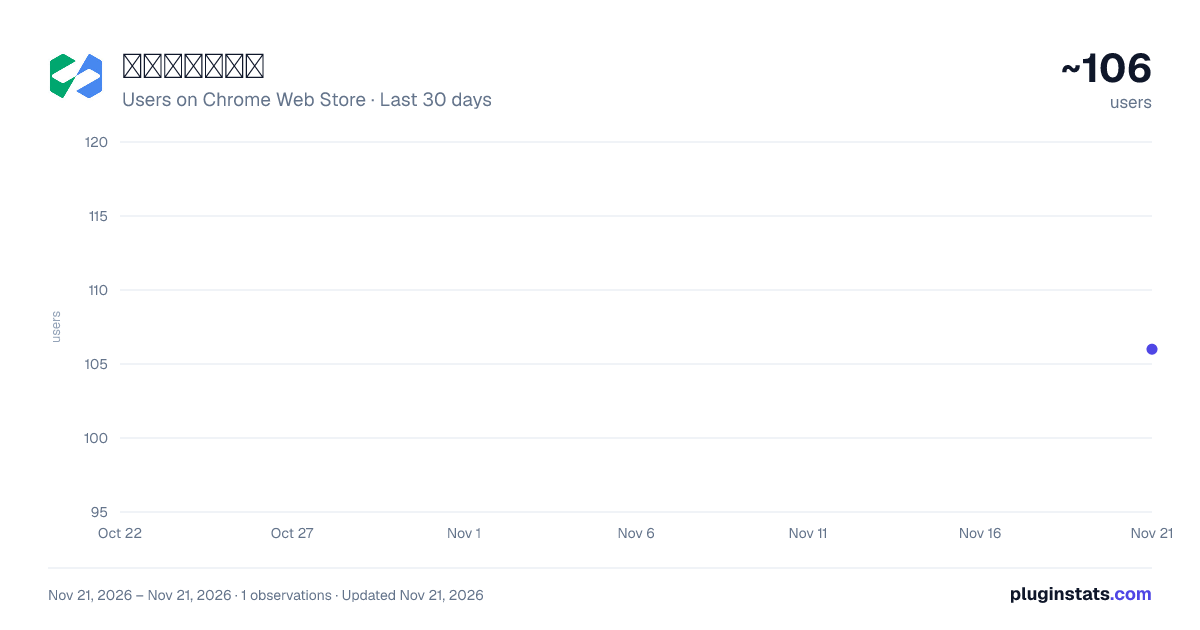
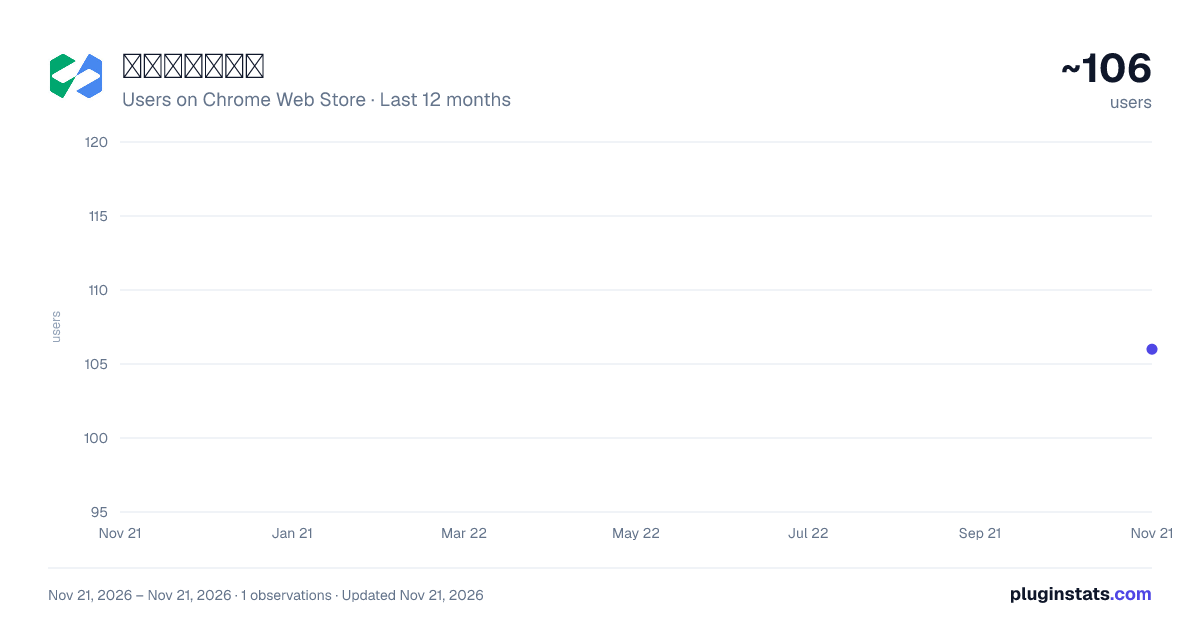
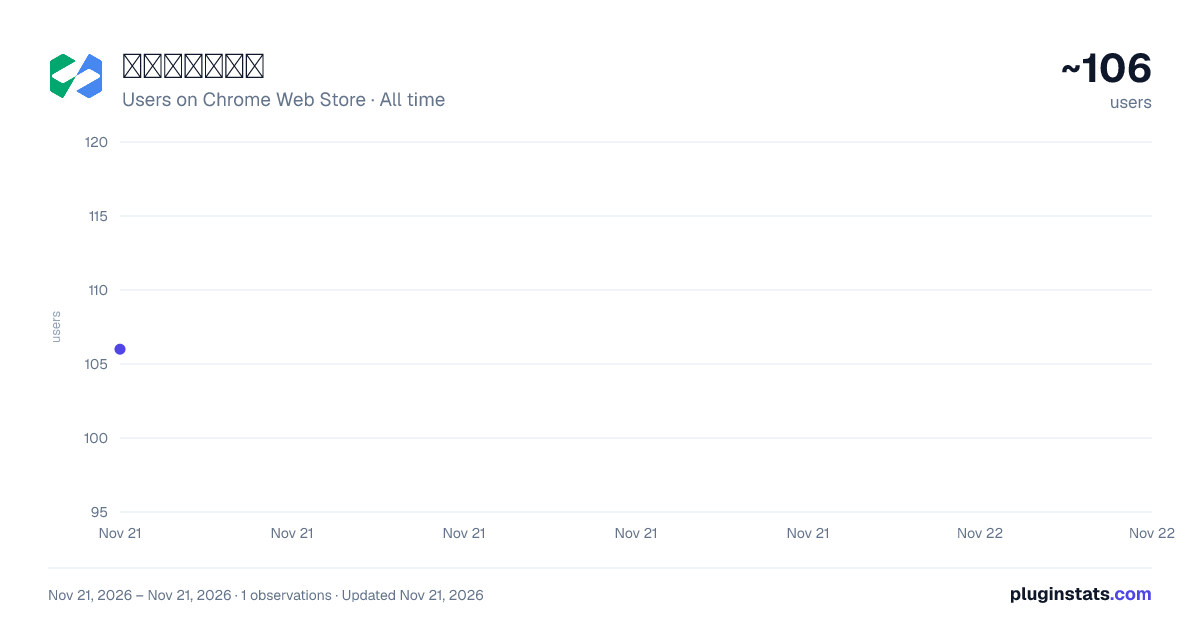
微搭开发者工具 has approximately 106 recorded users on Chrome Web Store, ranking #10100 of 10,388 tracked listings.
Rating: 5.00 / 5 from 3 ratings
About 微搭开发者工具
一个用于微搭开发的Chrome扩展
微搭低代码浏览器调试工具,可以调试微搭低代码的实时预览地址,查看应用的运行状态、数据请求、调试代码和查看完整配置
GITHUB https://github.com/TencentCloudBase/weda-devtools
使用文档
https://docs.cloudbase.net/lowcode/debug/devtools
WeDa DevTools 可以帮助开发者快速定位和解决问题,提高开发效率。以下是 WeDa DevTools 的主要功能:
-
组件调试:WeDa DevTools 可以帮助开发者调试组件,包括查看组件的 props、状态、样式等信息,以及修改组件的 props、状态、样式等属性,方便开发者进行调试和测试。
-
API 调试:WeDa DevTools 可以帮助开发者调试 API,包括查看 API 的请求和响应信息,以及修改 API 的请求参数和响应数据,方便开发者进行接口测试和调试。
-
数据调试:WeDa DevTools 可以帮助开发者调试数据,包括查看数据的结构和内容,以及修改数据的值和格式,方便开发者进行数据测试和调试。
WeDa DevTools is a low-code developer debug tool that provides rich debugging features to help developers debug components, APIs, data, and more.
WeDa DevTools can help developers quickly locate and solve problems, improving development efficiency. The main features of WeDa DevTools include:
-
Component debugging: WeDa DevTools can help developers debug components, including viewing component props, state, styles, and other information, as well as modifying component props, state, styles, and other properties, making it easy for developers to debug and test.
-
API debugging: WeDa DevTools can help developers debug APIs, including viewing API request and response information, as well as modifying API request parameters and response data, making it easy for developers to test and debug interfaces.
-
Data debugging: WeDa DevTools can help developers debug data, including viewing the structure and content of data, as well as modifying the values and formats of data, making it easy for developers to test and debug data.
Description from the Chrome Web Store listing.
README badge
Show your rank in a README or on your website. The badge updates automatically.
Charts
Images: 30d · 1y · all time · 1600×900 dark
Adoption over time
7/30/90-day growth
Ranking history
Ratings over time
Listing placement
Listing placement
Filled points are observed values; hollow points come from Internet Archive snapshots of the listing page. Dashed segments span periods with no observations — values between points are not interpolated.
Each band is one page of 20. Users on a linear scale. Placement is projected from users, so it can differ from the marketplace's own sort order. Hover a dot to see the listing.
Recent observations
Full history (1)Similar Chrome Web Store Developer Tools plugins
All 20 微搭开发者工具 alternatives



Data source
Covers every Chrome Web Store extension with at least 100 users, found through the store's public sitemap. User counts are read from public listing pages. The 10% most-used extensions are refreshed daily, the next 40% weekly and the next 40% monthly; the least-used 10% are not refreshed. Google displays rounded user counts (and caps the display at 10,000,000+), so small changes may not be visible. Rating counts above 1,000 are rounded (e.g. 1.6K).
Listing: https://chromewebstore.google.com/detail/微搭开发者工具/enbejkcgncpladfmegbbdpmcnipfponm. First seen Nov 21, 2026; last successful collection Nov 21, 2026. See the methodology.