 PluginStats

CodersTool Quick Launcher users statistics
Chrome Web Store · Developer Tools
Open common developer utilities from your browser toolbar, including formatters, encoders, hash tools, and validation helpers.
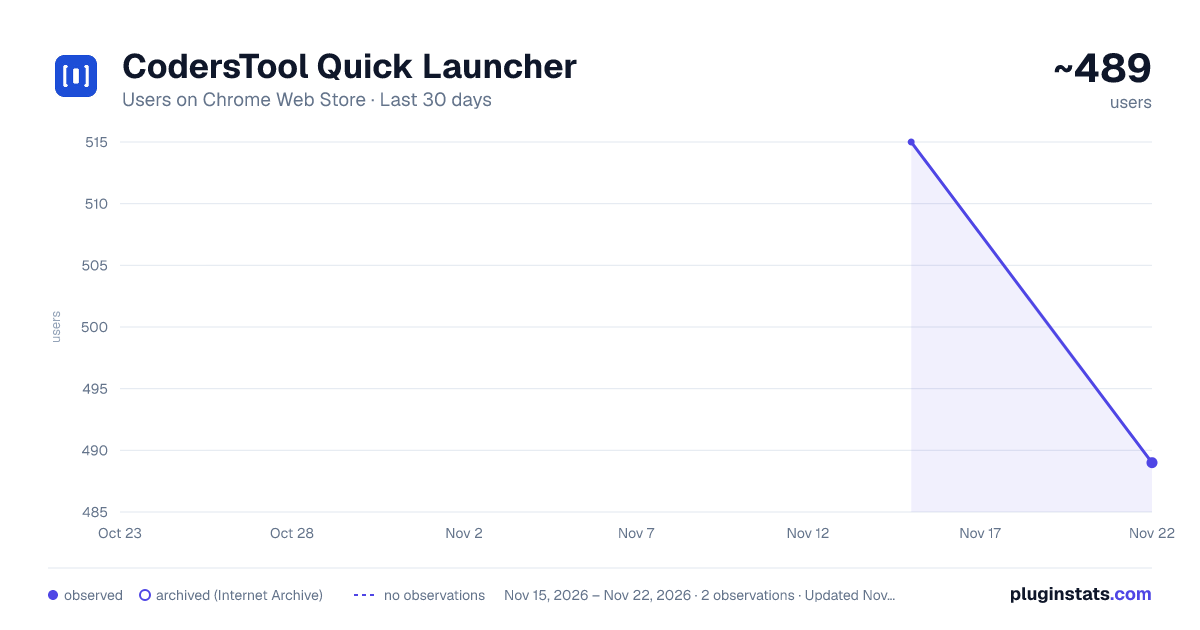
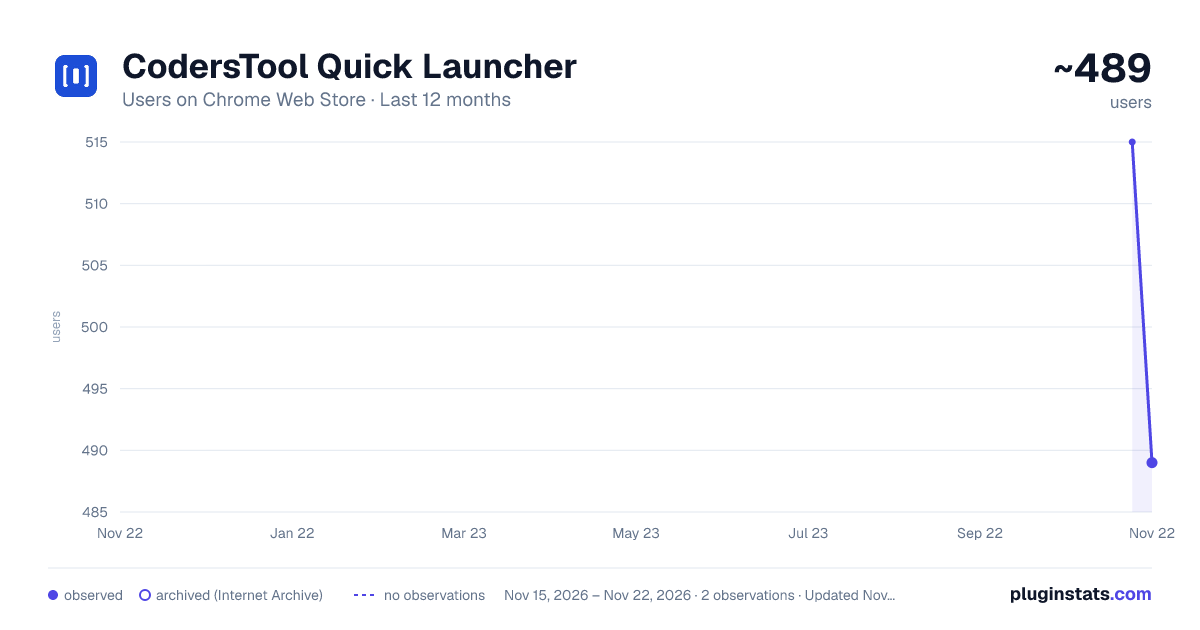
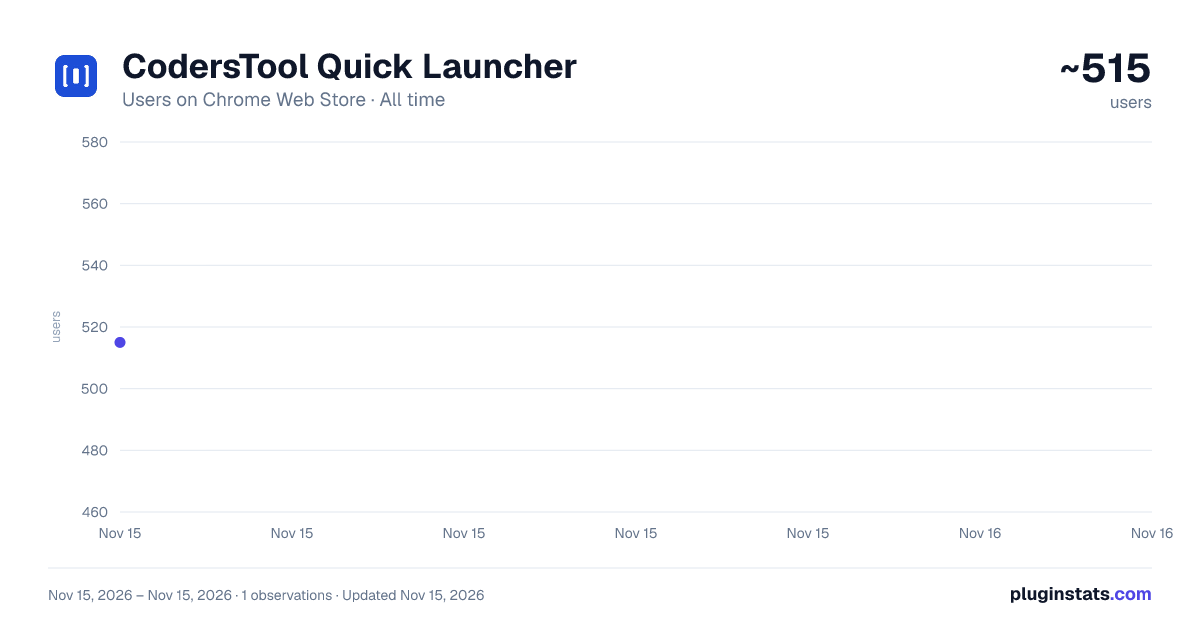
CodersTool Quick Launcher has approximately 515 recorded users on Chrome Web Store, ranking #5142 of 10,388 tracked listings.
Rating: 5.00 / 5 from 4 ratings
About CodersTool Quick Launcher
Open common developer utilities from your browser toolbar, including formatters, encoders, hash tools, and validation helpers.
CodersTool Quick Launcher gives developers fast access to everyday utility tools from the Chrome toolbar.
Instead of switching tabs or searching for a separate online tool, open the popup, choose a utility, paste your input, and get the result quickly.
── What it does ──
▸ Format and validate structured text ▸ Encode and decode common text formats ▸ Generate hashes for testing and development workflows ▸ Clean and deduplicate pasted URL lists ▸ Check SQL syntax for common database query errors ▸ Run network checks such as DNS lookup, HTTP ping, and server status checks ▸ Search the wider CodersTool library when you need additional developer utilities
Built-in tools include a JSON formatter, Base64 encoder/decoder, URL encoder/decoder, Unicode text conversion, URL list cleaner, SHA-256 hash generator, Argon2 password hash generator, SQL syntax checker, and network diagnostic tools.
── Why developers use it ──
▸ Toolbar access for frequent developer tasks ▸ Fast popup workflow — open, paste, get results ▸ Recents — one click back to the last tool you used ▸ Right-click shortcut — format selected text from the context menu ▸ Keyboard shortcut — open with Alt+Shift+C ▸ Access to 200+ developer utilities on CodersTool.com
── Privacy ──
▸ Local tools process input entirely in your browser — nothing is sent. ▸ Network-based tools and selected server-side tools (Argon2, SQL Check, Network tools) send your submitted input to the CodersTool API only to return the requested result. ▸ Submitted input is not stored. ▸ No account required. No ads.
Description from the Chrome Web Store listing.
README badge
Show your rank in a README or on your website. The badge updates automatically.
Charts
Images: 30d · 1y · all time · 1600×900 dark
Adoption over time
7/30/90-day growth
Ranking history
Ratings over time
Listing placement
Listing placement
Filled points are observed values; hollow points come from Internet Archive snapshots of the listing page. Dashed segments span periods with no observations — values between points are not interpolated.
Each band is one page of 20. Users on a linear scale. Placement is projected from users, so it can differ from the marketplace's own sort order. Hover a dot to see the listing.
Recent observations
Full history (1)Similar Chrome Web Store Developer Tools plugins
All 20 CodersTool Quick Launcher alternatives



Data source
Covers every Chrome Web Store extension with at least 100 users, found through the store's public sitemap. User counts are read from public listing pages. The 10% most-used extensions are refreshed daily, the next 40% weekly and the next 40% monthly; the least-used 10% are not refreshed. Google displays rounded user counts (and caps the display at 10,000,000+), so small changes may not be visible. Rating counts above 1,000 are rounded (e.g. 1.6K).
Listing: https://chromewebstore.google.com/detail/coderstool-quick-launcher/bmojppephkmpfcpobohhohljicnkdpnh. First seen Nov 15, 2026; last successful collection Nov 15, 2026. See the methodology.