 PluginStats

Block Inspector for NetFree users statistics
By Netfree Protected · Chrome Web Store · Developer Tools
גלה חסימות נט פרי בכל דף באחת — Instantly detect NetFree content filter blocks on any page
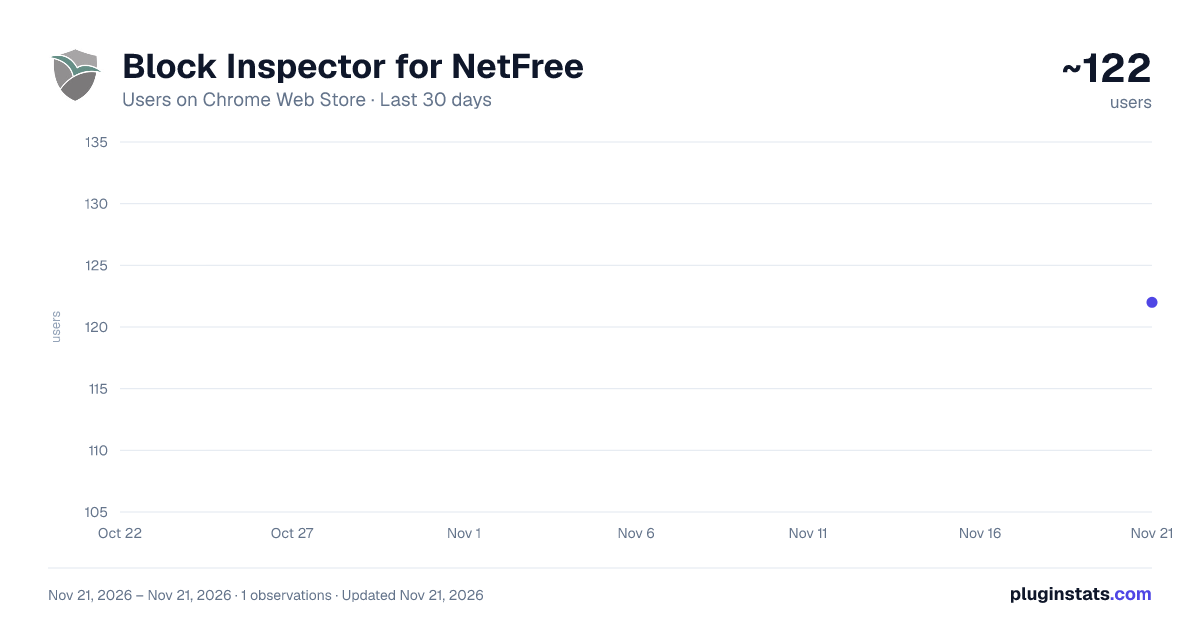
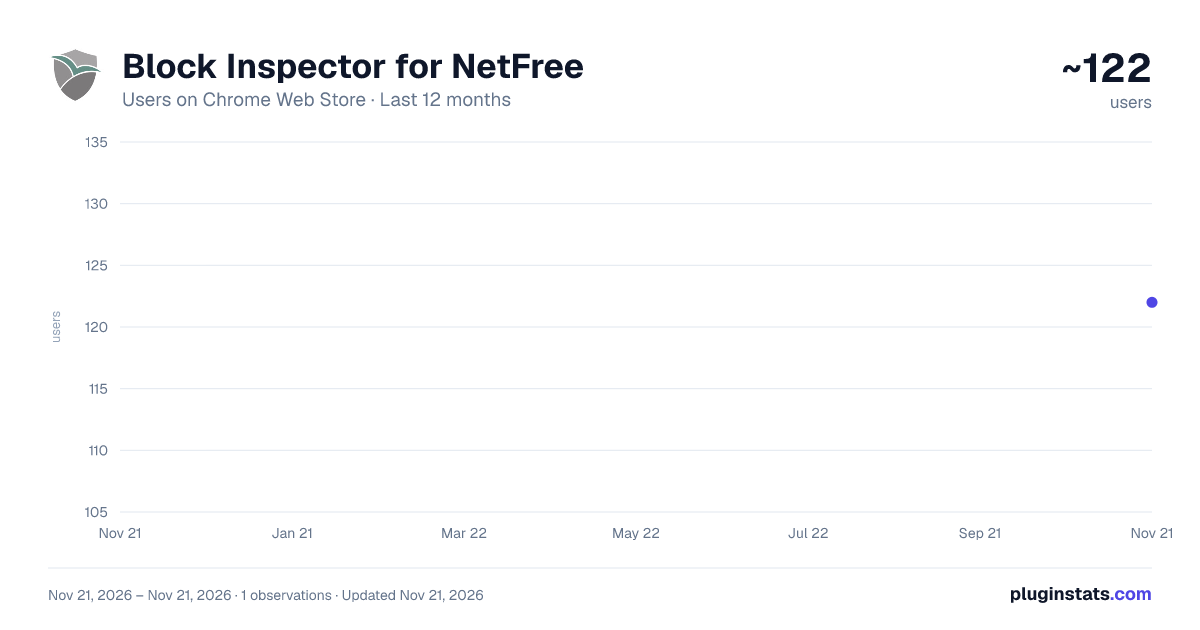
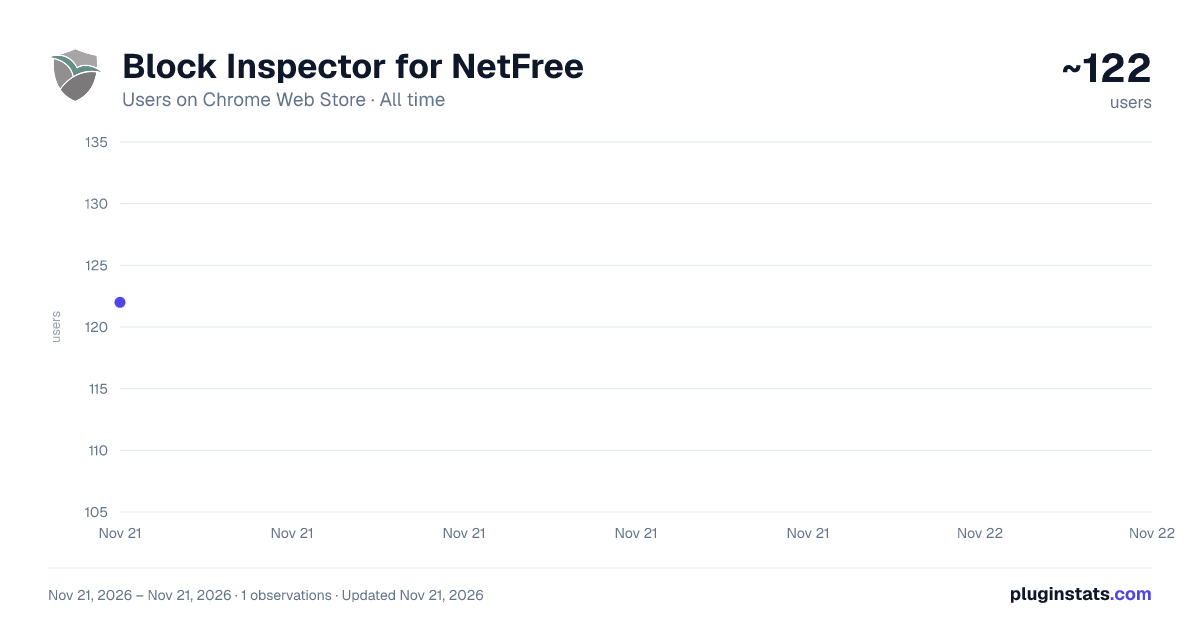
Block Inspector for NetFree has approximately 122 recorded users on Chrome Web Store, ranking #9506 of 10,388 tracked listings.
Rating: 5.00 / 5 from 1 ratings
About Block Inspector for NetFree
גלה חסימות נט פרי בכל דף באחת — Instantly detect NetFree content filter blocks on any page
NetFree Inspector — The tool that tells you why the page isn't working.
The Problem NetFree is a whitelist-based content filter. When you open a website, sometimes parts of it don't load: images are missing, buttons don't respond, or sections of the page simply appear empty. Why? Because third-party resources the site depends on (scripts, images, API requests) are blocked by NetFree — but you can't see that directly, only the broken result.
Until now, to find out what was blocked, you had to open a support ticket, start a traffic recording, reload the page, and submit the recording for review. A long, tedious process.
The Solution NetFree Inspector passively monitors every request your browser makes and instantly detects any request blocked by NetFree (HTTP status 418). One click on the toolbar icon — and you see every block on the current page, organized in a clean, modern interface.
What It Detects 🚫 Blacklisted — sites that were reviewed and explicitly blocked by NetFree
⏳ Not Whitelisted — unknown sites, pending review
⚙️ Personal Settings — sites blocked by your own NetFree personal settings
❓ Third-Party Blocks — sub-resources blocked on otherwise working pages
Key Features ✓ Automatic detection of all blocks on the current page — no extra setup, no complex configuration
✓ Direct support requests — the "Open Request" button auto-generates a pre-filled NetFree whitelist ticket with the blocked URL and your current page as the referrer
✓ Copy all blocked URLs with one click — ready to paste anywhere
✓ Red badge on the toolbar icon showing the number of blocks on the current tab
✓ Grouped by domain — keeping the list clean and readable
✓ Bilingual interface — Hebrew (default) and English with full RTL support
✓ Reload & Record — refresh the page and capture all requests from scratch for complete documentation
Complete Privacy NetFree Inspector does not collect any data. All analysis happens locally in your browser. No information is sent to any external server. Block data is kept only in browser memory and cleared the moment you close the browser. No tracking, no analytics, no user accounts.
Who It's For • Regular NetFree users who want to understand why pages aren't working correctly • Technical support staff who need to diagnose issues in internal systems • Web developers working with users behind the filter who need to know which resources are blocked
How to Use Install the extension Browse normally When a page isn't working correctly, click the NetFree Inspector icon in the toolbar Instantly see all blocks on the page Click "Open Request" to submit directly to NetFree, or "Copy" to get the URLs
Description from the Chrome Web Store listing.
README badge
Show your rank in a README or on your website. The badge updates automatically.
Charts
Images: 30d · 1y · all time · 1600×900 dark
Adoption over time
7/30/90-day growth
Ranking history
Ratings over time
Listing placement
Listing placement
Filled points are observed values; hollow points come from Internet Archive snapshots of the listing page. Dashed segments span periods with no observations — values between points are not interpolated.
Each band is one page of 20. Users on a linear scale. Placement is projected from users, so it can differ from the marketplace's own sort order. Hover a dot to see the listing.
Recent observations
Full history (1)Similar Chrome Web Store Developer Tools plugins
All 20 Block Inspector for NetFree alternatives



Data source
Covers every Chrome Web Store extension with at least 100 users, found through the store's public sitemap. User counts are read from public listing pages. The 10% most-used extensions are refreshed daily, the next 40% weekly and the next 40% monthly; the least-used 10% are not refreshed. Google displays rounded user counts (and caps the display at 10,000,000+), so small changes may not be visible. Rating counts above 1,000 are rounded (e.g. 1.6K).
Listing: https://chromewebstore.google.com/detail/block-inspector-for-netfr/enapmclemkjcnffgekeknfjcgommamfj. First seen Nov 21, 2026; last successful collection Nov 21, 2026. See the methodology.