 PluginStats

VibeComments — Visual Feedback for AI Agents users statistics
By DataBlur · Chrome Web Store · Developer Tools
Visual feedback for AI agents and teams. Click an element on any page, say what should change — the comment carries the element.
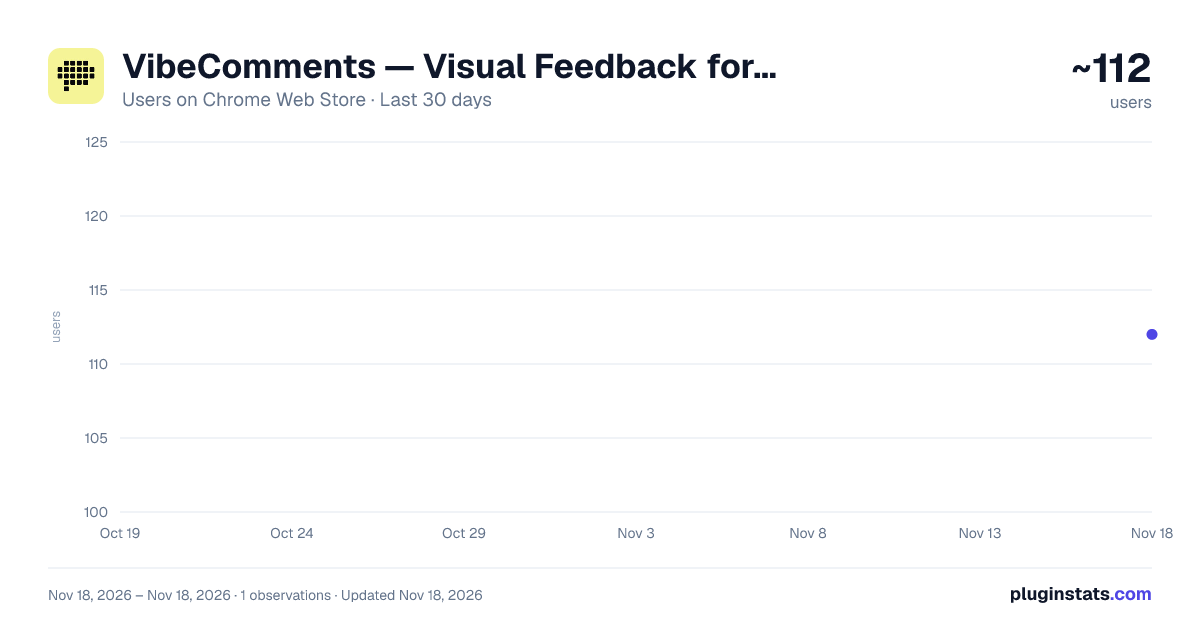
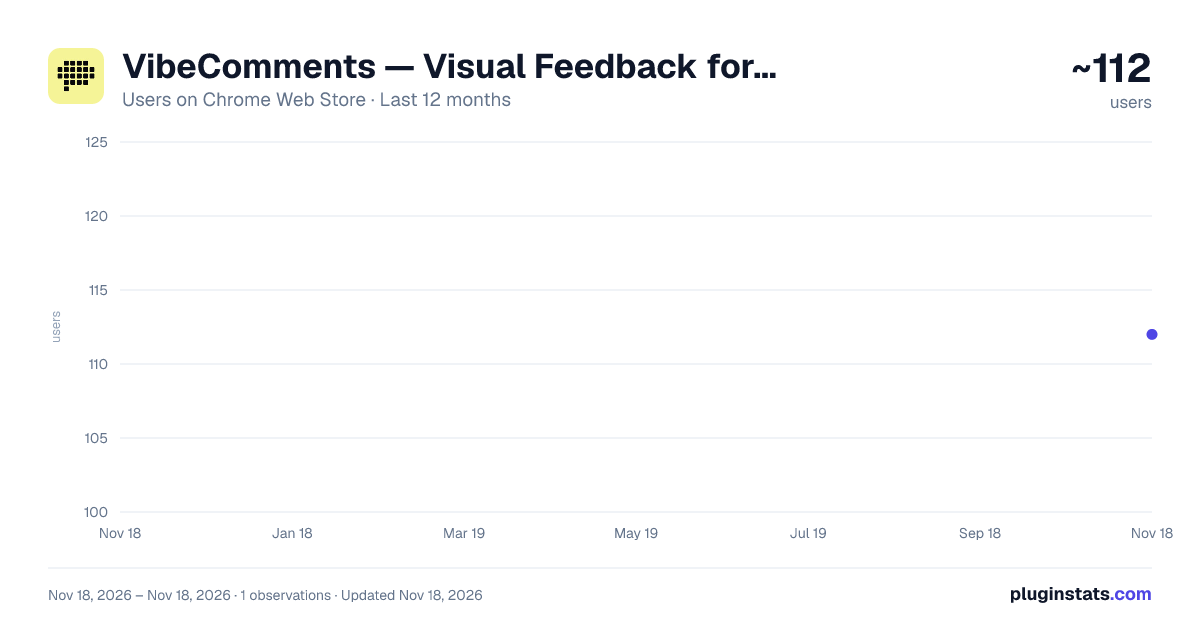
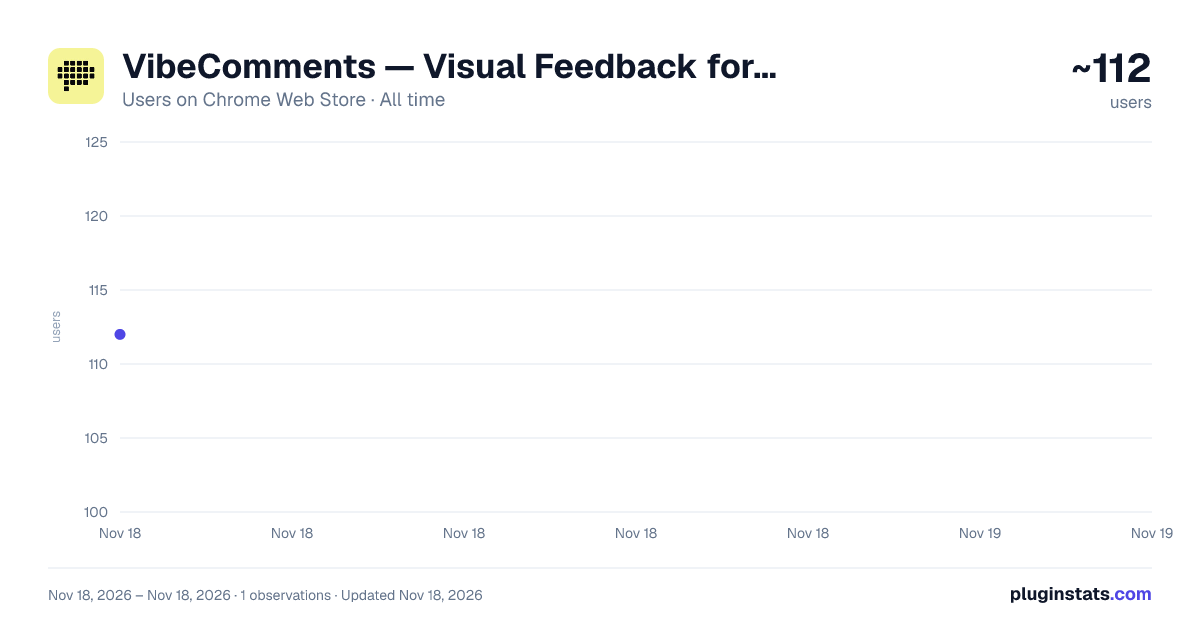
VibeComments — Visual Feedback for AI Agents has approximately 112 recorded users on Chrome Web Store, ranking #9865 of 10,388 tracked listings.
Rating: 5.00 / 5 from 2 ratings
About VibeComments — Visual Feedback for AI Agents
Visual feedback for AI agents and teams. Click an element on any page, say what should change — the comment carries the element.
VibeComments puts a comment on the element itself.
Click a button, a card, a heading — on localhost, on a preview URL, or on the site you already shipped — and write what should change. The comment is anchored to that element, not to the page, so whoever reads it next lands on the one you meant instead of the three next to it.
WHAT YOU DO WITH IT
• Copy the batch for your agent. Every open comment goes to the clipboard as one block, with the element and the page it belongs to. Paste it into the coding agent you already run and it has what it needs to make the change. • Or let the agent read them itself. Start the local server (npx @vibecomments/local) and your coding agent reads the comments over MCP, answers on the thread and resolves what it has done — on your own machine. The extension's MCP tab walks you through connecting it. • Or hand it to a person. Threads live on the element, with replies and a status of open or resolved — so the argument happens on the screen everybody is looking at, rather than in a doc that describes it.
ANCHORS THAT SURVIVE A DEPLOY
A comment records several ways to find its element again — selectors, an XPath, and a quote of the text around it — and tries them in order when the page has changed underneath. If the element moved but is still there, the comment moves with it. If the match had to be approximate, the extension says so instead of pretending.
SEE IT AT PHONE WIDTH
Open the page at a phone or tablet width without leaving the tab — iPhone and iPad presets, a custom size, and rotate — and leave comments on the layout a small screen actually gets.
LOCAL BY DEFAULT
With no account, everything stays in the extension's own storage on your machine — the pages you visit never see it, and neither do we. If you start the local MCP server, the extension also hands your comments to it at 127.0.0.1 — still your machine, still not us. Signing in is what creates a server-side copy, and it exists for one reason: a comment has to be able to reach a teammate.
WITH A TEAM
Teams are invite-only during the beta: you join an organization by invitation, then sign in with a six-digit code sent to that address. No password to choose and none to store. An organization holds projects, each project is scoped to its own URLs, and members join a project as editor or viewer. Comments, replies and emoji reactions arrive over a live connection, so a teammate's answer appears without a reload.
WHAT IT NEVER DOES
• It does not read the pages you visit. It records the element you picked and the words you typed about it — nothing else from the page. • It contains no analytics. No tracking SDK, no third-party scripts, no advertising identifiers, no telemetry of any kind in the extension. • It sells nothing to anybody. There are no advertisers to sell to.
Support: support@vibecomments.com
Description from the Chrome Web Store listing.
README badge
Show your rank in a README or on your website. The badge updates automatically.
Charts
Images: 30d · 1y · all time · 1600×900 dark
Adoption over time
7/30/90-day growth
Ranking history
Ratings over time
Listing placement
Listing placement
Filled points are observed values; hollow points come from Internet Archive snapshots of the listing page. Dashed segments span periods with no observations — values between points are not interpolated.
Each band is one page of 20. Users on a linear scale. Placement is projected from users, so it can differ from the marketplace's own sort order. Hover a dot to see the listing.
Recent observations
Full history (1)Similar Chrome Web Store Developer Tools plugins
All 20 VibeComments — Visual Feedback for AI Agents alternatives



Data source
Covers every Chrome Web Store extension with at least 100 users, found through the store's public sitemap. User counts are read from public listing pages. The 10% most-used extensions are refreshed daily, the next 40% weekly and the next 40% monthly; the least-used 10% are not refreshed. Google displays rounded user counts (and caps the display at 10,000,000+), so small changes may not be visible. Rating counts above 1,000 are rounded (e.g. 1.6K).
Listing: https://chromewebstore.google.com/detail/vibecomments-—-visual-fee/edkdjnakpkkpogjdabifafabeidhlapb. First seen Nov 18, 2026; last successful collection Nov 18, 2026. See the methodology.