 PluginStats

Encoding Tool users statistics
Chrome Web Store · Developer Tools
Encode/decode: Base64/URL/Unicode/Hex/HTML, MD5/SHA hash, UUID/GUID. Offline, 10 languages.
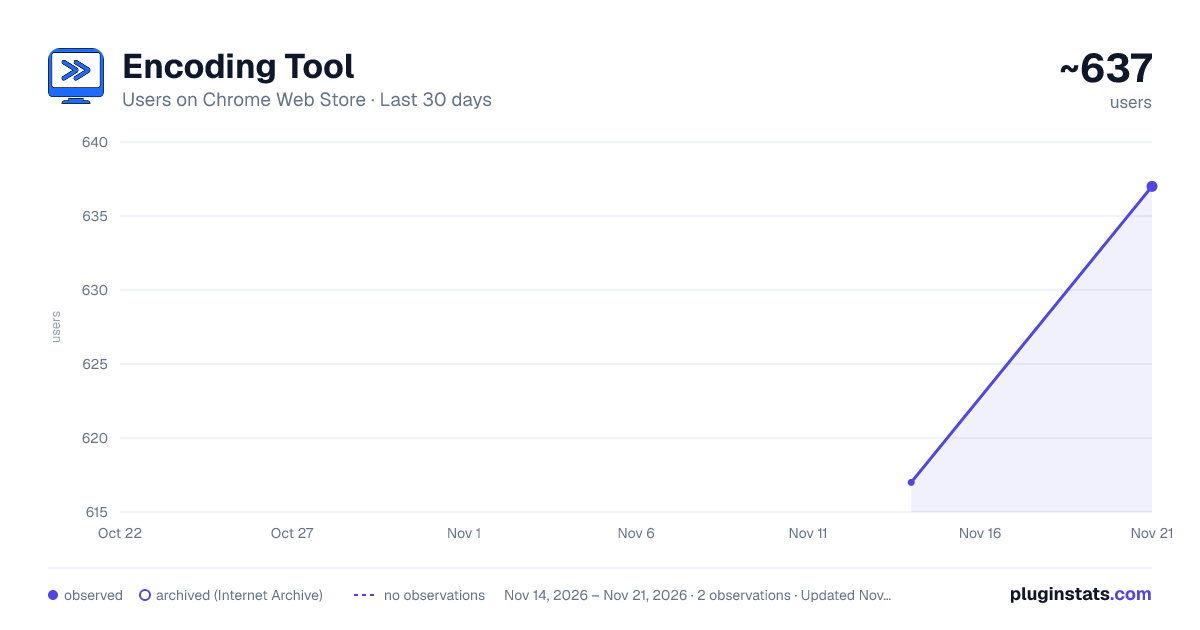
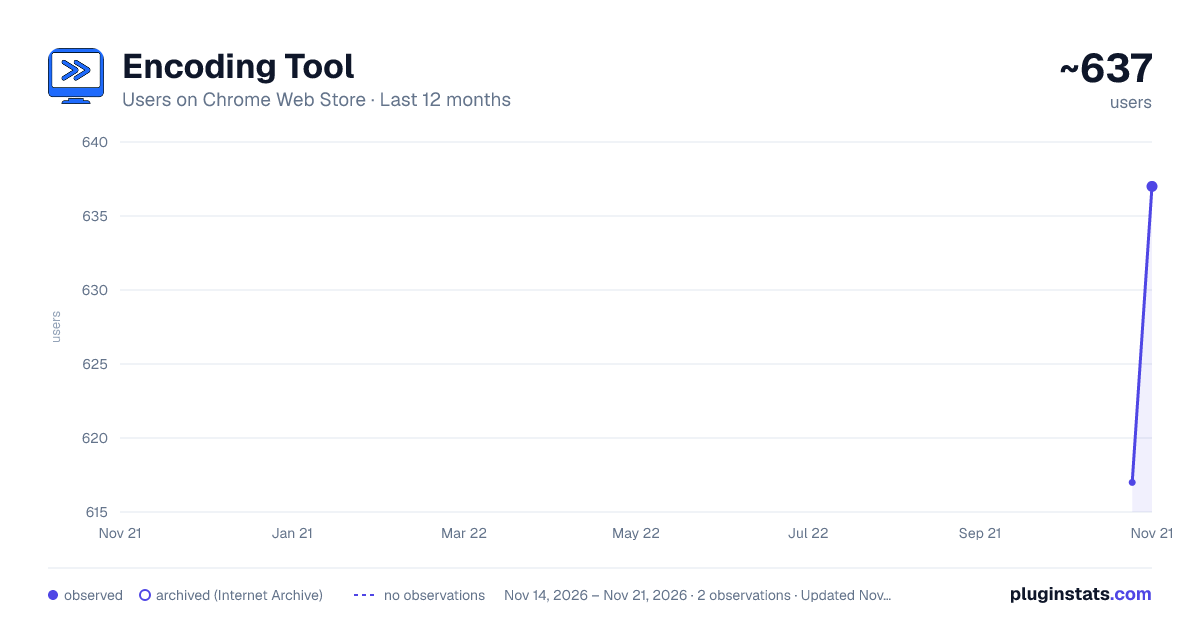
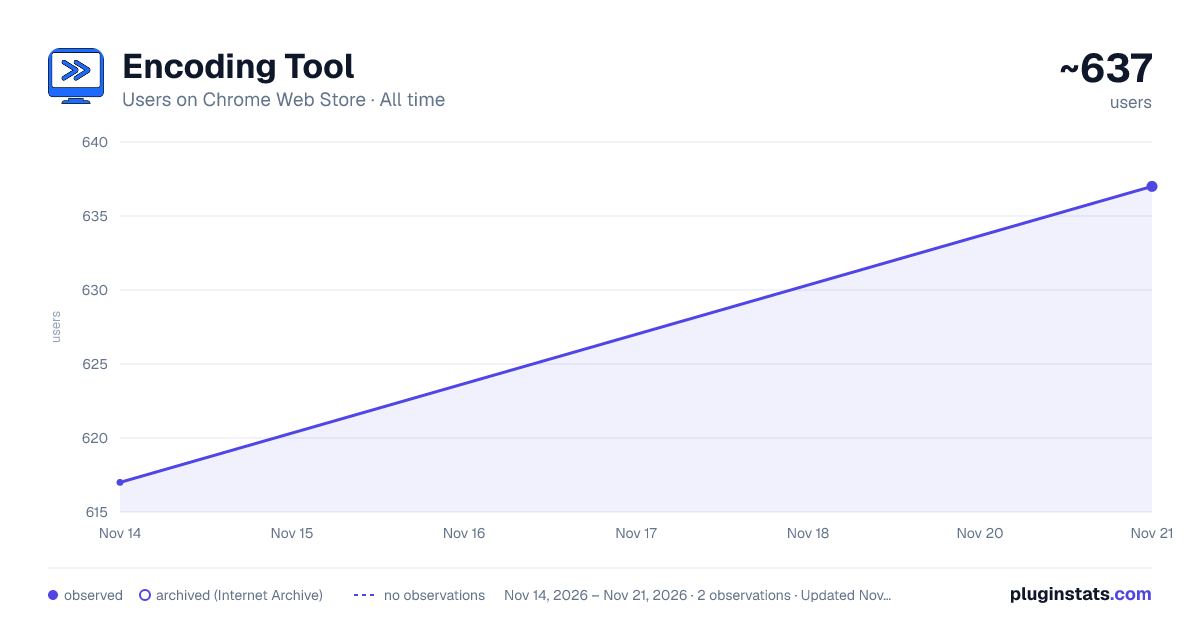
Encoding Tool has approximately 637 recorded users on Chrome Web Store, a change of +3.2% over the past 7 days, ranking #4664 of 10,388 tracked listings.
Rating: 5.00 / 5 from 2 ratings
About Encoding Tool
Encode/decode: Base64/URL/Unicode/Hex/HTML, MD5/SHA hash, UUID/GUID. Offline, 10 languages.
Encoding Tool A powerful encoding/decoding tool that supports multiple encoding formats, hash algorithms, and utility tools. Automatically detects system language and supports multi-language switching.
Main Features
① URL Encoding/Decoding Supports URL encoding operations, converting special characters to URL-standard encoded formats to ensure URL validity and security, avoiding request issues caused by special characters. Can decode encoded URLs, restoring encoded characters to their original form for easy viewing and modification of original URL information.
② Base64 Encoding/Decoding Provides Base64 encoding functionality, converting binary data, text, etc. to Base64 format, commonly used for transmitting longer identifiers, encrypted data, etc. in HTTP environments to ensure data transmission integrity. Allows users to decode Base64-encoded data, restoring it to original data or text.
③ HTML Entity Encoding/Decoding Supports HTML entity encoding and decoding, converting HTML special characters to entity codes (e.g., < → <), and can restore entity codes to original characters. Very useful for processing HTML content, preventing XSS attacks, and other scenarios.
④ Hash Algorithm Encoding Supports multiple hash algorithms including MD5, SHA1, SHA224, SHA256, SHA384, SHA512. These are one-way hash functions used for data integrity verification, password storage, etc. Note: Hash algorithms do not support decoding operations.
Supported Algorithms:
- MD5: 128-bit hash value
- SHA1: 160-bit hash value
- SHA224: 224-bit hash value (SHA2 series)
- SHA256: 256-bit hash value (SHA2 series)
- SHA384: 384-bit hash value (SHA2 series)
- SHA512: 512-bit hash value (SHA2 series)
⑤ Unicode Encoding/Decoding Supports Unicode encoding and decoding, converting text to Unicode escape sequences (e.g., \u0048\u0065\u006c\u006c\u006f), and can restore Unicode escape sequences to original text.
⑥ Hexadecimal Encoding/Decoding Supports hexadecimal encoding and decoding, converting text to hexadecimal strings (e.g., Hello → 48656c6c6f), and can restore hexadecimal strings to original text.
⑦ UUID/GUID Generation Can generate identifiers that comply with the Universal Unique Identifier (UUID) standard. UUIDs are widely used unique identifiers in software construction for uniquely identifying objects or entities. Supports batch generation (1-100), simply enter the count in the input box.
Core Features
Convenient Operations:
- One-click copy: Click the copy button or double-click the result box to copy results
- Result swap: Quickly copy results to input box for continuous operations
- Clear function: One-click clear of input and output content
- Character count: Real-time display of input and output character counts
Keyboard Shortcuts:
- Ctrl+Enter (Mac: ⌘+Enter): Execute encoding operation
- Ctrl+Shift+Enter (Mac: ⌘+Shift+Enter): Execute decoding operation
- Ctrl+C (Mac: ⌘+C): Copy result (smart detection)
Smart Tips:
- Automatically displays usage tips for current tool
- One-way hash functions automatically prompt that decoding is not supported
- Friendly error messages
Auto Focus:
- Automatically focuses on input box when opening popup
- Automatically focuses on input box when switching tools
- Improves operational efficiency
Usage Instructions
- After installing the extension, click the extension icon in the browser toolbar
- Select the desired function in the tool selection area
- Enter the content to be processed in the input box
- Click the "Encode" or "Decode" button, or use keyboard shortcuts
- Results will be displayed in the output box
- Click the "Copy" button or double-click the result box to copy results
Visit our website: http://coding-tool.ijson.com
Description from the Chrome Web Store listing.
README badge
Show your rank in a README or on your website. The badge updates automatically.
Charts
Images: 30d · 1y · all time · 1600×900 dark
Adoption over time
7/30/90-day growth
Ranking history
Ratings over time
Listing placement
Listing placement
Filled points are observed values; hollow points come from Internet Archive snapshots of the listing page. Dashed segments span periods with no observations — values between points are not interpolated.
Each band is one page of 20. Users on a linear scale. Placement is projected from users, so it can differ from the marketplace's own sort order. Hover a dot to see the listing.
Recent observations
Full history (2)Similar Chrome Web Store Developer Tools plugins
All 20 Encoding Tool alternatives



Data source
Covers every Chrome Web Store extension with at least 100 users, found through the store's public sitemap. User counts are read from public listing pages. The 10% most-used extensions are refreshed daily, the next 40% weekly and the next 40% monthly; the least-used 10% are not refreshed. Google displays rounded user counts (and caps the display at 10,000,000+), so small changes may not be visible. Rating counts above 1,000 are rounded (e.g. 1.6K).
Listing: https://chromewebstore.google.com/detail/encoding-tool/mlppkibmliibalifcfpmjpkobkjjpjhc. First seen Nov 14, 2026; last successful collection Nov 21, 2026. See the methodology.