 PluginStats

Source Code & Font Viewer - HTML, CSS, JS, JSON & XML Formatter users statistics
Chrome Web Store · Developer Tools
View & format source code with syntax highlighting: HTML, CSS, JS, JSON, XML - plus a font viewer with glyph grid.
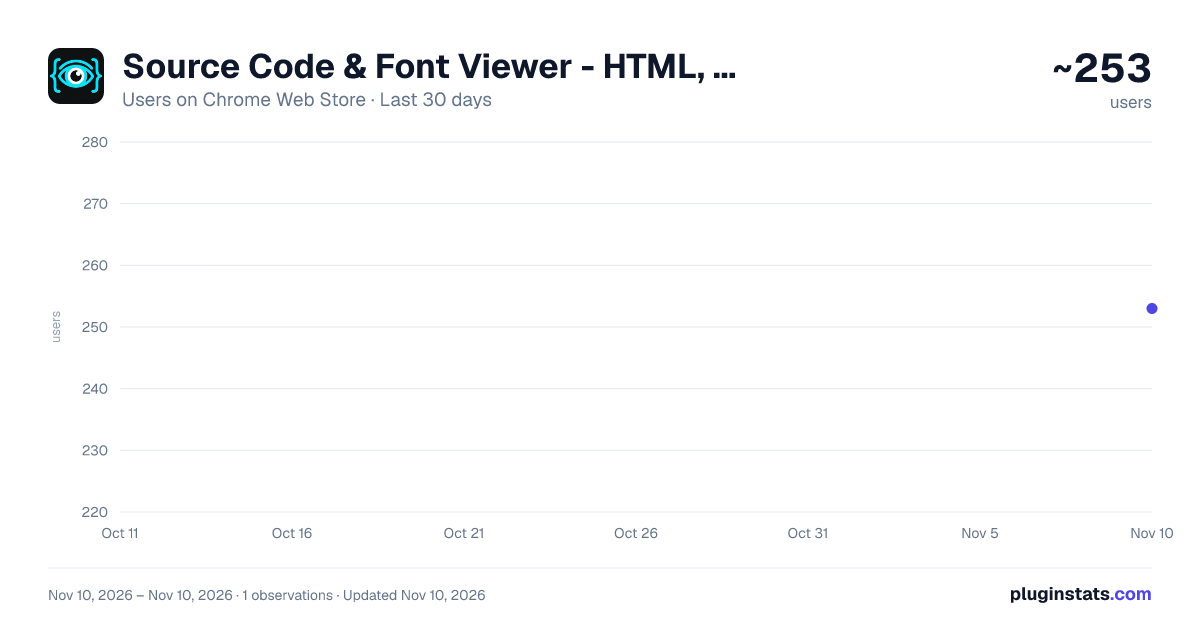
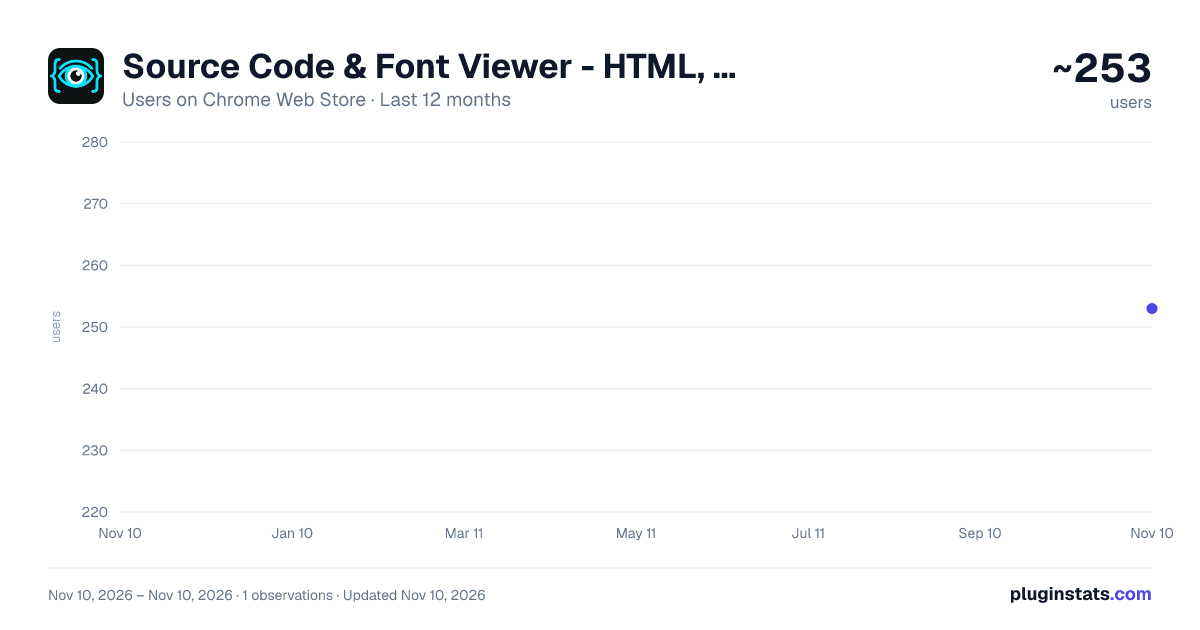
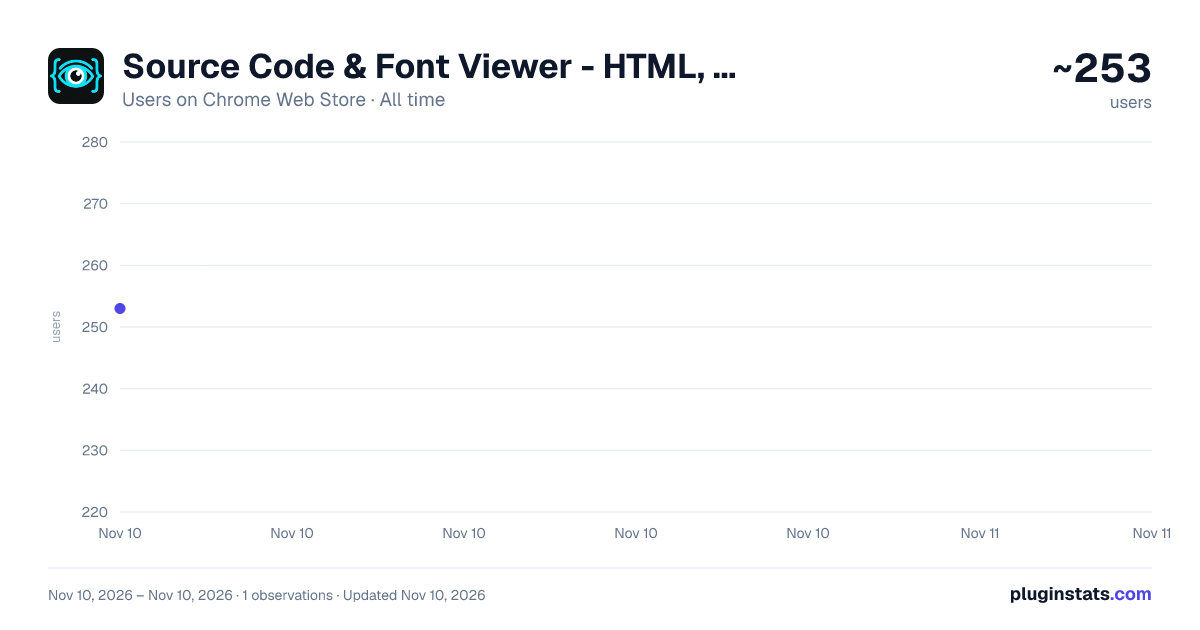
Source Code & Font Viewer - HTML, CSS, JS, JSON & XML Formatter has approximately 253 recorded users on Chrome Web Store, ranking #7063 of 10,388 tracked listings.
Rating: 5.00 / 5 from 2 ratings
About Source Code & Font Viewer - HTML, CSS, JS, JSON & XML Formatter
View & format source code with syntax highlighting: HTML, CSS, JS, JSON, XML - plus a font viewer with glyph grid.
Tired of staring at your browser's bland, unstyled source viewer? Source Code & Font Viewer is here to fix that. View — and format — the source of any web page with proper formatting and beautiful syntax highlighting, right from the context menu or with a single click on the toolbar icon. No more walls of unreadable text. Just clean, colorized code, the way it should be.
✨ What you get: • Beautiful syntax highlighting for HTML, CSS, JavaScript, JSON & XML • Automatic formatting & beautification — pretty-print minified CSS, JS, JSON & HTML • Automatic in-place formatting when you open a raw CSS/JS/JSON/XML file directly • An interactive reference sidebar & site tree — browse all external scripts, stylesheets, fonts, images, and linked resources in an organized virtual file tree, with quick shortcuts to inspect any asset • Quick-copy split button — copy formatted code with a single click, or use the dropdown to copy the raw source code or URL with instant feedback • Full-text search (Cmd/Ctrl+F) across the entire source — not just the visible part — with next/previous, match case, whole word, regular expressions, and advanced structural search modes (XPath, CSS Selectors, JSONPath) • One-click download of the formatted source with a smart filename — downloaded HTML still renders locally, and stylesheets keep finding their fonts & images • A built-in font viewer — preview any web font (woff2, woff, ttf, otf) with your own sample text, size, weight & style, plus a glyph grid of the characters it covers (click a glyph to copy it) • A range of light & dark themes • Word wrap, line numbers & code folding • Clickable links to jump between resources without leaving the viewer • One-click switch back to the browser's native source view • Available in multiple languages
Great for developers, web designers, and anyone who needs to view or format HTML, CSS, JavaScript, JSON, or XML source code — or inspect a web font. A clean source code viewer, JSON/XML viewer, font viewer, and code formatter in one.
Description from the Chrome Web Store listing.
README badge
Show your rank in a README or on your website. The badge updates automatically.
Charts
Images: 30d · 1y · all time · 1600×900 dark
Adoption over time
7/30/90-day growth
Ranking history
Ratings over time
Listing placement
Listing placement
Filled points are observed values; hollow points come from Internet Archive snapshots of the listing page. Dashed segments span periods with no observations — values between points are not interpolated.
Each band is one page of 20. Users on a linear scale. Placement is projected from users, so it can differ from the marketplace's own sort order. Hover a dot to see the listing.
Recent observations
Full history (1)Similar Chrome Web Store Developer Tools plugins
All 20 Source Code & Font Viewer - HTML, CSS, JS, JSON & XML Formatter alternatives



Data source
Covers every Chrome Web Store extension with at least 100 users, found through the store's public sitemap. User counts are read from public listing pages. The 10% most-used extensions are refreshed daily, the next 40% weekly and the next 40% monthly; the least-used 10% are not refreshed. Google displays rounded user counts (and caps the display at 10,000,000+), so small changes may not be visible. Rating counts above 1,000 are rounded (e.g. 1.6K).
Listing: https://chromewebstore.google.com/detail/source-code-font-viewer-h/ninadapabgjafeobaoomggobomaogcdi. First seen Nov 10, 2026; last successful collection Nov 10, 2026. See the methodology.