 PluginStats

CodePrettify: JS, JSON, CSS & RSS Formatter users statistics
Chrome Web Store · Developer Tools
A fast, IDE-like viewer for raw JSON, code, and data files: format, validate, fold, search, diff, and inspect.
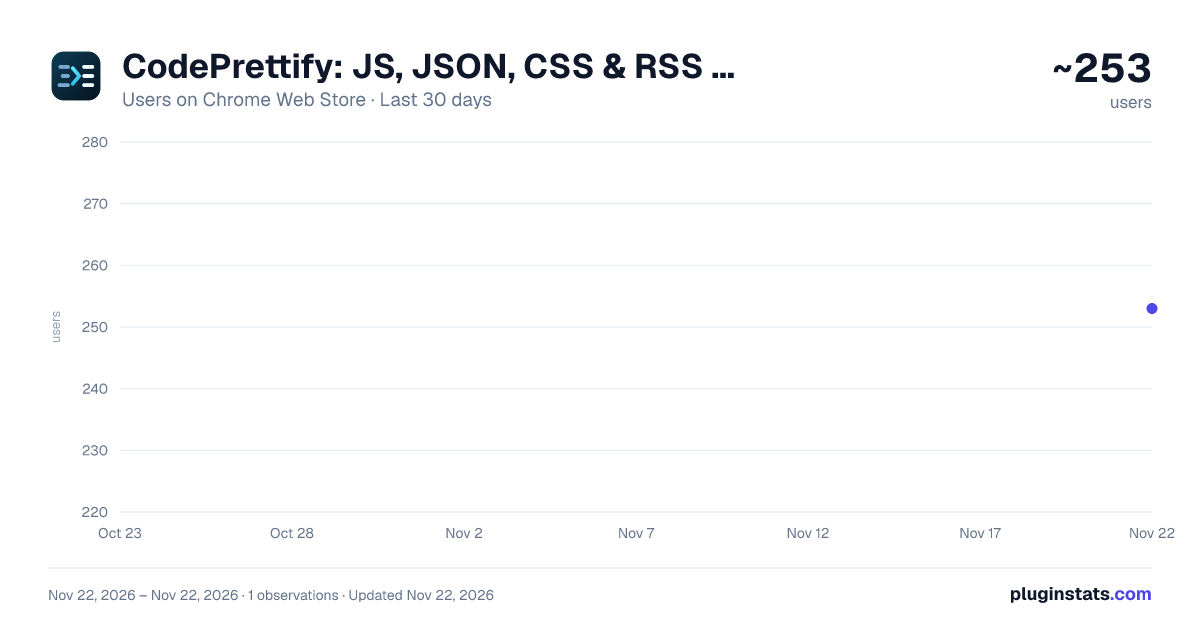
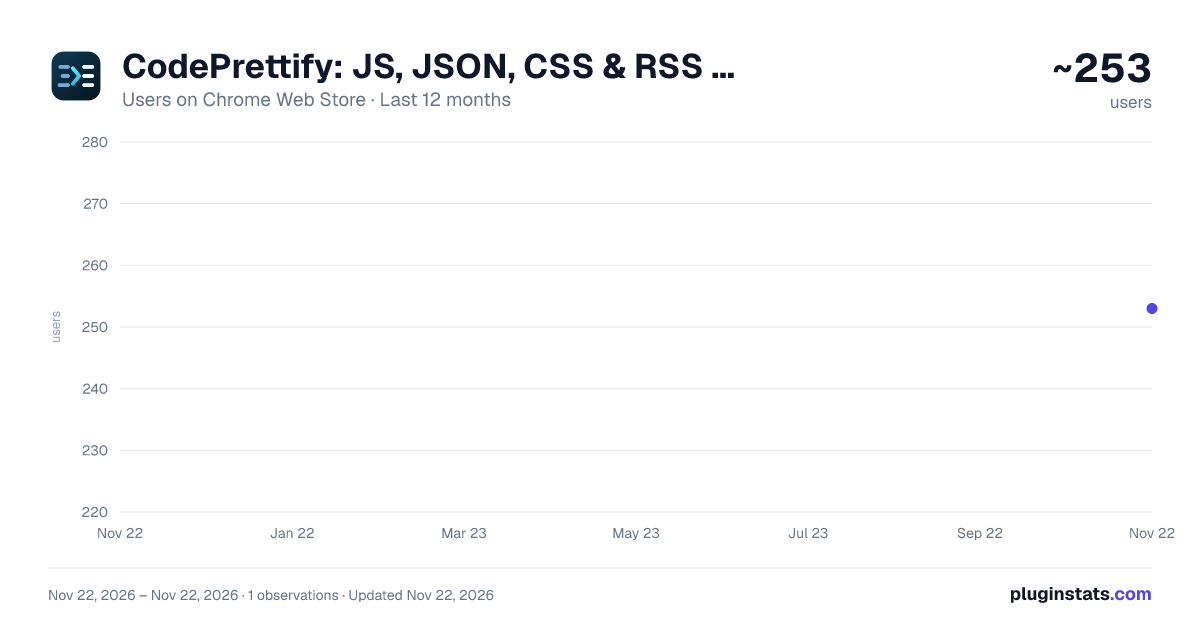
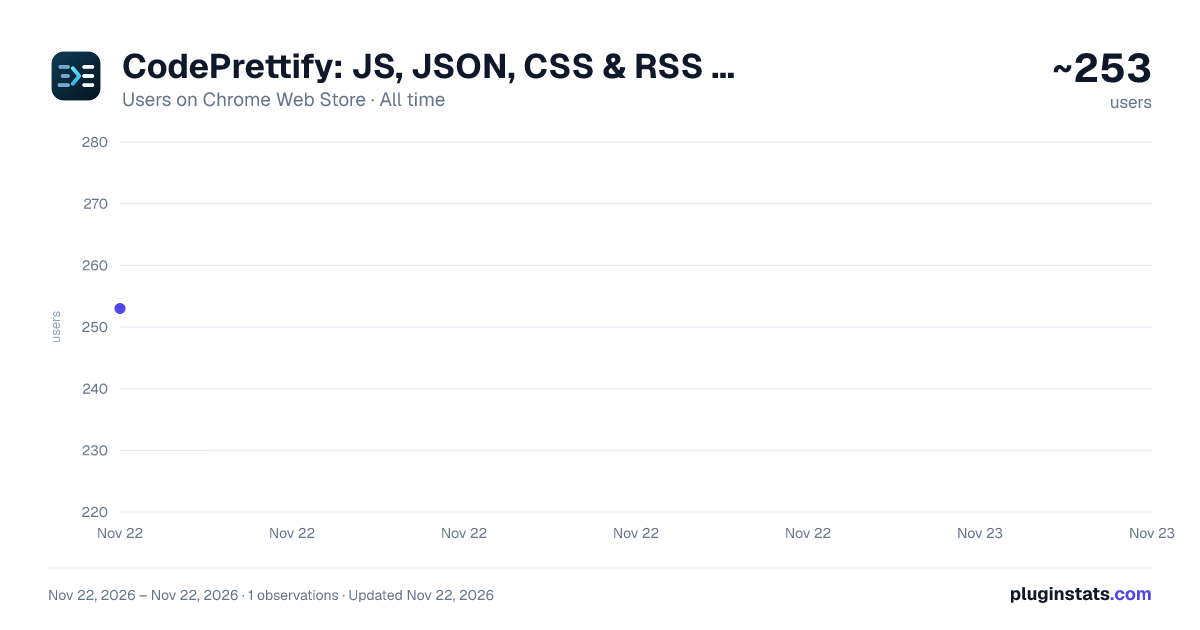
CodePrettify: JS, JSON, CSS & RSS Formatter has approximately 253 recorded users on Chrome Web Store, ranking #7152 of 10,523 tracked listings.
Rating: 4.80 / 5 from 4 ratings
About CodePrettify: JS, JSON, CSS & RSS Formatter
A fast, IDE-like viewer for raw JSON, code, and data files: format, validate, fold, search, diff, and inspect.
Automatically format JSON, JavaScript, CSS and XML, and read Markdown as a clean document — directly in your browser.
Open an API response, a minified script, a stylesheet or a Markdown file. CodePrettify makes supported raw files easier to read with clear formatting, syntax highlighting and tools for finding what you need.
READ AND EXPLORE
- Explore JSON with collapsible objects and arrays.
- Read rendered Markdown or switch to its original source.
- Search with live match counts, jump to a line and copy original or formatted code.
- Switch between raw and formatted views.
- Choose light, dark or system theme. Adjust font size, indentation and word wrap.
WEB AND LOCAL FILES Open supported raw-file URLs, or choose or drop a file in the extension launcher. Files opened through the launcher do not require file-URL access. To view file:// URLs directly, enable "Allow access to file URLs" in your browser's extension settings.
ADDITIONAL TOOLS
- Run snippets in JavaScript Playground and test patterns in Regex Playground.
- Send API requests and inspect responses with HTTP Client.
- Compare documents, explore data in tables, validate and convert content, or generate code and diagrams.
LOCAL PROCESSING Formatting and analysis run on your device. CodePrettify does not upload your documents to our servers or send us extension usage analytics. No CodePrettify account is required.
The viewer handles document content and resource URLs locally. HTTP Client requests go directly to the service you choose. Selected settings can sync through your browser account.
Privacy details: https://prettify.cloud/privacy.html#marketplace-privacy-disclosures Full feature guide: https://prettify.cloud/manual.html
Description from the Chrome Web Store listing.
README badge
Show your rank in a README or on your website. The badge updates automatically.
Charts
Images: 30d · 1y · all time · 1600×900 dark
Adoption over time
7/30/90-day growth
Ranking history
Ratings over time
Listing placement
Listing placement
Filled points are observed values; hollow points come from Internet Archive snapshots of the listing page. Dashed segments span periods with no observations — values between points are not interpolated.
Each band is one page of 20. Users on a linear scale. Placement is projected from users, so it can differ from the marketplace's own sort order. Hover a dot to see the listing.
Recent observations
Full history (1)Similar Chrome Web Store Developer Tools plugins
All 20 CodePrettify: JS, JSON, CSS & RSS Formatter alternatives



Data source
Covers every Chrome Web Store extension with at least 100 users, found through the store's public sitemap. User counts are read from public listing pages. The 10% most-used extensions are refreshed daily, the next 40% weekly and the next 40% monthly; the least-used 10% are not refreshed. Google displays rounded user counts (and caps the display at 10,000,000+), so small changes may not be visible. Rating counts above 1,000 are rounded (e.g. 1.6K).
Listing: https://chromewebstore.google.com/detail/codeprettify-js-json-css/ijhgclhipdfnaphhcipbnblgoemcaioj. First seen Nov 22, 2026; last successful collection Nov 22, 2026. See the methodology.