 PluginStats

EnterNewLine — Bind Enter to New Line in ChatGPT, Claude, Gemini users statistics
By primaprashant · Chrome Web Store · Workflow & Planning
Stop accidentally sending half-finished prompts. Enter inserts a new line, Cmd+Enter sends. Works on ChatGPT, Claude, Gemini & more.
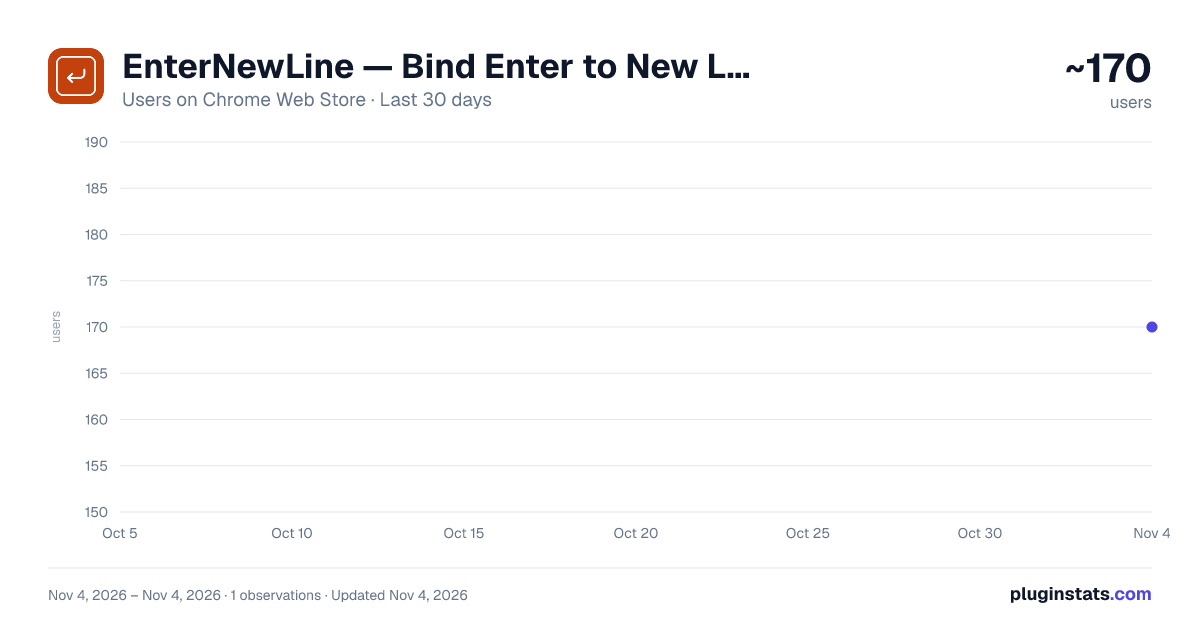
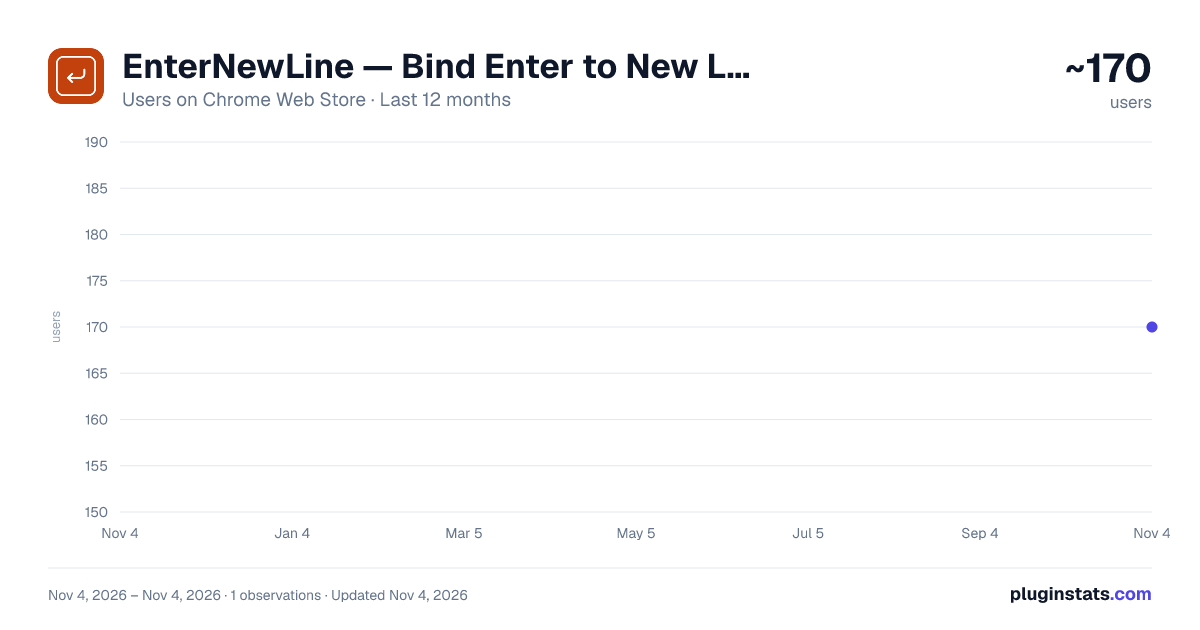
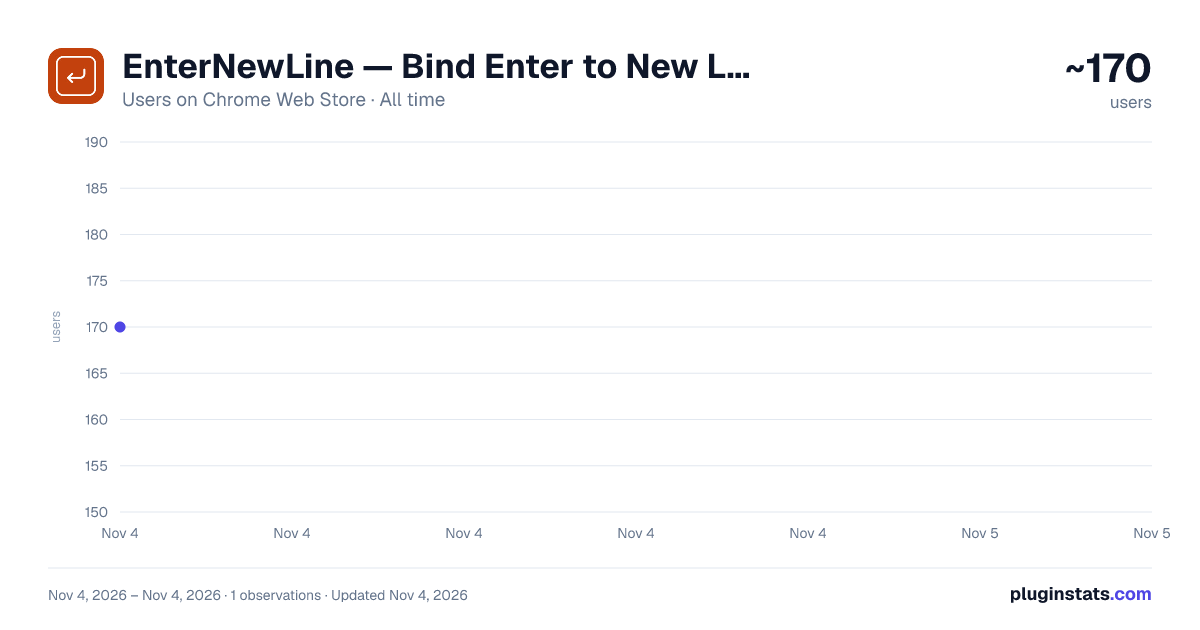
EnterNewLine — Bind Enter to New Line in ChatGPT, Claude, Gemini has approximately 170 recorded users on Chrome Web Store, ranking #5663 of 7,072 tracked listings.
Rating: 5.00 / 5 from 2 ratings
About EnterNewLine — Bind Enter to New Line in ChatGPT, Claude, Gemini
Stop accidentally sending half-finished prompts. Enter inserts a new line, Cmd+Enter sends. Works on ChatGPT, Claude, Gemini & more.
You meant to write a paragraph. You hit Enter to start a new line. ChatGPT sent half a sentence.
Every heavy AI user has been there. EnterNewLine fixes it.
WHAT IT DOES
• Press Enter → new line. Like every other text editor on earth. • Press Cmd + Enter (Mac) or Ctrl + Enter (Windows / Linux) → send the message. • Press Shift + Enter → unchanged. Whatever the site does natively.
That's the whole extension.
WHERE IT WORKS
Out of the box, on the five sites where you're most likely to be writing long prompts:
• ChatGPT — chatgpt.com • Claude — claude.ai • Gemini — gemini.google.com • Perplexity — perplexity.ai • NotebookLM — notebooklm.google.com
Toggle it on or off per site from the popup. Manage all of them from settings.
WHAT IT DOESN'T DO
• No data collection. Ever. • No network requests. Nothing leaves your browser. • No analytics, no telemetry, no accounts, no sign-in. • No ads, no upsells, no "Pro" tier.
It's open source under the MIT license. Read every line of the code: https://github.com/primaprashant/enter-new-line
THE POPUP
Click the icon in your toolbar and you'll see:
• Whether the extension is active on the current site • Newlines saved on this site, and across every site • Messages sent with Cmd+Enter, on this site and globally
The numbers stay in your browser. They're for you, not us.
SETTINGS
A single page with everything you need:
• Toggle each supported site on or off • Export your settings as a JSON file • Import settings from a JSON file (handy when you switch machines or browsers)
If you're signed into Chrome, your enabled/disabled sites sync across your own devices automatically. The export/import is for the cases where sync isn't enough — switching to Firefox, sharing a config with a coworker, that kind of thing.
Bug reports, feature requests, and pull requests welcome at github.com/primaprashant/enter-new-line.
Description from the Chrome Web Store listing.
README badge
Show your rank in a README or on your website. The badge updates automatically.
Charts
Images: 30d · 1y · all time · 1600×900 dark
Adoption over time
7/30/90-day growth
Ranking history
Ratings over time
Listing placement
Listing placement
Filled points are observed values; hollow points come from Internet Archive snapshots of the listing page. Dashed segments span periods with no observations — values between points are not interpolated.
Each band is one page of 20. Users on a linear scale. Placement is projected from users, so it can differ from the marketplace's own sort order. Hover a dot to see the listing.
Recent observations
Full history (1)Similar Chrome Web Store Workflow & Planning plugins
All 20 EnterNewLine — Bind Enter to New Line in ChatGPT, Claude, Gemini alternatives



Data source
Covers every Chrome Web Store extension with at least 100 users, found through the store's public sitemap. User counts are read from public listing pages. The 10% most-used extensions are refreshed daily, the next 40% weekly and the next 40% monthly; the least-used 10% are not refreshed. Google displays rounded user counts (and caps the display at 10,000,000+), so small changes may not be visible. Rating counts above 1,000 are rounded (e.g. 1.6K).
Listing: https://chromewebstore.google.com/detail/enternewline-—-bind-enter/ingflmkenbhkjhbhcphjjdhpmnnagphp. First seen Nov 4, 2026; last successful collection Nov 4, 2026. See the methodology.