 PluginStats

AdBlock — Ads, Trackers users statistics
Block ads, trackers, and known malicious domains with simple site controls and focus tools.
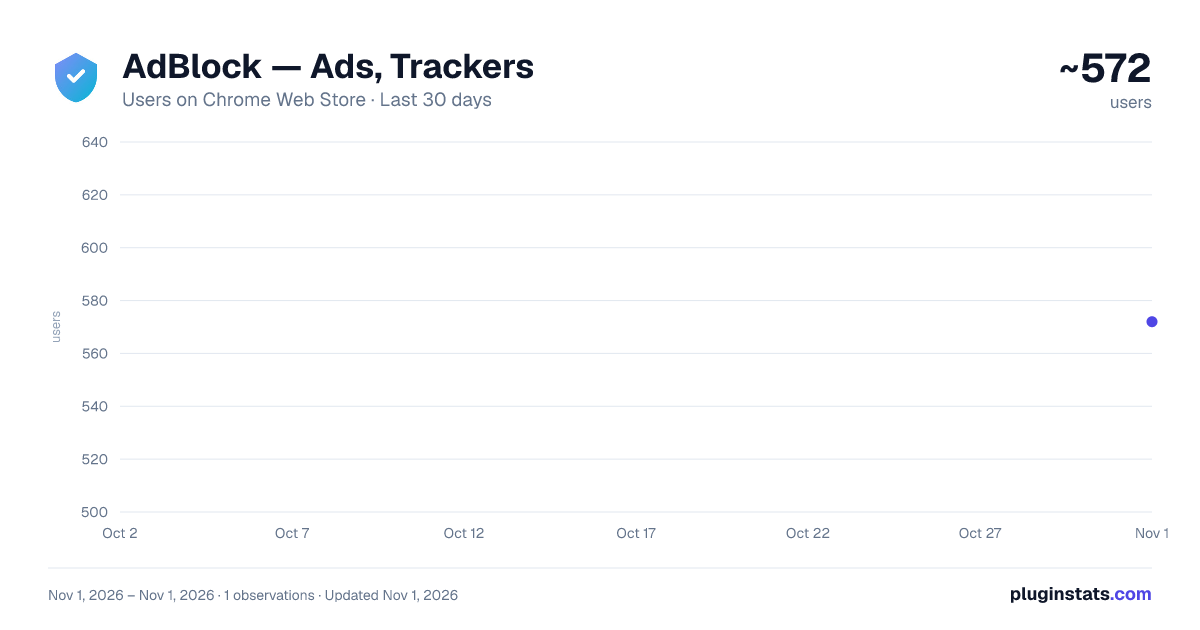
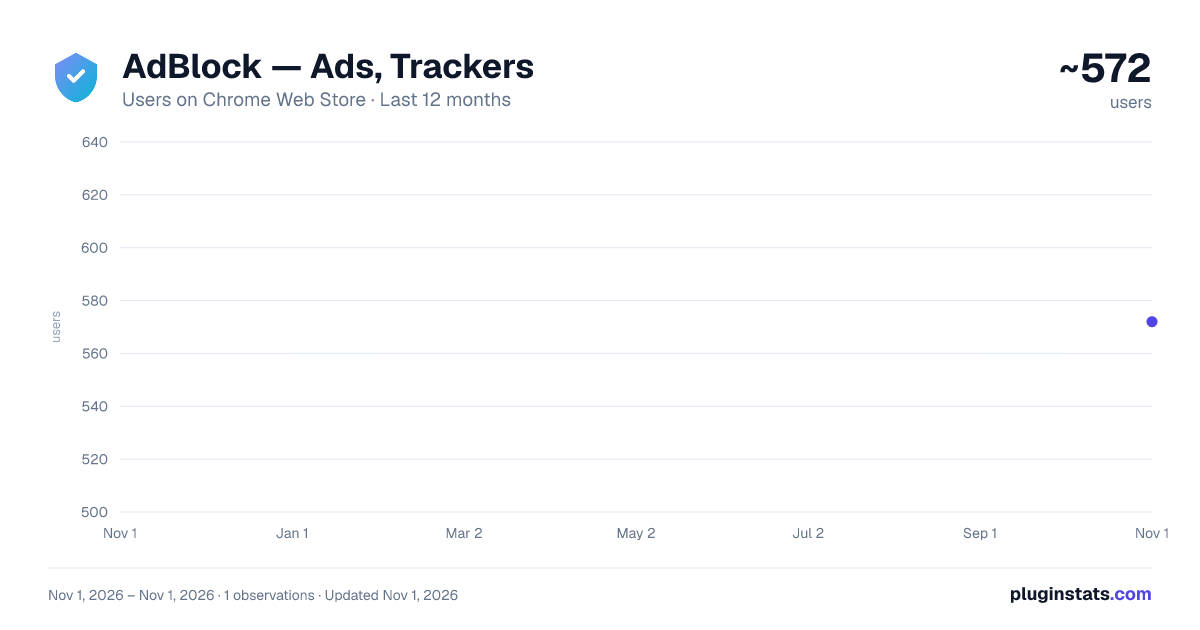
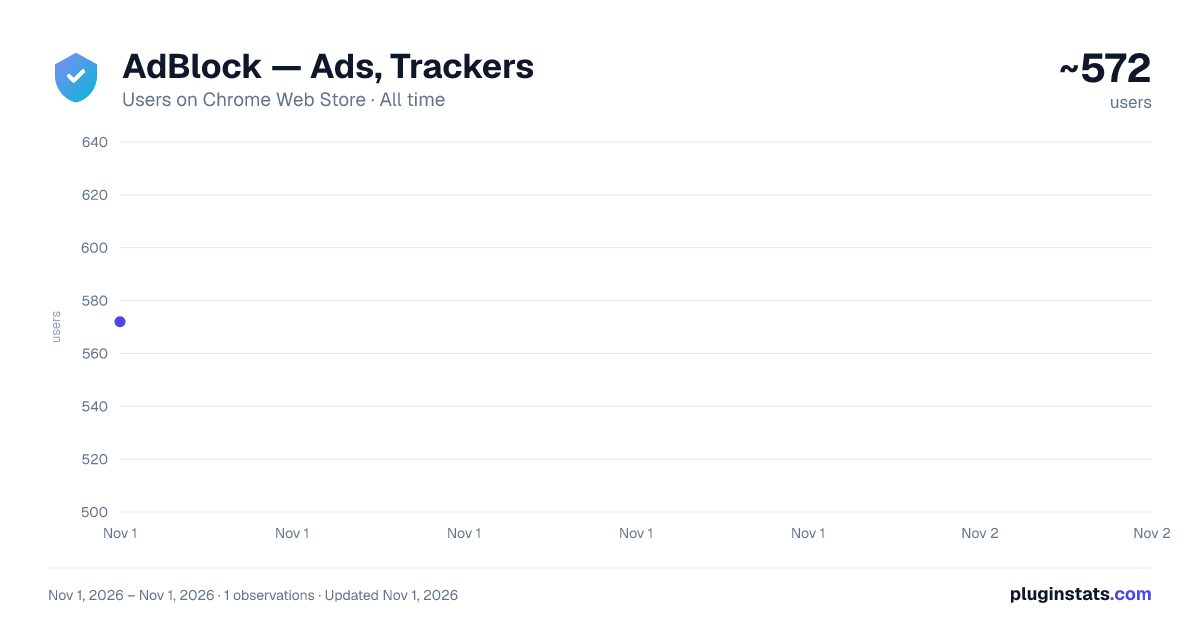
AdBlock — Ads, Trackers has approximately 572 recorded users on Chrome Web Store, ranking #3465 of 7,342 tracked listings.
Rating: 4.80 / 5 from 10 ratings
About AdBlock — Ads, Trackers
Block ads, trackers, and known malicious domains with simple site controls and focus tools.
AdBlock — Ads, Trackers & Site Control helps make browsing cleaner and less distracting by blocking known advertising and tracking requests directly in your browser.
Core features
• Block common advertising and tracking requests using built-in filtering rules • Block requests to known malicious or unsafe domains • Pause protection on the current site • Allowlist trusted websites • Focus mode for selected distracting sites • Manage custom blocking rules from the dashboard • Store all settings locally in the browser
How it works
The extension uses browser-supported request filtering to block unwanted network requests before they load. Some optional cosmetic filtering may be applied on supported sites to reduce visible clutter.
What this extension does
• Reduces unwanted requests and improves page loading experience • Provides per-site control (pause and allowlist) • Helps users stay focused with simple site controls • Keeps all settings stored locally on the user’s device
What this extension does not do
• Does not collect, store, or transmit personal browsing data • Does not require an account or sign-in • Does not use remote code execution • Does not guarantee blocking of all ads or trackers on every website
Privacy
This extension does not collect or transmit user data. All blocking and filtering are performed locally within the browser.
Github
https://github.com/hoangvanlinh/AdsBlock
Optional donation
If you find this extension useful, you may choose to support development through an optional PayPal donation. Donations are voluntary and not required to use any core features.
Description from the Chrome Web Store listing.
README badge
Show your rank in a README or on your website. The badge updates automatically.
Charts
Images: 30d · 1y · all time · 1600×900 dark
Adoption over time
7/30/90-day growth
Ranking history
Ratings over time
Listing placement
Listing placement
Filled points are observed values; hollow points come from Internet Archive snapshots of the listing page. Dashed segments span periods with no observations — values between points are not interpolated.
Each band is one page of 20. Users on a linear scale. Placement is projected from users, so it can differ from the marketplace's own sort order. Hover a dot to see the listing.
Recent observations
Full history (1)Similar Chrome Web Store Tools plugins
All 20 AdBlock — Ads, Trackers alternatives



Data source
Covers every Chrome Web Store extension with at least 100 users, found through the store's public sitemap. User counts are read from public listing pages. The 10% most-used extensions are refreshed daily, the next 40% weekly and the next 40% monthly; the least-used 10% are not refreshed. Google displays rounded user counts (and caps the display at 10,000,000+), so small changes may not be visible. Rating counts above 1,000 are rounded (e.g. 1.6K).
Listing: https://chromewebstore.google.com/detail/adblock-—-ads-trackers/emdofgiggmkkncojffpebiaegdmdkgio. First seen Nov 1, 2026; last successful collection Nov 1, 2026. See the methodology.