 PluginStats
dsh-windows-mcp weekly downloads statistics
By helloHub1212 · npm · MCP servers
Windows desktop automation for DeepSeek Harness — plugs CursorTouch/Windows-MCP (screenshot, UI automation, input, clipboard, processes, registry) into DSH through the official MCP client bridge.
dsh-windows-mcp has 47,186 recorded weekly downloads on npm, ranking #783 of 2,865 tracked listings.
About dsh-windows-mcp
dsh-windows-mcp
English · 中文


Windows desktop automation for DeepSeek Harness — lets the DSH agent see your screen and drive your PC.
This plugin connects CursorTouch/Windows-MCP to DSH by mounting one loader row against the MCP client bridge that already ships inside DeepSeek Harness. There is no reimplemented protocol client and no second copy of the MCP SDK: the plugin is a carrier bundle, and everything you can do comes from the official bridge.
DSH agent
  └─ tool call  mcp__windows__Screenshot
       └─ @deepseek-ai/dsh-mcp-client        (in-box, mounted by this plugin's patch row)
            └─ uvx windows-mcp@0.8.8 serve   (stdio child process)
                 └─ your desktop: UIA tree, Win32 input, screen capture
What it gives the agent
With the plugin installed and Windows-MCP reachable, these tools appear in the tool list:
| Tool | What it does |
|---|---|
mcp__windows__Screenshot | Capture the screen; the image lands in the conversation as a real attachment |
mcp__windows__Snapshot | Capture an accessibility tree (text, no image tokens) |
mcp__windows__DisplayInventory | Enumerate displays and their geometry |
mcp__windows__Click / Move / Scroll | Mouse input |
mcp__windows__Type / Shortcut | Keyboard input |
mcp__windows__Wait / WaitFor | Sleep, or wait until a UI condition holds |
mcp__windows__Scrape | Extract text from a window |
mcp__windows__MultiSelect / MultiEdit | Batch element selection / batch edits |
mcp__windows__Clipboard | Read and write the clipboard |
mcp__windows__Process | List, start and stop processes |
mcp__windows__Notification | Read notifications |
mcp__windows__Registry | Read and write registry values |
mcp__windows__ControlStatus | Control-loop state. Cannot be disabled — upstream force-keeps it |
mcp__windows__App | Launch/switch apps. Excluded by default (upstream only supports it reliably on an English Windows install) |
mcp__windows__PowerShell / FileSystem | Excluded by default — DSH already ships shell and file tools |
Plus one tool of its own, windows_mcp_doctor, which explains what is wrong when the mcp__windows__* tools are missing.
The composer also gains a Computer Use pill, next to the permission control: it shows how many desktop tools are actually registered and remembers your choice across restarts (state file: ~/.dsh/dsh-windows-mcp.state.json). It starts off — a fresh install never hands the agent your desktop until you switch the pill on yourself.
Switching it off is a hard switch, not a hint. The bridge keeps running, but from the next step on every mcp__windows__* tool is filtered out of the tool list the model sees, and a call that still names one is refused at dispatch — in every session and subagent, live, with no restart. Switch it back on and they return immediately; windows_mcp_doctor always reports which way it is set.
Verified: Windows 11 + DSH Desktop 0.2.0-rc.2 — the bridged server advertises 18 tools (the 21 upstream tools minus the three excluded here) and is ready about 1.5 s after launch. The bridge publishes each as
mcp__windows__<ToolName>.
Requirements
- Windows 10/11.
- DeepSeek Harness Desktop with the in-box
@deepseek-ai/dsh-mcp-clientbridge (0.2.0-rc.2 or newer). - uv on the
PATHof the process that runs DSH — Settings → Desktop uses it to install Windows-MCP. DSH itself boots without it.%USERPROFILE%\.local\binis searched even when it is not onPATH. - A model that accepts image input if you want the agent to actually see screenshots.
Boot is never blocked by the dependency
The bridge row ships disabled, on purpose. A uvx-style first launch
resolves Windows-MCP's Python dependencies from the package index, and on a slow
or blocked network that resolve can sit inside DSH's startup for minutes — the
window stays on “Loading plugins…”. A plugin must never be able to do that to
its host, so:
- First boot after installing the bundle: DSH starts normally, no Windows tools yet, and the dependency is reported as not installed — both on the Plugins page and in Settings → Desktop.
- Install it from Settings → Desktop (next section). It probes PyPI mirrors,
installs into the plugin's own toolchain directory, and rewrites the bridge row
with
disabled: falseandcommand:pointing at the installed executable. - Restart DSH once. From then on the bridge spawns the exe directly — on Windows 11 the server is ready about 1.5 s after launch, with no network.
uv is only needed by the installer. On a restricted network, point uv at a
mirror once (%APPDATA%\uv\uv.toml) and the manual/CLI paths get the same
speed-up:
default-index = "https://mirrors.aliyun.com/pypi/simple"
Install
The plugin is a normal DSH bundle. Install it with DSH's own plugin manager:
- Open DSH Desktop → Settings → Plugins.
- Add the bundle, pointing at either the published package name, the repository (
github:helloHub1212/dsh-windows-mcp), or a local checkout of this repo. - Restart DSH so the new patch layer is composed at startup.
For non-Electron profiles the CLI does the same thing:
dsh plugin --profile <profile> add github:helloHub1212/dsh-windows-mcp
```…
Description from the npm listing.
- dsh
- dsh-plugin
- deepseek-harness
- mcp
- model-context-protocol
- windows
- windows-mcp
- automation
- computer-use
- ui-automation
- screenshot
README badge
Show your rank in a README or on your website. The badge updates automatically.
Charts
Images: 30d · 1y · all time · 1600×900 dark
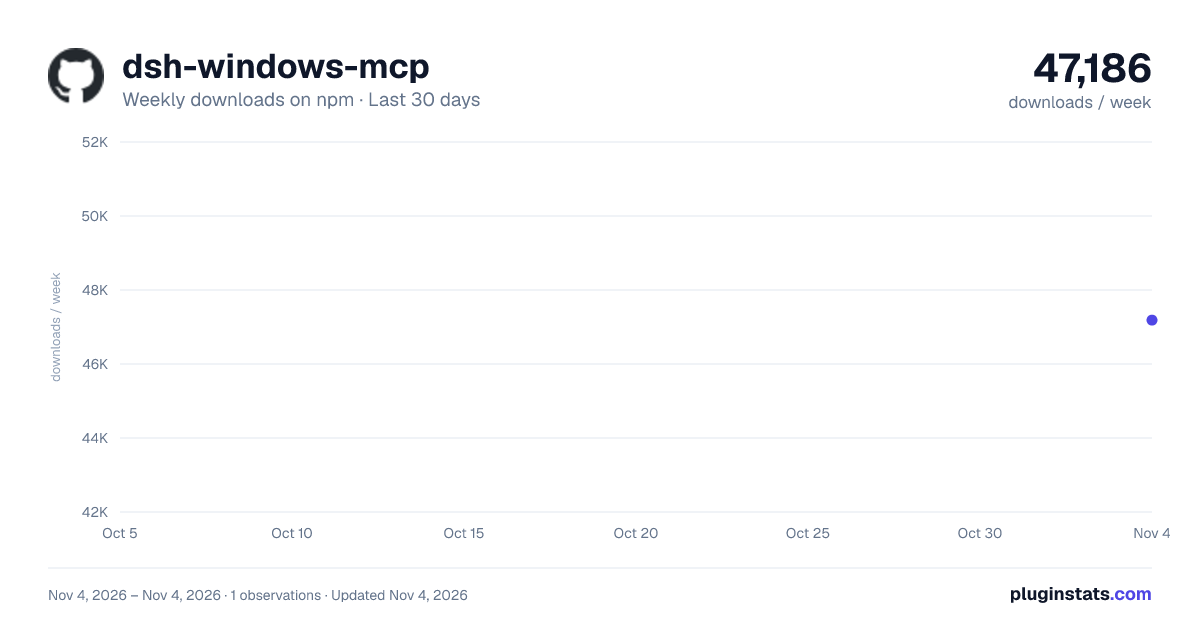
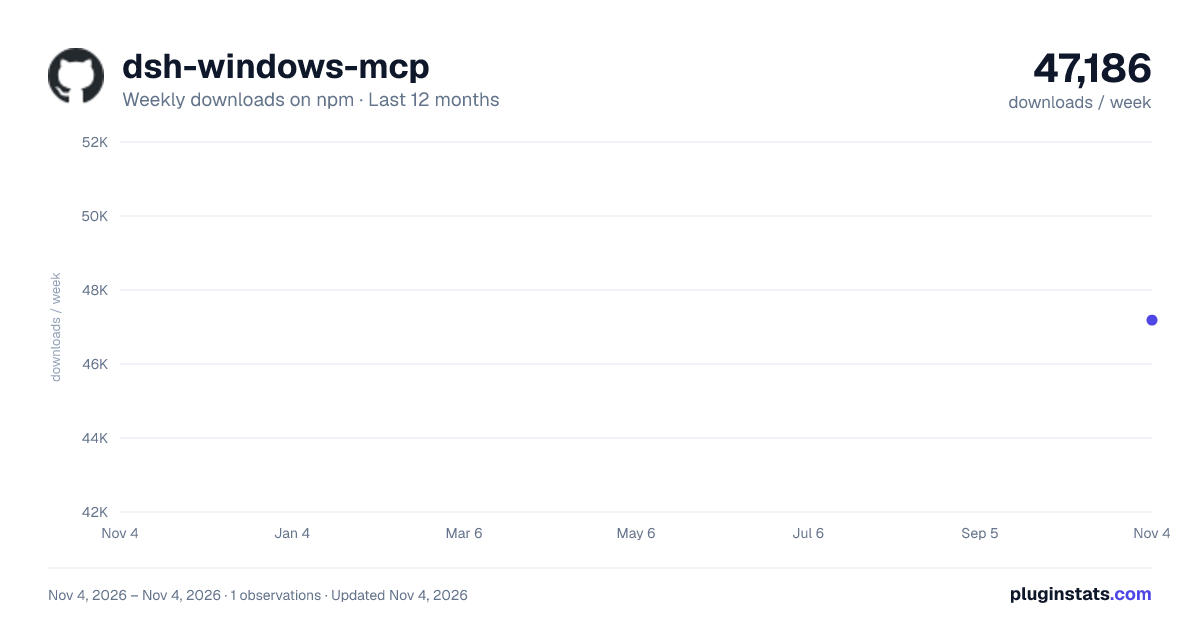
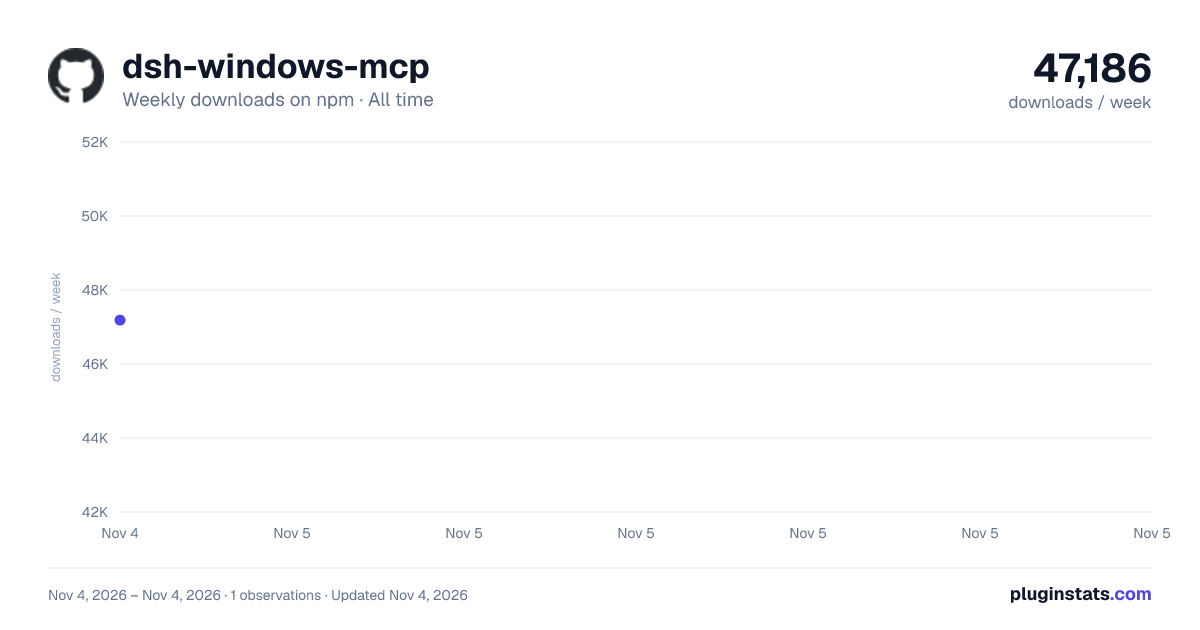

Adoption over time
7/30/90-day growth
Ranking history
Listing placement
Listing placement
Filled points are observed values; hollow points come from Internet Archive snapshots of the listing page. Dashed segments span periods with no observations — values between points are not interpolated.
Each band is one page of 20. Weekly downloads on a linear scale. Placement is projected from weekly downloads, so it can differ from the marketplace's own sort order. Hover a dot to see the listing.
Recent observations
Full history (1)Similar npm MCP servers plugins
All 20 dsh-windows-mcp alternativesData source
Weekly downloads (trailing 7 complete days) come from the official npm downloads API. Downloads include CI and mirrors and are not equivalent to installs or users. npm publishes no ratings.
Listing: https://www.npmjs.com/package/dsh-windows-mcp. First seen Nov 6, 2026; last successful collection Nov 6, 2026. See the methodology.