 PluginStats

AI Video Dubbing & Translator - Voice Cloning | OpenDub users statistics
Dub videos (up to 5 min) into another language in the speaker's cloned voice, timed to the original, with subtitles. Open source.
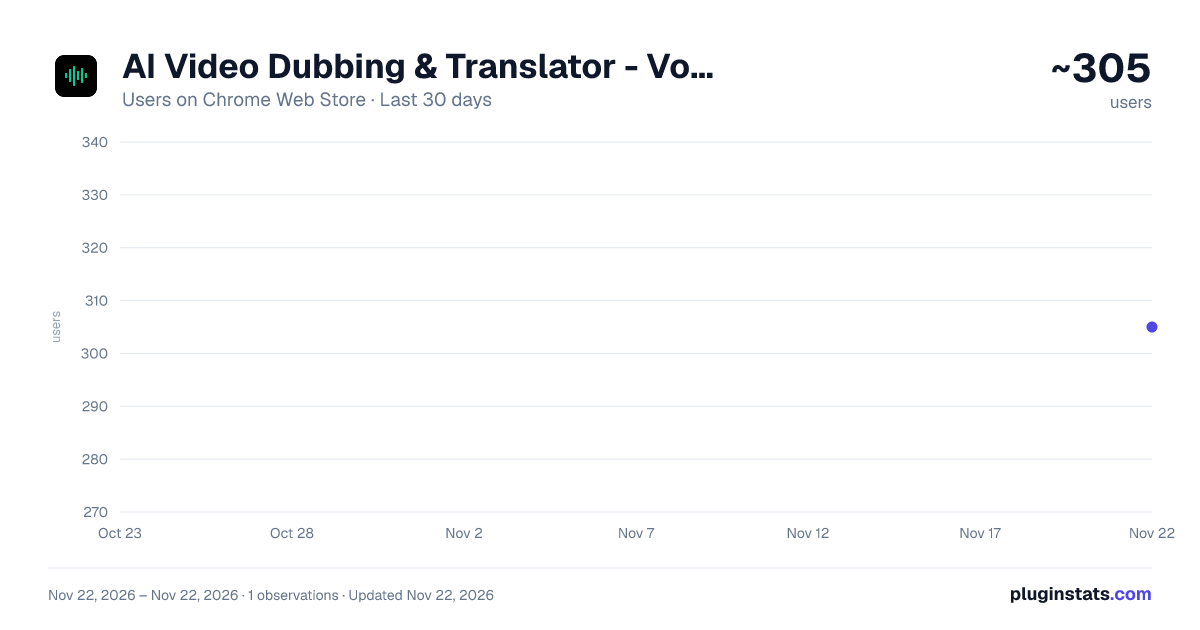
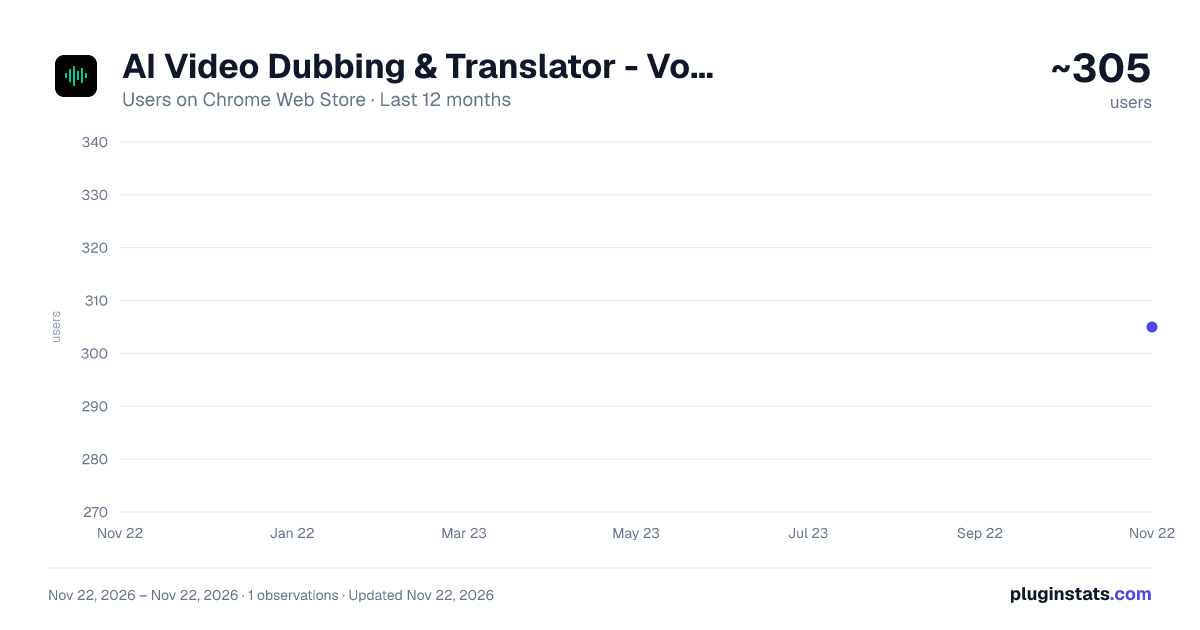
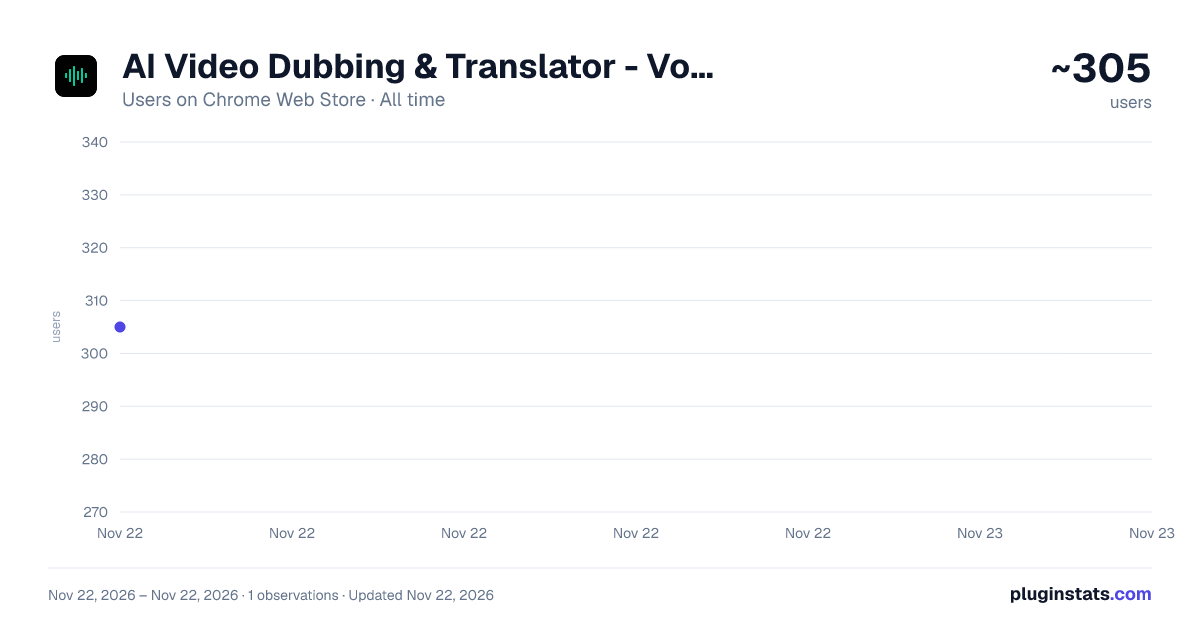
AI Video Dubbing & Translator - Voice Cloning | OpenDub has approximately 305 recorded users on Chrome Web Store, ranking #6585 of 10,523 tracked listings.
About AI Video Dubbing & Translator - Voice Cloning | OpenDub
Dub videos (up to 5 min) into another language in the speaker's cloned voice, timed to the original, with subtitles. Open source.
OpenDub dubs a video into another language in the voice of the person speaking.
Click OpenDub on a page that plays a video, or choose a video file from your computer. Pick the language it is spoken in and the language to dub into, then choose a voice. OpenDub writes down what is said, translates each sentence, speaks every line in a voice cloned from a short sample of the speaker, and fits each line to the time the speaker took. Where the voice can be separated from the music, the music and sound effects are kept.
WHAT YOU GET • The dubbed video as an MP4 file, and the translated subtitles as an .srt file • The original and the dub side by side, with a timeline that shows where every line sits • The translated lines next to the original sentences • With Higgs Audio, 17 languages to dub into: English, Chinese (Simplified and Traditional), Japanese, Korean, Spanish, French, German, Portuguese, Italian, Russian, Hindi, Indonesian, Malay, Vietnamese, Thai and Arabic
TWO VOICES, AND WHERE YOUR DATA GOES
- Free voice (OmniVoice), in the OpenDub desktop app for Windows or Mac on your own computer. The extension sends the sound only to that app, at 127.0.0.1, and nothing is uploaded. The app has to be installed and running. OmniVoice is free for non-commercial use, takes roughly 15 to 35 seconds a line on a laptop processor, and translates fewer language pairs, mostly to or from English; the page says so when a pair is not available.
- Higgs Audio, with your own Boson AI API key. Boson AI bills you directly; OpenDub charges nothing, and the page shows an estimate before you start. The voice of the video (16 kHz mono), a voice sample of up to 12 seconds cut from it, and the text of every line are sent to Boson AI (api.boson.ai) with your key. The video file itself is not sent. The key is used for that one dub and is not stored: closing or reloading the page forgets it.
GOOD TO KNOW • Videos of up to 5 minutes. • Only a video that the page plays from a file can be fetched. Players that build the video inside the page, as YouTube and most streaming sites do, cannot; save the video and choose it from your computer instead. • A player embedded from another site is listed; open it on its own page and click OpenDub there. • Without the OpenDub app, the first dub downloads a voice-separation model (about 172 MB) once. • The extension does not edit or re-dub single lines, and does not burn subtitles into the picture. The original voice is always replaced. • The extension's interface is in English, 简体中文, 繁體中文, 日本語, 한국어, Deutsch, Español and Português.
PERMISSIONS • activeTab and scripting: when you click OpenDub, it looks once for videos in the tab you clicked it on. It does not run on any other page, and nothing stays behind. • 127.0.0.1: to reach the OpenDub desktop app on your own computer, for the free voice. • A video's website: asked for one site at a time, only when you press Allow, so the extension can download that video into its own page. You can take it back in Chrome's extension settings.
Privacy policy: https://opendub.app/privacy OpenDub is open source (AGPL-3.0): https://gitlab.com/open-dubapp/OpenDub
Description from the Chrome Web Store listing.
README badge
Show your rank in a README or on your website. The badge updates automatically.
Charts
Images: 30d · 1y · all time · 1600×900 dark
Adoption over time
7/30/90-day growth
Ranking history
Ratings over time
Listing placement
Listing placement
Filled points are observed values; hollow points come from Internet Archive snapshots of the listing page. Dashed segments span periods with no observations — values between points are not interpolated.
Each band is one page of 20. Users on a linear scale. Placement is projected from users, so it can differ from the marketplace's own sort order. Hover a dot to see the listing.
Recent observations
Full history (1)Similar Chrome Web Store Tools plugins
All 20 AI Video Dubbing & Translator - Voice Cloning | OpenDub alternatives



Data source
Covers every Chrome Web Store extension with at least 100 users, found through the store's public sitemap. User counts are read from public listing pages. The 10% most-used extensions are refreshed daily, the next 40% weekly and the next 40% monthly; the least-used 10% are not refreshed. Google displays rounded user counts (and caps the display at 10,000,000+), so small changes may not be visible. Rating counts above 1,000 are rounded (e.g. 1.6K).
Listing: https://chromewebstore.google.com/detail/ai-video-dubbing-translat/ieopbdpglkkndkmefgogfadbngidgohd. First seen Nov 22, 2026; last successful collection Nov 22, 2026. See the methodology.