 PluginStats

Biometric Device Serial Number Finder Tool users statistics
This Chrome extension helps users locate serial numbers for biometric devices, It also helps to diagnose the Installation Issues.
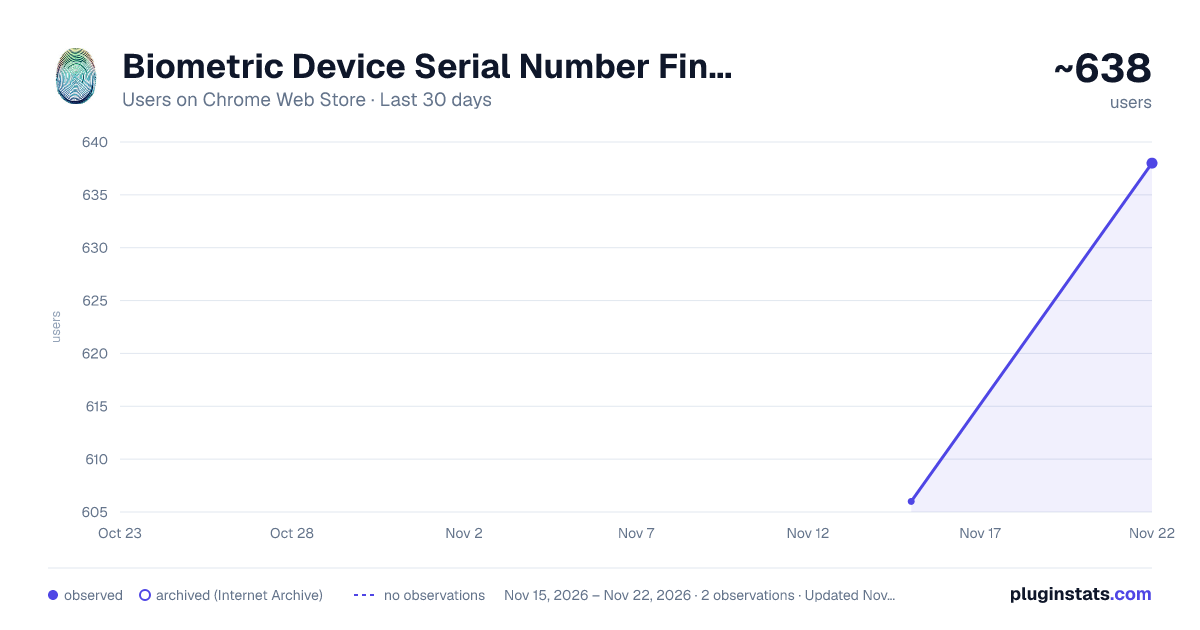
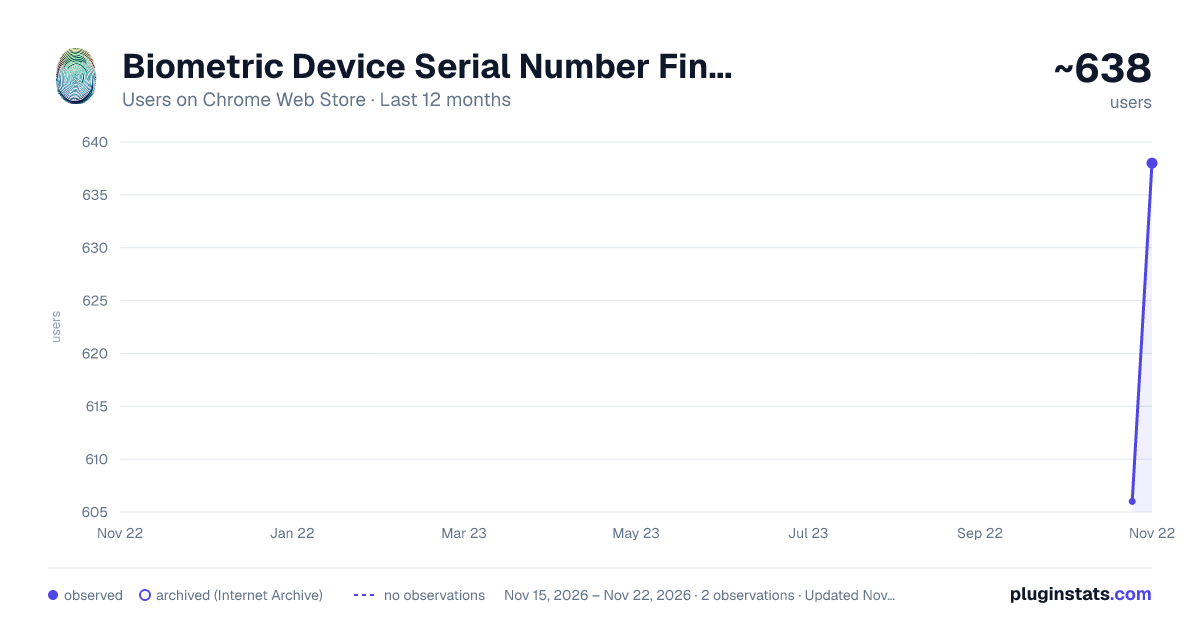
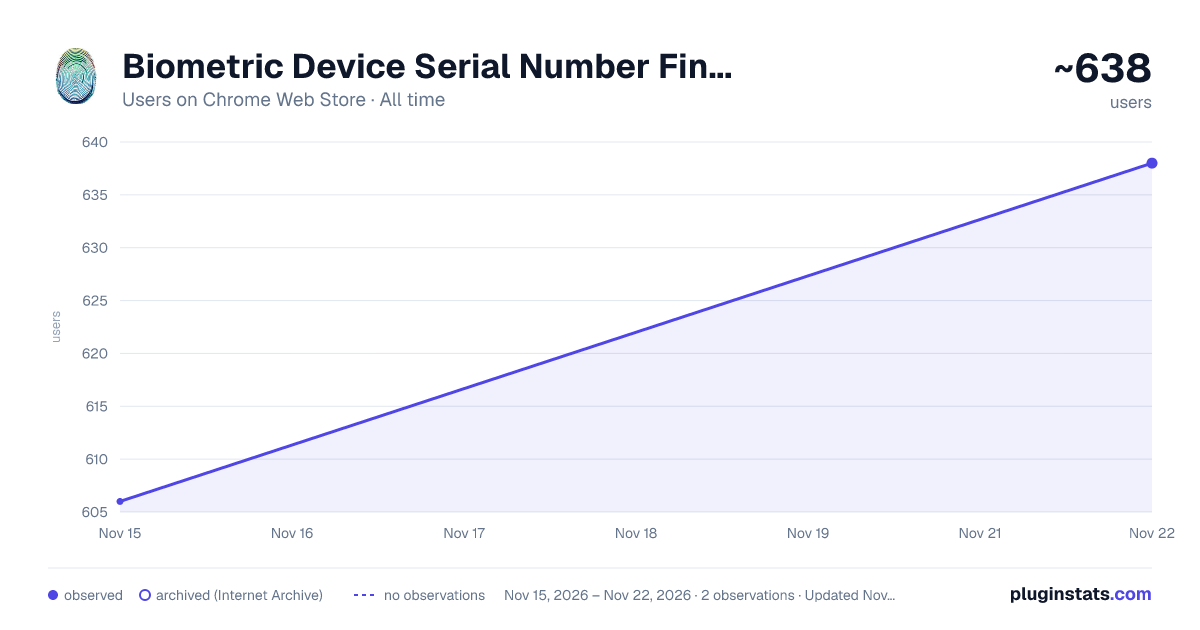
Biometric Device Serial Number Finder Tool has approximately 606 recorded users on Chrome Web Store, ranking #4779 of 10,388 tracked listings.
Rating: 4.50 / 5 from 2 ratings
About Biometric Device Serial Number Finder Tool
This Chrome extension helps users locate serial numbers for biometric devices, It also helps to diagnose the Installation Issues.
Extension Name: Biometric Device Serial Number Finder Tool for Mantra MFS 100
Publisher: Nandeshwar Katenga (NSK Multiservices)
Description: The Biometric Device Serial Number Finder Tool is a handy extension developed by NSK Multiservices to simplify the process of locating serial numbers for biometric devices. Whether you're a technician, IT professional, or system administrator, this tool streamlines the task of identifying serial numbers, saving you time and effort.
Features:
Efficient Search: Quickly search for the serial number of your biometric device with just a few clicks. User-Friendly Interface: The extension offers a simple and intuitive interface, making it easy for users of all levels to navigate and use effectively. Comprehensive Support: Currently, it support only Mantra MFS 100 Device, In furute we will add multiple devices. Time-Saving: Eliminates the need for manual searching or troubleshooting, allowing you to retrieve serial numbers swiftly and efficiently. Reliable Results: Provides accurate and reliable results, ensuring that you have the correct serial number for your biometric device.
How to Use:
Install the Biometric Device Serial Number Finder Tool from the Chrome Web Store. Click on the extension icon in the browser toolbar to open the tool. Device information will be shown on extension page. Click on the "Test your Device" button to test your Mantra MFS100 Device. Copy or note down the serial number for your reference or further use.
Description from the Chrome Web Store listing.
README badge
Show your rank in a README or on your website. The badge updates automatically.
Charts
Images: 30d · 1y · all time · 1600×900 dark
Adoption over time
7/30/90-day growth
Ranking history
Ratings over time
Listing placement
Listing placement
Filled points are observed values; hollow points come from Internet Archive snapshots of the listing page. Dashed segments span periods with no observations — values between points are not interpolated.
Each band is one page of 20. Users on a linear scale. Placement is projected from users, so it can differ from the marketplace's own sort order. Hover a dot to see the listing.
Recent observations
Full history (1)Similar Chrome Web Store Tools plugins
All 20 Biometric Device Serial Number Finder Tool alternatives



Data source
Covers every Chrome Web Store extension with at least 100 users, found through the store's public sitemap. User counts are read from public listing pages. The 10% most-used extensions are refreshed daily, the next 40% weekly and the next 40% monthly; the least-used 10% are not refreshed. Google displays rounded user counts (and caps the display at 10,000,000+), so small changes may not be visible. Rating counts above 1,000 are rounded (e.g. 1.6K).
Listing: https://chromewebstore.google.com/detail/biometric-device-serial-n/hhocjpebocpfhahgbphdohhoamkbcijl. First seen Nov 15, 2026; last successful collection Nov 15, 2026. See the methodology.