 PluginStats

Convert : Anything to PDF users statistics
Turn any file or web page into a PDF, instantly. Merge multiple files into one. No upload, no watermark, no sign-up.
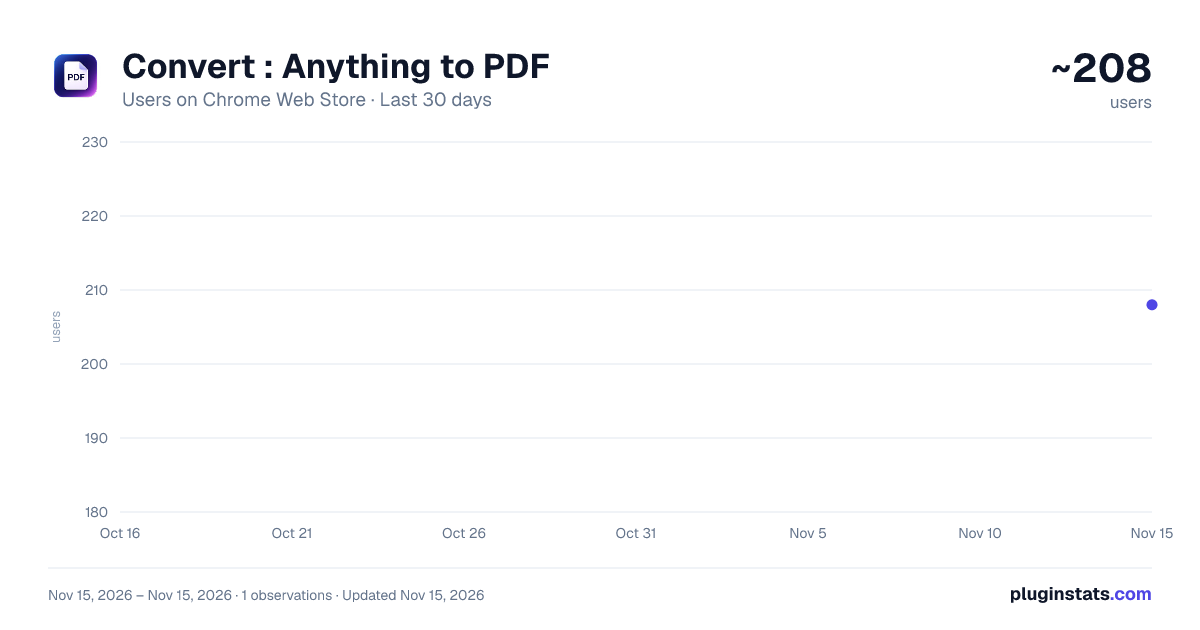
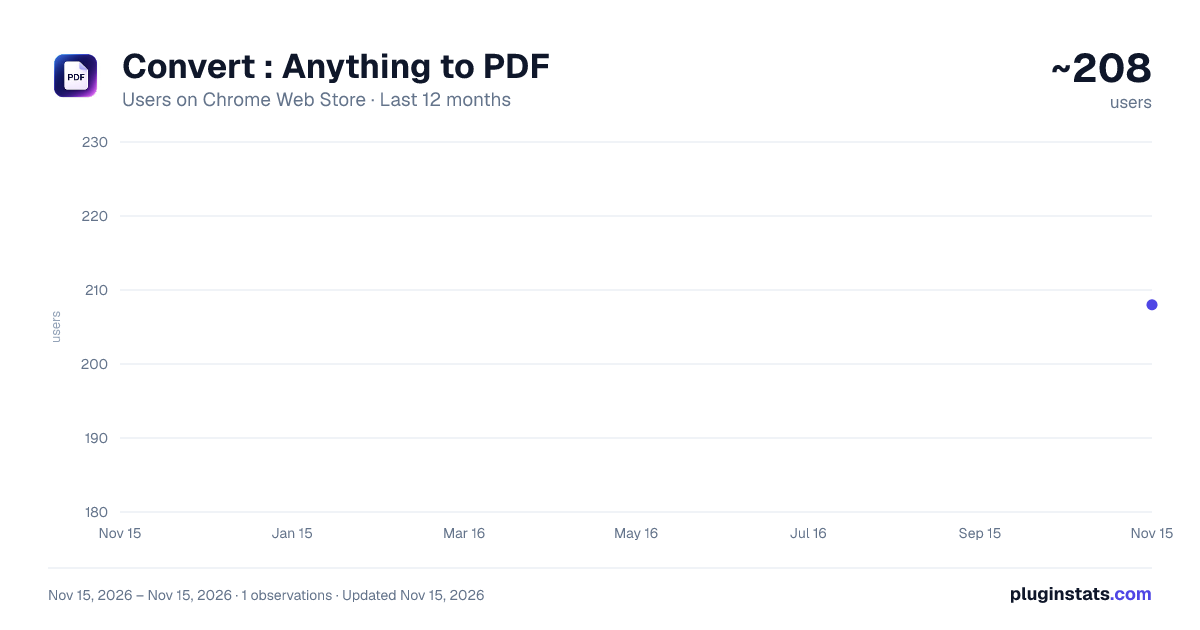
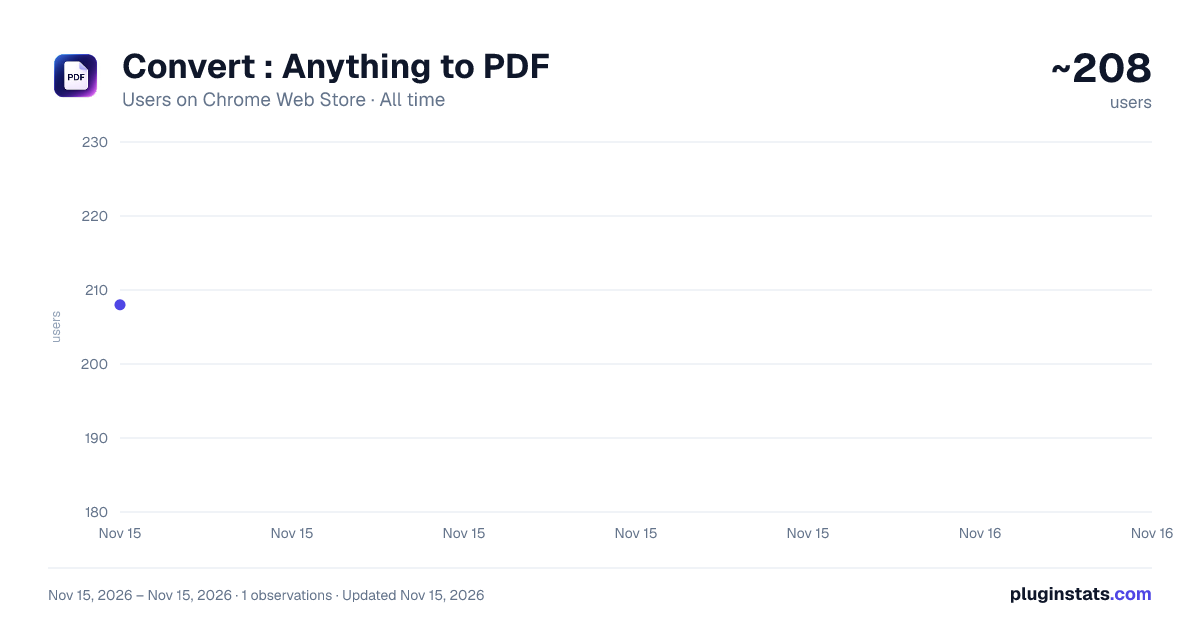
Convert : Anything to PDF has approximately 208 recorded users on Chrome Web Store, ranking #7672 of 10,388 tracked listings.
Rating: 5.00 / 5 from 5 ratings
About Convert : Anything to PDF
Turn any file or web page into a PDF, instantly. Merge multiple files into one. No upload, no watermark, no sign-up.
Convert to PDF is the fastest way to turn any web page, image, or document into a high-quality PDF — right from your browser. No sign-ups, no uploads, no servers. Everything runs locally on your device.
★ WHAT CAN YOU CONVERT?
✔ Web Pages to PDF — Save any website, article, or blog post as a PDF with one click ✔ Images to PDF — Convert photos and graphics from all major image formats ✔ Spreadsheets, excel to PDF — CSV files render as clean, formatted tables with headers and alternating rows ✔ Text & Data Files to PDF — Convert plain text, markup, and structured data files to PDF ✔ Merge Files to PDF — Combine multiple images and documents into a single PDF
★ WHY USE CONVERT TO PDF?
• One-click conversion — No complicated settings, just click and convert • Merge multiple files — Combine photos, receipts, and documents into one PDF • Auto-landscape for wide data — CSV files with many columns automatically switch to landscape • Portrait or Landscape — Choose your page orientation • Paper sizes — A4, US Letter, or Legal • Drag & drop — Simply drag files into the extension to convert
★ IS IT FREE?
Yes. Convert to PDF is 100% free with no limits, no watermarks, and no subscriptions.
★ IS IT SAFE & PRIVATE?
Yes. Your files never leave your computer. There are no uploads, no cloud processing, no tracking, and no analytics. All conversion happens entirely inside your browser. Your data stays yours.
★ HOW DOES IT WORK?
- Click the Convert to PDF icon in your toolbar
- Choose "This Page" to save the current web page, or "Upload Files" to convert files
- Drag & drop your files or click Browse
- Choose separate PDFs or merge into one
- Click Convert — your PDF downloads instantly
★ COMMON USES
• Save online articles and recipes as PDF for offline reading • Convert photos and screenshots to PDF for sharing • Turn spreadsheets and reports into formatted PDF tables • Merge scanned receipts into a single PDF for expense reports • Save web pages as PDF before they change or go offline • Convert text files and structured data to printable PDFs
Perfect for students, professionals, researchers, and anyone who needs a fast, free PDF converter that respects your privacy.
No ads. No watermarks. No data collection. Just fast PDF conversion.
Description from the Chrome Web Store listing.
README badge
Show your rank in a README or on your website. The badge updates automatically.
Charts
Images: 30d · 1y · all time · 1600×900 dark
Adoption over time
7/30/90-day growth
Ranking history
Ratings over time
Listing placement
Listing placement
Filled points are observed values; hollow points come from Internet Archive snapshots of the listing page. Dashed segments span periods with no observations — values between points are not interpolated.
Each band is one page of 20. Users on a linear scale. Placement is projected from users, so it can differ from the marketplace's own sort order. Hover a dot to see the listing.
Recent observations
Full history (1)Similar Chrome Web Store Tools plugins
All 20 Convert : Anything to PDF alternatives



Data source
Covers every Chrome Web Store extension with at least 100 users, found through the store's public sitemap. User counts are read from public listing pages. The 10% most-used extensions are refreshed daily, the next 40% weekly and the next 40% monthly; the least-used 10% are not refreshed. Google displays rounded user counts (and caps the display at 10,000,000+), so small changes may not be visible. Rating counts above 1,000 are rounded (e.g. 1.6K).
Listing: https://chromewebstore.google.com/detail/convert-anything-to-pdf/mmeglgefodnaaagbncaghkhkmobgcdfm. First seen Nov 15, 2026; last successful collection Nov 15, 2026. See the methodology.