 PluginStats

Shorts Auto-Scroll users statistics
Auto-advances YouTube Shorts: PiP, speed control, flexible filters, stats, achievements. 13 languages.
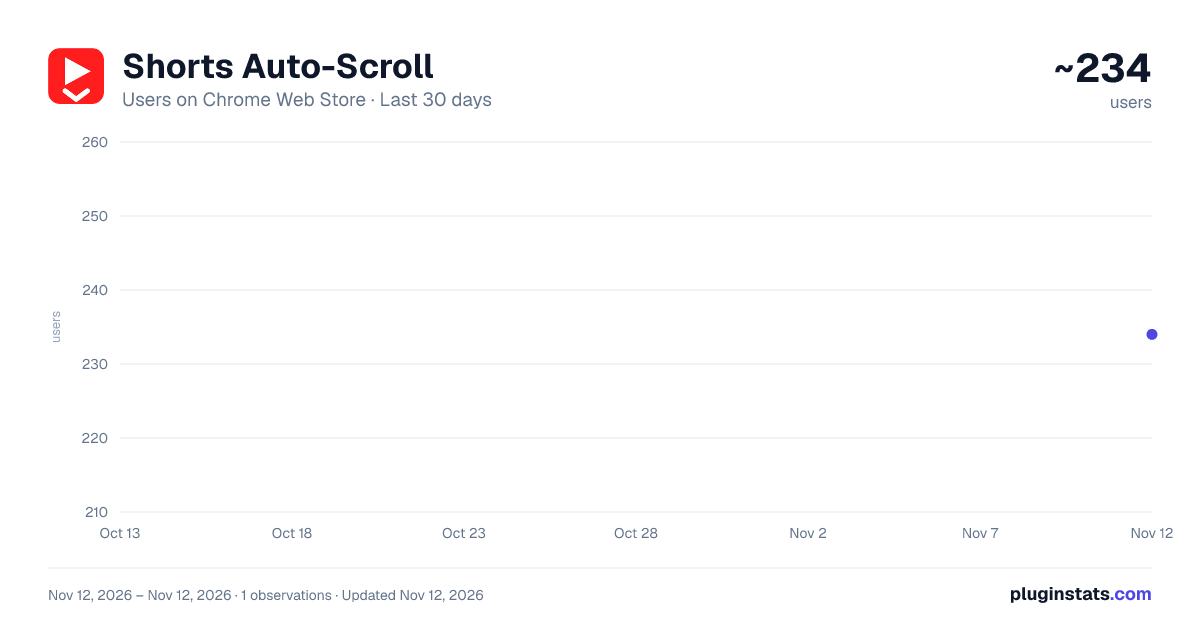
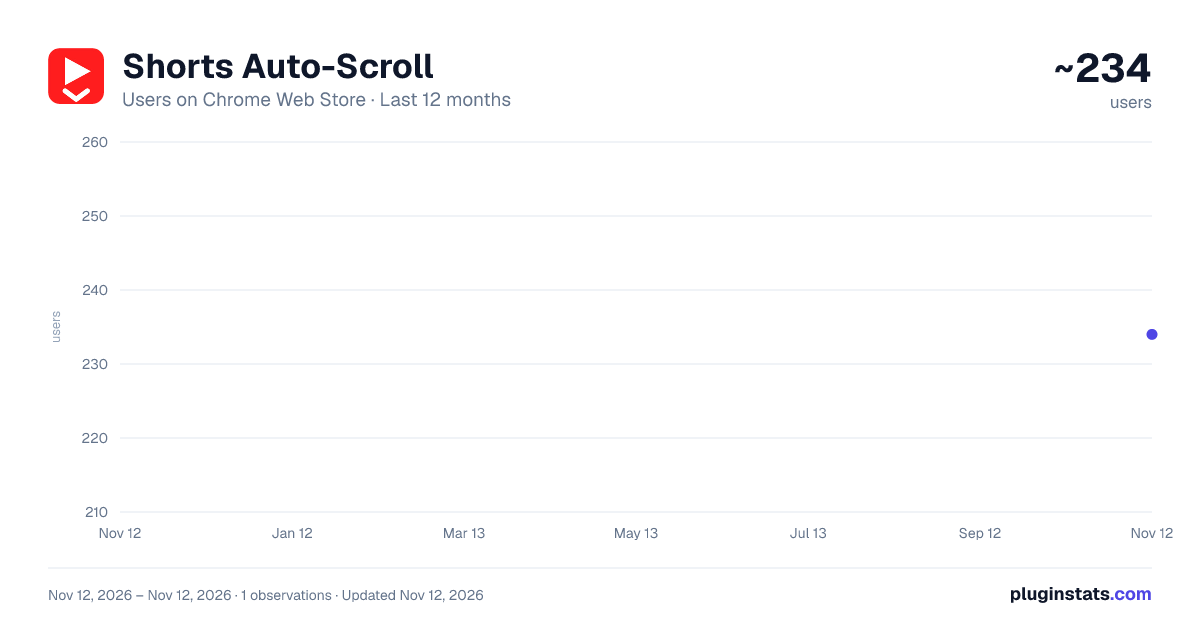
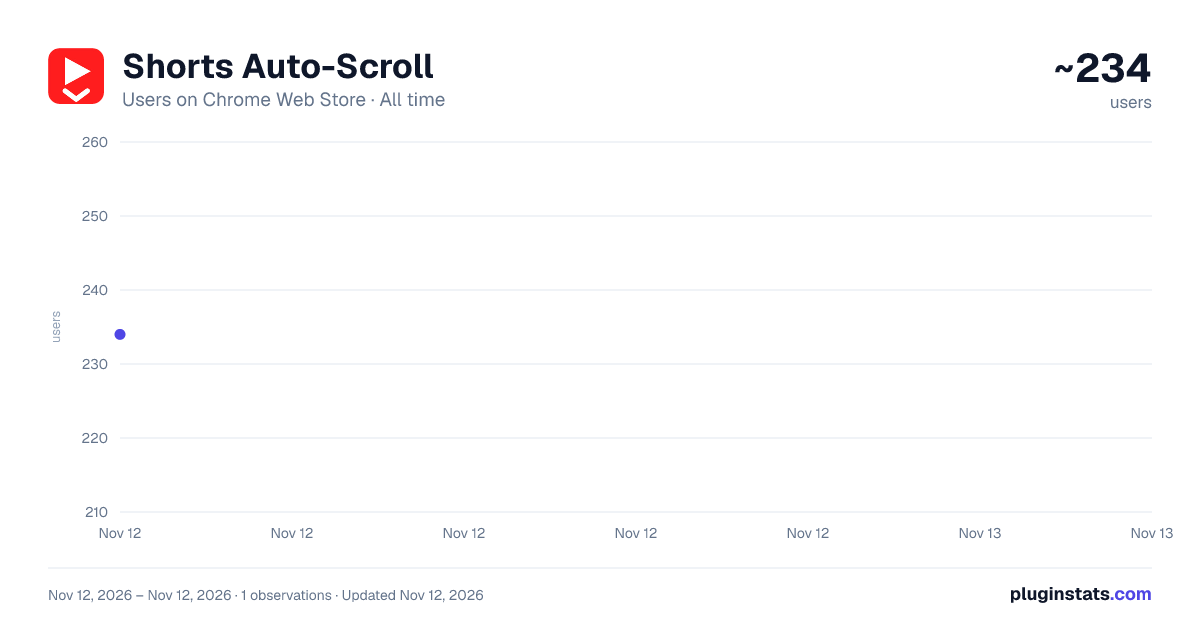
Shorts Auto-Scroll has approximately 234 recorded users on Chrome Web Store, ranking #7311 of 10,388 tracked listings.
Rating: 3.00 / 5 from 4 ratings
About Shorts Auto-Scroll
Auto-advances YouTube Shorts: PiP, speed control, flexible filters, stats, achievements. 13 languages.
Shorts Auto-Scroll is for anyone who watches YouTube Shorts and wants to be in control of the experience instead of scrolling endlessly by hand.
WHAT IT DOES:
• Auto-advance — the current Short automatically switches to the next one, quickly and without a visual stutter, after playing a set number of times. Both the loop count and the delay before switching are configurable. • Playback speed — from x0.25 (slow-mo) to x2 (fast) via a slider in Settings or right on the YouTube page, applied instantly and remembered for every next Short. • Picture-in-Picture (PiP) — pop the video out into a separate floating window on top of other apps with one click, so you can keep watching while you switch to another tab or program. • Global hotkeys — work even when the browser window isn't focused: Alt+G — next Short Alt+V — seek +5 sec (or switch if less than 5 sec remain) Alt+H — speed up by one step (x1 → x1.5 → x2 → x1) Alt+K — pause / resume
• Advanced settings — fine-tune auto-advance: skip Shorts below a minimum like or comment count, skip Shorts that are too long or too short by duration, skip by channel name or hashtag (your own comma-separated blocklist), automatically skip Shorts you've already watched. • Mini-player on the YouTube page — optionally show a compact control panel right over the video: speed, auto-advance, Picture-in-Picture, adjustable opacity. Draggable anywhere on screen and closes with one click. • Stats — how many Shorts you've watched today, this week, this month, and in total, plus an approximate total watch time (seconds spent seeking/skipping don't count). A clear chart with hover tooltips. • Achievements — 21 badges for total Shorts watched, day streaks, and total watch time (from the first minute to a full week of Shorts). If you already had stats before installing, achievements are granted retroactively on update. • 13 interface languages — Russian, English, Spanish, German, French, Portuguese, Chinese, Ukrainian, Polish, Belarusian, Armenian, Hindi, Arabic (with RTL support).
PRIVACY
The extension doesn't collect or transmit any data. All stats are stored locally on your device (chrome.storage); settings sync only through your own Google account (a standard Chrome feature). No ads, analytics, or trackers. Full privacy policy linked on the extension's listing page.
This extension is not an official YouTube or Google product and is not affiliated with them — it's an independent tool that works on top of youtube.com pages.
Description from the Chrome Web Store listing.
README badge
Show your rank in a README or on your website. The badge updates automatically.
Charts
Images: 30d · 1y · all time · 1600×900 dark
Adoption over time
7/30/90-day growth
Ranking history
Ratings over time
Listing placement
Listing placement
Filled points are observed values; hollow points come from Internet Archive snapshots of the listing page. Dashed segments span periods with no observations — values between points are not interpolated.
Each band is one page of 20. Users on a linear scale. Placement is projected from users, so it can differ from the marketplace's own sort order. Hover a dot to see the listing.
Recent observations
Full history (1)Similar Chrome Web Store Tools plugins
All 20 Shorts Auto-Scroll alternatives



Data source
Covers every Chrome Web Store extension with at least 100 users, found through the store's public sitemap. User counts are read from public listing pages. The 10% most-used extensions are refreshed daily, the next 40% weekly and the next 40% monthly; the least-used 10% are not refreshed. Google displays rounded user counts (and caps the display at 10,000,000+), so small changes may not be visible. Rating counts above 1,000 are rounded (e.g. 1.6K).
Listing: https://chromewebstore.google.com/detail/shorts-auto-scroll/njbpkifihibminfkgejgecnlakpclolh. First seen Nov 12, 2026; last successful collection Nov 12, 2026. See the methodology.