 PluginStats

Everything to Notebook users statistics
Extract text, subtitles, and images from authorized sites and sync to NotebookLM, Feishu/Lark, Notion, or Obsidian.
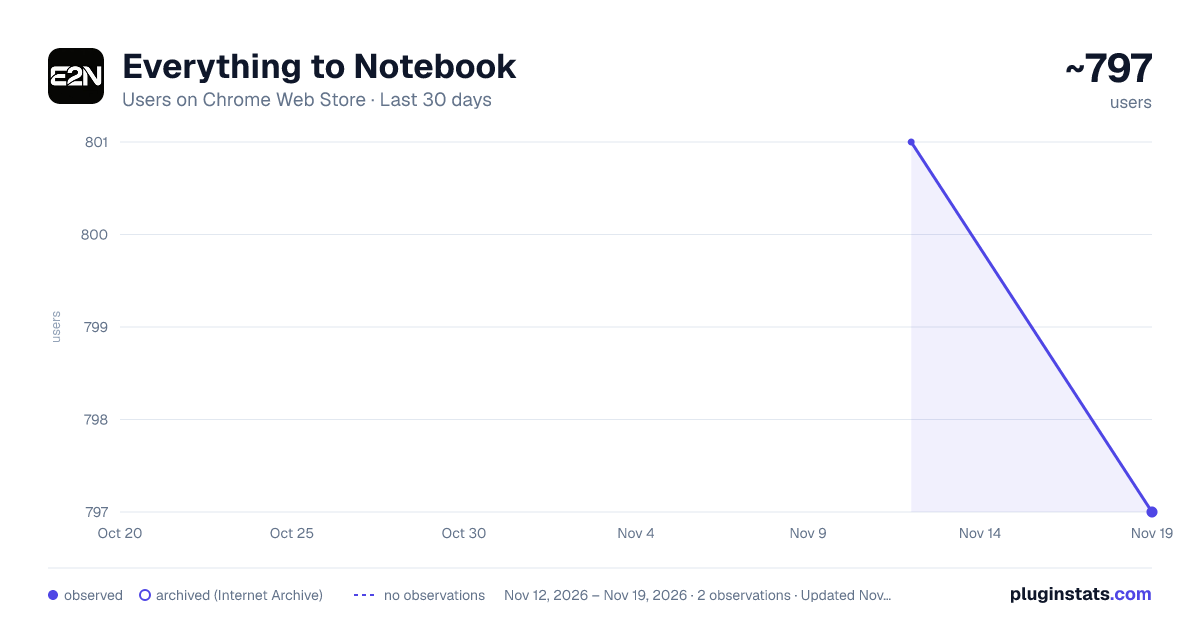
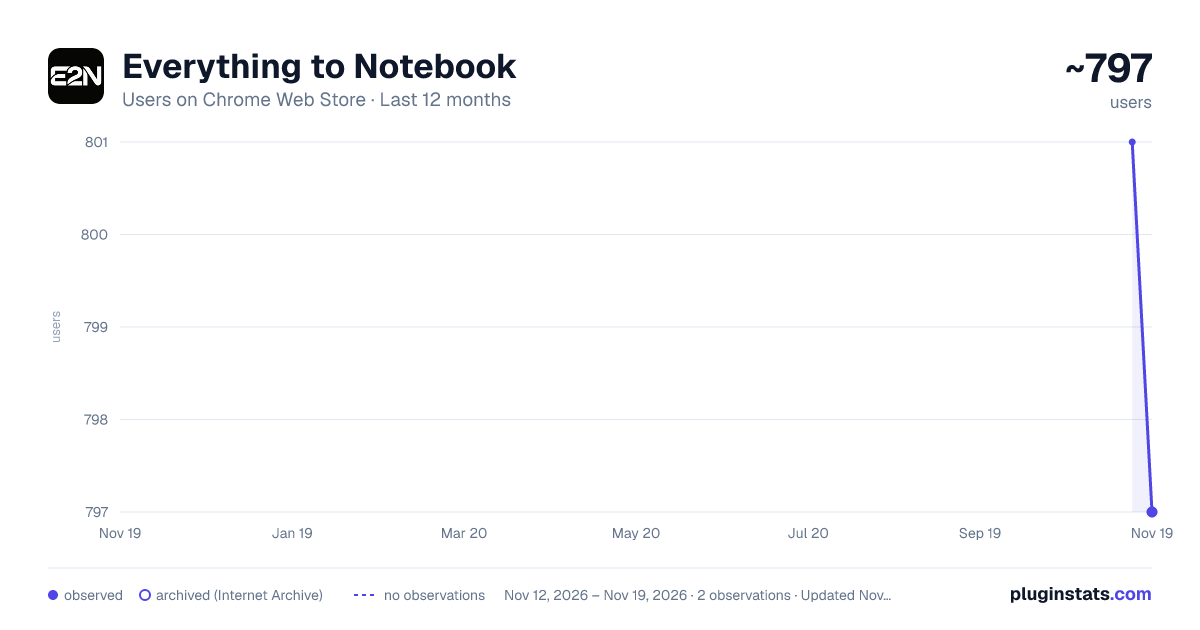
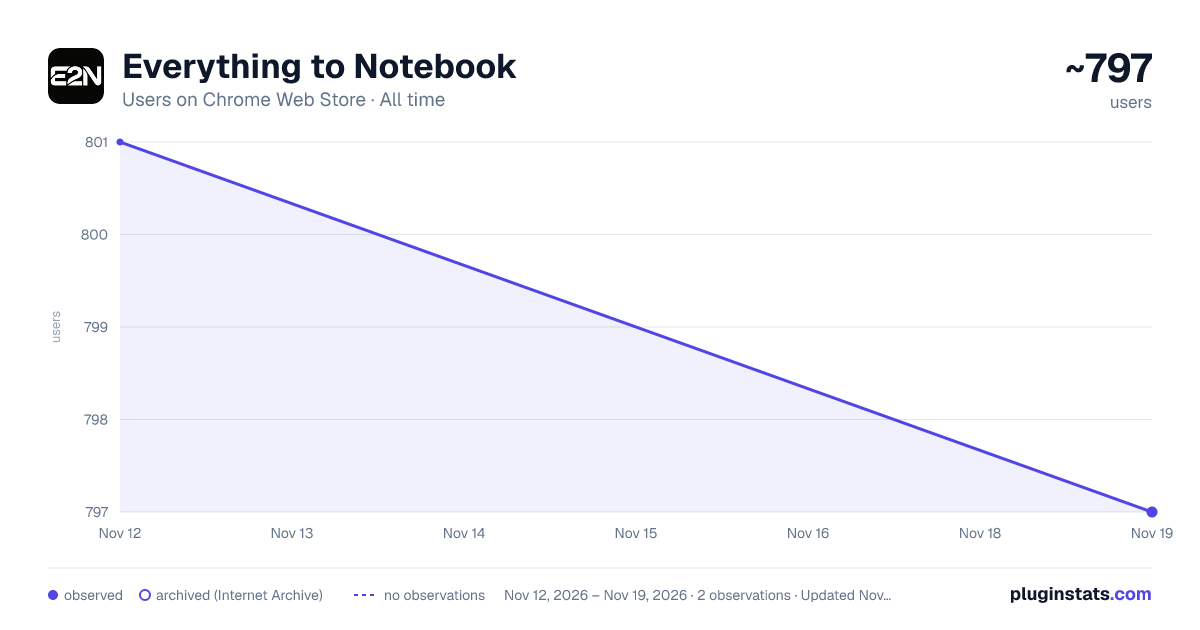
Everything to Notebook has approximately 797 recorded users on Chrome Web Store, a change of -0.5% over the past 7 days, ranking #4206 of 10,388 tracked listings.
Rating: 4.40 / 5 from 16 ratings
About Everything to Notebook
Extract text, subtitles, and images from authorized sites and sync to NotebookLM, Feishu/Lark, Notion, or Obsidian.
Everything to Notebook (E2N) — a Chrome extension that turns video subtitles, articles, and research material into clean Markdown for Google NotebookLM, Feishu (Lark), Notion, or Obsidian.
Built for students, researchers, and knowledge workers who collect material across the web. E2N turns page text, CC subtitles, on-page summaries, images, and audio into structured notes, then saves them to the knowledge bases you choose.
Common use cases • Turn tutorials and course videos into searchable notes with captions and available page summaries—without transcribing by hand. • Collect multi-part series or playlist-style material while browsing a supported, authorized video site. • Save articles, image-heavy posts, and charts without losing layout or images to copy-paste. • Xiaohongshu: bulk-save Favorites to Feishu, Notion, or Obsidian (Pro); add selected comments to the same saved note while you browse (Pro). • Bring your existing Obsidian knowledge into a web AI chat you already use: add notes and everyday files as attachments—without copying, exporting, and re-uploading. Supported chats: https://e2n.studio/help • Build a research library in NotebookLM, team documents in Feishu, structured Notion databases, or a local Obsidian vault.
What you can do • Video notes: save CC subtitles, page summaries when available, and material from channels or lists on supported sites. • Articles and visual posts: save clean Markdown with images; Pro can turn text in screenshots and diagrams into editable text. • Universal clipper: right-click any page to save its main reading content. • Flexible destinations: choose NotebookLM, Feishu/Lark, Notion, or Obsidian—up to two destinations for each save.
Free and Pro • Free: page text, CC subtitles, page summaries, source links, right-click clipping, and adding Obsidian notes or everyday files to web AI chats. • Pro: optional image text recognition and speech-to-text with an AI service you connect using your own API key; Xiaohongshu Favorites bulk sync and comment excerpts.
Privacy • Your API keys and knowledge-base connection details stay in your browser. E2N only handles the pages, files, and chat attachments you choose to save or add. Learn how we use anonymous product data: https://e2n.studio/privacy.
Links • Website & pricing: https://e2n.studio • Guides and supported-site list: https://e2n.studio/help • Support: lance@e2n.studio
Install the extension, open the popup, connect the destination you want to use, and authorize the sites you visit. E2N only runs on sites you authorize.
1.5.6 — Sync the Xiaohongshu notes you liked to Obsidian and others. On someone else's favorites page, bulk sync no longer appears. Open a note to save that one note. When Xiaohongshu blocks a note while bulk sync is opening it, sync pauses for a while, then continues on its own.
1.5.5 — Use AI to turn YouTube and Bilibili captions into a readable transcript. The Add notes to AI switch now sits in the Obsidian section of Settings. Fixed some small bugs.
1.5.0 — Bring notes and everyday files from your connected Obsidian vault into the web AI chats you authorize—without copying, exporting, and re-uploading.
1.4.5 — Add Zhihu and Bilibili comments to a saved note; double-click a comment to add it.
1.4.3 — Save Xiaohongshu thread replies, add comments to Notion or Feishu Docs, and keep code blocks intact.
1.4.2 — Xiaohongshu Favorites (Pro): sync one album at a time, same flow as Saved notes.
1.4.1 — Favorites End/Clear; Help-page lock fix; Edge/offline store-rating channel; Feishu Docs+Bitable; Base Subtitles/ASR/OCR; Obsidian tags; MathJax; Bailian fix.
1.3.9 — SiliconFlow ASR: XingChen GSR/Ultra/V3.2 plus SenseVoice; beginner Gemini-first; skip STT over 30MB (archive still saves).
1.3.8 — Xiaohongshu/Rednote comment excerpts: save chosen comments to the same Obsidian note, one at a time (Pro).
1.3.7 — XHS Favorites bulk sync (Pro), optional Obsidian auto-file, 80MB no-subtitle video archive, Bilibili AI-CC ASR opt-in, and refreshed beginner free-model routing.
1.3.5 — Same-video re-push within 24h reuses ASR cache. Clearer media errors; first-install welcome + uninstall survey; ten-locale copy polish. Hotfix: XHS/Douyin SPA no longer attaches the previous video.
1.3.4 — Clearer UI copy; XHS data-saving two-image rule. Hotfix: XHS video ASR CDN pickup, 30MB cap, soft-save text on media fail/timeout, long ASR not killed by watchdog.
1.3.3 — Options UI polish. Bilibili: prefer human CC; label AI auto-subs; ASR allowed when only AI tracks.
1.3.2 — NotebookLM dual host. Obsidian HTTP 27123. Pro: save API Key to auto-open OCR/ASR. Clearer Free queue/FAB cues. Fixed XHS video archive & Douyin ≤20MB pick.
1.3.0 — Invite friends for a monthly trial: 2 friends finish first sync → one trial code per month. Clearer invite UI in Options. Douyin For You feed saves /video/{id} links (not ?recommend=1).
1.2.9 — Obsidian: fixed broken “(2)” titles on re-save and spaced tags; clearer no-subtitle video archive (Douyin/XHS/Bilibili); Douyin AI summaries restored, clearer push while generating.
1.2.8 — Fixed YouTube long-video FAB showing the previous video’s title after in-page navigation.
1.2.7 — Fixed Feishu cutting off the body when image recognition finds tables in the text (e.g. Xiaohongshu multi-image posts). Full text and images are written again.
1.2.6 — Task Center opens in the browser side panel from the popup (toolbar icon still opens the popup). Narrow panels are more compact; status indicators stay aligned; review banner is shorter; Help link is clearer in dark mode.…
Description from the Chrome Web Store listing.
README badge
Show your rank in a README or on your website. The badge updates automatically.
Charts
Images: 30d · 1y · all time · 1600×900 dark
Adoption over time
7/30/90-day growth
Ranking history
Ratings over time
Listing placement
Listing placement
Filled points are observed values; hollow points come from Internet Archive snapshots of the listing page. Dashed segments span periods with no observations — values between points are not interpolated.
Each band is one page of 20. Users on a linear scale. Placement is projected from users, so it can differ from the marketplace's own sort order. Hover a dot to see the listing.
Recent observations
Full history (2)Similar Chrome Web Store Tools plugins
All 20 Everything to Notebook alternatives



Data source
Covers every Chrome Web Store extension with at least 100 users, found through the store's public sitemap. User counts are read from public listing pages. The 10% most-used extensions are refreshed daily, the next 40% weekly and the next 40% monthly; the least-used 10% are not refreshed. Google displays rounded user counts (and caps the display at 10,000,000+), so small changes may not be visible. Rating counts above 1,000 are rounded (e.g. 1.6K).
Listing: https://chromewebstore.google.com/detail/everything-to-notebook/ninggjblhniabhjnoojcgbpldfcadglp. First seen Nov 12, 2026; last successful collection Nov 19, 2026. See the methodology.