 PluginStats

Convert webpage to PDF users statistics
Let Convert webpage to PDF simplify your workflow! Our tool converts webpages, saves them as PDFs, and keeps their original look.
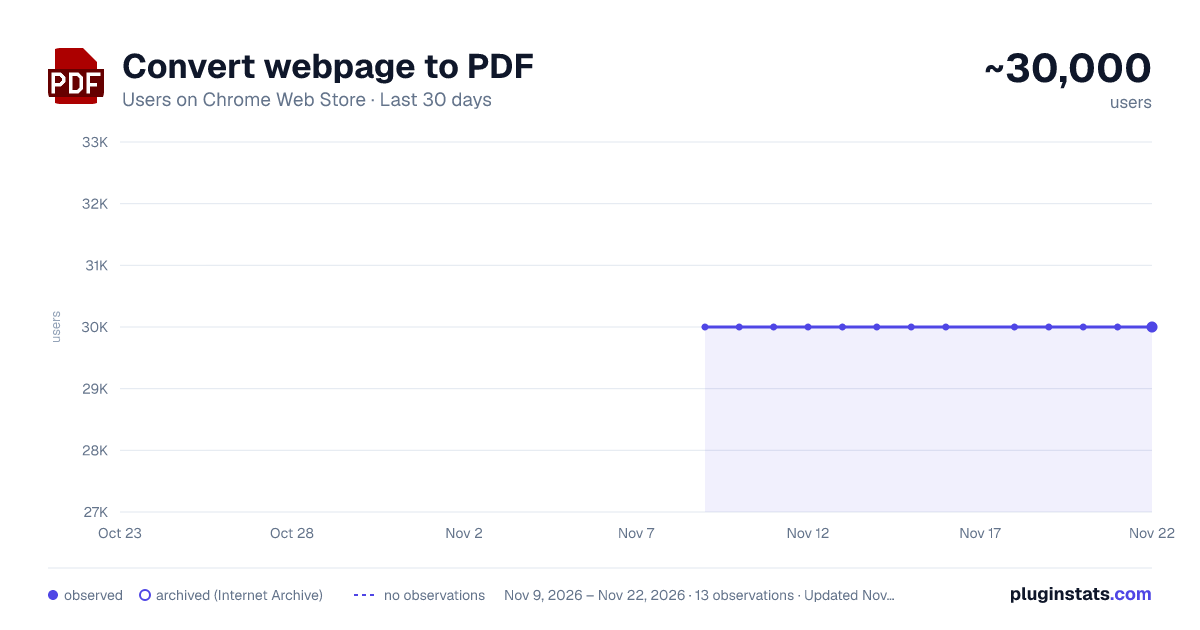
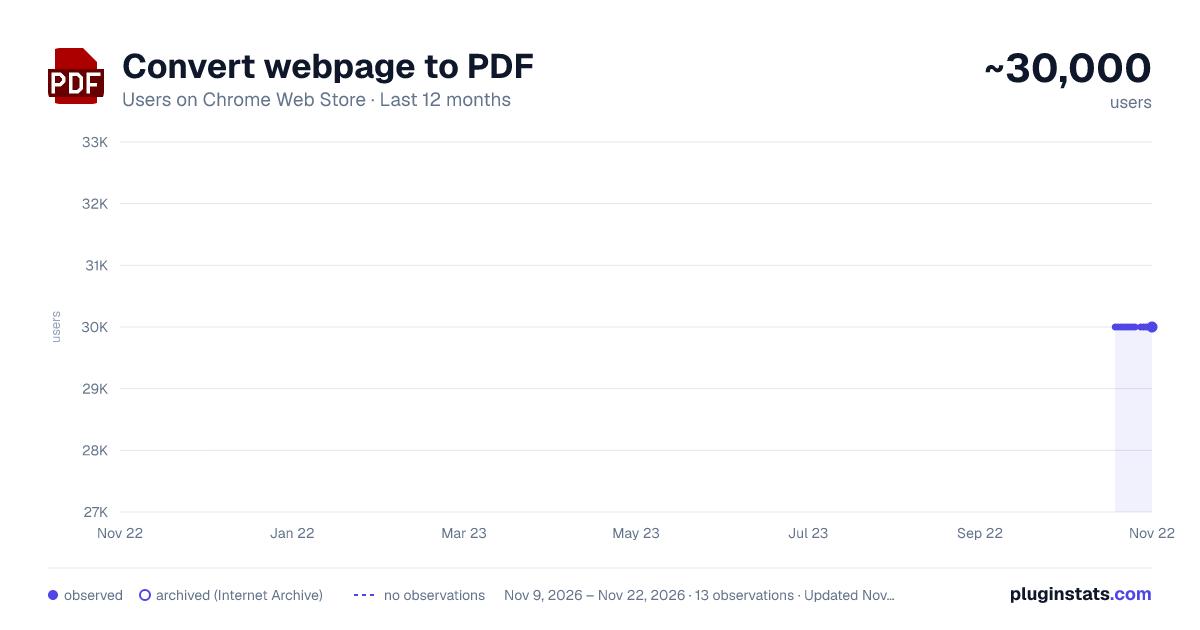
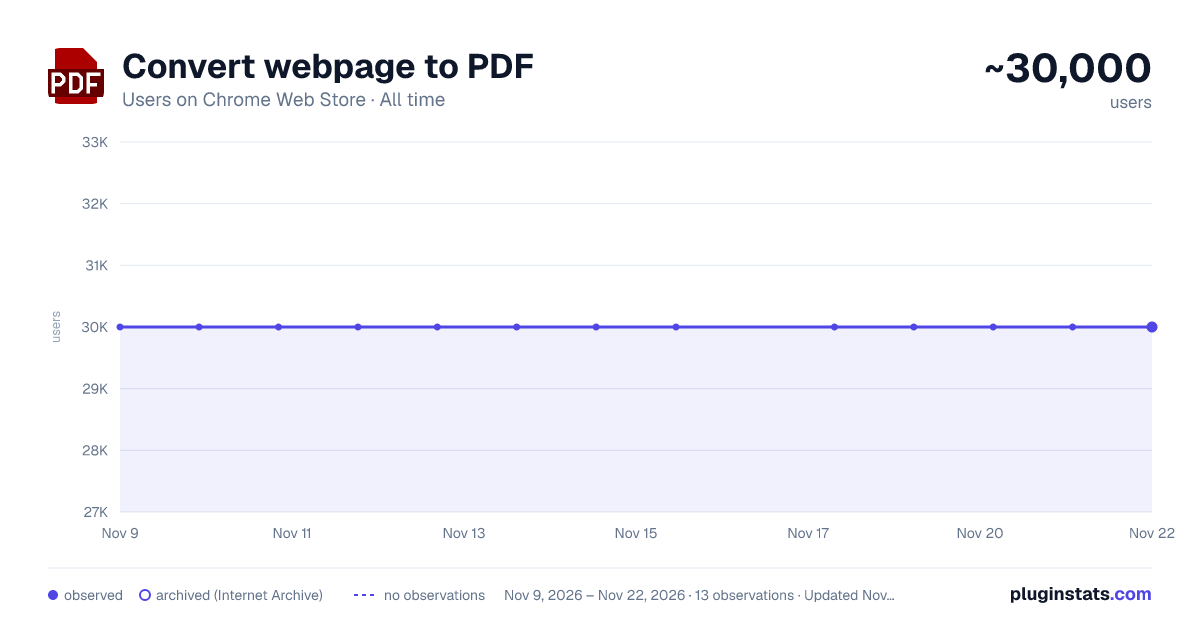
Convert webpage to PDF has approximately 30,000 recorded users on Chrome Web Store, a change of 0.0% over the past 7 days, ranking #600 of 10,388 tracked listings.
Rating: 4.50 / 5 from 409 ratings
About Convert webpage to PDF
Let Convert webpage to PDF simplify your workflow! Our tool converts webpages, saves them as PDFs, and keeps their original look.
This simple yet powerful extension is perfect for users who need a reliable tool to convert webpage to pdf in Chrome.
Key features 1️⃣ One-click: Simply click to turn webpage into PDF. We make the process fast and efficient. 2️⃣ Retain original layout: Your files will maintain the original look of the page, preserving text, images, and layout. 3️⃣ Save webpage as PDF Chrome: This tool offers high-quality conversion for users who need to convert internet pages. 4️⃣ Whole page screenshots: Need to screenshot entire webpage? Now you don’t have to Google how to save a webpage as a pdf anymore!
How to convert webpage to PDF online Follow these simple steps:
- Install convert webpage to pdf extension.
- Open the website you wish to save a page from.
- Click Convert – your file will be ready in seconds. You can also learn more in our FAQ section.
Why use this webpage to pdf converter?
- Quick access: Get file versions of articles, research, or turn any internet page to PDF in just a click.
- Works within Chrome: No need to download side applications to learn how to save web page in PDF format, now you do not have to leave your browser just like with other extensions like GoFullPage.
- Optimized for efficiency: Unlike other tools, this extension is integrated with Chrome, offering you an easy way to save chrome webpages. Online & offline saving options: Use it to convert webpage to PDF online or save as a file to your computer for later use.
- Easy toolbar access: Transform links to directly from your Chrome toolbar for quick access.
- We respect your privacy: Our tool does not gather your data, store your files, nor track the websites you visit.
- Organize and archive: Use the Convert webpage to PDF to export any internet page into file, and seamlessly integrate them into your personal knowledge base.
Who can benefit? ✔️ Researchers: Get your records of webpages easily. ✔️ Students: Capture and convert academic works to PDFs. ✔️ Professionals: Archive documents without the hassle. ✔️ Freelancers: Save internet page as PDF to keep projects. ✔️ Everyone: For anyone who has to quickly save a webpage!
FAQs ❓ How do I install? To install our app, go to the Chrome Web Store and select Add to Chrome. It will be added to your browser, and you can start using it. ❓ How to convert a webpage to PDF in chrome format using your extension? To convert a webpage to a PDF, click our extension icon and your file will be generated in seconds. ❓ How to save internet page as pdf? Our extension provides a smooth way. You can save any internet page as PDF by following the simple steps. ❓ Can I use this extension to save entire webpages? Absolutely! Our Convert webpage to PDF tool became an excellent solution for saving internet pages. ❓ If I encounter a problem while using convert webpage to pdf, is there a customer support available? Feel free to contact us directly via email or leave a ticket in the Chrome Web Store. We’ll be glad to help! ❓ I have some ideas and feedback for chrome screenshot. Can I share them with the developers? Our team is always open to hearing from our users. Don't hesitate to send in your proposals, ideas, or reviews. We value what you have to say.
Advanced features ➤ Screenshot entire webpage: Use full-page capture button to save a webpage as PDF. ➤ Format & quality options: Adjust the quality and format to meet your needs. ➤ Easy access from toolbar: Directly and anytime you need it.
How to use our extension?
- Install our extension.
- Visit any webpage which you want to transform.
- Click on our icon – your webpage will be saved instantly.
- Continue converting webpages on-the-go – your work won't be interrupted!
- Leave us a review if you want to change or add something!
Additional benefits ⚡ No software needed: This converter works directly in Chrome. ⚡ Reliable formatting: Whether you’re converting a blog post or a detailed research, the extension ensures accurate styling. ⚡ Perfect for whole page screenshots: If you’re tired of piecing together screenshots, this extension can save the entire page as a PDF with one click. ⚡Save to your device or cloud: You can save it directly to your device or then upload it to your Cloud.
Convert webpage to PDF is the ultimate Chrome extension to start downloading, archiving and sharing PDFs instantly! Happy downloading, archiving and sharing documents instantly!
Description from the Chrome Web Store listing.
README badge
Show your rank in a README or on your website. The badge updates automatically.
Charts
Images: 30d · 1y · all time · 1600×900 dark
Adoption over time
7/30/90-day growth
Ranking history
Ratings over time
Listing placement
Listing placement
Filled points are observed values; hollow points come from Internet Archive snapshots of the listing page. Dashed segments span periods with no observations — values between points are not interpolated.
Each band is one page of 20. Users on a linear scale. Placement is projected from users, so it can differ from the marketplace's own sort order. Hover a dot to see the listing.
Recent observations
Full history (12)Similar Chrome Web Store Tools plugins
All 20 Convert webpage to PDF alternatives



Data source
Covers every Chrome Web Store extension with at least 100 users, found through the store's public sitemap. User counts are read from public listing pages. The 10% most-used extensions are refreshed daily, the next 40% weekly and the next 40% monthly; the least-used 10% are not refreshed. Google displays rounded user counts (and caps the display at 10,000,000+), so small changes may not be visible. Rating counts above 1,000 are rounded (e.g. 1.6K).
Listing: https://chromewebstore.google.com/detail/convert-webpage-to-pdf/homkgeanmijgmjnompbahpmphaiflehl. First seen Nov 9, 2026; last successful collection Nov 21, 2026. See the methodology.