 PluginStats

FLASH – Download ChatGPT Voice Replies as MP3 or AAC users statistics
By Flux AI Tools · Chrome Web Store · Tools
Play any ChatGPT reply aloud in 9 voices, or download it as MP3 or AAC. Free. No account, no servers, no data collected.
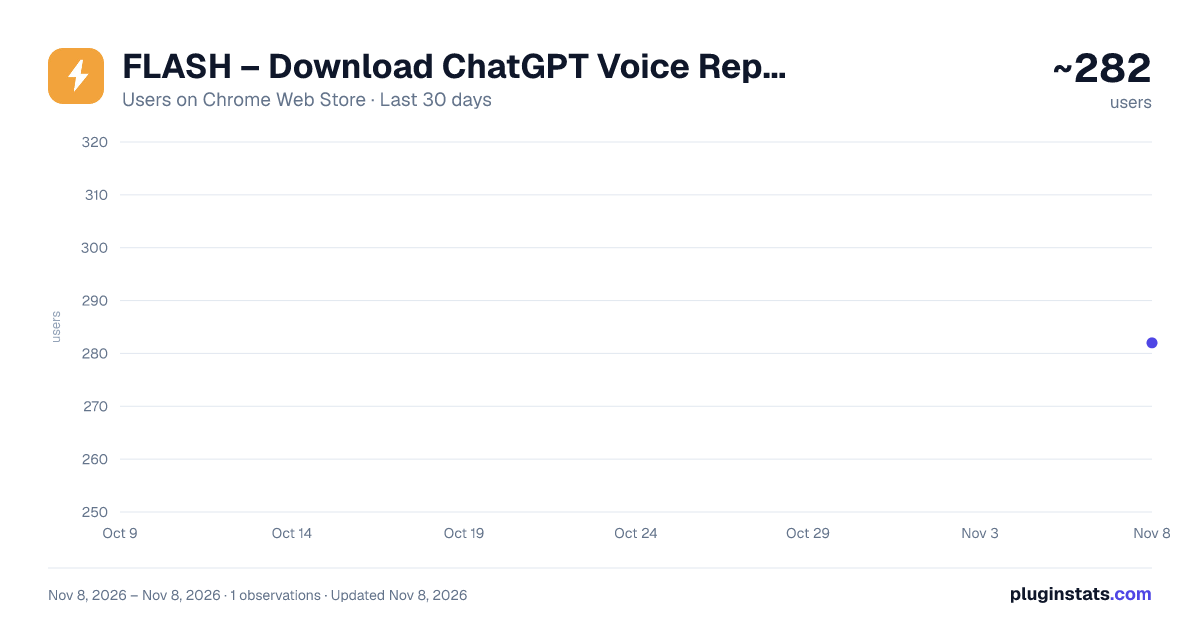
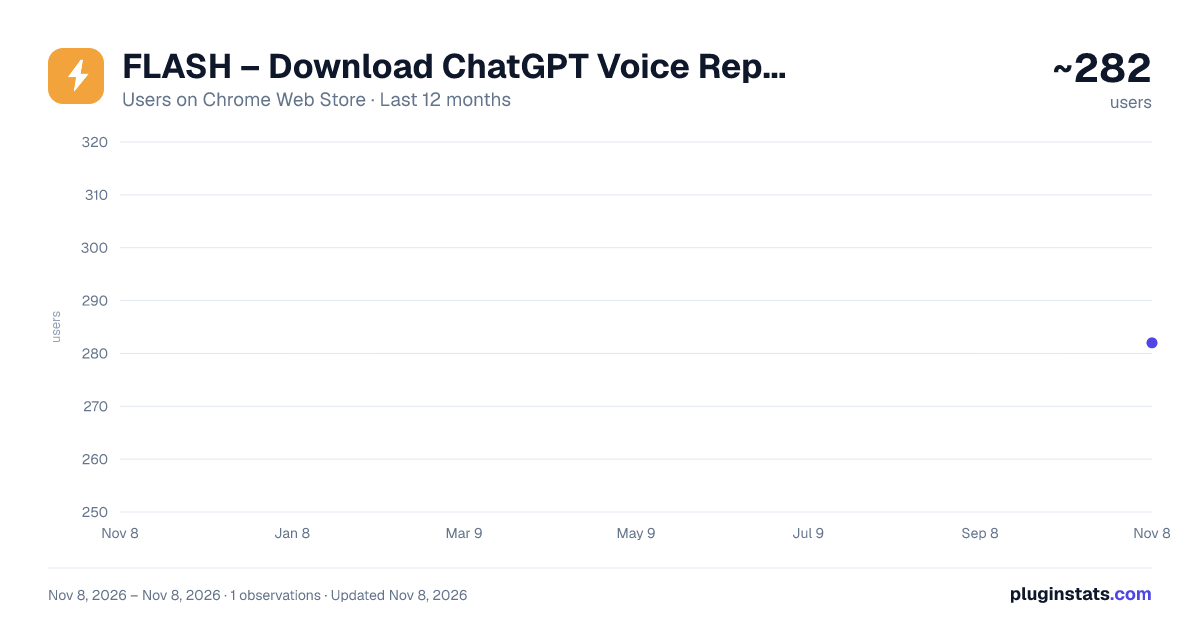
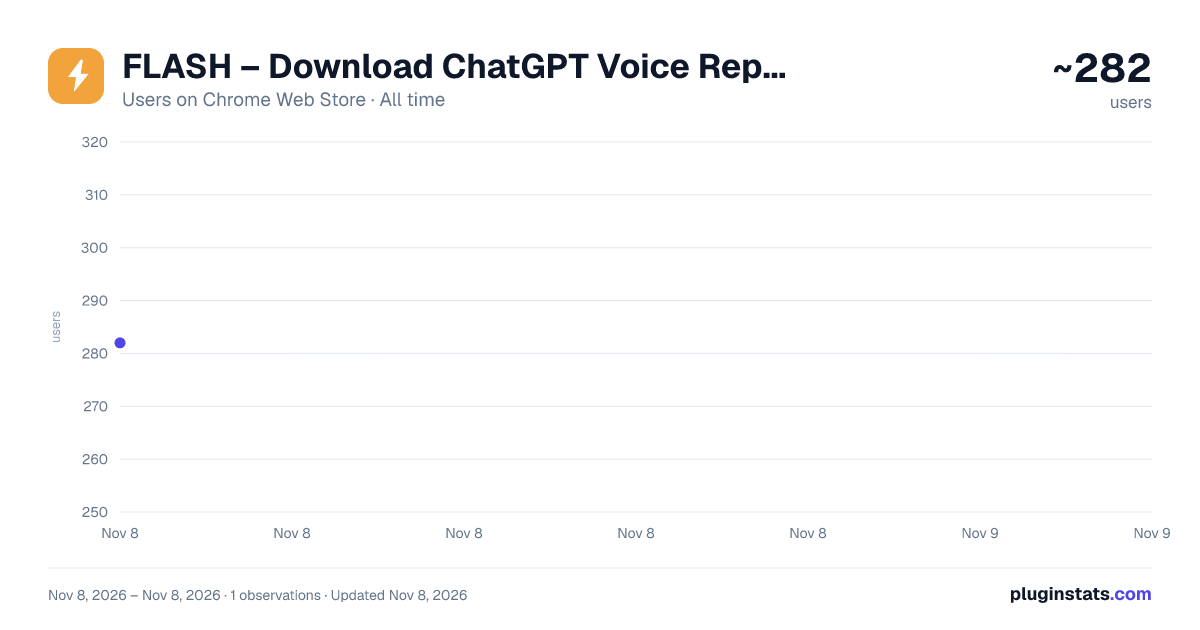
FLASH – Download ChatGPT Voice Replies as MP3 or AAC has approximately 282 recorded users on Chrome Web Store, ranking #6744 of 10,388 tracked listings.
Rating: 5.00 / 5 from 3 ratings
About FLASH – Download ChatGPT Voice Replies as MP3 or AAC
Play any ChatGPT reply aloud in 9 voices, or download it as MP3 or AAC. Free. No account, no servers, no data collected.
⚡ FLASH - Play & Download ChatGPT Voice (Read Aloud) Replies as MP3 or AAC
Turn any ChatGPT reply into audio with one click. FLASH adds Play, Download and Settings buttons under every AI response, so you can listen instantly or save the audio as a file. Select just a sentence or two to play or save only that part.
🎙️ 9 PREMIUM VOICES • Male: Ember, Cove, Arbor, Spruce • Female: Breeze, Juniper, Vale, Maple, Sol
⚡ KEY FEATURES • Instant playback: audio starts streaming on the first chunk • Play or save just a part: select text in a reply and use the small Play / Save pill (timing is approximate) • Follow along: the sentence being read is highlighted, and you can click a sentence to jump to it • Bulk download: tick several replies and save them as separate files or combined into one MP3, AAC or WAV • Mini player with a seek bar and time, plus start/end markers to save any clip • Real-time download progress with percentage display • Adjustable playback speed (0.5x to 2.0x), applied live while playing • Download as AAC or MP3 (MP3 is converted in your browser) • Clean filenames like ChatGPT_Title_Ember_2026-11-03.mp3 • Clean, minimal controls that match ChatGPT in light and dark mode
📥 HOW IT WORKS
- Open any ChatGPT conversation
- Click Play to instantly hear any response
- Click Download to save it as an audio file
- Select text in a reply to play or save only that part
- Use Settings (the gear icon) to change voice, speed, format or turn off the highlight
💡 PERFECT FOR • Listening to long answers while you multitask • Saving just the part of an answer you need • Creating audio notes from AI responses • Language learning and pronunciation practice • Accessibility: hear responses instead of reading • Content creators who need AI voiceovers
🔒 PRIVACY • No data collection, no analytics, no account required • No servers: FLASH has no backend of its own • Runs only on chatgpt.com and chat.openai.com • Uses your own signed-in ChatGPT session to fetch audio, the same way Read Aloud does
🆕 WHAT'S NEW IN 2.2.0 • Select text in a reply to play or save just that part • Sentence highlighting while a reply is read aloud, with click-to-jump • Bulk download: separate files or one combined MP3, AAC or WAV • Mini player with seek bar, and start/end markers to save a clip • Replies you've already played or downloaded now replay and save instantly • Faster MP3 conversion for long replies • Download filenames now include the chat title, voice and date
ChatGPT occasionally changes its page layout, which can briefly break the buttons. If that happens, update FLASH or email support and we'll fix it quickly.
Free to use. Download now and start listening!
FLASH is an independent extension and is not affiliated with or endorsed by OpenAI. ChatGPT is a trademark of OpenAI.
Description from the Chrome Web Store listing.
README badge
Show your rank in a README or on your website. The badge updates automatically.
Charts
Images: 30d · 1y · all time · 1600×900 dark
Adoption over time
7/30/90-day growth
Ranking history
Ratings over time
Listing placement
Listing placement
Filled points are observed values; hollow points come from Internet Archive snapshots of the listing page. Dashed segments span periods with no observations — values between points are not interpolated.
Each band is one page of 20. Users on a linear scale. Placement is projected from users, so it can differ from the marketplace's own sort order. Hover a dot to see the listing.
Recent observations
Full history (1)Similar Chrome Web Store Tools plugins
All 20 FLASH – Download ChatGPT Voice Replies as MP3 or AAC alternatives



Data source
Covers every Chrome Web Store extension with at least 100 users, found through the store's public sitemap. User counts are read from public listing pages. The 10% most-used extensions are refreshed daily, the next 40% weekly and the next 40% monthly; the least-used 10% are not refreshed. Google displays rounded user counts (and caps the display at 10,000,000+), so small changes may not be visible. Rating counts above 1,000 are rounded (e.g. 1.6K).
Listing: https://chromewebstore.google.com/detail/flash-–-download-chatgpt/aliajekmgjjhgffmakhponceggcadphi. First seen Nov 8, 2026; last successful collection Nov 8, 2026. See the methodology.