 PluginStats

PiP for YouTube TV users statistics
By Pip for Youtube TV · Chrome Web Store · Tools
Watch YouTube TV in a floating Picture-in-Picture window. Auto-pops on tab switch, keyboard shortcut supported.
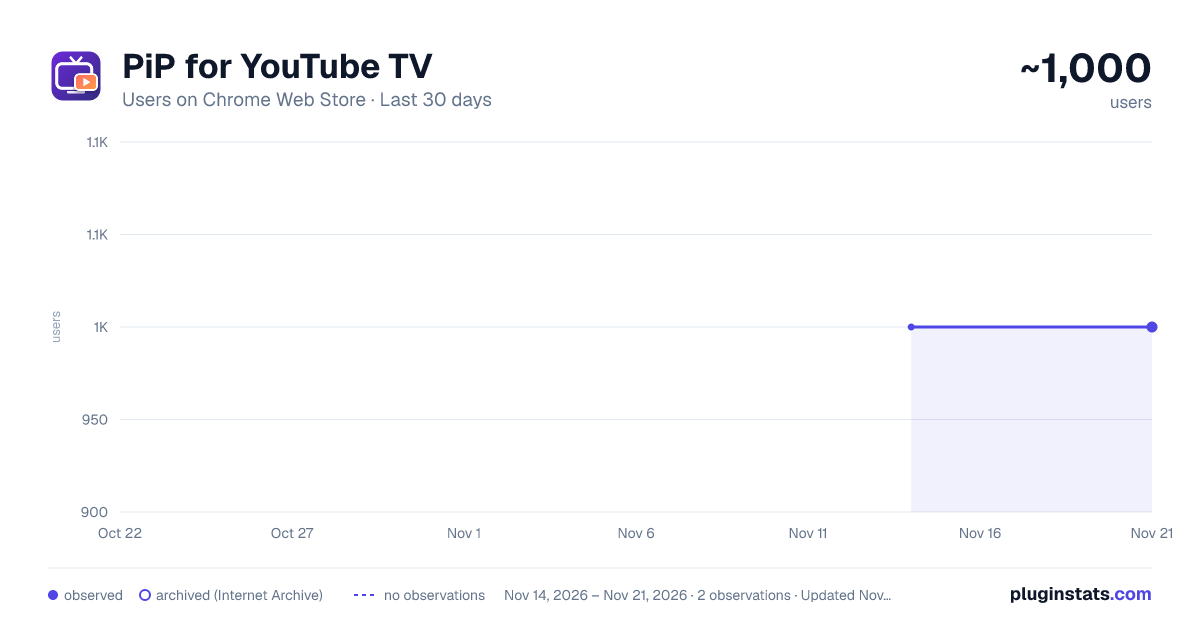
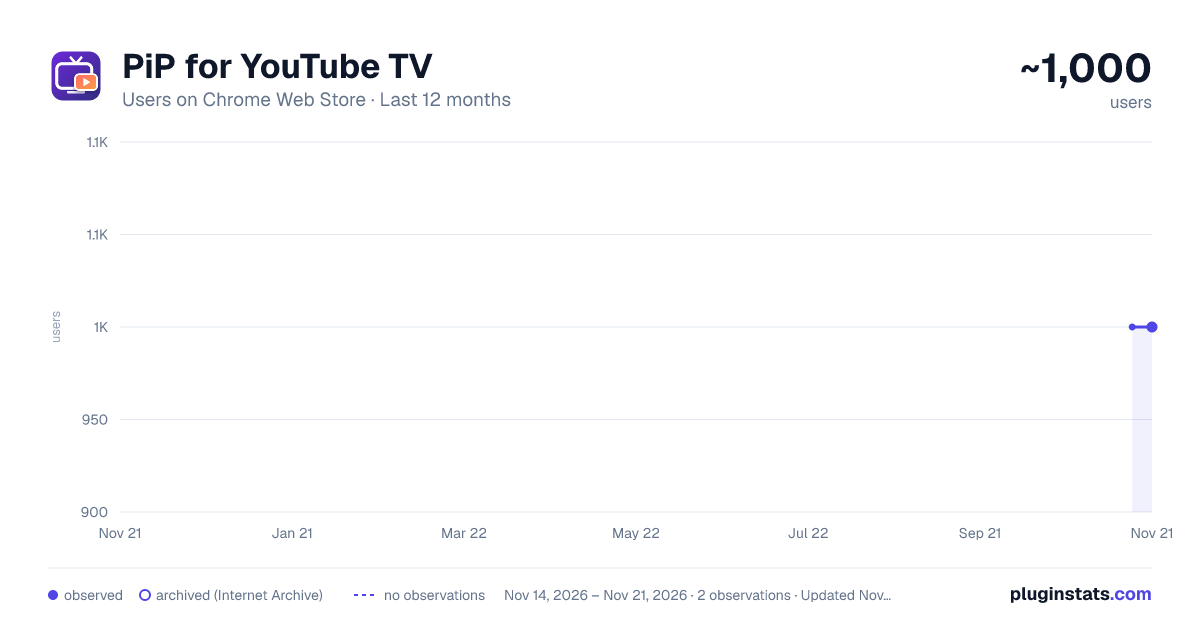
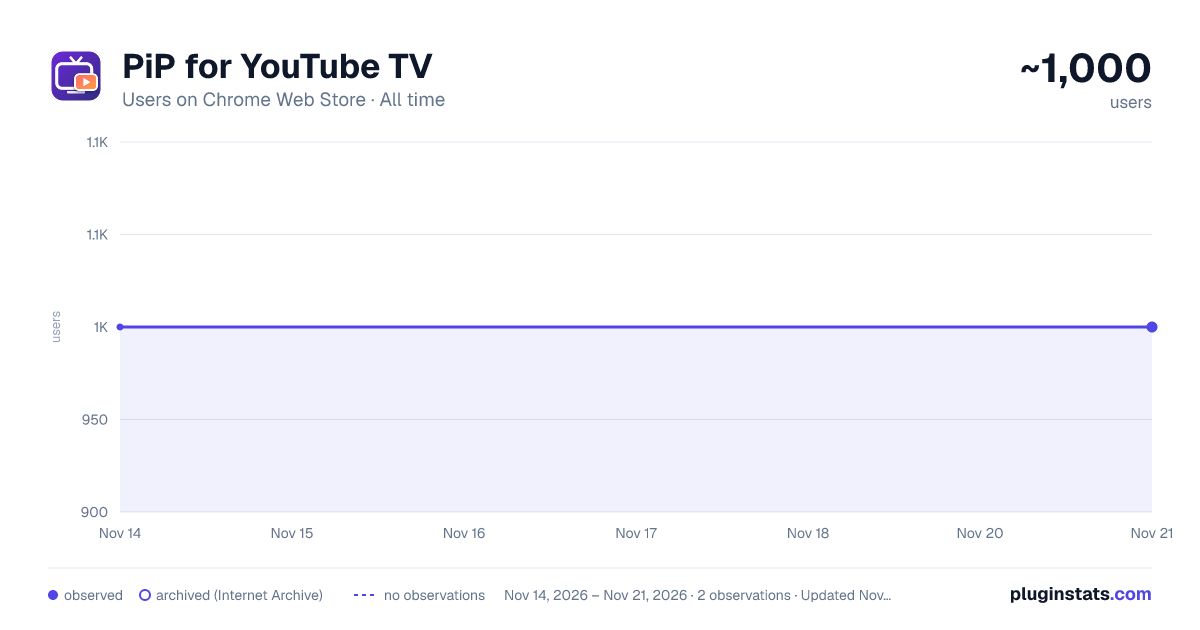
PiP for YouTube TV has approximately 1,000 recorded users on Chrome Web Store, a change of 0.0% over the past 7 days, ranking #3649 of 10,388 tracked listings.
Rating: 1.00 / 5 from 1 ratings
About PiP for YouTube TV
Watch YouTube TV in a floating Picture-in-Picture window. Auto-pops on tab switch, keyboard shortcut supported.
Having trouble juggling watching YouTube TV and doing other stuff on your computer? 💻📺 Install the Picture-in-Picture (PiP) for YouTube TV chrome extension 🌐🛠️. It allows you to watch YouTube videos in a small window that stays on top while you do other things on your computer, like browsing the internet or working on documents 🌍📄. This means you can watch your favorite shows and videos without having to switch between tasks, making everything you do on your computer a bit easier 😊👍.
Key feature of PiP for youtube tv chrome extension
Floating Video Window: Enables a video to be played in a floating window that can be moved and resized. Advanced PiP Mode: Offers functionality beyond the native PiP mode, such as working on tabs outside YouTube, checking comments, and customizable window size. One-Click Activation: Once set up, activating the PiP mode is simple and quick. Integration with YouTube as an App: The extension can make YouTube function like a floating app on your desktop. Customizable Shortcuts: Allows the setting of custom shortcut keys for easy control and navigation. Minimize to Listen: Users can minimize the video and continue listening to it, reducing distractions while multitasking.
How to use:
Start by opening the Chrome Web Store in your browser. Search for "PiP for YouTube TV Chrome Extension" using the store's search functionality. Click on the extension from the search results and select 'Add to Chrome' to install. Once installed, go to YouTube TV and play your preferred video. While the video is playing, click on the newly added extension icon in your browser. The extension enables a small video window, allowing you to continue watching while accessing other apps or websites in a seamless manner. This method provides a convenient way to watch YouTube TV content while multitasking, all through a simple and user-friendly extension.
Description from the Chrome Web Store listing.
README badge
Show your rank in a README or on your website. The badge updates automatically.
Charts
Images: 30d · 1y · all time · 1600×900 dark
Adoption over time
7/30/90-day growth
Ranking history
Ratings over time
Listing placement
Listing placement
Filled points are observed values; hollow points come from Internet Archive snapshots of the listing page. Dashed segments span periods with no observations — values between points are not interpolated.
Each band is one page of 20. Users on a linear scale. Placement is projected from users, so it can differ from the marketplace's own sort order. Hover a dot to see the listing.
Recent observations
Full history (2)Similar Chrome Web Store Tools plugins
All 20 PiP for YouTube TV alternatives



Data source
Covers every Chrome Web Store extension with at least 100 users, found through the store's public sitemap. User counts are read from public listing pages. The 10% most-used extensions are refreshed daily, the next 40% weekly and the next 40% monthly; the least-used 10% are not refreshed. Google displays rounded user counts (and caps the display at 10,000,000+), so small changes may not be visible. Rating counts above 1,000 are rounded (e.g. 1.6K).
Listing: https://chromewebstore.google.com/detail/pip-for-youtube-tv/mlligheoamjjgchfnganmllkaijdkbmd. First seen Nov 14, 2026; last successful collection Nov 21, 2026. See the methodology.