 PluginStats

Acedly AI users statistics
By AcedlyAI · Chrome Web Store · Tools
Acedly AI: Your AI-Powered Interview Assistant
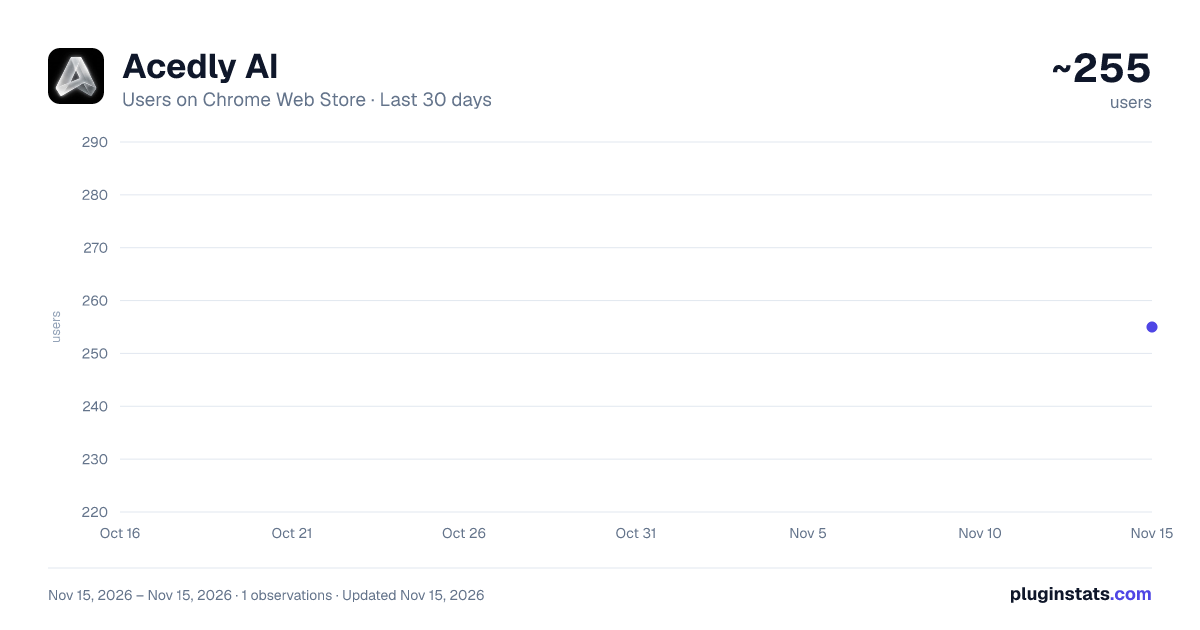
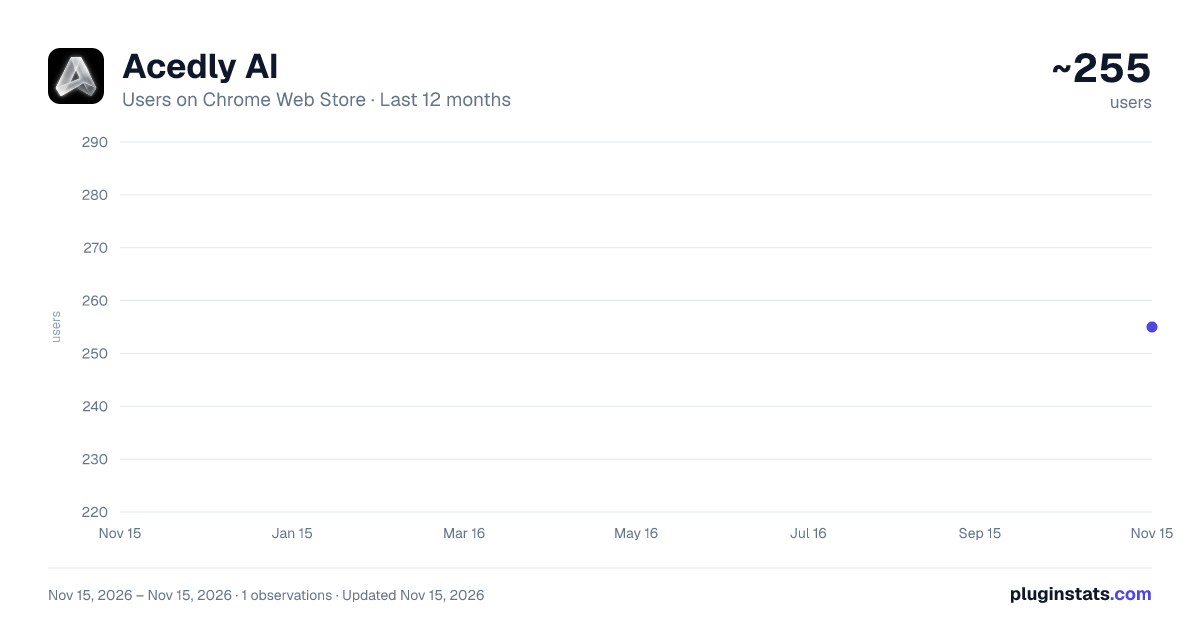
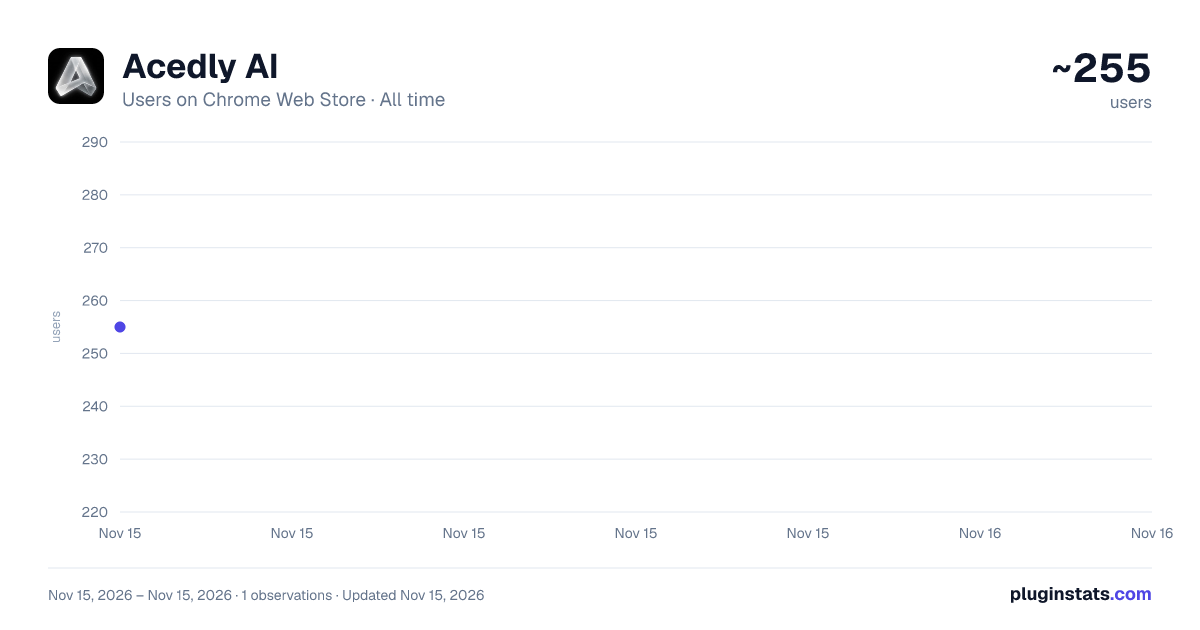
Acedly AI has approximately 255 recorded users on Chrome Web Store, ranking #7042 of 10,388 tracked listings.
Rating: 5.00 / 5 from 1 ratings
About Acedly AI
Acedly AI: Your AI-Powered Interview Assistant
Acedly AI is your real-time, AI-powered interview assistant. This companion extension lets you capture your screen with a single shortcut and instantly send it to the Acedly AI web app for analysis — so you can focus on the conversation, not on note-taking.
Whether you're preparing for a job interview, walking through a coding question, reviewing a take-home assignment, or rehearsing behavioral answers, Acedly AI gives you a fast, hands-free way to bring visual context into your AI session.
KEY FEATURES
• One-shortcut screen capture — Press ⌘ + Shift + U on Mac or Ctrl + Shift + U on Windows / Linux to capture the visible tab. • Seamless web app integration — Screenshots are delivered directly to your active Acedly AI session at acedly.ai for AI analysis. • Lightweight popup — Click the toolbar icon to view extension status or trigger a capture manually. • Built-in cooldown — A short cooldown between captures prevents accidental duplicates and keeps your session clean. • Minimal permissions — Only requests activeTab and a keyboard command. No background tracking, no data collection.
HOW TO USE
- Install the extension and open https://acedly.ai (or your local Acedly AI dev URL) in a tab.
- Start an interview session in the Acedly AI web app.
- When you want the AI to "see" what's on your screen — a job description, a coding question, a problem diagram, an email — press ⌘ + Shift + U (Mac) or Ctrl + Shift + U (Windows / Linux).
- The screenshot is sent to the Acedly AI session, which uses it as visual context for its next response.
You can also click the Acedly AI toolbar icon and press the "Capture Current Screen" button.
WHO IT'S FOR
• Job candidates preparing for technical or behavioral interviews • Engineers practicing system design or coding rounds • Students rehearsing mock interviews • Anyone using Acedly AI who wants the AI to understand on-screen context
PRIVACY
Acedly AI only captures the visible content of the current tab when you explicitly trigger a capture. Screenshots are sent only to your active Acedly AI session. The extension does not read page content, does not run on third-party sites, and does not collect analytics.
Learn more at https://app.acedly.ai
Description from the Chrome Web Store listing.
README badge
Show your rank in a README or on your website. The badge updates automatically.
Charts
Images: 30d · 1y · all time · 1600×900 dark
Adoption over time
7/30/90-day growth
Ranking history
Ratings over time
Listing placement
Listing placement
Filled points are observed values; hollow points come from Internet Archive snapshots of the listing page. Dashed segments span periods with no observations — values between points are not interpolated.
Each band is one page of 20. Users on a linear scale. Placement is projected from users, so it can differ from the marketplace's own sort order. Hover a dot to see the listing.
Recent observations
Full history (1)Similar Chrome Web Store Tools plugins
All 20 Acedly AI alternatives



Data source
Covers every Chrome Web Store extension with at least 100 users, found through the store's public sitemap. User counts are read from public listing pages. The 10% most-used extensions are refreshed daily, the next 40% weekly and the next 40% monthly; the least-used 10% are not refreshed. Google displays rounded user counts (and caps the display at 10,000,000+), so small changes may not be visible. Rating counts above 1,000 are rounded (e.g. 1.6K).
Listing: https://chromewebstore.google.com/detail/acedly-ai/mmeolfapbaihiimbghdmcbdllafoaepi. First seen Nov 15, 2026; last successful collection Nov 15, 2026. See the methodology.