 PluginStats

SwipeOut - Clean Up Google Photos users statistics
Google Photos storage full? Swipe left to delete, right to keep. Review photos fast with filters by date, type. One-time purchase.
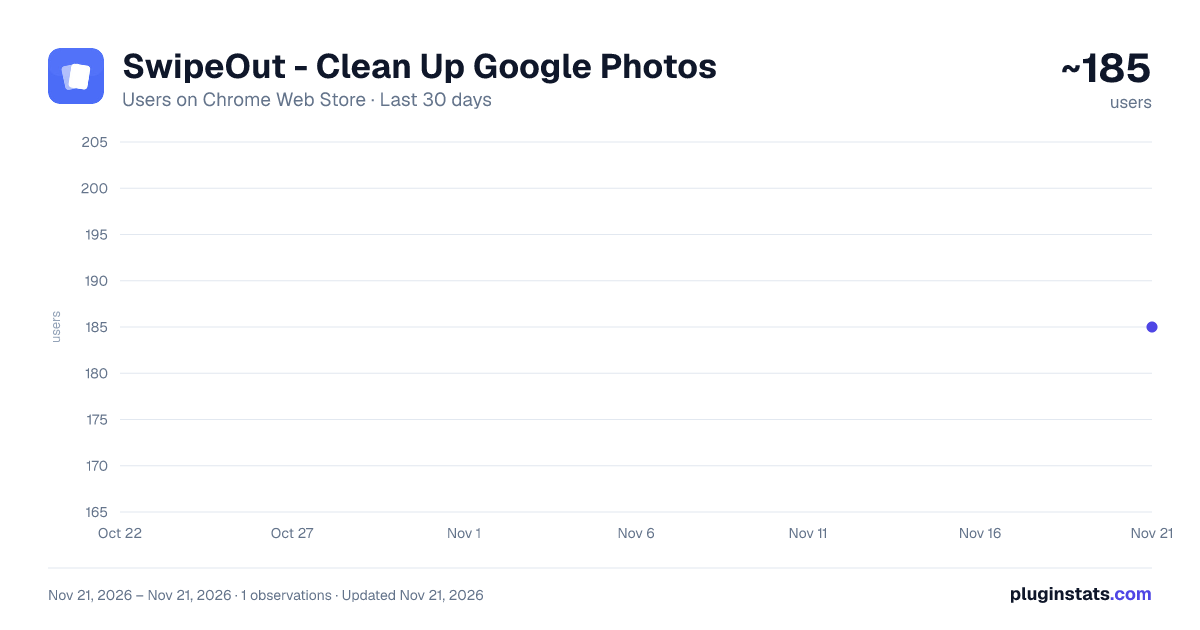
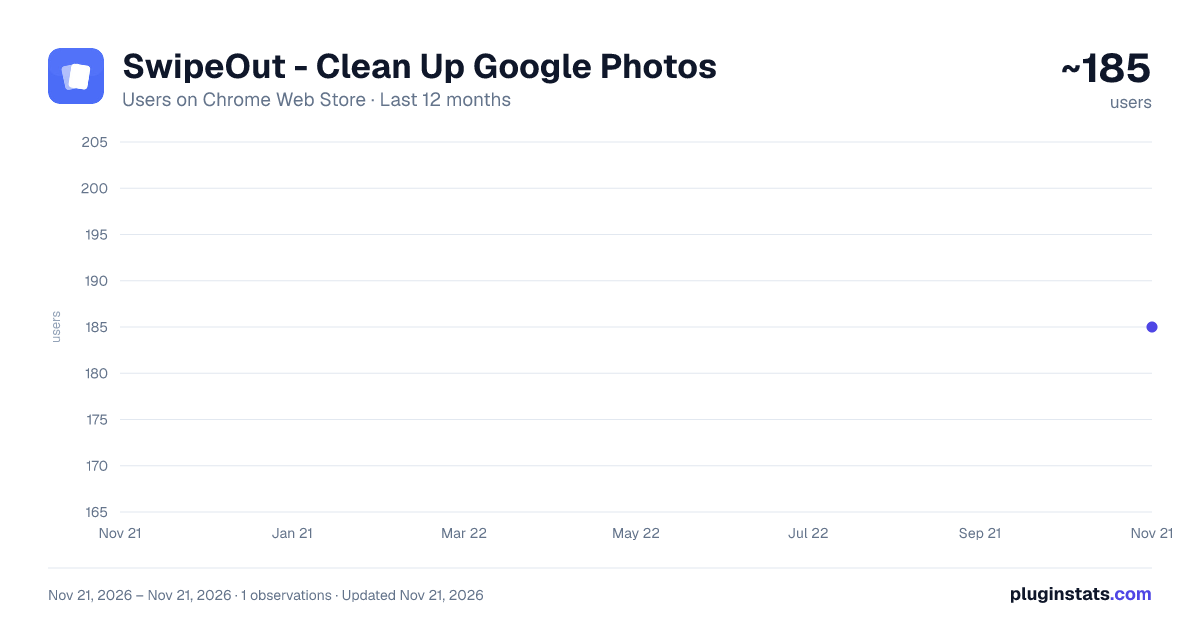
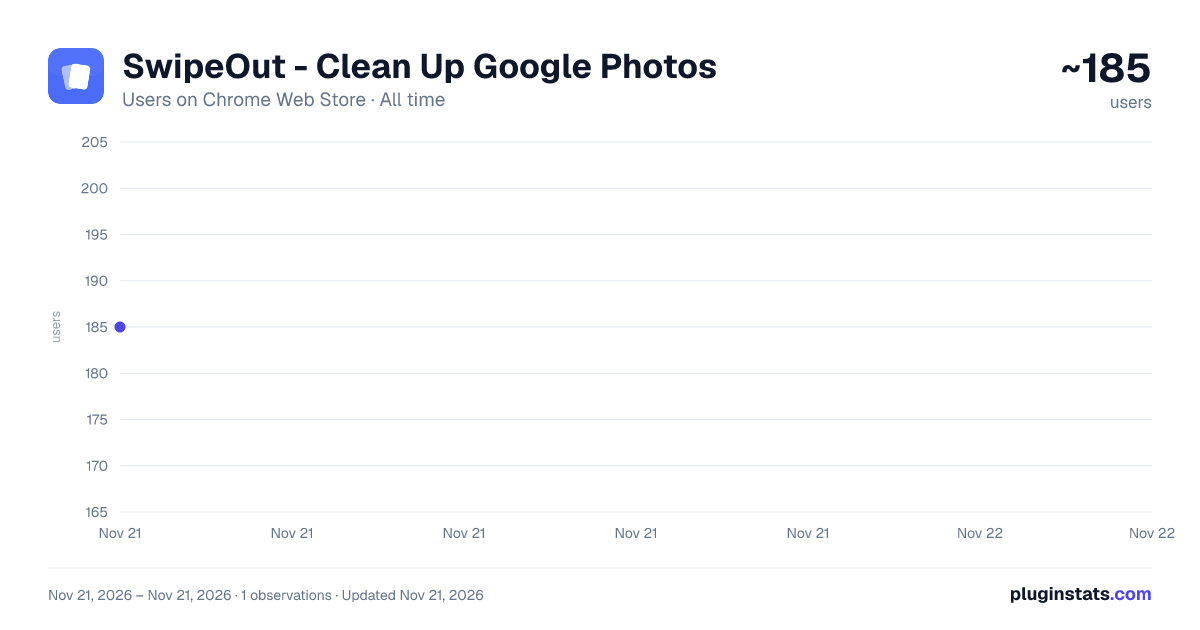
SwipeOut - Clean Up Google Photos has approximately 185 recorded users on Chrome Web Store, ranking #8073 of 10,388 tracked listings.
Rating: 4.00 / 5 from 1 ratings
About SwipeOut - Clean Up Google Photos
Google Photos storage full? Swipe left to delete, right to keep. Review photos fast with filters by date, type. One-time purchase.
SwipeOut turns your Google Photos library into a card deck. Instead of clicking through photos one by one, you flick through them: one way bins it, the other keeps it. Done.
Most people have thousands of old screenshots, duplicates and blurry photos clogging their 15GB of free storage. SwipeOut helps you actually go through them instead of paying for Google One.
How it works
- Open photos.google.com
- Click the SwipeOut icon
- Pick your filters: date range, photos or videos, newest or oldest first
- Swipe through your photos
- Review everything in a grid before confirming
Swipe to decide See each photo large, one at a time. Swipe left (or press A) to mark it for deletion, right (or press D) to keep it. Undo anytime with Ctrl+Z, or Cmd+Z on Mac. It feels like a game, not a chore.
Review before anything is deleted After swiping, everything you marked appears in a grid. Tap any photo to keep it instead. Nothing is deleted until you confirm.
Select all Need to clear out a whole trip or a whole year? Select All marks everything in your date range at once, then lets you unmark the ones worth keeping.
Safe and reversible Deleted photos go to Google Photos trash and stay recoverable for 60 days. SwipeOut runs entirely in your browser. Your photos never leave Google, and nothing is uploaded anywhere.
Pricing Free: 50 deletions, with every filter and the review grid included. Keeping and reviewing photos never counts. Pro: unlimited deletions and resume where you left off. One-time purchase, no subscription.
Questions
Is my data safe? Yes. SwipeOut runs entirely in your browser. Your photos are never uploaded or transmitted, and we never see them.
Can I undo a deletion? Yes. Undo while swiping, unmark photos in the review grid, and even after confirming, everything stays in Google Photos trash for 60 days.
Does it work on mobile? No. SwipeOut is a Chrome extension for desktop, on photos.google.com.
Do I need an account? A Google sign-in is needed to track your free deletions and your Pro purchase.
Description from the Chrome Web Store listing.
README badge
Show your rank in a README or on your website. The badge updates automatically.
Charts
Images: 30d · 1y · all time · 1600×900 dark
Adoption over time
7/30/90-day growth
Ranking history
Ratings over time
Listing placement
Listing placement
Filled points are observed values; hollow points come from Internet Archive snapshots of the listing page. Dashed segments span periods with no observations — values between points are not interpolated.
Each band is one page of 20. Users on a linear scale. Placement is projected from users, so it can differ from the marketplace's own sort order. Hover a dot to see the listing.
Recent observations
Full history (1)Similar Chrome Web Store Tools plugins
All 20 SwipeOut - Clean Up Google Photos alternatives



Data source
Covers every Chrome Web Store extension with at least 100 users, found through the store's public sitemap. User counts are read from public listing pages. The 10% most-used extensions are refreshed daily, the next 40% weekly and the next 40% monthly; the least-used 10% are not refreshed. Google displays rounded user counts (and caps the display at 10,000,000+), so small changes may not be visible. Rating counts above 1,000 are rounded (e.g. 1.6K).
Listing: https://chromewebstore.google.com/detail/swipeout-clean-up-google/iajhdmmjgeflfimohbikmlfcbnknljmh. First seen Nov 21, 2026; last successful collection Nov 21, 2026. See the methodology.